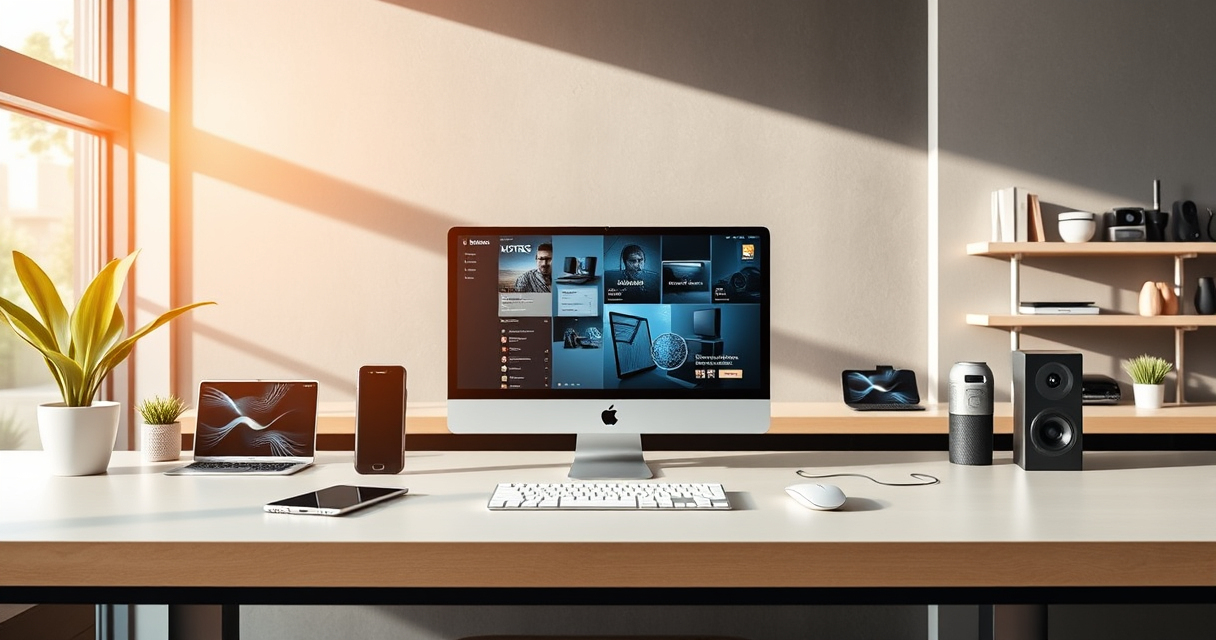

Technology moves quickly, but buying and using it well does not require chasing every announcement. The most useful approach is to understand what a device is meant to do, how it fits into your existing setup, and which specifications will affect everyday use. Whether you are improving a home network, building a productive desk, expanding a creative workflow, or adding smart tools to the garden, the same principle applies: start with the problem, then evaluate the technology.

Get the latest gadgets delivered free with Prime
- Fast, free delivery on millions of items
- Prime Video, Amazon Music and more included
- Member-only deals all year
This hub is an orientation guide to the major gadget categories shaping connected life. It explains the questions worth asking before you buy, the tradeoffs hidden behind technical specifications, and the ways seemingly separate products work together. Use it to identify the right category for your needs, then follow the linked guides for focused comparisons and buying considerations.
How to Make Sense of Technology News
Technology news often emphasizes what is new: faster processors, additional screens, updated wireless standards, artificial intelligence features, or redesigned ports. Newness alone, however, does not establish usefulness. A meaningful development should improve something you actually do, such as shortening file transfers, strengthening network control, simplifying repetitive tasks, or reducing the number of adapters on your desk.
When assessing an announcement, separate three questions. First, what has technically changed? Second, which users will notice that change? Third, what equipment, software, or subscriptions are required to benefit from it? A feature can be impressive without being relevant to your workflow. It may also depend on compatible accessories or newer infrastructure, turning an apparently simple upgrade into a larger commitment.
Pay attention to the difference between a product announcement and a product becoming broadly useful. Early hardware can face limited software support, uncertain interoperability, or a narrow selection of accessories. Established categories often offer clearer compatibility information and more mature alternatives. Waiting is not anti-technology; it can be a sensible way to see whether a new idea becomes a dependable ecosystem.
As an affiliate, we earn on qualifying purchases.
Build a Strong Foundation With Networking Hardware
The router is one of the least visible but most consequential gadgets in a connected home or small office. Phones, televisions, consoles, smart devices, computers, and sensors all depend on it. Before replacing one, consider the size and layout of the space, the number of connected devices, available internet speed, wired networking needs, and the level of administrative control you want.
Wireless coverage and maximum advertised speed are only part of the picture. Ethernet port capabilities, update policies, guest-network tools, security settings, and interface quality can matter just as much. Advanced users may also want alternative firmware that offers deeper control over network behavior. If custom routing, monitoring, or configuration is a priority, explore the guide to the best OpenWRT-compatible routers.
Compatibility deserves special attention because router hardware revisions can differ even when products have similar names. Confirm the exact model and revision before relying on third-party firmware support. For everyone else, the best network upgrade may be less dramatic: improve router placement, remove outdated bottlenecks, use wired connections for stationary equipment, and review which devices are allowed onto the network.
Create a More Capable Workstation
Modern laptops make portable computing convenient, but limited ports can complicate desk setups. A docking station can connect displays, storage, networking, audio equipment, and other peripherals through a central point. The right dock depends less on how many ports it advertises than on whether those ports support the resolutions, refresh rates, data speeds, and charging requirements of your actual equipment.
Multi-monitor setups require careful compatibility checks. The laptop’s operating system, graphics capabilities, connection standard, and display arrangement can all affect what is possible. Users planning an expansive workspace can start with this overview of USB docking stations for triple-display setups. Compare its considerations with the specifications published for your computer and monitors before choosing a dock.
Card readers are another small accessory with an outsized effect on creative workflows. Photographers, videographers, drone users, and anyone moving large media files should consider the supported card formats, connection type, device compatibility, and whether the reader can handle simultaneous cards. The guide to USB-C SD card readers focused on speed and reliability provides a useful starting point.
Plan the Desk as a System
- List every device that needs a data, video, audio, network, or power connection.
- Check the capabilities of the computer’s USB-C or Thunderbolt ports rather than assuming identical-looking ports behave alike.
- Confirm display support for the operating system and intended monitor arrangement.
- Allow room for future storage, input devices, and charging needs.
- Prefer a clear cable plan over adding adapters one at a time.
Choose Personal Audio for Real-World Use
Personal audio is shaped by more than sound quality. Comfort, microphone performance, durability, cable design, isolation, and compatibility may determine whether earbuds are enjoyable for hours or frustrating after minutes. Wired USB-C earbuds remain relevant for users who want a direct connection without wireless pairing or battery management.
USB-C audio compatibility can nevertheless be more complicated than the connector suggests. Devices may handle audio through different implementations, and inline controls do not always behave identically across platforms. Start by checking the phone, tablet, or computer you intend to use, then compare fit and use-case priorities in the guide to USB-C earbuds for clear everyday audio.
Think about where listening happens. Commuters may prioritize isolation and compact storage, callers may care most about microphone clarity, and gamers may focus on latency and positional detail. A creator monitoring recorded speech has different needs from someone listening casually. Describing the setting first makes specifications easier to interpret.
Upgrade Entertainment Without Overbuilding It
Home entertainment now ranges from compact projectors to retro game systems and elaborate television setups. The best experience is not necessarily the most complex. It is the one that suits the room, the available connections, the content, and the amount of setup you are willing to manage.
Portable Projectors
A portable projector can support movie nights, travel, flexible rooms, or occasional outdoor viewing, but projection depends heavily on the environment. Brightness, image size, throw distance, surface quality, sound, power, and source connections all influence the result. Marketing terms can make comparisons difficult, so prioritize consistently defined specifications and realistic room conditions.
Also consider whether you will connect a laptop, streaming device, game console, or removable storage. Built-in apps may be convenient, but their availability and update support should not be assumed. For a category-level comparison, see the guide to portable projectors for movie viewing.
Retro Gaming With Modern Displays
Retro gaming combines old software with new screens, creating questions about scaling, controllers, emulation, save support, and display latency. HDMI simplifies physical connection, but it does not guarantee that every system presents older games in the same way. Some devices emphasize convenience, while others appeal to users who want broader configuration options.
Before choosing a system, decide which game libraries matter, whether included titles are important, and how much setup you enjoy. Consider controller quality, multiplayer needs, storage options, and the legal source of game software. The roundup of retro game consoles with HDMI can help map the available approaches.
Use Creator Tools to Simplify Repetitive Work
Programmable control surfaces are often associated with livestreaming, but their usefulness extends to video editing, audio production, presentations, meetings, design applications, and general productivity. A physical button can trigger a shortcut, launch an application, switch a scene, control media, or run a sequence of actions. The value comes from reducing friction in tasks performed repeatedly.
When comparing control devices, examine the number and type of controls, software compatibility, profile switching, plugin availability, and the ease of creating actions. Displays on individual keys can provide visual context, while knobs and touch controls may suit continuous adjustments. There is no universally ideal layout; the right one reflects the commands you use most.
If you want options beyond the best-known control surface, review these Stream Deck alternatives for streamers and creators. Before buying anything, test the underlying idea with keyboard shortcuts or simple automation. If the workflow genuinely saves time, dedicated hardware becomes easier to justify.
Bring Useful Intelligence Outdoors
Smart gadgets are not limited to desks and living rooms. Soil sensors can support gardeners and growers by collecting information that would otherwise be estimated manually. Depending on the system, relevant measurements may include moisture, temperature, light, or other environmental conditions. The usefulness of that data depends on sensor placement, calibration, communication range, and how readings translate into action.
A sensor should support observation rather than replace judgment. Soil composition, root depth, weather, drainage, and plant type all affect what a reading means. Look for clear measurement definitions, suitable environmental protection, manageable power requirements, and a practical way to view or export data. The guide to smart soil sensors for precision gardening and farming introduces the category and its options.
Connectivity is especially important outdoors. A sensor may communicate through Bluetooth, Wi-Fi, a hub, or another radio system, each with different range and infrastructure needs. Check whether the intended location can maintain a reliable connection and whether useful functions continue when internet access is unavailable.
Evaluate Any Gadget Before Buying
Across categories, a consistent evaluation process prevents many disappointing purchases. Begin with one sentence describing the outcome you need. Then identify the devices and software the product must work with. Only after that should you compare specifications.
- Compatibility: Verify operating systems, ports, protocols, file formats, power requirements, and exact hardware models.
- Core function: Separate essential capabilities from features that are merely interesting.
- Environment: Account for room size, lighting, wireless coverage, weather exposure, desk space, and noise.
- Maintenance: Consider firmware updates, replacement parts, batteries, app support, and account requirements.
- Privacy: Review what information a connected device collects, where it is processed, and which permissions it requests.
- Expandability: Decide whether the product must support future displays, storage, sensors, accessories, or network changes.
Read specifications with attention to conditions and limitations. A headline number may describe an ideal configuration rather than typical performance. Look for footnotes, supported-mode tables, compatibility lists, and documentation. When comparing products, use the same metric for each one instead of treating similar marketing language as equivalent.
Build a Technology Setup That Stays Useful
A durable setup is modular. Strong networking supports connected devices; a well-planned dock organizes the workstation; dependable readers and audio accessories serve creative work; and entertainment hardware can share existing displays and sound systems. Thinking in systems reduces duplicate purchases and exposes compatibility problems before they become expensive inconveniences.
Prioritize infrastructure and frequently used tools first. A reliable router or thoughtfully chosen dock may improve many activities, while a specialized gadget benefits only a narrow task. That does not make niche devices unworthy; it means their value should be measured against how often and how effectively they solve the intended problem.
Technology news will continue to introduce new categories, standards, and promises. The most dependable response is informed curiosity: understand what changed, identify who benefits, check the surrounding requirements, and decide whether the improvement matters now. With that framework, gadgets become purposeful tools rather than a collection of disconnected upgrades.
Halloween Picks
halloween
As an affiliate, we earn on qualifying purchases.