To better secure shared devices, create strong, unique passwords for each account and use a password manager. Set up separate user profiles or accounts, and assign appropriate access levels to prevent unauthorized changes. Enable multi-factor authentication for added protection and keep your device software and apps updated automatically. Enable remote wipe and monitoring tools to stay alert to suspicious activity. If you want to learn more about implementing these security tips effectively, you’re in the right place.
Key Takeaways
- Create separate user profiles with restricted permissions for each user on shared devices.
- Enable multi-factor authentication to add an extra security layer beyond passwords.
- Regularly update device software and security patches to fix vulnerabilities.
- Use strong, unique passwords managed with a secure password manager for each account.
- Implement remote wipe and monitoring tools to protect data if the device is lost or stolen.
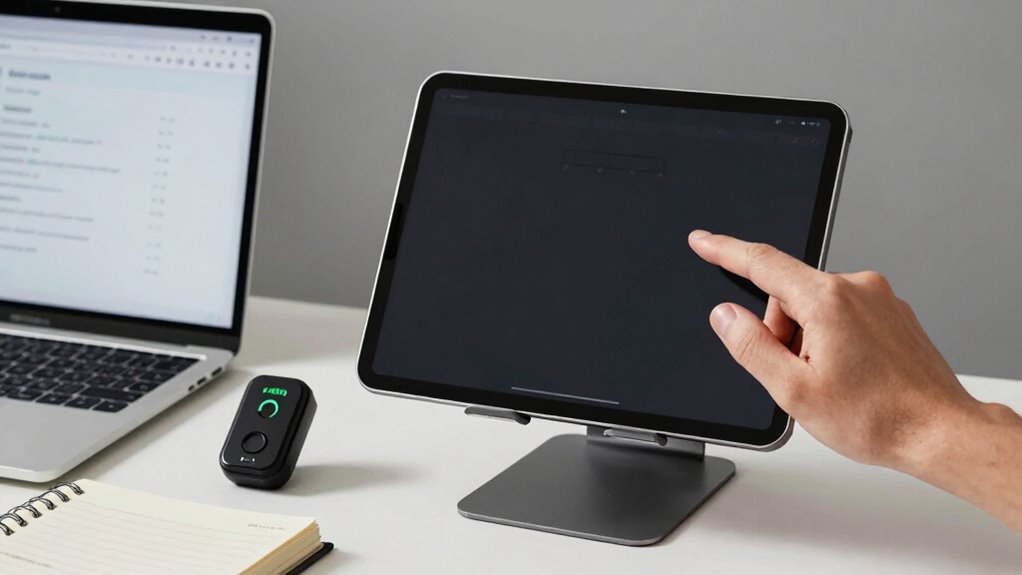
Sharing devices can be convenient, but it also opens the door to security risks if not managed properly. When multiple people use the same device, it’s easy for sensitive information to fall into the wrong hands or for malicious actors to exploit vulnerabilities. To keep your shared devices secure, you need to implement effective password management and user access controls. These steps help guarantee that only authorized users can access certain data and functionalities, reducing the chances of accidental or intentional breaches.
Start by establishing strong, unique passwords for each user account. Avoid using easily guessable passwords like “password123” or “admin.” Instead, choose complex combinations of letters, numbers, and special characters, and consider using a password manager to keep track of them. Password management tools can generate and store strong passwords securely, so you don’t have to remember each one. This approach minimizes the risk of reuse and makes it harder for unauthorized individuals to gain access through brute-force attacks.
Next, focus on user access controls. Most shared devices allow you to create separate user profiles or accounts. Take advantage of this feature by assigning different levels of access depending on each person’s needs. For instance, you might restrict guest users or family members from installing new apps, changing system settings, or viewing sensitive files. Limiting permissions helps prevent accidental or intentional misuse of the device and keeps your important information protected. Regularly review and update these access controls to reflect changes in usage or user roles. Implementing proper user access controls is essential for maintaining overall device security. Additionally, understanding security best practices can help you stay vigilant and adopt effective measures for your shared device environment. Incorporating security protocols can further enhance protection by establishing clear guidelines for device usage and security.
Another essential step involves enabling multi-factor authentication (MFA) wherever possible. MFA adds an extra layer of security by requiring users to verify their identity through a second method, like a text message or authentication app. This makes it considerably more difficult for someone to access the device or specific accounts, even if they have obtained a password. Additionally, understanding the importance of security can help you stay vigilant and adopt best practices for your shared device environment.
Finally, keep your device’s software and security patches up to date. Software updates often include fixes for vulnerabilities that could be exploited by hackers. Setting your device to update automatically ensures you don’t miss critical security patches. Lastly, consider implementing remote wipe capabilities or monitoring tools that alert you to suspicious activity. These features give you control over the device’s security, even when you’re not physically present.
password manager for shared devices
As an affiliate, we earn on qualifying purchases.
As an affiliate, we earn on qualifying purchases.
Frequently Asked Questions
How Often Should Shared Device Passwords Be Changed?
You should change shared device passwords regularly, ideally every 30 to 60 days, to maintain security. Implement password rotation to prevent unauthorized access and guarantee user access is updated accordingly. Regular password updates reduce the risk of breaches and unauthorized use. Make it a habit to review who has access and change passwords promptly if there’s a change in user access, ensuring your shared device remains secure.
Can Biometric Security Be Used on All Shared Devices?
Biometric security can be used on many shared devices, but it’s not foolproof. Biometric limitations, such as difficulty recognizing certain fingerprints or faces, can impact effectiveness. Privacy concerns also arise, as storing biometric data might expose sensitive information if security isn’t airtight. While helpful, biometric security should be complemented with other measures, ensuring your shared devices remain protected without compromising privacy or reliability.
What Are the Risks of Not Updating Device Software Regularly?
Not updating device software regularly puts your security at risk. Outdated software can weaken device encryption and compromise user authentication, making it easier for hackers to access sensitive info. Without updates, vulnerabilities remain unpatched, increasing the chances of data breaches. Regularly installing updates guarantees your device maintains strong encryption, keeps user authentication methods current, and protects your personal data from potential threats. Stay proactive to keep shared devices secure.
How to Monitor Device Usage for Security Breaches?
To monitor device usage for security breaches, you should regularly review user activity logs to spot unusual behavior. Set up alerts for unauthorized access attempts and enable audit trails to track changes or access patterns. Keep an eye on login times and IP addresses, and use security tools that notify you of suspicious activity. Consistently monitoring helps you detect potential breaches early and maintain control over shared device security.
Are There Specific Security Apps Recommended for Shared Devices?
Yes, there are security apps you can use for shared devices, like Norton Mobile Security or Lookout. These apps help you manage app permissions and control user access, preventing unauthorized usage. They also offer features like remote locking and data wiping. By choosing apps with strong permission controls, you make it harder for users to access sensitive data, boosting your shared device security effectively.
Conclusion
By following these security tips, you’ll find that protecting shared devices becomes second nature—almost like a lucky coincidence. Remember, a simple password or two-step verification can save you from unexpected trouble, and you might just discover that securing your device is easier than you thought. Sometimes, the smallest change makes the biggest difference. So, embrace these practices today, and enjoy the peace of mind knowing your shared devices are safer—coincidence or not, it’s worth it.