

To set up cloud storage across all your devices, choose a reliable provider that fits your needs and create an account. Download their app or software on all your devices, then enable synchronization settings. Make sure files are organized with clear folders and labels. Enable security features like two-factor authentication and use strong passwords. Regularly update your apps and security settings to stay protected. Keep exploring to learn how to optimize and safeguard your cloud setup even further.

Get the latest gadgets delivered free with Prime
- Fast, free delivery on millions of items
- Prime Video, Amazon Music and more included
- Member-only deals all year
Key Takeaways
- Choose a reliable cloud service provider that fits your storage needs and budget.
- Create an account and download the app for all your devices.
- Enable automatic synchronization and adjust settings for seamless data sharing.
- Use strong passwords and two-factor authentication to secure your accounts.
- Organize files with folders and labels for easy access across devices.
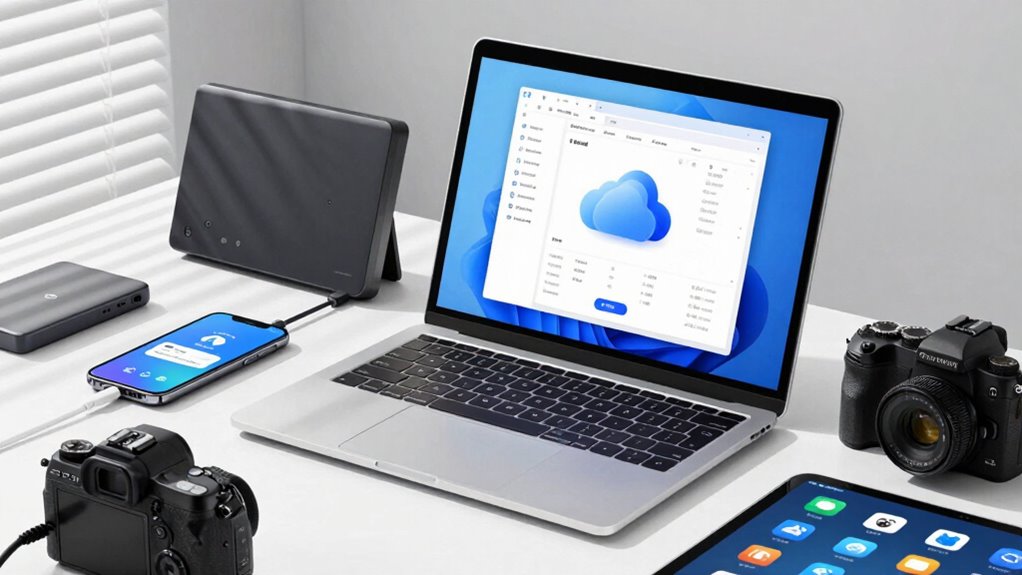
Have you ever wondered how to efficiently store and access your data from anywhere? Setting up cloud storage across all your devices makes this possible, providing seamless access and real-time updates. To get started, choose a reliable cloud service that fits your storage needs and budget. Once you’ve selected a provider, create an account and download the necessary apps or software for your devices. The key to a smooth setup is guaranteeing that data synchronization occurs effortlessly across all platforms, so your files stay current no matter where you access them. Most cloud services automatically sync files in the background, but it’s good to check your settings and confirm that synchronization is enabled on each device. This way, any change you make on your laptop, phone, or tablet instantly reflects on the others, eliminating version confusion and saving you time.
Security is a critical concern when setting up cloud storage, so pay attention to the security protocols your provider offers. Start by enabling two-factor authentication, which adds an extra layer of protection beyond just passwords. Be sure to use strong, unique passwords for your cloud accounts, and consider using a password manager to keep track of them. Additionally, review your provider’s encryption standards—look for services that encrypt data both during transit and at rest. This ensures your files remain private and protected from potential breaches. Many providers also offer additional security features, like remote wipe options and activity logs, which can help you monitor and manage your data’s safety. Ensuring that your cloud service supports end-to-end encryption can significantly enhance your data privacy.
Once your accounts are set up and security protocols are in place, organize your files in a logical manner—folders, labels, and consistent naming conventions make accessing data easier. Sync your important folders, such as work documents, photos, and backups, to ensure they’re always up to date. Some cloud services allow selective sync, so you can choose which files are stored locally and which remain solely in the cloud, saving device space. Additionally, understanding how to manage natural pools and other backyard features can help you better integrate outdoor storage solutions with your overall landscape. Regularly update your apps and security settings to stay protected against emerging threats. Also, familiarizing yourself with the provider’s recovery options, like version history or file restore, will help you quickly recover from accidental deletions or data corruption. Staying informed about content relevance and authority in your digital storage setup can help you prioritize important files and maintain an organized system. To further safeguard your data, consider implementing enterprise-grade security measures if you’re managing sensitive or critical information.
In the end, setting up cloud storage across all your devices simplifies your digital life. It ensures your data is synchronized, secure, and accessible whenever you need it, from anywhere. With a little initial effort to configure your settings and security protocols, you’ll enjoy reliable, flexible storage that adapts to your needs while keeping your information safe.
best cloud storage apps for multiple devices
As an affiliate, we earn on qualifying purchases.
As an affiliate, we earn on qualifying purchases.
Frequently Asked Questions
How Secure Is My Data in Cloud Storage?
Your data’s security in cloud storage depends on the provider’s encryption protocols and data privacy measures. Reputable services use strong encryption to protect your files both during transfer and at rest, making unauthorized access difficult. However, you’re responsible for using strong passwords and enabling two-factor authentication. While cloud storage offers good security, always review the provider’s privacy policies to guarantee your data remains private and protected from breaches.
Can I Use Multiple Cloud Services Simultaneously?
Yes, you can use multiple cloud services simultaneously. This approach offers cross-platform compatibility, allowing you to access your files across various devices and operating systems. Service integration tools make managing multiple accounts easier by syncing and organizing your data in one place. By using different providers, you also enhance data security and flexibility, ensuring you’re not dependent on a single service while benefiting from their combined storage capacities.
What Internet Speed Is Needed for Smooth Syncing?
Think of your internet speed as the heartbeat of your cloud connection. For smooth syncing, aim for at least 10 Mbps bandwidth, especially for large files, and consider lower latency to avoid lag. This guarantees your data flows seamlessly, like a steady stream rather than a rushing river. Faster speeds and reduced latency keep your files updating in real-time, so your digital world stays in perfect harmony without frustrating delays.
How Do I Recover Deleted Files From Cloud Storage?
To recover deleted files from cloud storage, check if your service has file versioning or deleted file recovery options. Usually, you can find a trash or recycle bin within your cloud app where deleted files are temporarily stored. Simply locate the file, select it, and restore. If it’s not there, consult your provider’s support for specific recovery steps, as some services keep deleted files for a limited time.
Is There a Limit to the Number of Devices I Can Connect?
You can connect as many devices as you want—it’s practically endless! Most cloud storage services support a wide range of device compatibility, including smartphones, tablets, and computers. Keep in mind, your storage capacity might limit how many files you can sync across these devices. So, while there’s no strict device limit, your available storage capacity will determine how much data you can store and access seamlessly everywhere.
Conclusion
Now that you’ve set up cloud storage across your devices, you’ll save time and keep your files accessible anytime, anywhere. Did you know that 85% of businesses report improved productivity after adopting cloud solutions? By embracing cloud storage, you’re not just organizing your files—you’re boosting your efficiency and securing your data. So, take advantage of these tools today, and experience the convenience and peace of mind that come with seamless, secure access to your files wherever you go.
Fall Picks
fall essentials
As an affiliate, we earn on qualifying purchases.