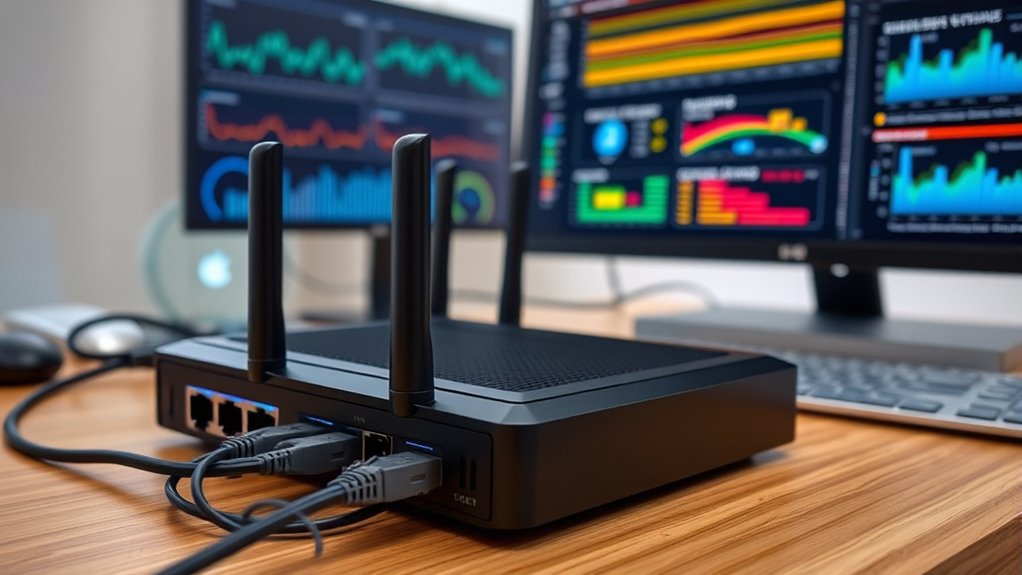

To set up basic home-network monitoring, start by accessing your router’s admin panel through its IP address or app. Check the device list to identify all connected devices and look for any unfamiliar ones. Use built-in tools or third-party software to monitor data usage and bandwidth activity. Regularly review this information, update your Wi-Fi password if needed, and enable security features. Keep an eye on your network’s health; you’ll find tips for more control as you continue exploring.

Get the latest gadgets delivered free with Prime
- Fast, free delivery on millions of items
- Prime Video, Amazon Music and more included
- Member-only deals all year
Key Takeaways
- Access your router’s admin panel via browser or app to view connected devices and monitor network activity.
- Regularly review the device list for unfamiliar entries and change Wi-Fi passwords if suspicious devices are detected.
- Use built-in router tools or third-party software to measure bandwidth usage per device and identify heavy data consumers.
- Enable security features like network encryption and device filtering to prevent unauthorized access.
- Consider installing advanced firmware (e.g., DD-WRT or OpenWRT) for enhanced monitoring and management capabilities.
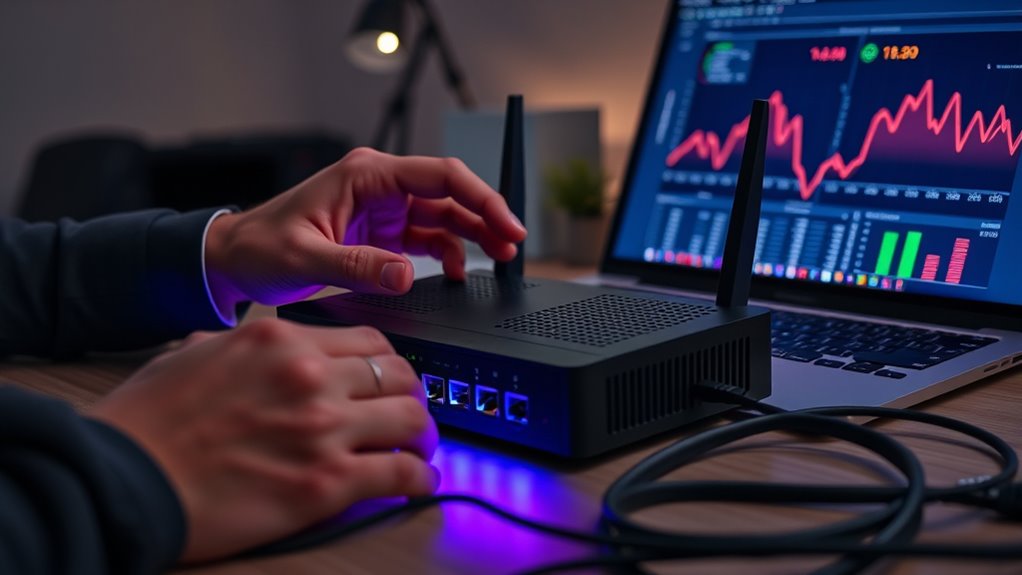
Monitoring your home network might seem complicated, but with some basic tools and knowledge, you can easily keep track of connected devices and network activity. The first step is understanding device detection. This process involves identifying every device connected to your network, from smartphones and tablets to smart home gadgets and laptops. Most modern routers include a user-friendly admin panel or app that displays a list of connected devices. When you access this interface, you’ll see device names, IP addresses, and sometimes even device types. Regularly checking this list helps you spot unfamiliar devices that could indicate unauthorized access. If you notice a device you don’t recognize, it’s essential to investigate further or change your Wi-Fi password to keep your network secure. Being aware of network security best practices can further protect your devices from potential threats.
Bandwidth analysis is another vital aspect of home-network monitoring. It helps you understand how much internet data each device consumes and whether any device is hogging bandwidth. Using your router’s built-in tools or third-party monitoring software, you can perform bandwidth analysis to see real-time data flow and historical usage patterns. This insight allows you to identify devices that might be running heavy downloads or uploads, which could slow down your entire network. For example, if your streaming device or gaming console is using a disproportionate amount of bandwidth, you might choose to limit its activity during critical work or family times. Additionally, bandwidth analysis can alert you to potential issues like malware or unauthorized activity, which often cause unexpected spikes in data usage. Regularly reviewing this data can help you maintain optimal network performance and security.
To get started with device detection and bandwidth analysis, log into your router’s admin dashboard. Most routers have a dedicated section for connected devices, often labeled “Device List” or “Connected Devices.” Here, you can see detailed information about each device, and some routers even allow you to block devices directly from this interface. For bandwidth analysis, look for sections like “Traffic Meter” or “Bandwidth Usage.” Some routers provide graphs that display activity over time, helping you identify patterns or anomalies. If your router lacks these features, consider installing third-party firmware like DD-WRT or OpenWRT, which offer advanced monitoring capabilities.
home network monitoring software
As an affiliate, we earn on qualifying purchases.
As an affiliate, we earn on qualifying purchases.
Frequently Asked Questions
What Are the Best Tools for Real-Time Network Alerts?
You should consider tools like Nagios, PRTG, or Zabbix for real-time network alerts. These tools monitor network traffic and send instant device alerts when anomalies or issues occur. They provide customizable dashboards, so you can quickly identify problems and respond promptly. By tracking device alerts and network activity, you guarantee your home network stays secure and efficient, preventing potential disruptions before they escalate.
How Can I Improve My Network’s Security During Monitoring?
You can improve your network’s security during monitoring by implementing strong network encryption to protect data in transit and using access controls to restrict unauthorized device and user access. Regularly update passwords, enable two-factor authentication, and monitor for unusual activity. These steps help prevent breaches, ensuring your network remains secure while you keep an eye on its performance and threats effectively.
What Common Issues Should I Look for in Network Logs?
You should look for signs of network congestion, like slow speeds or high bandwidth usage, which can indicate issues or malicious activity. Also, check logs for unauthorized access attempts, unfamiliar IP addresses, or unusual login times. These clues help you spot potential security breaches or network performance problems, so you can take action quickly. Regularly reviewing logs keeps your network safer and running smoothly.
How Often Should I Update My Network Monitoring Software?
Oh, because your network clearly thrives on a strict schedule, you should update your monitoring software at least once a month. This guarantees firmware updates and network scanning stay sharp against evolving threats. Skipping updates invites vulnerabilities, like letting your digital fortress become a sieve. Stay proactive, not reactive, by regularly rejuvenating your tools—think of it as giving your network a flu shot before the sniffles hit.
Can Monitoring Detect All Types of Network Intrusions?
Monitoring can’t detect all types of network intrusions because some network vulnerabilities are sophisticated and may evade detection. Intrusion detection systems help identify many threats, but they have limits, especially against new or hidden attacks. To improve your security, combine intrusion detection with regular updates, strong passwords, and network segmentation. This layered approach reduces the chance of missing an attack and keeps your network safer.
Conclusion
By setting up basic home-network monitoring, you’re creating a security guard at your digital front door. Think of it as having a vigilant lighthouse, constantly shining a light on any suspicious activity before it reaches your shores. With just a few simple steps, you can keep your network safe and sound, steering clear of potential storms. Stay proactive, and your home network will stay protected, like a well-guarded fortress in your digital neighborhood.
Halloween Picks
halloween
As an affiliate, we earn on qualifying purchases.