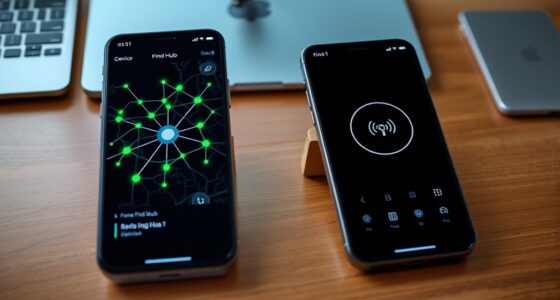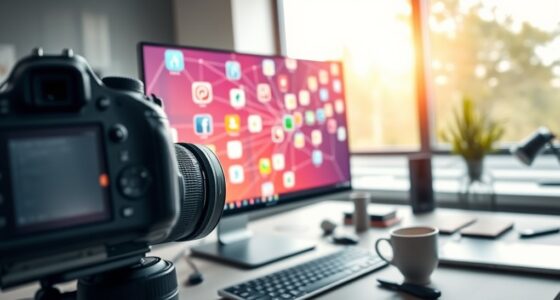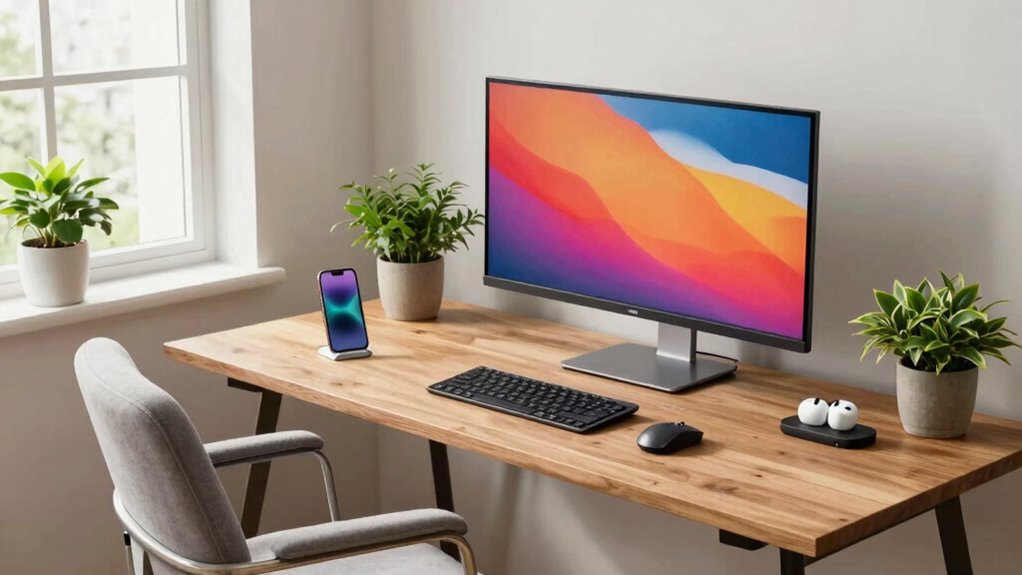
Hybrid work means your personal tech setup needs to be flexible, efficient, and comfortable for both home and office. You’ll want reliable internet, a quality webcam, and a clear microphone to stay connected. Organize your workspace for easy access to shared documents and multitasking. Ergonomic furniture supports your health during longer hours, and managing distractions keeps you focused. Keep exploring how to optimize your setup to stay productive, no matter where you work from.
Key Takeaways
- Hybrid work requires adaptable tech setups for seamless switching between home and office environments.
- Prioritize reliable internet and versatile devices for uninterrupted collaboration across locations.
- Organize workspace ergonomically to support comfort and productivity during extended work periods.
- Use cloud-based tools for quick access to shared documents and project management platforms.
- Incorporate noise-canceling headphones and distraction management tools for focused remote work.
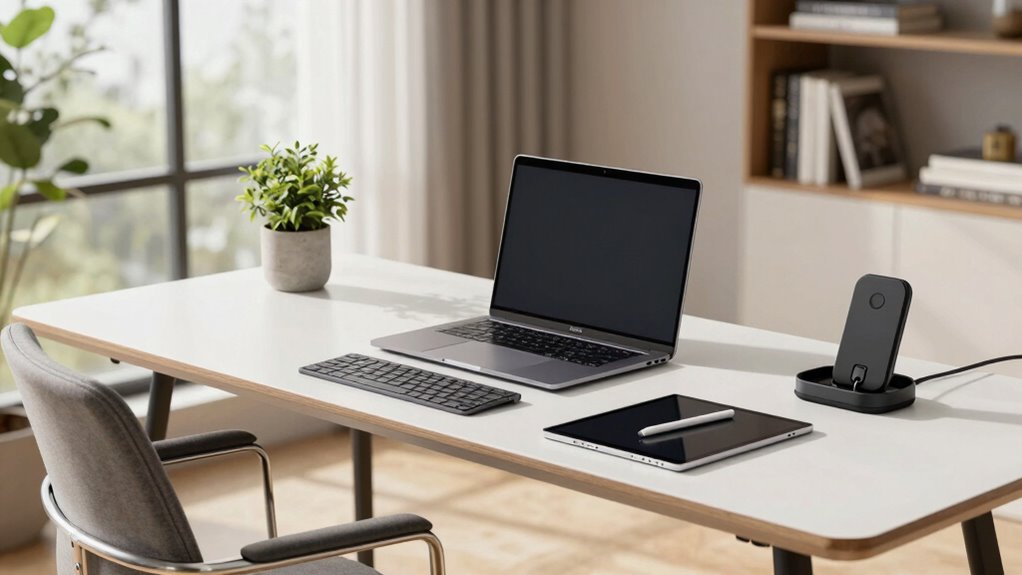
As more companies embrace hybrid work models, setting up an effective personal tech workspace has become essential. You need a setup that allows seamless virtual collaboration, helping you stay connected with colleagues regardless of where you’re working. A reliable internet connection, a high-quality webcam, and a clear microphone are foundational to participating actively in meetings, sharing ideas, and maintaining productivity. Your goal is to create a space where technology works for you, not against you, so investing in user-friendly tools that facilitate smooth communication is critical. With virtual collaboration becoming the norm, your setup should promote ease of interaction and quick access to shared documents or project management platforms. This includes organizing your workspace so that your devices are within reach, and your software is streamlined for quick switching between tasks.
Beyond the tech tools themselves, ergonomic design plays a key role in your hybrid work environment. Since you’ll be spending significant time at your desk, choosing ergonomic furniture and accessories supports your health and keeps you comfortable. An adjustable chair, proper desk height, and a monitor at eye level help prevent strain and fatigue. When your body remains comfortable, your focus sharpens, and your efficiency increases. Proper ergonomic design isn’t just about comfort; it’s about maintaining your well-being over the long haul, which is especially important when your work location varies. Additionally, considering optimal home theatre projectors for entertainment can create a relaxing environment to unwind after work or during breaks, enhancing your overall hybrid experience. Incorporating ergonomic accessories such as adjustable stands or supportive cushions can also improve your comfort and productivity. Ensuring your workspace is ergonomically optimized can significantly improve your overall work-from-home experience. Recognizing the importance of digital distractions and actively managing them can help you stay focused and maximize productivity during your work hours. Additionally, exploring financial services like Gold IRAs can provide you with long-term financial stability and peace of mind beyond your immediate work needs.

TP-Link AX1800 WiFi 6 Router (Archer AX21 V5) – Dual Band Wireless Internet, Gigabit, Easy Mesh, Works with Alexa – A Certified for Humans Device, Free Expert Support
DUAL-BAND WIFI 6 ROUTER: Wi-Fi 6(802.11ax) technology achieves faster speeds, greater capacity and reduced network congestion compared to…
As an affiliate, we earn on qualifying purchases.
As an affiliate, we earn on qualifying purchases.
Frequently Asked Questions
How Do I Secure My Personal Devices for Work Use?
To secure your personal devices for work, start by enabling device encryption to protect your data if devices are lost or stolen. Use strong, unique passwords for each account, and manage them with a reliable password manager. Keep your software and security patches up to date, and avoid connecting to insecure Wi-Fi networks. These steps help safeguard your work information and maintain your privacy across all personal devices.
What Are the Best Portable Tech Gadgets for Hybrid Work?
Like a modern-day Leonardo da Vinci, you’ll want portable gadgets that blend versatility with efficiency. A lightweight laptop with robust cloud synchronization keeps your files accessible, while a tablet or smartphone offers instant communication. Opt for devices with superior battery optimization so you stay powered through long meetings or commutes. Portable external drives or power banks also enhance your workflow, ensuring your hybrid work setup remains seamless and efficient wherever you go.
How Can I Manage Multiple Work Accounts on One Device?
To manage multiple work accounts on one device, you should use device synchronization and dedicated account management tools. Set up separate profiles or user accounts for each work account, which helps keep your data organized and secure. Use apps that support multiple accounts, like email clients or messaging apps, to switch seamlessly. Regularly update your device’s security settings to protect sensitive information across all accounts.
What Ergonomic Accessories Are Recommended for Home and Office?
For ideal remote ergonomics and workspace customization, you should invest in ergonomic accessories like adjustable chairs, sit-stand desks, and keyboard trays. A good ergonomic mouse and monitor stands help maintain proper posture, reducing strain. Consider ergonomic footrests and monitor arms to further customize your setup for comfort. These accessories promote better posture, prevent discomfort, and support productivity whether you’re working from home or in the office.
How Do I Troubleshoot Wi-Fi Issues in a Hybrid Setup?
Sure, troubleshooting Wi-Fi issues in a hybrid setup is a breeze—if you enjoy playing detective. First, check your network stability; restart your router and modem to refresh connections. Next, optimize your signal by positioning your device closer to your router or removing obstacles. Use tools to analyze your Wi-Fi channels and switch to less congested ones. With a little effort, you’ll turn patchy Wi-Fi into a smooth, reliable experience—no secret skills required.

Logitech C920x HD Pro PC Webcam, Full HD 1080p/30fps Video, Clear Audio, Light Correction, Works with Microsoft Teams, Google Meet, Zoom, Nintendo Switch 2’s New GameChat Mode, Mac/Tablet- Black
Compatible with Nintendo Switch 2’s new GameChat mode
As an affiliate, we earn on qualifying purchases.
As an affiliate, we earn on qualifying purchases.
Conclusion
As you navigate hybrid work, remember it’s like tending a garden—you need the right tools and environment to thrive. When you customize your tech setup, you’re planting seeds for productivity and comfort. Just like a gardener adapts to changing seasons, you should tweak your workspace to fit your needs. Embrace the flexibility, and your personal tech setup will become a strong foundation, helping you flourish no matter where you work.

Logitech H390 Wired Headset for PC/Laptop, Stereo Headphones with Noise Cancelling Microphone, USB-A, in-Line Controls, Works with Chromebook – Black
Digital Stereo Sound: Fine-tuned drivers provide enhanced digital audio for music, calls, meetings and more
As an affiliate, we earn on qualifying purchases.
As an affiliate, we earn on qualifying purchases.
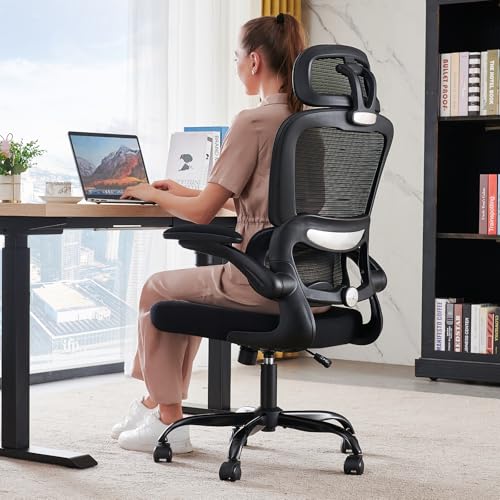
TRALT Office Chair Ergonomic Desk Chair, 330 LBS Home Mesh Office Desk Chairs with Wheels, Comfortable Gaming Chairs (Black)
Adjustable Lumbar, Not a Fixed Afterthought – Unlike flimsy plastic supports that crack or lose tension, this chair…
As an affiliate, we earn on qualifying purchases.
As an affiliate, we earn on qualifying purchases.