
🔍 Read the full analysis: Compare 8 E Ink Tablets For Reading And Writing In 2027 on ThorstenMeyerAI.com

Get the latest gadgets delivered free with Prime
- Fast, free delivery on millions of items
- Prime Video, Amazon Music and more included
- Member-only deals all year
TL;DR
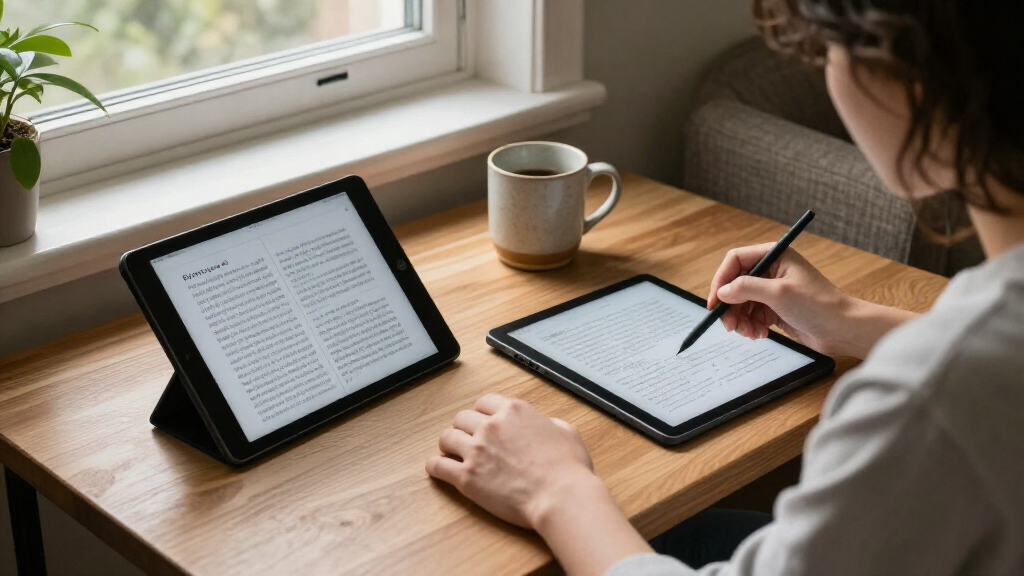
A buying guide from ThorstenMeyerAI.com compares eight E Ink tablets for reading and writing, judging them by writing performance, display quality and software flexibility. The supplied material highlights tradeoffs such as color versus contrast, portability versus workspace, and closed systems versus Android, but does not provide full specifications or confirm 2027 availability for every model.
ThorstenMeyerAI.com has compared eight E Ink tablets for reading and writing, ranking devices by writing performance, display quality and software flexibility. Its guide names the reMarkable Paper Pro as its best overall choice, while presenting the BOOX Go Color 7 Gen II and Amazon Kindle Scribe Colorsoft as options for more specific needs; the material does not establish current prices, detailed specifications or 2027 availability for every model.
The guide says the reMarkable Paper Pro is its top all-round pick for note-taking and document annotation, emphasizing its paper-like writing feel and integration between those tasks. It describes the BOOX Go Color 7 Gen II as a compact color option suited to commuting, and the Kindle Scribe Colorsoft as a larger writing surface for readers who use Amazon’s Kindle ecosystem. These are the guide’s assessments, not independently verified test results in the supplied material. For another comparison, see nine E Ink tablets for reading and handwriting.
ThorstenMeyerAI.com says its comparison weighs stylus latency, pressure sensitivity and screen texture, as well as resolution, refresh rate and front lighting. It also evaluates file transfer and app support. The guide groups the reMarkable and Kindle products as more closed systems, and BOOX devices as Android-based alternatives with broader app and file flexibility.
The comparison frames screen size and display type as central buying decisions. Its guidance is that smaller, roughly seven-inch devices suit travel and quick notes, while screens of 10 inches or more offer more room for PDF review. Color E Ink is described as useful for magazines, comics, charts and annotated documents, but the source says color screens can have lower contrast and slower refresh than monochrome models. See also more E Ink tablets for reading, writing, and work.
The 8 picks
- 1
 reMarkable Paper Pro with Marker Plus and Black Leather Book FolioView on Amazon →
- 2
 reMarkable Paper Pro with Marker Plus and Basalt Book FolioView on Amazon →
- 3
 BOOX Note Air6 C 10.3-Inch Color E Ink Tablet, 6GB RAM, 64GB StorageView on Amazon →
- 4
 reMarkable Paper Pure with Marker Plus and Ocean Blue Sleeve FolioView on Amazon →
- 5
 Amazon Kindle Scribe (64GB) with Premium Pen – TungstenView on Amazon →
- 6
 Kindle Scribe Colorsoft 64GB (Newest Model) – 11" Color Display with Premium PenView on Amazon →
- 7
 Huion Ink EB1011 10.3-Inch E Ink Tablet with Dual Front LightView on Amazon →
- 8
 BOOX Go Color 7 Gen II 7-Inch E Ink TabletView on Amazon →
Choosing Between Color and Portability
The guide matters to buyers because E Ink tablets can look similar while serving different routines. A compact reader may be easier to carry every day, but a larger screen can reduce scrolling when reviewing documents. Likewise, color can help distinguish material in a chart or textbook, while monochrome displays may better suit readers who value sharper text and longer battery life.
Software is another long-term consideration. The source says Kindle devices prioritize Amazon’s store, while Android-based BOOX models allow third-party apps. That distinction can shape how easily a buyer moves documents between devices or uses an existing note-taking workflow. The guide’s recommendations are best treated as use-case suggestions rather than proof that one tablet is best for everyone.
Products Worth Considering

Amazon Kindle Paperwhite (2024, 12th Gen) – 7 Glare-Free Display, 16GB, Black

LG UltraGear 32-inch 4K UHD OLED Gaming Monitor, 165Hz

Bose QuietComfort Headphones (2nd Gen), Wireless Noise-Cancelling Over-Ear Headphones, Black
As an affiliate, we earn on qualifying purchases.
How the Comparison Scores Tablets
ThorstenMeyerAI.com says it assessed the devices across writing performance, display quality and ecosystem flexibility. Its writing criteria include pen response and tactile feedback; display criteria include resolution, refresh rate and lighting; and software criteria include file handling and access to additional apps. The supplied source does not give numerical scores, detailed testing procedures or a full model-by-model results table.
The guide’s broader framework contrasts closed systems with Android-based devices. It presents closed platforms as simpler and more focused, and open platforms as more adaptable but potentially less streamlined. It also distinguishes monochrome models, aimed at text and notes, from color models intended for visual material. Those tradeoffs provide context for the picks, but the source does not document controlled battery, latency or display tests.
“The reMarkable Paper Pro stands out as the best overall pick.”
— ThorstenMeyerAI.com
Missing Tests and Availability Details
The supplied material does not name all eight tablets in a complete list, provide their prices, or verify that each will be available in 2027. It also does not include model-by-model measurements for battery life, latency, display resolution or writing accuracy. The guide’s comparative statements should therefore be understood as its editorial judgments, not as figures documented in the source.
Some product descriptions and model names in the source are not accompanied by manufacturer references or release information. It remains unclear whether the comparison reflects hands-on testing, published specifications, or a combination of methods. Buyers should check current listings and manufacturer information before making a purchase.
Check Models Before Buying
Readers considering a purchase should compare the current model lineup, prices and software support against the guide’s stated priorities. For a final shortlist, the most useful next step is to confirm screen size, stylus inclusion, supported file formats, app availability and return terms from retailers or manufacturers.
The source does not announce a follow-up test or publication date for a fuller results table. Until it provides model-by-model evidence and confirms availability, its recommendations can help frame the decision but cannot settle which device offers the best value in 2027.
Key Questions
Which tablet does the guide rank as its best overall pick?
ThorstenMeyerAI.com names the reMarkable Paper Pro, citing note-taking and document annotation. This is the guide’s recommendation, not a verified universal ranking.
What is the guide’s portable color option?
The guide describes the BOOX Go Color 7 Gen II as a compact color tablet suited to commuting. The source does not provide its price or independently confirmed specifications.
When is a larger E Ink screen useful?
The source says screens around 10 inches or larger provide more room for PDF annotation and document review. Smaller devices are framed as easier to carry.
What should buyers know about color E Ink?
The guide says color can help with magazines, charts and other visual content, but may involve lower contrast and slower refresh than monochrome screens. The supplied material gives no comparative measurements.
Does the source confirm all eight models are available in 2027?
No. The supplied material does not establish 2027 availability, pricing or a complete eight-model list. Buyers should verify those details before purchasing.
Source: ThorstenMeyerAI.com