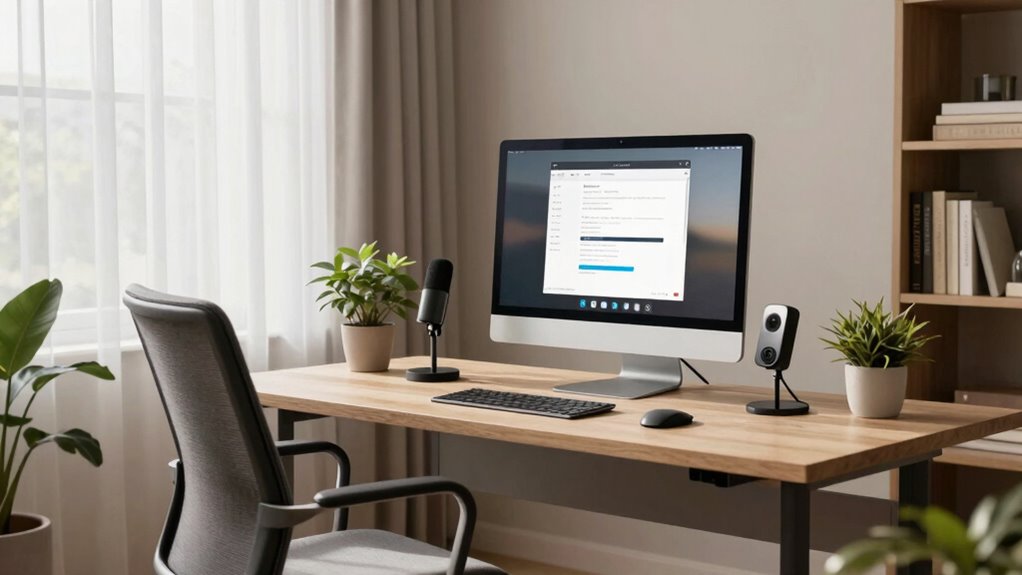

To set up a better video call at home, position your camera at eye level using a sturdy stand or books, and make certain your face is centered and well-lit. Use natural light from a window in front of you or add a ring light for even illumination. Keep your background tidy, neutral, and professional, with minimal decorations. Test your camera and lighting before calls to verify everything looks right. If you want tips for a polished virtual appearance, keep exploring.

Get the latest gadgets delivered free — and shop member deals
- Fast, free delivery on millions of items
- Access to Prime Big Deal Days deals on October 6–7
- Prime Video, Amazon Music and more included
Key Takeaways
- Position your camera at eye level using a sturdy stand or books to ensure a natural, engaging perspective.
- Use natural light or a ring light to evenly illuminate your face and avoid harsh shadows.
- Keep your background tidy, neutral, and free of distractions to maintain a professional appearance.
- Test your setup with a practice call to verify camera angles, lighting, and clarity before the actual meeting.
- Make small adjustments to improve overall presentation, creating a polished and confident virtual presence.
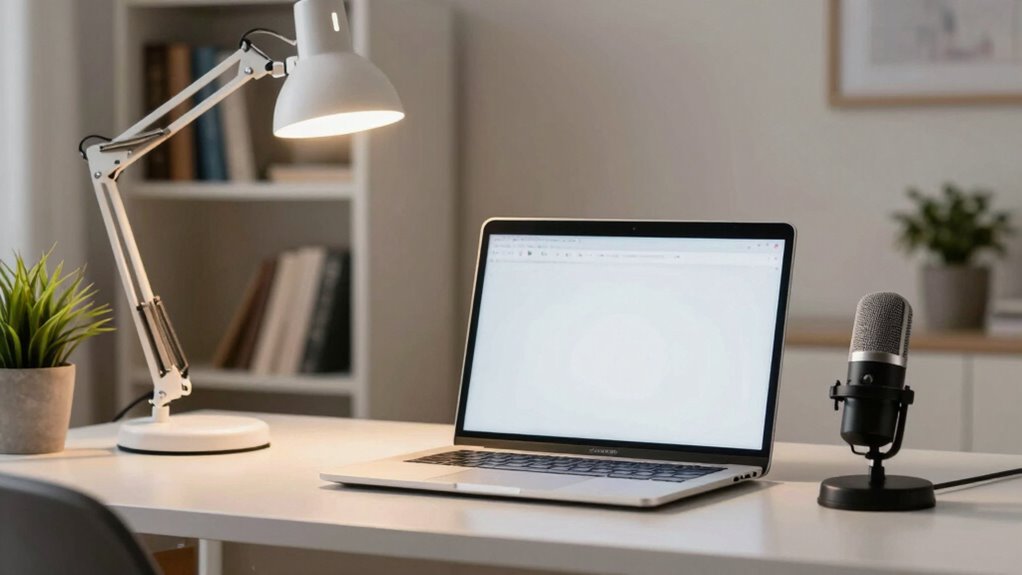
Have you ever found yourself struggling with poor video quality or awkward angles during a call? It’s frustrating when you can’t seem to position your camera correctly or when your background looks cluttered and distracting. The good news is, with a few simple adjustments, you can markedly improve your video call setup and present yourself more professionally and confidently.
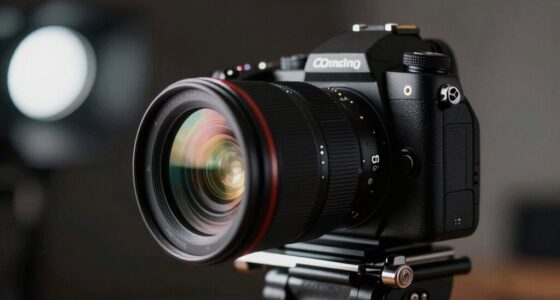
The key starts with camera positioning. You want your camera at eye level to create a natural, engaging connection with your viewers. Avoid placing your camera too high or too low, which can make you look unapproachable or awkward. Use a sturdy stand or stack books under your laptop to raise the camera if needed. Also, make sure you’re centered in the frame, with your face occupying a good portion of the shot. This helps others focus on you and makes interactions more personal. Lighting plays a role here, too; natural light from a window in front of you is ideal, but if that’s not an option, use a ring light or a lamp placed behind the camera to illuminate your face evenly. Avoid harsh backlighting, which can make you appear as a silhouette. Proper camera placement can significantly enhance your appearance on video.
Background organization is equally important. You want your space to be tidy and free of distractions. Clear away clutter or personal items that don’t belong in a professional setting. Consider a neutral, tidy background that doesn’t compete for attention. If you’re short on space, a simple wall or a bookshelf with neatly arranged items can work well. Adding a few plants or minimal decorative elements can make your background look more inviting without being overwhelming. Remember, your background should reflect a professional yet approachable environment, so keep it simple and clean. Maintaining a professional environment at home can help enhance your credibility during virtual meetings.
Additionally, paying attention to camera compatibility with your device ensures optimal video quality and stability during calls. Test your setup before your scheduled call. Do a quick video recording or a test call to check how you appear on camera, ensuring your camera positioning and background are just right. Adjust your lighting if necessary, and make sure your face is well-lit and clearly visible. Keep your camera lens clean to avoid blurry images. These small steps can make a big difference in how you come across during your video calls.
With proper camera positioning and a well-organized background, you’ll feel more confident and look more polished on every call. Simple adjustments can transform your home setup from cluttered or awkward to professional and engaging, making your virtual interactions smoother and more effective.
As an affiliate, we earn on qualifying purchases.
Frequently Asked Questions
What Is the Best Lighting for a Video Call?
The best lighting for a video call uses soft, natural light with a warm color temperature around 5000K to 6500K. Position your light source in front of you, slightly above eye level, to reduce shadows and create a flattering look. Avoid harsh backlighting or direct overhead lights. Proper light placement guarantees your face is evenly lit, making you appear clearer and more professional during your calls.
How Can I Reduce Background Noise Effectively?
Think of your environment as a quiet lake. To keep it still, place your microphone carefully—close enough to capture your voice but away from noise sources. Use soundproofing techniques like foam panels or draft stoppers to block unwanted sounds. These steps help create a calm surface, reducing background noise and ensuring your voice stays clear and focused, much like a peaceful lake reflecting only your words.
Which Camera Angle Looks Most Professional?
The most professional camera angle typically involves eye level positioning, which fosters direct engagement. Use framing techniques like the rule of thirds to position yourself slightly off-center, creating a balanced look. Keep your camera stable and at a consistent height, avoiding extreme angles or tilts. This setup conveys confidence and approachability, making your video calls look polished and professional. Adjust your camera positioning until you achieve a natural, well-composed shot.
How Do I Improve My Wi-Fi Signal During Calls?
Think of your Wi-Fi as a garden hose—kinks or blockages can slow the flow. To improve your signal during calls, position your Wi-Fi router in a central, open spot away from obstructions. Consider using signal boosters or mesh networks to extend coverage. Keep your router updated and reduce interference from other devices. These steps will guarantee a strong, clear connection, making your video calls smoother and more reliable.
What Should I Wear to Look Good on Camera?
To look good on camera, choose wardrobe choices that flatter your skin tone and suit your environment. Opt for solid colors or subtle patterns, as they prevent distractions. Color coordination is key—wear colors that complement your background and avoid overly bright or dark shades. Keep it simple and neat, and make certain your clothing is tidy and well-fitted to project a polished, professional appearance during your video calls.
Conclusion
So, there you have it—your foolproof plan to turn your chaotic home into a professional studio. With the right lighting, a tidy background, and a decent camera, you’re basically hosting from the Ritz. Who knew that a few simple tweaks could make your colleagues think you’ve got your act together? Now, go ahead, impress them all—just don’t forget to mute yourself when you’re singing along to that terrible playlist.
Fall Picks
fall essentials
As an affiliate, we earn on qualifying purchases.