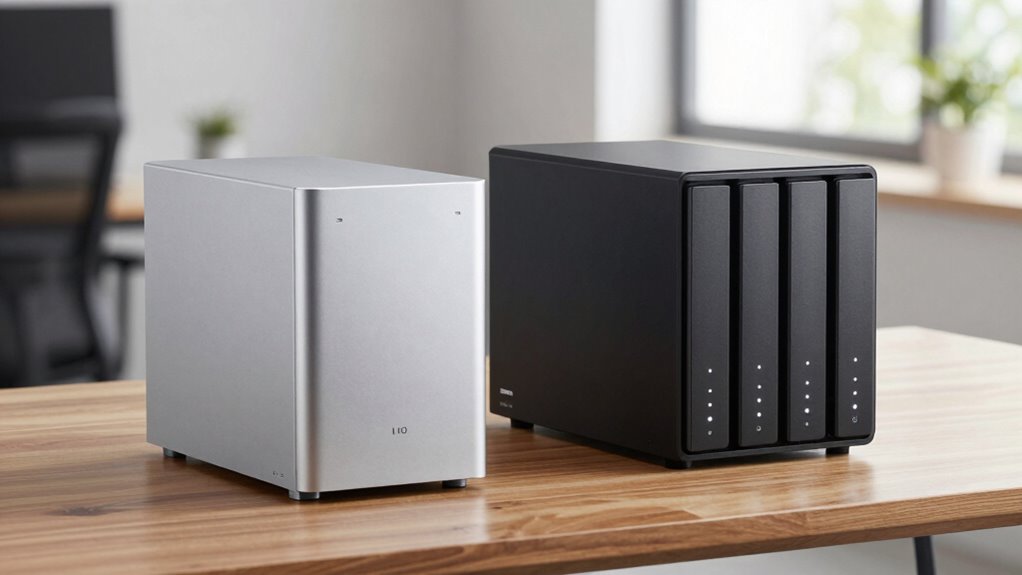

If you have modest storage needs like personal backups or media streaming, a 2-bay NAS is simple, affordable, and energy-efficient. But if you plan to expand or want better data redundancy and cloud features, a 4-bay NAS makes more sense. It offers greater flexibility for growth and remote access. Keep exploring to discover which type aligns best with your current needs and future plans.

Get the latest gadgets delivered free with Prime
- Fast, free delivery on millions of items
- Prime Video, Amazon Music and more included
- Member-only deals all year
Key Takeaways
- 2-bay NAS is suitable for basic needs, while 4-bay NAS offers better scalability and RAID options for future growth.
- 4-bay NAS provides more robust cloud integration and remote access capabilities.
- 2-bay NAS consumes less power and is more energy-efficient for home use.
- 4-bay NAS supports advanced features, redundancy, and performance tuning for demanding applications.
- Choosing depends on current storage needs, future expansion plans, and energy considerations.
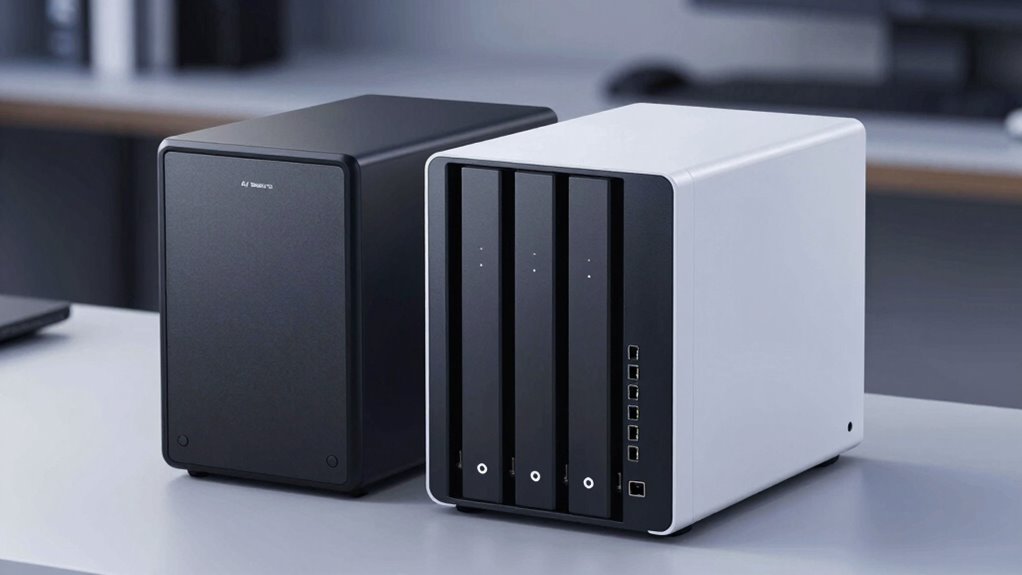
When choosing between a 4-bay NAS and a 2-bay NAS, understanding your storage needs and future growth is essential. Think about how much data you currently manage and how quickly you expect that amount to increase. A 2-bay NAS is usually sufficient if your storage demands are modest, such as for personal backups, media streaming, or light file sharing. It’s simpler, often more affordable, and typically consumes less power, making it an energy-efficient choice for home users. However, if you plan to expand your data storage or require more advanced features, a 4-bay NAS provides greater flexibility. With four drive bays, you can configure your storage in RAID setups for redundancy or performance, giving you more control over how your data is protected and accessed.
Choosing between 2-bay and 4-bay NAS depends on your current needs and future storage expansion plans.
Cloud integration is a key factor to consider in your decision. A 4-bay NAS often offers more robust options for syncing with cloud services like Dropbox, Google Drive, or OneDrive. This seamless integration means you can automatically back up your files to the cloud or access your data remotely without hassle. In contrast, many 2-bay models might have limited cloud features or require additional hardware or software to achieve similar functionality. If remote access and online collaboration are priorities, opting for a 4-bay NAS makes sense because it generally provides better support for cloud integration, giving you more options to streamline your workflow. Additionally, cloud storage solutions are increasingly vital for remote work and data redundancy strategies.
Power consumption is another critical aspect. While a 2-bay NAS typically uses less electricity due to fewer drives and simpler hardware, a 4-bay NAS, with its additional drives and more complex components, consumes more power. If you plan to run your NAS 24/7 and want to keep energy costs low, the efficiency of a 2-bay model could be advantageous. However, modern 4-bay NAS units are designed with power management features, such as drive spin-down settings and energy-efficient processors, which can help mitigate increased power use. Additionally, understanding energy-efficient hardware can help you optimize your setup for lower power consumption, making your choice more sustainable. Consider also whether your environment has power constraints or if energy efficiency is a top priority, as this can influence your choice.
Furthermore, staying informed about emerging trends in digital publishing can help you leverage your NAS for content creation and distribution, making it a valuable tool beyond simple storage.
As an affiliate, we earn on qualifying purchases.
Frequently Asked Questions
Can a 2-Bay NAS Be Upgraded to a 4-Bay Model Later?
A 2-bay NAS can’t typically be upgraded to a 4-bay model later, as the hardware and chassis are usually different. If you want to expand for remote access or multimedia streaming, consider investing in a 4-bay NAS from the start. It offers more storage, flexibility, and better performance for your needs, making future upgrades easier without replacing the entire device.
How Does RAID Configuration Differ Between 2-Bay and 4-Bay NAS?
Your data’s safety is a fortress, so understanding RAID configurations matters. In a 2-bay NAS, RAID options like 1 mirror your data for backup redundancy, but you’re limited in scalability. A 4-bay NAS offers more flexibility, supporting RAID 5 or 6, which balance redundancy and network scalability. This means better data protection and room to grow, making it ideal for expanding storage needs and safeguarding your valuable files.
What Are the Power Consumption Differences Between the Two?
You’ll find that 2-bay NAS devices generally consume less power than 4-bay models, making them more energy-efficient for everyday use. With better power management features, they optimize energy consumption during idle times and reduce overall electricity costs. If energy efficiency is a priority, a 2-bay NAS offers a practical advantage, whereas a 4-bay device might draw more power due to increased hardware and storage capacity.
Are 4-Bay NAS Devices More Difficult to Set Up?
Setting up a 4-bay NAS can be a bit more complex than a 2-bay, mainly due to increased storage options and configuration choices. However, your user interface is designed to guide you through the process, making it manageable. Just make certain you follow security best practices for network security during setup. With patience and careful attention, you’ll find that the extra capacity is worth the slightly steeper setup curve.
Which NAS Type Offers Better Long-Term Data Security?
They say, “Better safe than sorry,” and that’s true for long-term data security. A 4-Bay NAS generally offers better protection through data redundancy, like RAID configurations, reducing the risk of data loss. It also supports remote access, so you can safeguard your files from anywhere. With more drives, your data stays safer over time, making a 4-Bay NAS the smarter choice for long-term security needs.
Conclusion
Choosing between a 4-bay and a 2-bay NAS is like selecting a backpack for your adventures. I once bought a tiny daypack, thinking I only needed a few essentials, but soon realized I was constantly juggling. The same goes for your NAS—if you value flexibility and future-proofing, a 4-bay model is your trusty backpack, ready to handle more data and grow with your needs. Think long-term, and you’ll find the perfect fit.
Halloween Picks
halloween
As an affiliate, we earn on qualifying purchases.