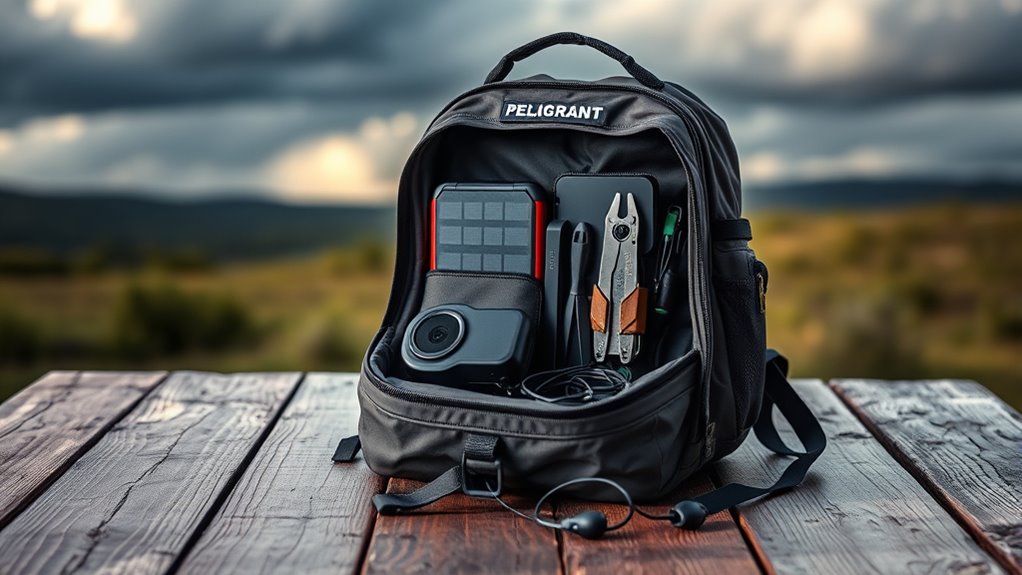

To prepare your tech for a disaster, start by backing up your essential files regularly using cloud services or external drives. Strengthen device security with strong passwords, two-factor authentication, and updated software. Keep your devices physically secure and avoid leaving them unattended in public. Practice safe usage by avoiding suspicious links and keeping privacy settings tight. Taking these steps now helps guarantee your data stays safe and your devices recover quickly—keep going to learn more strategies.

Get the latest gadgets delivered free with Prime
- Fast, free delivery on millions of items
- Prime Video, Amazon Music and more included
- Member-only deals all year
Key Takeaways
- Regularly back up important data using cloud services and external drives.
- Keep devices updated with the latest security patches and antivirus software.
- Use strong, unique passwords and enable two-factor authentication for accounts.
- Encrypt sensitive data and store backups securely to prevent unauthorized access.
- Develop and practice a disaster response plan to quickly restore operations after an incident.
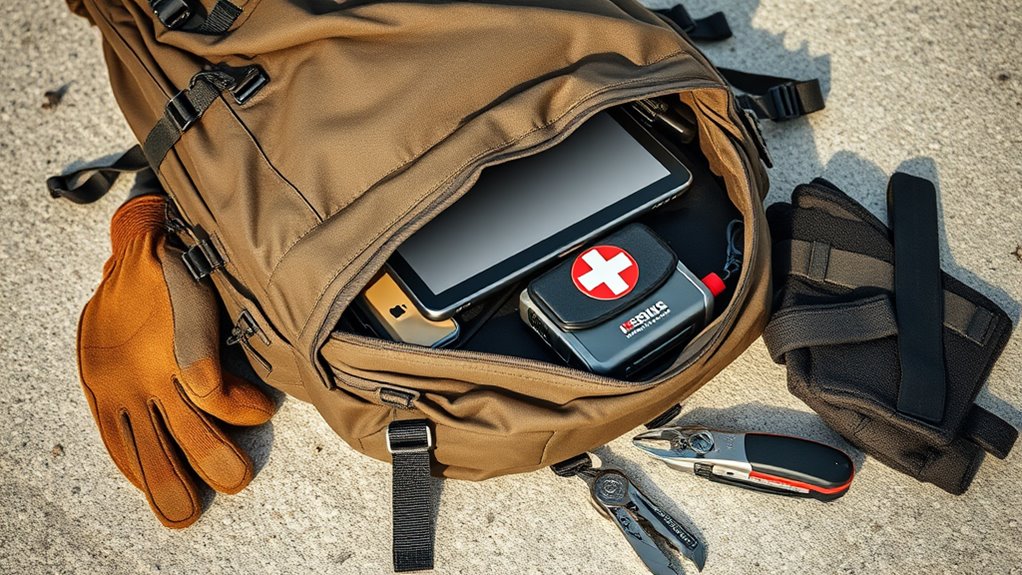
Have you ever considered what would happen to your important data and devices if a disaster struck? Whether it’s a natural calamity, a cyberattack, or an accidental mishap, losing vital information can be devastating. That’s why preparing your tech for such emergencies is essential. The first step is establishing a reliable data backup system. Regularly backing up your files ensures that, even if your device gets damaged or lost, your critical information remains safe and accessible. Cloud storage services make this process straightforward; you can sync your files automatically, reducing the risk of forgetting to back up important documents, photos, or work files. External drives are another option—they allow for manual backups and give you control over your data. Whichever method you choose, the key is consistency. Set a schedule, whether daily, weekly, or monthly, to keep your backups current. This way, you’ll minimize potential data loss and avoid the stress of trying to recover everything after a disaster. Incorporating a whole-house data protection plan can also help safeguard your digital environment from widespread threats, such as power surges or physical damage.
Device security is equally pivotal in safeguarding your tech. Protecting your devices from unauthorized access and malware can prevent many disaster scenarios. Use strong, unique passwords for each device and account, and enable two-factor authentication where available. Keep your software, operating system, and antivirus programs up to date; updates often include patches for security vulnerabilities that cybercriminals exploit. Physical security measures matter too—keep your devices in safe locations, use locks or safes if necessary, and avoid leaving sensitive equipment unattended in public spaces. Encrypt your data when possible, adding an extra layer of protection in case of theft or loss. Additionally, be cautious when clicking on links or downloading attachments, as phishing attacks can compromise your device security and lead to data breaches. Regularly review security settings and permissions on your devices to ensure they align with your privacy preferences.
Preparing your tech for a disaster isn’t just about reacting when something goes wrong; it’s about proactive measures to minimize risks and guarantee continuity. By consistently backing up your data and maintaining robust device security, you protect yourself from potential financial loss, identity theft, and the inconvenience of downtime. Think of it as an insurance policy—investing a little time and effort today can save you significant trouble tomorrow. Remember, disasters are unpredictable, but your response doesn’t have to be reactive. Take control now, implement these strategies, and give yourself peace of mind knowing you’re better prepared for whatever surprises the future may hold.
external hard drive for data backup
As an affiliate, we earn on qualifying purchases.
As an affiliate, we earn on qualifying purchases.
Frequently Asked Questions
How Often Should I Update My Disaster Preparedness Plan?
You should review and update your disaster preparedness plan at least once a year. Regularly conduct emergency drills to identify gaps and improve responses. After any significant changes in your technology, business operations, or team, do a plan review immediately. Staying proactive guarantees your plan remains effective, and practicing emergency drills helps everyone stay familiar with procedures, making sure you’re ready when disaster strikes.
What Are the Best Portable Devices to Keep in a Disaster Kit?
You’ll want to include portable devices like a power bank or a compact solar charger in your disaster kit. They’re perfect for emergency charging, ensuring your essential gadgets stay powered when you need them most. Look for devices with portable power capabilities, lightweight design, and durability. Compact, reliable options make all the difference during a crisis, helping you stay connected and informed without adding bulk to your kit.
How Can I Protect My Data From Cyber-Attacks During a Disaster?
To protect your data during a disaster, you should follow cybersecurity best practices like using strong, unique passwords and enabling two-factor authentication. Additionally, apply data encryption techniques to secure sensitive information from cyber-attacks. Keep backup copies in secure, off-site locations, and regularly update your software to patch vulnerabilities. By staying vigilant and implementing these steps, you’ll minimize risks and safeguard your data effectively during emergencies.
Should I Back up My Data Locally or in the Cloud?
You should back up your data both locally and in the cloud to guarantee maximum protection. Using local storage means you have quick access to your files, while cloud synchronization keeps your data safe from physical damage or theft. By combining these methods, you create a reliable backup system that minimizes data loss during a disaster. Regularly update both backups to stay protected and ready for any unexpected event.
How Do I Ensure My Tech Is Energy-Efficient During Outages?
Want to pretend you’re an energy-saving superhero during outages? Start by unplugging unused devices, enabling power conservation modes, and dimming screen brightness. Use energy saving tips like turning off non-essential electronics and opting for battery-powered alternatives. This way, you conserve power and extend your device’s life. Remember, every bit of power saved during outages keeps your tech running longer, making you the hero of your own energy saga!
Conclusion
By preparing your tech now, you safeguard your future. Imagine your devices, vulnerable and unprotected, amid chaos, versus secure, backed-up systems ready to restore your life. The difference is stark: one leaves you stranded, the other empowers you to bounce back swiftly. Don’t wait for disaster to strike—take action today. Fortify your tech, and turn potential devastation into a manageable setback. Your peace of mind depends on the choices you make now.
Halloween Picks
halloween
As an affiliate, we earn on qualifying purchases.