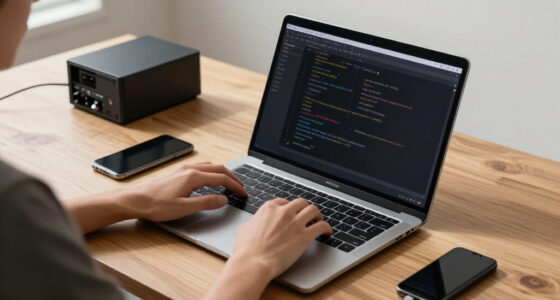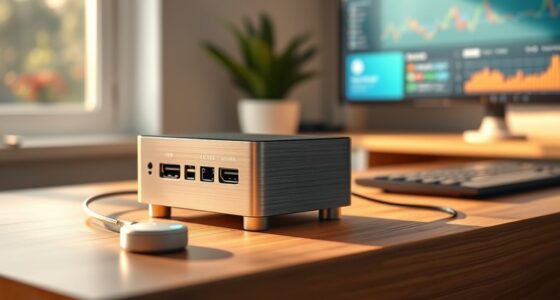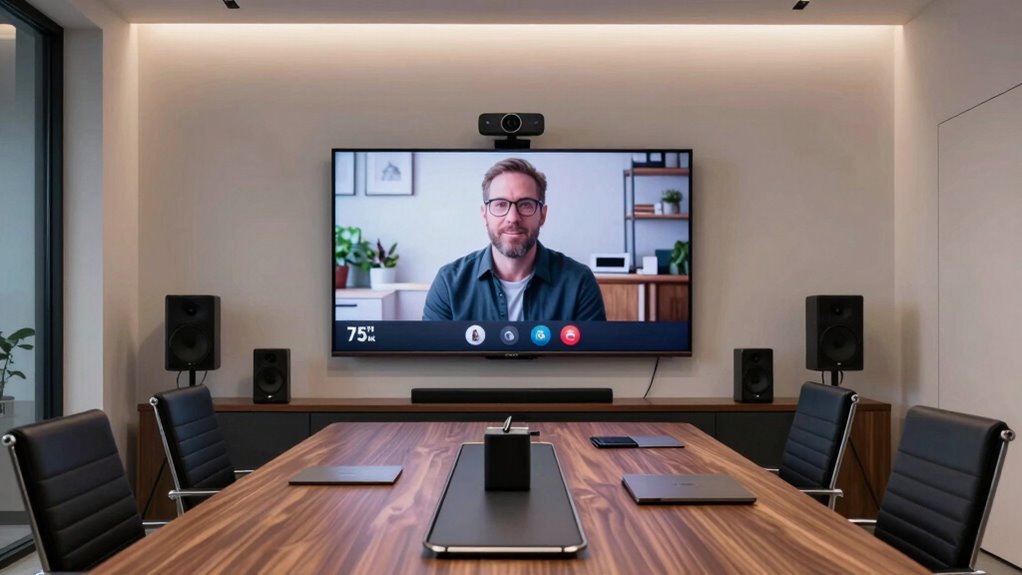

Investing in conference room tech at home is a smart move if you want professional virtual meetings and better collaboration. High-quality video and audio equipment boost clarity, reduce misunderstandings, and make your space feel more official. Smart features like automation and seamless device integration keep you ahead in the game, offering long-term value. If you’re curious about how to create a professional and efficient home setup, there’s more to discover below.

Get the latest gadgets delivered free with Prime
- Fast, free delivery on millions of items
- Prime Video, Amazon Music and more included
- Member-only deals all year
Key Takeaways
- High-quality conference tech enhances virtual collaboration, professionalism, and reduces misunderstandings during remote meetings.
- Investing in advanced equipment and smart features future-proofs your home office and streamlines workflows.
- Dedicated conference spaces promote better focus, work-life balance, and efficient communication.
- The long-term benefits outweigh initial costs by improving remote work productivity and professionalism.
- For serious remote professionals, conference room tech is a strategic, valuable upgrade—not overkill.
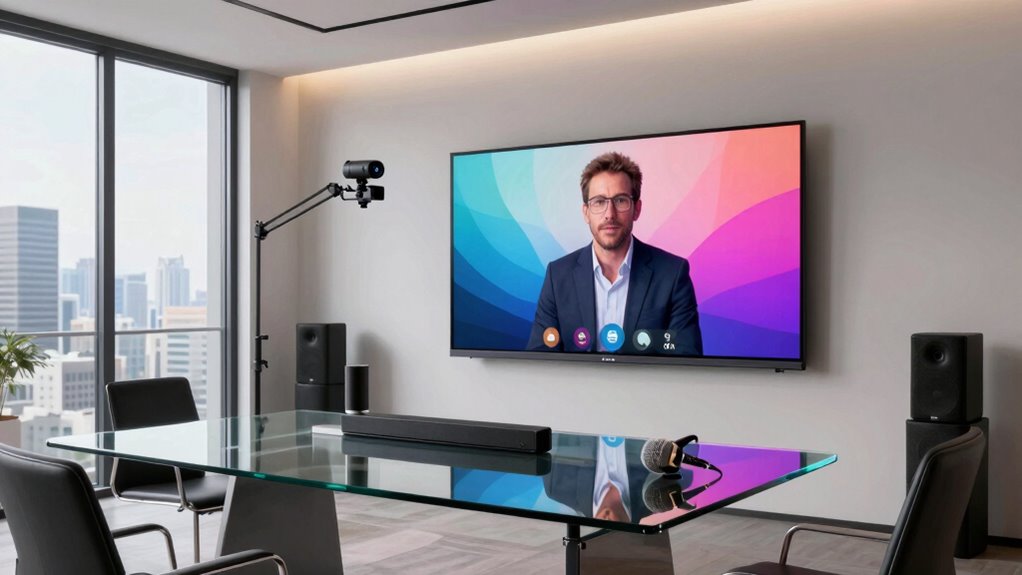
With remote work becoming the norm, bringing conference room technology into your home can considerably boost your productivity and communication. It’s no longer just about having a webcam and a decent microphone; it’s about creating a seamless virtual collaboration environment that rivals the professionalism of a dedicated office space. By integrating conference room tech into your home setup, you transform your space into a smart office designed for efficiency, clarity, and ease of use during meetings. This move isn’t just a luxury—it’s a smart investment that can pay off in clearer communication, fewer technical issues, and increased focus during virtual calls.
You might wonder if installing high-end conference room equipment at home is overkill. The truth is, as remote work becomes more prevalent, the quality of your virtual collaboration tools directly impacts your ability to work effectively with colleagues, clients, and partners. High-quality video conferencing systems with multiple cameras, professional-grade microphones, and speakers ensure your voice is heard clearly and your image remains sharp. These tools help eliminate misunderstandings caused by poor audio or video, making meetings more productive and less frustrating. Plus, a dedicated conference space equipped with smart office technology minimizes distractions, helping you stay engaged and focused throughout your virtual meetings. Incorporating advanced communication tools can further enhance your setup and streamline your workflow.
Investing in conference room tech also means you’re setting up a future-proof home office. As technology advances, so do the features that enhance virtual collaboration. Smart displays, voice-controlled lighting, and integrated booking systems turn your space into a fully functional, connected environment. These innovations streamline your workflow, making it easier to schedule meetings, adjust lighting, or share content without fiddling with multiple devices. Incorporating automation and monitoring into your setup can further optimize your environment for efficiency and ease of use. Modern technology also ensures compatibility with template compatibility standards, allowing seamless integration with various apps and devices you may already use. This setup fosters a professional atmosphere, even in your home, and can impress clients or partners who join your virtual meetings. Moreover, embracing digital connectivity ensures your home office remains adaptable to future technological developments, safeguarding your investment over time. Additionally, ensuring your setup is scalable and flexible can help accommodate evolving needs as your remote work requirements grow.
Some may see this as unnecessary, but consider the long-term benefits. With a dedicated smart office, you create a boundary that separates work from personal life, promoting better work-life balance. You also avoid the pitfalls of using less reliable, makeshift solutions that can cause delays or interruptions during critical calls. The investment in conference room tech isn’t just about having the latest gadgets; it’s about creating an environment optimized for virtual collaboration, which is increasingly crucial today. Ultimately, this approach makes your home a more functional, professional space that supports your productivity and enhances your ability to work effectively in a remote setting.
professional conference room webcam
As an affiliate, we earn on qualifying purchases.
As an affiliate, we earn on qualifying purchases.
Frequently Asked Questions
How Much Does a Home Conference Room Setup Typically Cost?
A home conference room setup can cost anywhere from $1,000 to $10,000 or more, depending on your needs. You’ll likely spend on a quality webcam, microphone, speakers, and possibly acoustic treatment for clear virtual collaboration. Investing in good lighting and a reliable internet connection also helps. While it might seem pricey, a well-equipped space enhances productivity and professionalism, making it a smart investment for remote work and virtual meetings.
What Are the Best Brands for Home Conference Room Equipment?
You don’t have to splurge on every brand to boost your virtual collaboration; top choices like Logitech, Poly, and Yealink are known for their reliable audio quality and user-friendly features. These brands deliver crisp sound and clear visuals, making remote meetings seamless. Investing in reputable equipment guarantees you overcome audio frustrations and stay connected professionally from home. Prioritize quality, and you’ll enjoy smooth, productive conference calls every time.
How Much Space Do I Need for a Home Conference Room?
You’ll want at least 8 by 10 feet for a cozy home conference room, but aim for more if you plan on adding larger furniture or multiple screens. Incorporate decorating ideas that enhance professionalism and comfort, like sleek furniture and soundproofing. Acoustic solutions, such as wall panels or rugs, help improve sound quality. Adequate space guarantees smooth meetings, making your setup both functional and inviting without feeling cramped.
Can I Integrate Home Conference Tech With Existing Smart Home Devices?
Yes, you can integrate home conference tech with your existing smart home devices. Many systems support virtual backgrounds, improving your professionalism during calls, while smart microphones and speakers reduce audio echoing issues. Make certain your devices are compatible and set up correctly, so your smart home ecosystem works seamlessly with conference tech. This integration creates a smoother, more efficient virtual meeting experience without overcomplicating your setup.
What Are the Maintenance Requirements for Home Conference Room Technology?
You need to regularly update your home conference room technology, including software patches and firmware, to keep everything running smoothly. Maintain lighting automation to guarantee ideal visibility and consider acoustic treatment to improve sound quality. Cleaning devices and checking cables prevent technical issues. Scheduling routine maintenance helps catch problems early, ensuring your setup remains reliable and effective for virtual meetings without unnecessary disruptions.
Conclusion
Whether you’re decking out your home with conference room tech or holding back, remember it’s like planting a seed. If you nurture it, it can grow into a powerful tool that boosts your productivity and makes remote work feel more seamless. But if you overdo it, it might just be a fancy ornament gathering dust. So, weigh your needs carefully—sometimes, a simple setup can be the sturdy tree that supports your work, rather than a flashy gadget that’s just taking up space.
Halloween Picks
halloween
As an affiliate, we earn on qualifying purchases.