
Streaming apps don’t always look the same because they focus on unique branding, target audiences, and user experiences. Each platform designs its interface to reflect its identity, using different visuals, layouts, and features to appeal to specific users. Clear content organization and visual cues guide your navigation and engagement. If you want to understand how these design choices influence your experience and perception, keep exploring how these elements come together.
Key Takeaways
- Different target audiences and brand identities influence unique UI design choices.
- Variations in content organization and feature integration impact the app’s layout and appearance.
- Visual hierarchy and engagement strategies are tailored to enhance user interaction and navigation.
- Branding elements like logos, colors, and typography create distinct visual styles across platforms.
- Design nuances communicate platform purpose and influence user perception and experience.
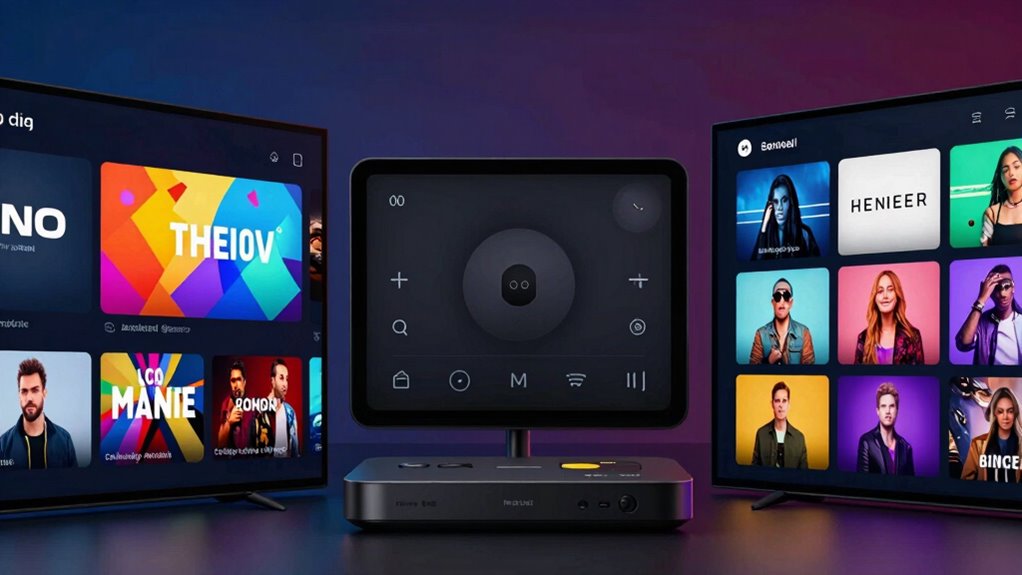
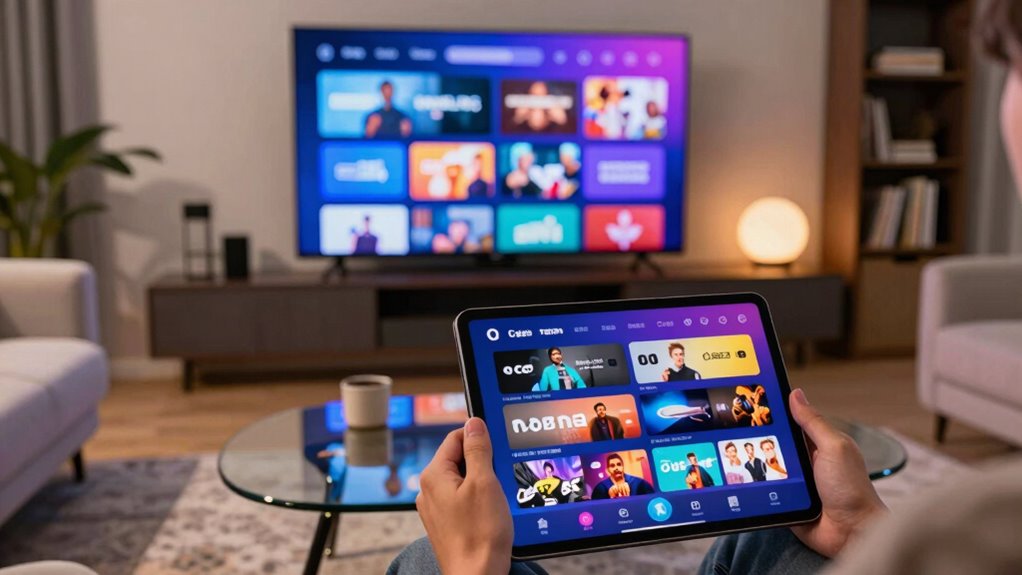
Streaming apps may seem similar at first glance, but they often differ considerably in design and layout. When you open a streaming platform, you might think they all serve the same purpose, but each app’s user interface is crafted to deliver a unique experience. This design choice impacts how easily you navigate, discover new content, and engage with the platform. Some apps favor a minimalist approach, with simple icons and clean lines, while others prioritize vibrant visuals and dynamic layouts. These choices aren’t accidental—they reflect the app’s target audience and brand identity.
Streaming apps vary in design, influencing navigation, content discovery, and brand identity.
Your experience largely depends on how well the app balances functionality with aesthetics. A user interface that’s intuitive and seamless encourages you to spend more time exploring content without frustration. For example, some platforms organize content into clear categories, making it easy to find what you want. Others might use algorithms to personalize your homepage, showcasing recommendations tailored to your viewing habits. The way these features are integrated varies from one app to another, influencing how quickly you can access your favorite shows or discover new ones. Content organization plays a crucial role in shaping your overall satisfaction with the platform. Additionally, the layout and visual hierarchy guide your attention to key features, enhancing usability. A well-designed interface also considers user engagement by including features that encourage interaction and continued use.
Furthermore, the way apps incorporate visual hierarchy influences how quickly your eye is drawn to important elements, improving navigation and overall user satisfaction. Brandings, such as logos, color schemes, and typography, are carefully crafted to reinforce a platform’s identity and appeal to its target audience. Developers work hard to incorporate visual elements like logos, color schemes, and typography that reflect the platform’s core identity. When these elements are consistent throughout the app, it reinforces brand recognition and builds trust. You’re more likely to feel comfortable and familiar with an app that maintains a cohesive visual style, which enhances your overall experience. Conversely, a disjointed or inconsistent design can create confusion, making it harder for you to navigate or feel connected to the service.
Apps often tailor their interfaces to align with their branding goals. For instance, a premium streaming service might opt for sleek, sophisticated visuals to appeal to an upscale audience. In contrast, a family-friendly platform could use bright colors and playful icons to convey fun and accessibility. These visual cues help you immediately understand what kind of content to expect and what kind of experience the app promises. By maintaining branding consistency across all elements—from menus to content thumbnails—the platform reinforces its identity and makes your interaction more intuitive.
Understanding how branding and user interface design influence your perception can help you choose the right platform for your needs. Ultimately, the differences in user interface design and branding consistency are what set streaming apps apart. They’re not just about aesthetics but about how effectively the app communicates its purpose and guides your viewing journey. Recognizing these design nuances can deepen your appreciation for each platform’s effort to create a unique experience, making your streaming journey more engaging and personalized.
streaming app interface organizer
As an affiliate, we earn on qualifying purchases.
As an affiliate, we earn on qualifying purchases.
Frequently Asked Questions
How Do Streaming App Interfaces Impact User Experience?
The interface of streaming apps directly impacts your user experience by making navigation intuitive and enjoyable. When apps offer personalization options, you can customize content and layout to suit your preferences, enhancing your engagement. Accessibility features, like subtitles or adjustable text sizes, guarantee everyone can use the app comfortably. A well-designed interface minimizes frustration, helps you find content faster, and makes your streaming experience more satisfying overall.
Are There Industry Standards for Streaming App Design?
Yes, there are industry standards for streaming app design. You’ll notice consistent use of content personalization, helping you find relevant shows quickly. Accessibility features are also prioritized, ensuring usability for everyone, including those with disabilities. While brands add their unique touches, these standards focus on intuitive navigation, clear icons, and adaptive layouts, making your experience seamless across different platforms and devices.
How Often Do Streaming Apps Update Their Layouts?
Streaming apps typically update their layouts every few months to enhance user experience and incorporate new features. These updates often include personalization options to tailor content and accessibility features to improve usability for all users. You might notice visual changes or navigation tweaks during these updates. Developers aim to keep the interface fresh and intuitive, ensuring you stay engaged and can easily find what you want, whenever they release new layout updates.
Do Regional Preferences Influence Streaming App Appearances?
Regional preferences definitely influence streaming app appearances. You’ll notice cultural influences shaping design choices, such as color schemes, icons, and content recommendations, to better connect with local audiences. Streaming services also adapt their branding strategies to resonate culturally, making interfaces more intuitive and appealing. These tailored tweaks help companies boost engagement and loyalty, ensuring their app feels familiar and relevant no matter where you access it.
What Role Do Developers’ Choices Play in App Aesthetics?
Ever wonder why streaming apps look different? Developers’ choices play a huge role, focusing on visual branding to create a unique identity and attract users. They also incorporate user customization options, allowing you to personalize your experience. These decisions influence layout, color schemes, and features, making each app stand out. By balancing branding and personalization, developers craft interfaces that feel familiar yet fresh, keeping you engaged and comfortable while you watch your favorite shows.
Conclusion
Remember, variety is the spice of life—you’ll notice streaming apps differ because they’re tailored to different audiences, devices, and brands. These differences help improve your experience, making it easier to find what you love. So, don’t get frustrated if one app looks different from another. As they say, “Don’t judge a book by its cover,” because beneath those differences, they all aim to entertain and serve you better.