
Even if your internet is fast, your smart TV can still buffer due to hardware limitations, outdated software, or incompatible streaming apps. Signal quality or Wi-Fi interference can also cause interruptions, even on a strong connection. Network congestion and device processing power matter too. Sometimes, lowering streaming quality or switching to a wired connection helps. Want to know more about how to improve your streaming experience? Keep exploring solutions tailored to your setup.
Key Takeaways
- Incompatible or outdated hardware may struggle to process high-quality streams, causing buffering despite fast internet.
- Streaming quality settings set higher than your TV’s processing ability can lead to interruptions.
- Weak Wi-Fi signals or network congestion can restrict bandwidth, resulting in buffering regardless of internet speed.
- Older firmware or software on your TV might hinder compatibility with streaming apps and protocols.
- Using a wired connection or optimizing your network can improve stability and reduce buffering issues.
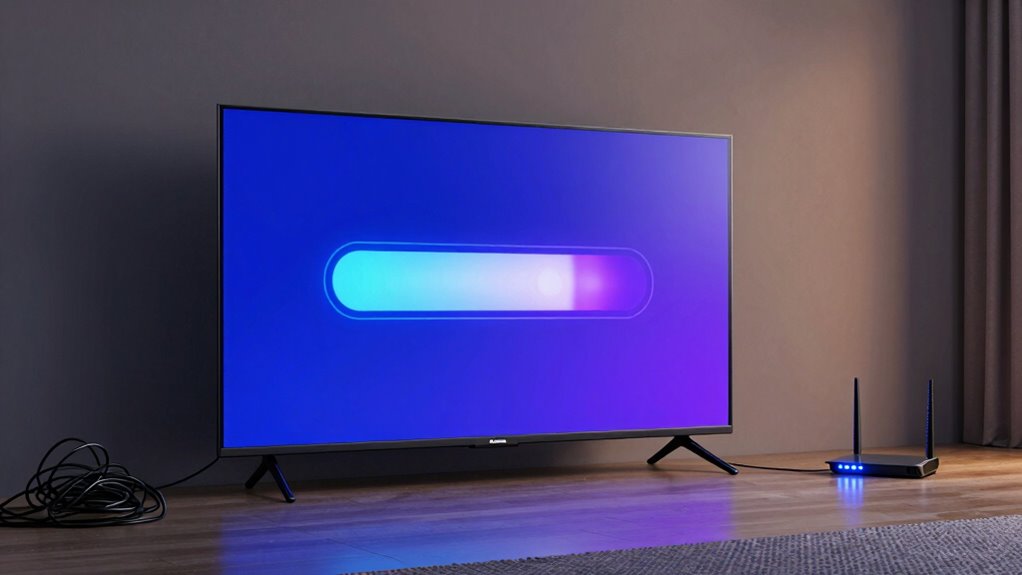
Even with blazing-fast internet, your smart TV can still buffer during streaming. It’s frustrating to have a high-speed connection and still experience pauses or delays, but the problem often lies beyond just your internet speed. One key factor affecting your viewing experience is device compatibility. Not all smart TVs are built the same, and some may struggle with certain streaming apps or formats. If your TV’s hardware or software isn’t fully compatible with the streaming service, it can cause interruptions or degraded streaming quality. For example, older models might lack support for the latest codecs or streaming protocols, making it harder for the device to process high-quality video smoothly. Ensuring your smart TV is updated and compatible with the streaming platforms you use can notably improve performance and reduce buffering.
Another aspect to contemplate is streaming quality. Even with a fast internet connection, streaming services often automatically adjust the quality based on your device’s ability to handle the stream. If your TV’s hardware is outdated or has limited processing power, it might not support higher resolutions, leading to buffering as the service tries to deliver a steady stream at a lower quality. Conversely, if your TV is capable of high-definition or 4K streaming, but your network or device isn’t optimized, buffering can still occur. Sometimes, the problem is that the streaming app itself is set to a higher quality than your device can handle consistently, causing it to pause while buffering to load more data. Adjusting the streaming quality manually to a lower setting can help, but ultimately, ensuring your TV’s hardware and software can support the desired streaming quality is essential.
Other factors, such as the quality of your Wi-Fi signal, network congestion, or interference, also play a role. Even with fast internet, if your Wi-Fi signal is weak or crowded, your device might not get the bandwidth it needs for seamless streaming. Using a wired connection instead of Wi-Fi can help stabilize the connection and improve streaming quality. Additionally, closing background apps or devices that are consuming bandwidth can make a noticeable difference. In the end, resolving buffering issues isn’t just about internet speed—it’s about making sure your smart TV’s hardware and software are compatible with your streaming needs, and that your network setup supports the high streaming quality you desire. Moreover, understanding the importance of device compatibility can help you identify and fix the root causes of buffering effectively. Being aware of network conditions can also assist in optimizing your setup for smoother streaming. Regularly checking your network setup and ensuring your devices are optimized can prevent many common issues before they occur.
As an affiliate, we earn on qualifying purchases.
Frequently Asked Questions
Can a Faulty HDMI Cable Cause Buffering Issues?
Yes, a faulty HDMI cable can cause buffering issues. HDMI issues often stem from poor cable quality or damage, which disrupts signal transmission. When your cable isn’t performing well, your smart TV struggles to stream smoothly, even with fast internet. To fix this, try replacing the HDMI cable with a high-quality one. Ensuring good cable quality can markedly improve streaming performance and eliminate buffering caused by connection problems.
Does Device Age Affect Streaming Performance?
Yes, device age can affect streaming performance. As your smart TV ages, device deterioration and age-related issues like outdated hardware or firmware can cause buffering and slow responses. Over time, internal components may wear out, resulting in decreased processing power. Updating software or replacing older devices can improve streaming quality, but eventually, newer models with better technology might be necessary to keep up with modern streaming demands.
How Does Background App Usage Impact Buffering?
Think of your smart TV as a busy highway. Background app interference acts like unexpected traffic jams, slowing down your streaming journey. When you engage in device multitasking, it’s like adding more cars to the road, diverting resources from your main destination. This congestion causes buffering, even with fast internet. To keep your stream smooth, close unnecessary apps and minimize multitasking, ensuring a clear path for uninterrupted entertainment.
Can Router Placement Improve Streaming Speed?
Yes, router placement can improve streaming speed. Position your router in a central, open spot to reduce Wi-Fi interference from walls or appliances. Keep it elevated and away from electronic devices to minimize signal disruptions. Also, confirm your router firmware is up to date, as updates often optimize performance and fix bugs, leading to better streaming stability. Proper placement combined with updated firmware helps your smart TV buffer less and stream smoothly.
Is Buffering More Common on Certain Streaming Platforms?
Buffering can be more common on certain streaming platforms due to differences in streaming quality and platform infrastructure. You might notice more buffering on platforms with higher resolution options, like 4K or HDR, because they require more bandwidth. Additionally, platform differences in compression algorithms and server distribution can impact streaming stability. To minimize buffering, try adjusting video quality settings or switching to platforms with better streaming efficiency.
Conclusion
So, don’t let buffering rain on your parade. Sometimes, the issue isn’t your internet speed but other factors like Wi-Fi interference or outdated software. Think of it like trying to watch a movie on a stormy night—you need clear skies and smooth sailing for the best experience. Keep troubleshooting, update your devices, and optimize your setup. With a little effort, you’ll have your streaming flowing as smoothly as a gentle river, giving you uninterrupted entertainment.