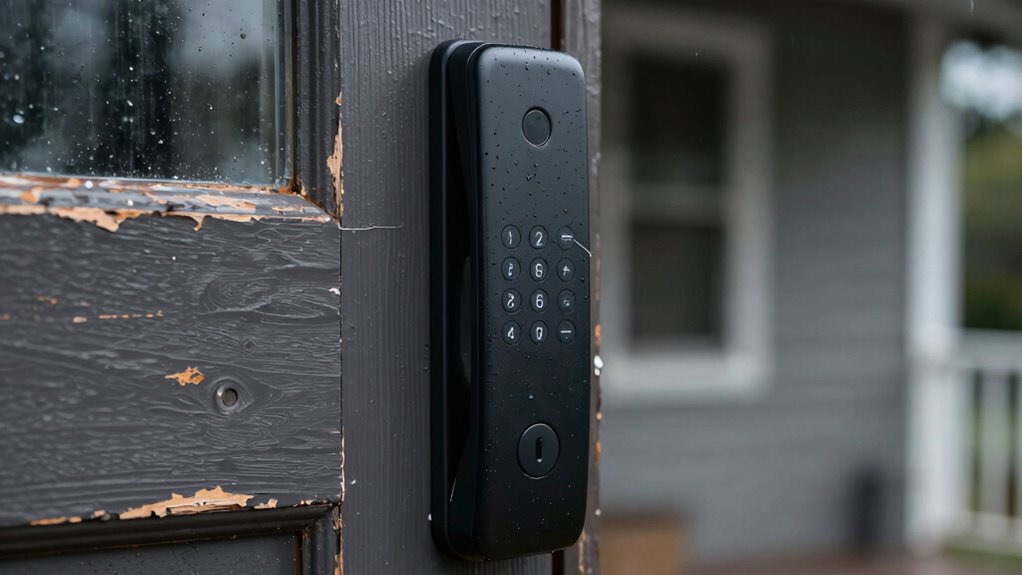

Smart locks can fail at the worst moments due to dead batteries, connectivity issues, or software glitches, which often go unnoticed until it’s too late. Poor security practices, like weak passwords or outdated firmware, can also leave them vulnerable to cyberattacks. Mechanical problems or dirt buildup may cause malfunctions, and relying solely on digital access can leave you locked out. If you want to know how to prevent these failures, keep exploring the common issues that cause smart lock mishaps.

Get the latest gadgets delivered free — and shop member deals
- Fast, free delivery on millions of items
- Access to Prime Big Deal Days deals on October 6–7
- Prime Video, Amazon Music and more included
Key Takeaways
- Low battery levels can cause smart locks to become unresponsive during critical moments.
- Connectivity issues due to Wi-Fi or Bluetooth disruptions can prevent access when needed most.
- Software bugs or outdated firmware may lead to malfunction during emergencies.
- External factors like dirt or mechanical debris can cause hardware failures unexpectedly.
- Lack of backup access options increases the risk of being locked out during system failures.
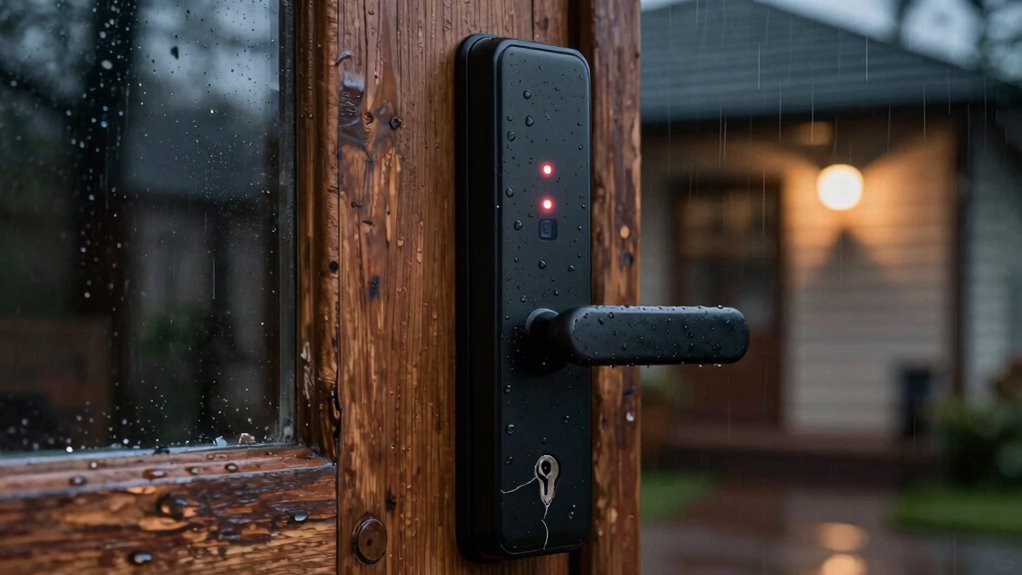
Smart locks have become popular for their convenience and modern appeal, but they’re not foolproof. You might rely on them daily, trusting that they’ll always grant you access, but sometimes, they let you down at the worst possible moments. One common reason is battery life. These devices depend on batteries to operate, and when the power runs low, your smart lock can become unresponsive. You might not realize the batteries are dying until you’re standing outside, fumbling with backup keys or trying to troubleshoot. If you forget to replace them regularly, you risk being locked out during emergencies or when you’re rushing to get inside. Some smart locks alert you when batteries are low, but these warnings can go unnoticed or ignored, leaving you unprepared. To avoid this, it’s essential to monitor your lock’s battery status and change batteries preemptively. Additionally, battery monitoring systems can help you stay informed about your device’s power levels before failure occurs. Regular maintenance, such as cleaning and inspecting the lock’s components, can also prevent unexpected malfunctions caused by dirt or debris buildup. Being aware of potential cybersecurity vulnerabilities can further protect your smart lock from hacking threats that could compromise your home security. It’s also helpful to understand device reliability to better anticipate and prevent failures. Another factor that causes smart lock failures is hacking vulnerabilities. Despite their advanced security features, smart locks can sometimes be targeted by cybercriminals. Hackers exploit vulnerabilities in the device’s software or communication protocols, potentially gaining unauthorized access. If your smart lock’s system isn’t regularly updated or if it’s poorly secured, it becomes easier for hackers to disable it or manipulate its operation. This threat isn’t just theoretical; there have been instances where cyberattacks compromised smart lock systems, leaving homeowners vulnerable. You might think your device is secure, but neglecting firmware updates or using weak passwords can open the door to hacking attempts. These vulnerabilities can render your lock useless or allow intruders to override security measures at the worst time—like when you’re away or trying to get inside during an emergency. Furthermore, smart locks sometimes fail due to technical glitches or connectivity issues. Problems with Wi-Fi or Bluetooth connections can prevent the lock from receiving commands, rendering it temporarily inoperable. Software bugs or misconfigurations can also cause malfunctions. When these issues occur at inconvenient moments, they can leave you locked out or unable to grant access to others. Ensuring your network is secure and running on a strong, stable connection can help mitigate some of these problems, but they are not foolproof solutions. Regular maintenance, firmware updates, and ensuring strong, stable connections can reduce these risks, but they don’t eliminate them entirely. In the end, while smart locks offer undeniable convenience, you need to be aware of their limitations. Battery life issues, hacking vulnerabilities, and connectivity problems can strike when you least expect them. Staying proactive—monitoring batteries, updating software, and securing your device—can help minimize failures. Still, it’s wise to keep a backup plan, like a traditional key or alternative access method, to avoid being caught off guard when technology lets you down. Incorporating a backup access method such as a physical key or alternative unlocking devices is crucial for peace of mind.
smart lock battery replacement kit
As an affiliate, we earn on qualifying purchases.
As an affiliate, we earn on qualifying purchases.
Frequently Asked Questions
Can Smart Locks Be Hacked or Hacked Easily?
Smart locks can be hacked, especially if cybersecurity vulnerabilities exist or if you don’t update their firmware regularly. Hackers may exploit weak passwords or security flaws to gain unauthorized access. To protect yourself, use strong, unique passwords, enable two-factor authentication if available, and keep your software updated. While smart locks are generally secure, neglecting these precautions can increase the risk of unauthorized access.
Do Smart Locks Work During Power Outages?
Smart locks often still work during power outages if they have a battery backup. This feature keeps the lock functional even when your home’s main power is out. Additionally, most smart locks offer emergency access options, such as keypad codes or physical keys, so you can still open your door if the electronic system fails. Make certain your lock has these features to guarantee continuous security and access during outages.
Are Smart Locks Compatible With All Smartphone Brands?
You’re in luck—smart locks are generally compatible with most smartphone brands, but it’s a mixed bag when it comes to durability. While many models work seamlessly across iOS and Android, always check the specific compatibility list. Don’t put all your eggs in one basket, though; some locks may falter if your phone’s OS or hardware doesn’t meet the requirements. Always double-check before you commit to guarantee smooth sailing.
How Often Should I Replace Batteries in My Smart Lock?
You should replace your smart lock batteries every 3 to 6 months to guarantee reliable performance. Regular battery maintenance is vital, especially considering power source considerations like usage frequency and environmental factors. Keep an eye on the lock’s indicator lights or notifications, which can alert you when battery power is low. By staying proactive, you avoid unexpected lock failures and maintain smooth access, no matter the time or situation.
Do Smart Locks Require Professional Installation?
Smart locks don’t always require professional installation; many models are designed for DIY installation, making setup straightforward. However, you might face installation challenges if your door setup is unusual or if you’re unfamiliar with the process. Carefully follow the manufacturer’s instructions, and if you’re uncomfortable with wiring or hardware adjustments, consider professional help. Proper installation guarantees your smart lock works reliably and avoids failures during critical moments.
Conclusion
So, next time your smart lock lets you down, remember you’re not alone—over 30% of users have experienced a lock malfunction at the worst moment. Technology is great, but it’s not perfect. Always have a backup plan, like a traditional key or a manual override, just in case. Staying prepared means you won’t get locked out when you least expect it. After all, a little extra security can save you a lot of stress.
Fall Picks
fall essentials
As an affiliate, we earn on qualifying purchases.