Theories behind photos not syncing often involve cloud status, background limits, or power modes—discover how to troubleshoot and resolve these issues effectively.
Browsing Category
Troubleshooting & Optimization
155 posts
Laggy Video Calls: Uplink QoS, Codec Choice, and Lighting
Just optimizing uplink QoS, codec choice, and lighting can dramatically reduce lag, but discovering the full benefits requires exploring these strategies further.
Why Your TV Won’t Do 4K/120: HDMI Ports, Cables, and Settings
Your TV might not support 4K/120Hz because you’re using the wrong HDMI…
USB‑C Cable Confusion: Identifying Bad or Under‑Specced Cables
Meta description: “Many users struggle to identify bad or under-specced USB-C cables—discover the key signs and testing tips to ensure safe, reliable connections for your devices.
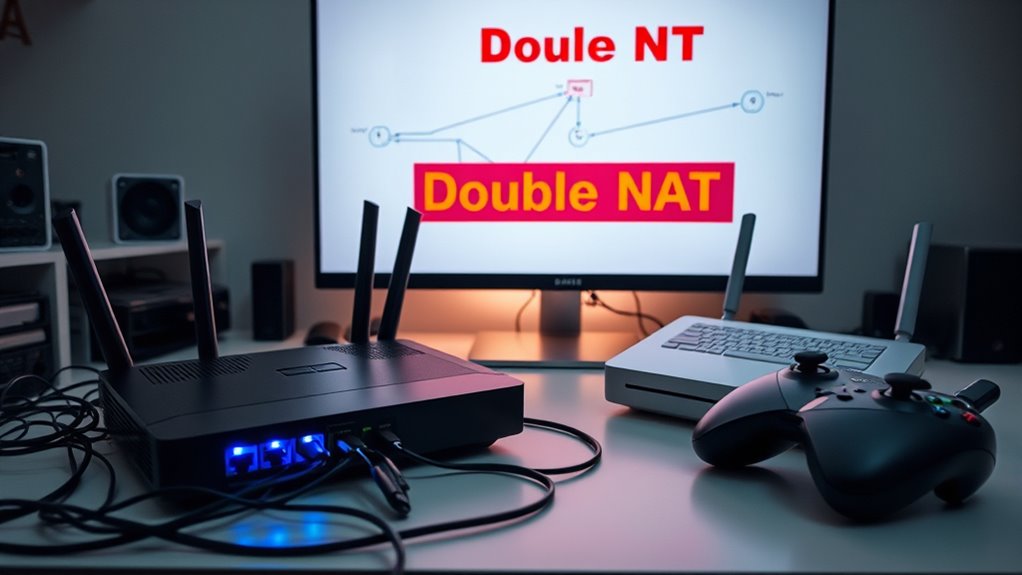
Double NAT Problems: Gaming, Port Forwarding, and UPnP
Navigating double NAT issues can disrupt gaming, port forwarding, and UPnP, but understanding the solutions can help you restore optimal connectivity.
Clear Cache the Right Way (and When Not To)
Learn the right way to clear your cache and discover when avoiding it can prevent unnecessary browsing issues.
Router Slowdowns at Night: ISP Congestion Vs Home Interference
Curious about whether nighttime router slowdowns stem from ISP congestion or home interference? Discover the key differences and solutions to improve your connection.
Smart‑Home Devices Offline? Diagnosing Thread Vs Wi‑Fi Issues
Diagnosing why your smart-home devices go offline can be tricky—learn how to distinguish Thread from Wi-Fi issues and keep your devices connected.
Bluetooth Stutter With LE Audio: Multipoint and Codec Settings
While troubleshooting Bluetooth stutter with LE Audio, understanding multipoint and codec settings is crucial to maintaining seamless audio; discover how to optimize your device support for better performance.
Android Battery Mysteries: App Wake‑Locks, Sensors, and Widgets
Harness the secrets behind Android battery drain caused by wake-locks, sensors, and widgets to uncover hidden power drains and extend your device’s life.