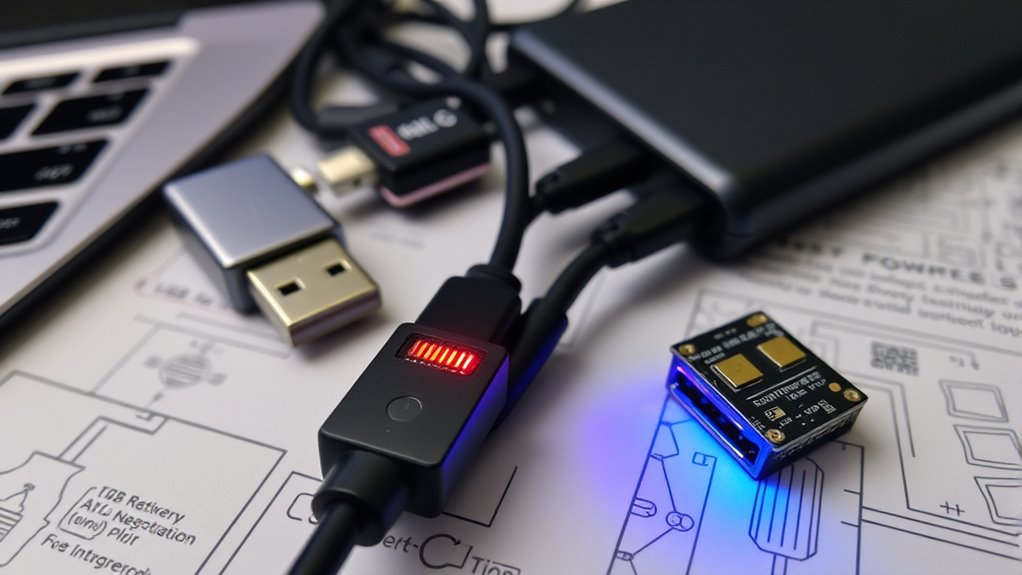

USB PD negotiation failures often stem from issues with E‑Markers and incompatible power profiles. If the cable’s E‑Marker isn’t working correctly or isn’t present, your devices may not accurately communicate their capabilities, leading to stalls or improper power levels. Hardware problems, wrong cable specifications, or firmware bugs can also disrupt negotiations. Understanding how E‑Markers and profiles interact helps identify and fix these issues quickly. Keep exploring to learn more about resolving such power transfer problems.

Get the latest gadgets delivered free with Prime
- Fast, free delivery on millions of items
- Prime Video, Amazon Music and more included
- Member-only deals all year
Key Takeaways
- Faulty or missing E-Markers can prevent accurate cable capability detection, leading to negotiation failures.
- Inconsistent power profiles or unsupported profiles cause device stalls during USB PD negotiation.
- Hardware issues like damaged CC lines or incorrect resistor values disrupt proper handshake signaling.
- Firmware bugs or non-compliant implementations can stall or mismanage message exchanges, causing negotiation stalls.
- Using non-vetted cables or outdated firmware increases the risk of compatibility issues and negotiation failures.
As an affiliate, we earn on qualifying purchases.
Understanding the USB PD Negotiation Process
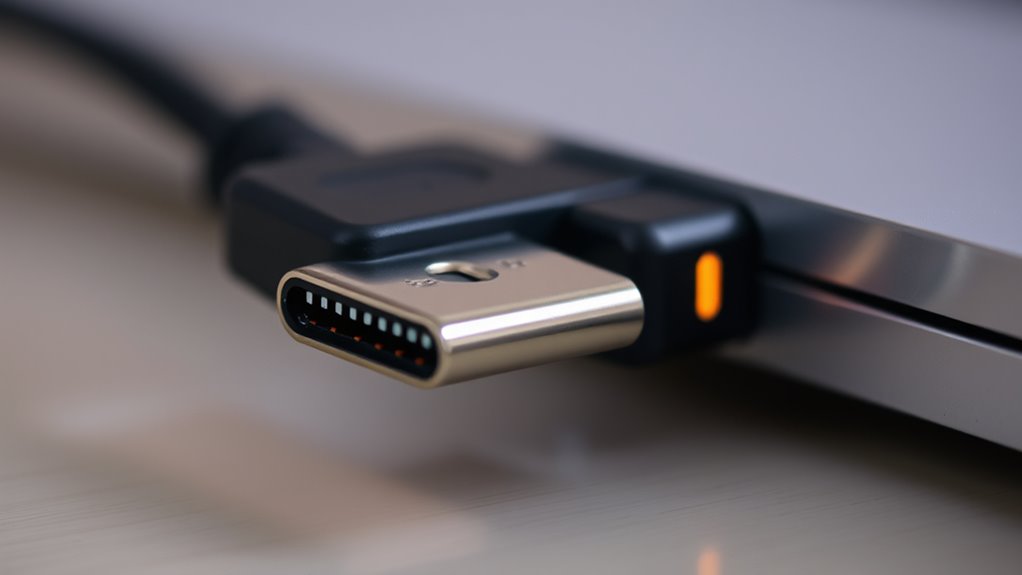
Understanding the USB PD negotiation process is essential to grasp how devices establish a safe and efficient power connection. Once you connect your device via USB-C, the source and sink begin communicating through the configuration channel (CC). The source sends a Source Capabilities message listing available voltage and current options using Power Data Objects (PDOs). Your device responds with a Request Data Object (RDO), choosing a specific PDO and requesting a suitable power level. If accepted, the source adjusts its output and sends a Power Supply Ready message, confirming the agreement. This process involves multiple protocol steps—up to eight phases—to ensure both devices agree on the power contract. Proper protocol implementation is crucial for seamless device compatibility and safety. Additionally, recognizing potential negotiation failures can help troubleshoot connection issues and prevent device damage. Awareness of power profiles can assist in selecting appropriate power levels and avoiding mismatched connections, which is essential for device safety. Understanding how E‑Markers communicate capabilities and limitations further enhances successful negotiations and optimized power delivery. Successful negotiation guarantees safe, reliable power delivery without risking damage to either device.
The Role of E‑Markers in Cable Capabilities Communication

E‑Markers are essential for cables to communicate their capabilities, like current ratings and supported power profiles. Without proper E‑Marker data, devices may misjudge the cable’s limits, risking overload or damage. Ensuring accurate and functional E‑Markers helps prevent negotiation failures and protects your devices during power transfer. Additionally, AI safety measures play a crucial role in developing reliable communication protocols for complex systems like USB Power Delivery. Implementing standardized communication protocols can further enhance the reliability of power negotiation processes. Proper calibration and verification of E‑Markers can also reduce negotiation failures and improve overall system safety. Maintaining accurate E‑Markers is vital for consistent performance and adherence to safety standards. Incorporating tuning practices from vehicle modifications can offer insights into optimizing communication and safety protocols in hardware systems.
E-Marker Data Significance
E-Markers embedded in USB Type-C cables play a crucial role in guaranteeing safe and reliable power delivery by communicating cable capabilities to connected devices. They provide essential data about maximum current ratings, supported voltage levels, and USB PD profiles, enabling devices to negotiate appropriate power levels without risking damage. Without accurate E-Marker data, devices might overestimate cable capacity, leading to overcurrent issues or failed negotiations. Proper E-Marker information helps prevent power overshoot, ensures compliance with safety standards, and optimizes charging performance.
- Communicates maximum current and voltage support for safe power transfer
- Prevents overcurrent and voltage overshoot during negotiation
- Ensures compatibility with high-power profiles above 3A
- Facilitates reliable, standards-compliant power delivery for all devices
Cable Capability Verification
Cable capability verification relies heavily on the information conveyed through embedded E‑Markers. These tiny chips communicate critical details about the cable’s current rating, voltage support, and USB PD profiles. When you connect a USB-C cable, the E‑Marker provides essential data to your devices via CC lines, ensuring they understand the cable’s limits. If the E‑Marker is absent or malfunctioning, your device may restrict power delivery or delay negotiation, risking potential damage or failure. Proper E‑Marker communication confirms that the cable can safely handle the intended power levels, especially for higher currents above 3A. This verification process prevents overcurrent issues and guarantees safe, reliable power transfer, giving you confidence that your devices and cables are compatible and within the specified capabilities. Additionally, compliance with safety regulations ensures the cable operates within recognized standards, reducing the risk of hazards during use. Having reliable E‑Markers also supports standardized communication protocols, which are essential for seamless interoperability across different devices and manufacturers. Furthermore, understanding the cable’s capabilities helps users select appropriate cables for their specific charging needs, enhancing overall device longevity and performance. Recognizing the importance of accurate data exchange during negotiation is crucial for maintaining safe and efficient charging experiences. A thorough understanding of industry standards is also vital to ensure consistent performance and safety across various products.
Preventing Power Overload
Since power overloads can cause serious damage to your devices, it’s essential to confirm that the USB-C cable communicates its capabilities accurately. E‑Markers embedded in cables play a key role by providing essential data about current ratings and supported power profiles. This info helps your devices negotiate the correct power levels and avoid overcurrent situations that could cause hardware damage. Ensuring the E‑Marker functions properly prevents accidental overvoltage or excessive current flow during the negotiation. Without accurate communication, your devices might push beyond safe limits, risking damage or safety hazards. Regularly check that cables have functioning E‑Markers and resistors matching USB‑IF specs. Properly communicating device capabilities keeps power delivery safe, efficient, and tailored to your device’s needs.
- Confirm E‑Markers are embedded and functioning correctly
- Use cables with compliant resistors and chipsets
- Avoid using damaged or uncertified cables
- Regularly update firmware for accurate power negotiation
Common Causes of USB PD Negotiation Failures

You might encounter USB PD negotiation failures due to cable compatibility issues, such as missing or faulty E-Markers, or improper CC line terminations. Firmware or hardware bugs in the device controllers can also cause handshakes to stall or fail entirely. Ensuring proper cable specifications and updating device firmware are key steps to prevent these common problems. Additionally, using vetted cables designed specifically for USB PD can significantly reduce the risk of negotiation failures. Confirming that the cables have proper E-Marker chips helps ensure correct power profiles are communicated during negotiation. Recognizing the importance of communication protocols can further aid in diagnosing and resolving negotiation issues. Properly functioning power management is essential for successful negotiation, emphasizing the need for reliable hardware and adherence to standards. Regularly checking device compatibility can also help prevent negotiation failures caused by incompatible hardware or firmware versions.
Cable Compatibility Issues
Compatibility issues often stem from improper cable terminations or mismatched capabilities that disrupt the USB PD negotiation process. If your cable isn’t designed correctly or lacks proper features, devices may struggle to establish a power contract. For example, a cable without an embedded E-Marker might not communicate its current rating or supported profiles, leading to negotiation failures. Cables with incorrect resistor values on the CC lines can also cause detection issues, preventing devices from recognizing each other’s capabilities. Additionally, some cables are limited to lower currents or voltages, incompatible with higher power profiles required by your device. Ensuring your cable includes proper E-Marker features can help mitigate these issues and improve negotiation success. Properly designed cables also support power profile detection, which is essential for reliable power delivery.
Firmware and Hardware Bugs
Firmware and hardware bugs are frequent culprits behind USB PD negotiation failures, often causing the process to stall or never start. Faulty firmware can mismanage state machines, skip critical message exchanges, or mishandle cable detection, leading to incomplete negotiations. Software bugs might also cause incorrect power requests or ignore protocol steps, preventing devices from establishing a stable power contract. Hardware issues, such as defective controllers, damaged CC line components, or poor solder connections, disrupt the handshake signals necessary for negotiation. These defects can result in unresponsive devices or inconsistent power delivery. Without proper firmware updates or hardware quality, the negotiation process becomes unreliable, causing devices to fall back to default power levels or disconnect entirely. Ensuring firmware integrity and hardware robustness is essential for successful USB PD negotiation. Additionally, proper testing and validation of both firmware and hardware can help identify and mitigate these issues before deployment, especially by checking component quality during manufacturing. Regular firmware updates can also address known bugs and improve protocol compliance, further enhancing negotiation reliability.
Impact of Power Profiles and PDO Compatibility
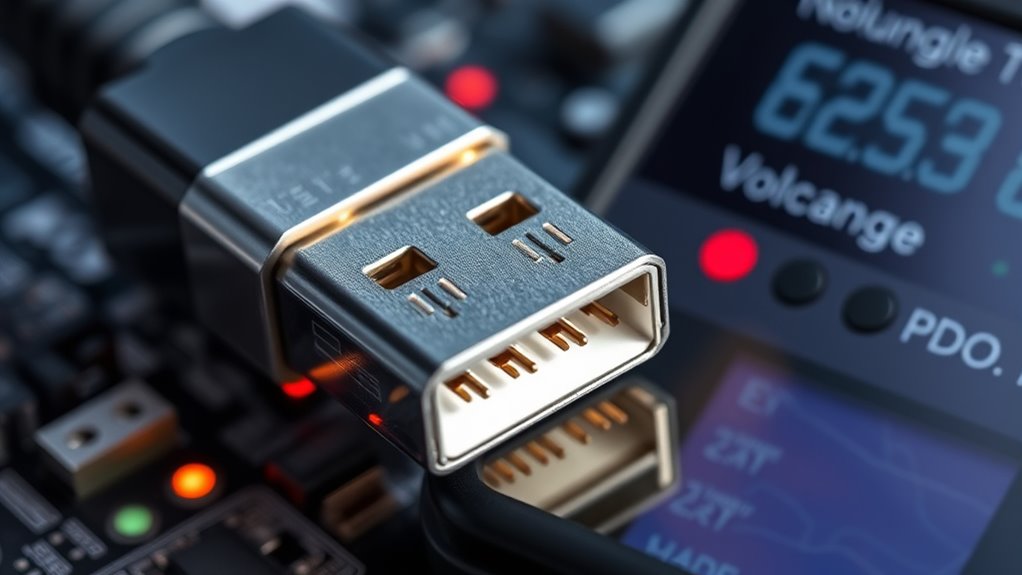
The selection and matching of Power Data Objects (PDOs) play a critical role in ensuring successful USB Power Delivery negotiations. If your source offers PDOs that don’t align with your device’s power needs, negotiations can fail or fallback to lower voltages. Compatibility issues arise when the sink requests a voltage or current not supported by the source’s PDOs, leading to power stalls or incomplete handshakes. Ensuring your devices share compatible PDOs helps establish a stable power contract. Proper storage and handling of devices can also influence power profile performance and reliability.
Matching PDOs is essential for reliable USB Power Delivery negotiations and a stable power contract.
- Verify that source PDOs match your device’s voltage and current requirements
- Use standardized PDOs to avoid mismatches and fallback issues
- Check for extended PDOs (APDOs) for higher power profiles
- Confirm that both devices support the same power profiles for seamless negotiation
Firmware and Software Influences on Power Negotiation
Proper management of USB PD negotiations heavily depends on the firmware and software controlling the power delivery controllers. If your firmware has bugs or incomplete implementations, the negotiation process can stall or fail altogether. For example, improper handling of cable attach events or message exchanges may prevent the state machine from progressing correctly. Software issues might cause delays in initiating negotiations or misinterpret responses, leading to mismatched power profiles or fallback to lower voltages. Additionally, faulty firmware can misinterpret cable capabilities or ignore critical protocol steps, jeopardizing safe power delivery. Using debugging tools like USB analyzers helps identify where the negotiation breaks down. Ensuring your firmware adheres strictly to the USB PD specification and undergoes thorough testing reduces the risk of negotiation failures caused by software or firmware errors.
Diagnosing Negotiation Issues With Hardware and Protocol Analysis
When USB PD negotiations fail to complete correctly, analyzing hardware signals and protocol messages becomes paramount for pinpointing the root cause. You should start by inspecting voltage levels on CC lines, ensuring proper resistor values and cable terminations. Use protocol analyzers or sniffer tools to capture message exchanges, looking for missing or malformed packets. Check for hardware issues like damaged E-Markers or faulty cables that might prevent accurate capability detection. Confirm that power supplies and controllers are functioning properly, with correct firmware loaded. By examining both physical signals and protocol communications, you can identify where the handshake stalls or fails.
- Verify resistor and termination values on CC pins
- Capture and analyze protocol message logs
- Inspect cables for E-Marker or physical damage
- Test hardware components for proper operation
Ensuring Proper Cable and Hardware Compliance for Reliable Negotiation
Ensuring cable and hardware compliance is essential for a reliable USB PD negotiation process. You must verify your cables support proper E-Markers, especially for higher power levels. Use cables with embedded E-Markers that accurately communicate current ratings and supported profiles, preventing overcurrent or voltage issues. Confirm resistor values on CC lines match USB-C specifications to ensure correct cable identification and capabilities. Faulty or non-compliant hardware can cause handshake failures or stall negotiations. Regularly test cables and ports with certified equipment to detect mismatches early. Properly designed and compliant components promote smooth power contracts. Here’s a quick reference:
| Cable Type | Power Rating | E-Marker Presence | Resistor Value | Compatibility |
|---|---|---|---|---|
| Standard USB-C | 3A | Yes | 56kΩ | Basic use |
| High-Power | 5A | Yes | 10kΩ | Fast charging |
| Non-compliant | Varies | No | N/A | Risk of failure |
| Damaged | N/A | N/A | N/A | Unreliable |
| Custom | Varies | Yes | Custom | Advanced use |
Strategies for Mitigating and Resolving PD Negotiation Failures
To effectively mitigate and resolve USB PD negotiation failures, you need a systematic approach that tackles hardware and software issues. First, check that your cables have proper CC line terminations and compliant E-Markers to prevent miscommunication. Power cycle your charger and device to clear any stale states. Use USB PD analyzers to capture message exchanges, pinpointing where the handshake stalls. Ensure your firmware fully adheres to USB PD standards, especially during cable connect events. Regular testing and validation help identify bugs early. Proper hardware-software integration is essential for smooth negotiations.
- Verify cable and connector compliance, including E-Marker functionality
- Power cycle devices before connection to reset PD states
- Use analyzers to monitor message exchanges and identify failures
- Keep firmware updated and compliant with USB PD specifications
Frequently Asked Questions
How Do E-Markers Influence Negotiation Speed and Success Rates?
E-markers substantially influence negotiation speed and success rates by providing accurate cable capabilities upfront. When your cable’s E-marker is detected correctly, devices quickly identify supported current and voltage levels, reducing delays. Properly integrated E-markers ensure safe power delivery, minimizing negotiation failures caused by mismatched power profiles or overcurrent risks. Without a functioning E-marker, devices may fall back to conservative settings or stall, decreasing overall negotiation efficiency and increasing failure chances.
What Are the Signs of a Faulty E-Marker in a USB-C Cable?
You might notice a faulty E-Marker if your cable causes power delivery issues, such as limited voltage or current, despite proper connections. Signs include inconsistent charging speeds, failure to negotiate higher power profiles, or frequent disconnections during negotiation. If the cable doesn’t report its capabilities correctly or if devices can’t detect the cable’s rated current, it likely has a malfunctioning E-Marker, compromising safe and efficient power transfer.
Can Firmware Updates Fix Persistent USB PD Negotiation Failures?
Yes, firmware updates can fix persistent USB PD negotiation failures. They improve device communication by enhancing the state machine, fixing bugs, and guaranteeing proper message handling. Updating firmware ensures your device correctly detects cables, supports latest protocols, and manages power contracts efficiently. Always keep firmware current to address known issues, improve compatibility, and prevent negotiation stalls caused by software glitches or outdated protocols.
How Does Cable Length Affect E-Marker Communication and Power Delivery?
Cable length can impact e-marker communication and power delivery by increasing signal attenuation and noise, which makes it harder for devices to accurately detect cable capabilities. Longer cables may weaken CC line signals, causing delays or failures in establishing proper power contracts. You might notice slower negotiations or reduced power levels, especially if the cable lacks proper shielding or quality. To guarantee reliable power delivery, use high-quality, appropriately rated cables for your setup.
Are Certain Device Brands More Prone to USB PD Negotiation Issues?
Some device brands are more prone to USB PD negotiation issues because of inconsistent firmware implementations, hardware quality, or non-compliant components. If you notice frequent failures with certain brands, it’s likely due to their controllers or cables not fully adhering to USB PD standards. Make sure you’re using certified cables and updated firmware, as these can markedly improve compatibility and reduce negotiation failures across different brands.
Conclusion
Understanding USB PD negotiation is vital for reliable power delivery. Did you know that nearly 30% of failures stem from incompatible cables or faulty E-markers? By ensuring your cables and devices meet proper standards and staying updated on firmware, you can greatly reduce negotiation issues. Staying proactive in diagnosing and resolving these problems keeps your devices charging efficiently and safely, preventing unexpected failures and keeping your workflow seamless.
Columbus Day / Indigenous Peoples' Day Picks
long weekend sales
As an affiliate, we earn on qualifying purchases.