
🔍 Read the full analysis: AI Agents And Signal: What The Screenshot Block Means For You on ThorstenMeyerAI.com

Get the latest gadgets delivered free with Prime
- Fast, free delivery on millions of items
- Prime Video, Amazon Music and more included
- Member-only deals all year
TL;DR
Signal says its latest iPhone and Android apps block screenshots and restrict some on-device AI assistants from reading chats on screen. The protections are enabled by default or activate when an assistant attempts access, but they do not cover every device or all ways information may be exposed.
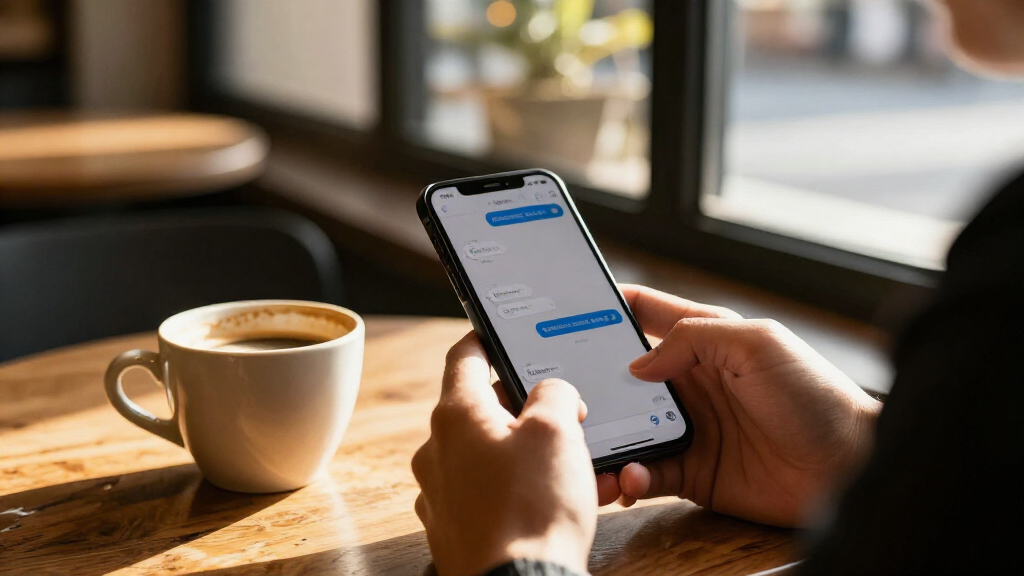
Signal has added screen-capture protections to its iPhone and Android apps, aiming to stop screenshots and some on-device AI assistants from reading chats displayed on a phone. The change, announced on November 20, is enabled by default on supported iPhones and activates on Android when Signal detects an assistant trying to access the screen, according to the company.
On iPhones running iOS 27 with Signal version 8.37 or later, a setting called “Block Siri AI” is on by default. Signal says it blocks screenshots and screen recordings within the app, hides its chats in the App Switcher and prevents on-device assistants from reading Signal’s screen. Users can turn protection off or pause it for 10 minutes.
On Android, the feature is called Screen security and is available in Signal 8.35.1 or later, according to Signal’s support page. The app says it enables the setting the first time it detects an AI assistant trying to read Signal’s screen. Users can also enable it themselves. When active, Signal says screenshots are blocked and its content is hidden from the recent-apps list.
Signal says the controls do not alter message encryption or change who can access messages through Signal itself. They address a different point of exposure: content displayed on a device. The company’s support instructions let users switch the protection off in the app’s privacy settings, but Signal warns that doing so may allow assistants to access chats on screen.
A New Boundary for Screen-Reading AI
End-to-end encryption protects messages as they travel between people, but it cannot prevent a separate tool on an unlocked phone from reading information shown on the display. Signal’s update targets that gap as mobile operating systems add assistants that can interpret screen content or perform actions based on it.
For users, the trade-off is between convenience and limiting another system’s access to private conversations. For companies building or deploying agents, the change signals that apps may restrict screen access rather than allow automated tools to operate freely. Signal is also asking Apple, Google and Microsoft for a documented way for apps to opt out of AI data access, according to its post.
The practical effect is narrower than a change to encryption: the protection applies only in specified app and operating-system versions, and Signal says it cannot block every route by which content might be captured. People should not treat the setting as a guarantee that a conversation is inaccessible to every assistant, device or person involved.
Products Worth Considering

Jackery Explorer 300 Portable Power Station, 292Wh

DJI Mini 3 Drone with DJI RC Controller

Logitech MX Keys S Combo Wireless Keyboard and Mouse, Graphite
As an affiliate, we earn on qualifying purchases.
Signal’s Earlier Screen Protections
The update follows Signal’s earlier response to Microsoft Recall. On May 21, 2025, Signal turned on Screen security by default in its Windows 11 desktop app to block Recall from capturing its chats. Signal described Recall as taking screen captures, extracting text and storing it in a searchable on-device database.
The company’s November announcement addresses mobile assistants. Signal’s post names Apple’s Siri AI and Google’s Gemini Intelligence as examples of systems with screen-awareness or screen-context features. Signal says it is restricting such assistants from potentially capturing and storing Signal data; that is the company’s explanation of the purpose and scope of its controls.
Signal president Meredith Whittaker called operating-system AI agents “an existential threat to Signal, and our ability to responsibly uphold our mission,” according to the company’s post. She also described Signal’s fix as “incomplete.” Reuters reported the announcement on November 20. The cited reporting and Signal documentation do not establish that every assistant or device behaves the same way.
Where the Protection Stops
Signal says it cannot reliably block screenshots on macOS. Its published guidance also identifies gaps involving Android devices where it cannot detect an assistant, as well as notifications, files and the phone of the person receiving a message. The protections described here therefore do not extend to every copy or display of a conversation.
It is not clear from the available material which specific assistants, device configurations or future operating-system changes may bypass or fail to trigger detection. Signal’s announcement describes its intended behavior, but it does not provide independent testing results for every model of phone or assistant. The source material also does not specify the complete range of data each assistant may collect after gaining screen access.
On Android, Signal says that if a user switches Screen security off from the warning prompt, it will turn the feature back on after 90 days; switching it off through settings does not prompt the same reminder. The company’s material does not explain whether that reminder behavior will change in later releases.
Users Can Review Privacy Settings
Users on supported versions can check the relevant controls in Signal’s settings: on iPhone, Settings → Privacy → Block Siri AI; on Android, Settings → Privacy → App security → Screen security. Anyone who disables protection should account for Signal’s warning that an assistant may be able to read displayed chats.
Signal says it is seeking a simple, documented opt-out mechanism from Apple, Google and Microsoft. The available announcement does not give a timetable or say whether those companies have agreed to add one. For now, users and organizations will need to check Signal’s support information for device-specific limits and monitor whether later app or operating-system updates change how screen access works.
Key Questions
Does Signal’s update change end-to-end encryption?
No. Signal says the setting affects screen capture and on-device scanning, not how messages are encrypted or who can see them through Signal.
Are screenshots blocked by default?
On supported iPhones running iOS 27 with Signal 8.37 or later, “Block Siri AI” is on by default. On Android, Signal says Screen security activates when it detects an assistant trying to read the screen, though users can enable it manually.
Can I turn the protection off?
Yes. Signal provides controls in its privacy settings on both platforms. On iPhone, users can also pause protection for 10 minutes. Signal warns that turning it off may expose displayed chats to AI assistants.
Does the protection work on Mac?
Signal says it cannot reliably block screenshots on macOS, so the mobile protections described in the announcement do not provide the same safeguard on Mac.
Does this prevent every way a message could be exposed?
No. Signal identifies limitations involving undetected Android assistants, notifications, files and the recipient’s device. The company describes the protection as incomplete, and it does not cover every possible way a conversation might be copied or viewed.
Source: ThorstenMeyerAI.com