TL;DR
The source ranks eight drawing tablets across screen displays, screenless tablets and standalone devices, with the HUION Kamvas 13 (Gen 3) as its overall pick. The list also highlights differences in work area, controls, portability and computer requirements; it does not provide independent testing or establish a definitive ranking for every artist.
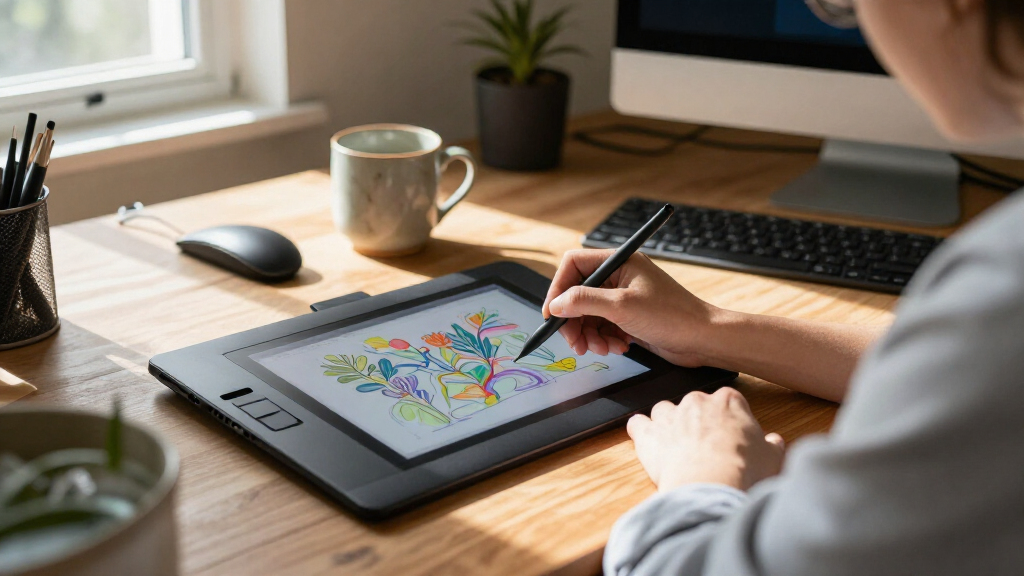
Thorsten Meyer AI has published a guide to eight drawing tablets for digital art, naming the HUION Kamvas 13 (Gen 3) its best overall pick for artists who want a display and dial controls. The comparison also covers screenless tablets and standalone devices, underscoring that buyers must weigh computer compatibility, workspace and portability alongside pen features.

Get the latest gadgets delivered free with Prime
- Fast, free delivery on millions of items
- Prime Video, Amazon Music and more included
- Member-only deals all year
The guide divides the choices by use case, as does this overview of drawing tablets for digital artists. It recommends the HUION Inspiroy H1060P for a larger screenless work area and shortcut controls, and the Frunsi RubensTab T11 Pro for artists seeking a standalone device. Compact options include the HUION Inspiroy H640P, with a 6-by-4-inch active area, and the wired Wacom Intuos Small.
Screen-based models include the Kamvas 13 (Gen 3) and two listings for the XP-Pen Artist 13.3 Pro V2. The source gives the XP-Pen display tilt support and lists color coverage figures, but the two entries appear closely related; it advises comparing the exact specifications and accessories. It also lists the PicassoTab A10 as a standalone Android option.
Several devices require a connected computer or compatible Android device, while standalone models can run without a computer for supported tasks. The source notes that Android software support may differ from desktop illustration programs. It identifies itself as AI-assisted and includes an affiliate disclosure for qualifying purchases; it does not describe hands-on testing or a common benchmark across all eight tablets.
8 drawing tablets for digital art
The guide matches tablets to different setups and priorities. Its overall pick is the HUION Kamvas 13 (Gen 3), but the right choice depends on workspace, portability and software needs.
Choose a setup
Each format changes how you draw and what other equipment you need.
- Pen displays show artwork where you draw.
- Screenless tablets use a separate computer display.
- Both require a compatible connected device.
- Frunsi RubensTab T11 Pro and PicassoTab A10 are listed as standalone options.
- They can reduce reliance on a computer for supported tasks.
- Android app support may differ from desktop software.
Match features to your work
Work area, controls and portability shape everyday use.
HUION Kamvas 13 (Gen 3)
The guide’s overall pick, with a screen and dual dials for artists who want physical controls.
HUION Inspiroy H1060P
Recommended for a larger screenless work area and shortcut controls.
H640P and Intuos Small
Compact choices for artists weighing portability and available workspace.
Check before buying
Confirm the device fits your setup and the exact listing.
- Check computer, operating system and drawing software compatibility.
- For standalone models, verify that your preferred apps support your tasks.
- Compare the two closely related XP-Pen Artist 13.3 Pro V2 listings, including specifications and accessories.
- Check retailer prices and stock; the guide does not provide current purchasing data.
Choosing Between Screens and Standalone
The choice affects both how artists work and what other equipment they need. A pen display lets users draw on the image, but requires a compatible connected device. A screenless tablet can cost less and use a computer monitor, while a standalone model can reduce reliance on a computer but may limit software choices.
Workspace and controls also shape day-to-day use. The source contrasts the H1060P’s 10-by-6.25-inch area with the smaller H640P and Intuos Small, and points to the Kamvas’s dual dials as a feature for artists who want physical controls. These are buying considerations, not evidence that one model performs best for every artist.
Products Worth Considering

Samsung Galaxy Tab A11+ Tablet, 6GB RAM, 128GB Storage, Expandable Storage, Gray
Bose SoundLink Max Portable Bluetooth Speaker, Black

Logitech MX Master 4 for Mac
As an affiliate, we earn on qualifying purchases.
Three Tablet Setups Compared
The guide compares three broad formats: pen displays with built-in screens, screenless pen tablets used alongside a computer display, and standalone tablets. Its recommendations pair those formats with different needs, including color-focused work, portability, shortcut access and avoiding a computer connection.
Product details in the source include screen sizes, active areas, connections and selected pen or display specifications. Prices, availability, measured performance and a publication date are not supplied, so those details cannot establish which option is the best current purchase.
“The main tradeoff is between drawing directly on a display, using a more affordable pen tablet with a separate computer screen, or paying for a self-contained tablet.”
— Thorsten Meyer AI
Testing and Listing Details
The source does not state whether the tablets were tested side by side, how its rankings were determined, or when the guide was published. It also does not provide current prices or confirm availability. The two XP-Pen entries appear to describe closely related products, but the material does not resolve whether their included accessories or specifications differ.
Standalone Android compatibility depends on the apps and tasks an artist needs. The source cautions that Android may not support high-end desktop illustration software, but it does not provide an app-by-app compatibility list.
Check Compatibility Before Buying
Buyers should confirm the exact model and included accessories, then check that the device works with their computer, operating system and preferred drawing software. Artists considering a standalone tablet should verify that their required apps run on its platform. Prices and stock should be checked with retailers because the source provides no current purchasing data.
Key Questions
Which tablet does the guide rank best overall?
It names the HUION Kamvas 13 (Gen 3), citing its screen and dual dials. The guide does not describe comparative hands-on testing.
Which listed models work without a computer?
The Frunsi RubensTab T11 Pro and PicassoTab A10 are presented as standalone options. Supported apps and tasks may vary.
What is the difference between a pen display and a screenless tablet?
A pen display shows the artwork on the device where the artist draws. A screenless tablet provides a drawing surface while the artist views the work on a separate connected screen.
Are the two XP-Pen listings different models?
The source says the listings appear closely related and recommends checking the exact specifications and included accessories. It does not clarify all differences.
Source: Thorsten Meyer AI