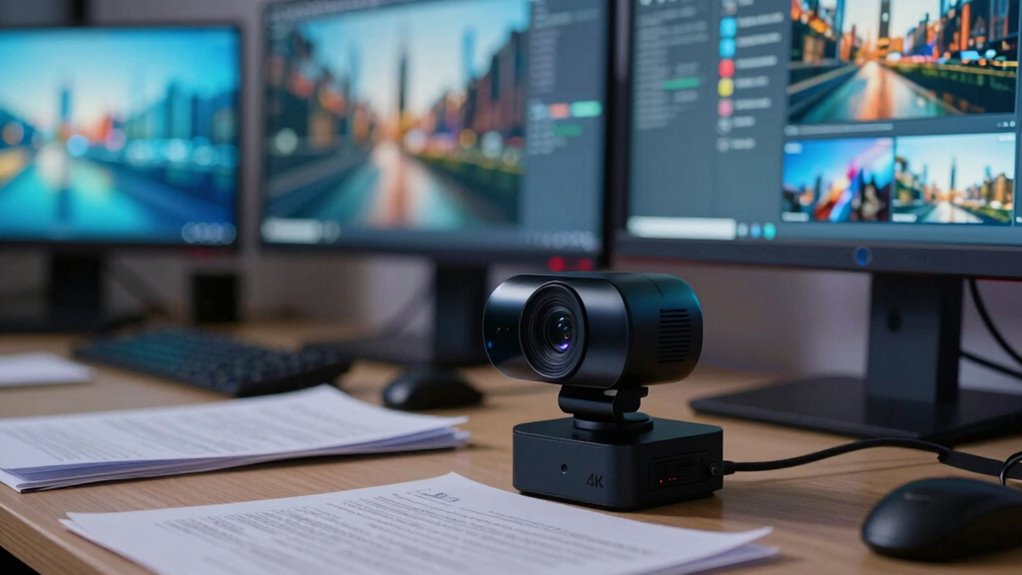

A 4K webcam isn’t always the best choice because your hardware and internet might struggle with the high resolution, causing lag, buffering, or dropped frames. If your system isn’t powerful enough, the extra detail won’t improve your image and might even slow things down. High compression and bandwidth needs can also create issues, making the overall experience worse. Keep these limitations in mind—if you’re curious, there’s more to think about.
Key Takeaways
- High data compression needed for 4K can reduce image quality, negating resolution benefits.
- Not all devices support smooth 4K streaming, causing lag and dropped frames.
- 4K demands more system resources, potentially slowing down or crashing hardware.
- Stable, high-bandwidth internet is essential; fluctuations cause buffering and quality issues.
- Matching resolution to hardware capabilities prevents unnecessary performance strain.
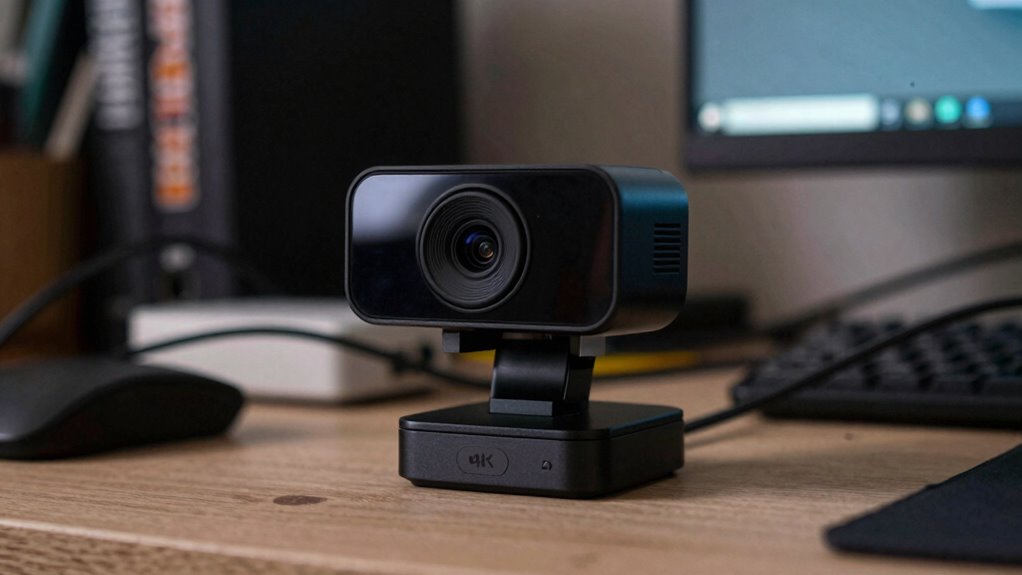
While a 4K webcam might seem like the ultimate upgrade for your video calls, it’s not always the best choice. High-resolution video offers stunning detail, but it also demands more from your system. One of the main factors to consider is video compression. When streaming or recording in 4K, your webcam has to compress a vast amount of data to transmit it effectively. If your internet connection isn’t fast enough, this can lead to lag, pixelation, or dropped frames, defeating the purpose of investing in such a high-quality camera. Even if your connection is strong, excessive compression can reduce image quality, making the extra resolution less noticeable.
Another critical aspect is hardware compatibility. Not all computers or devices are equipped to handle 4K streams smoothly. Your processor, graphics card, and even your display need to be capable of supporting such high data rates. If your hardware isn’t compatible, you might experience dropped frames, increased latency, or overheating, which can ruin your video conferencing experience. Sometimes, the extra strain on your system causes it to slow down or crash, especially if it’s not built with high-performance components. This system performance can be significantly impacted by high-resolution settings, making it essential to assess your hardware before upgrading. It’s also worth noting that network stability plays a vital role in maintaining smooth 4K streams, as any fluctuations in bandwidth can cause disruptions. Additionally, understanding hardware limitations is crucial to avoid unnecessary frustration or investment. Being aware of the processing capacity of your device can help you determine whether a 4K webcam will truly enhance your experience or just add unnecessary complexity. Furthermore, choosing a resolution that matches your typical usage can help optimize both video quality and system performance.
As an affiliate, we earn on qualifying purchases.
Frequently Asked Questions
How Does a 4K Webcam Impact Internet Bandwidth During Streaming?
A 4K webcam substantially impacts your internet bandwidth during streaming because it requires much higher data transfer rates to maintain quality. When you stream in 4K, your internet connection needs to handle larger files, which can cause buffering or lag if your bandwidth isn’t sufficient. This impacts your overall streaming quality, making it essential to have a strong, stable internet connection to support the high data demand of 4K video.
Are 4K Webcams Compatible With All Video Conferencing Platforms?
You might find that 4K webcams aren’t compatible with all video conferencing platforms due to limited hardware compatibility and resolution flexibility. Many platforms optimize for 1080p or lower resolutions, so a 4K webcam may not deliver its full benefits unless the software supports higher resolutions. Before purchasing, check the platform’s specifications to verify your webcam’s resolution and hardware are compatible, preventing potential issues during your calls.
What Are the Cost Differences Between 4K and Lower-Resolution Webcams?
You’ll find that 4K webcams are generally more expensive than lower-resolution options, often costing several hundred dollars. Hardware compatibility plays a role, as 4K webcams require more powerful computers and high-quality lenses, increasing costs. Additionally, software requirements may demand updated drivers or specific conferencing platforms to support 4K streaming. If your setup isn’t optimized for these, investing in a 4K webcam might not be cost-effective.
How Does Low-Light Performance Compare Between 4K and 1080P Webcams?
A 4K webcam generally struggles more in low-light conditions compared to 1080p models. Its lower light sensitivity can lead to grainy images and increased image noise, especially in dim environments. You might notice details are less clear and the picture quality drops considerably. Conversely, 1080p webcams usually handle low light better, providing clearer images with less noise, making them a smarter choice for darker settings.
Is Editing or Post-Processing Needed for 4K Webcam Footage?
You might need editing or post-processing for 4K webcam footage to enhance video stabilization and color accuracy. Although 4K offers higher detail, it can amplify imperfections like shaky footage or inconsistent colors. By stabilizing your video and adjusting colors during editing, you guarantee a professional look. Post-processing helps correct issues that raw 4K footage might reveal, making your videos more polished and visually appealing.
Conclusion
Choosing a webcam is like picking the right paintbrush—you need to match it to your canvas. A 4K webcam might seem like the best tool, but sometimes, it’s overkill, and you’ll get more clarity than you need. Focus on what truly matters for your setup—like smooth streaming and reliable connection. Remember, bigger isn’t always better; sometimes, a simpler brush paints the perfect picture. Pick wisely, and your video will shine just right.