
If you’re comparing USB4 v2 and Thunderbolt, you’ll find both deliver high data speeds, with USB4 v2 reaching 80Gbps bi-directionally and Thunderbolt 4 offering a guaranteed 40Gbps, with Thunderbolt 5 pushing even higher. For video, Thunderbolt 4 supports dual 4K displays, while USB4 v2 can handle 8K via DisplayPort 2.0. Cable quality and certification are essential—Thunderbolt is strict, USB4 more flexible. Continue exploring to see how these standards impact your device choices.

Get the latest gadgets delivered free with Prime
- Fast, free delivery on millions of items
- Prime Video, Amazon Music and more included
- Member-only deals all year
Key Takeaways
- USB4 v2 doubles bandwidth to 80Gbps bi-directionally, matching Thunderbolt 5’s speeds, while Thunderbolt 4 guarantees 40Gbps consistently.
- Thunderbolt 4 supports dual 4K or single 8K displays, with USB4 v2 enabling 8K HDR10 via DisplayPort 2.0, similar to Thunderbolt 5’s multi-display support.
- Thunderbolt 4 requires certified cables for 40Gbps, supporting passive cables up to 1 meter; Thunderbolt 5’s PAM-3 signaling allows higher speeds over existing cables.
- Thunderbolt certification ensures minimum performance and security, whereas USB4’s open certification leads to variability across devices.
- Thunderbolt 5 offers up to 240W power delivery and advanced multi-display support, reflecting ongoing standard evolution compared to USB4 v2.
As an affiliate, we earn on qualifying purchases.
Data Transfer Speeds and Performance Standards
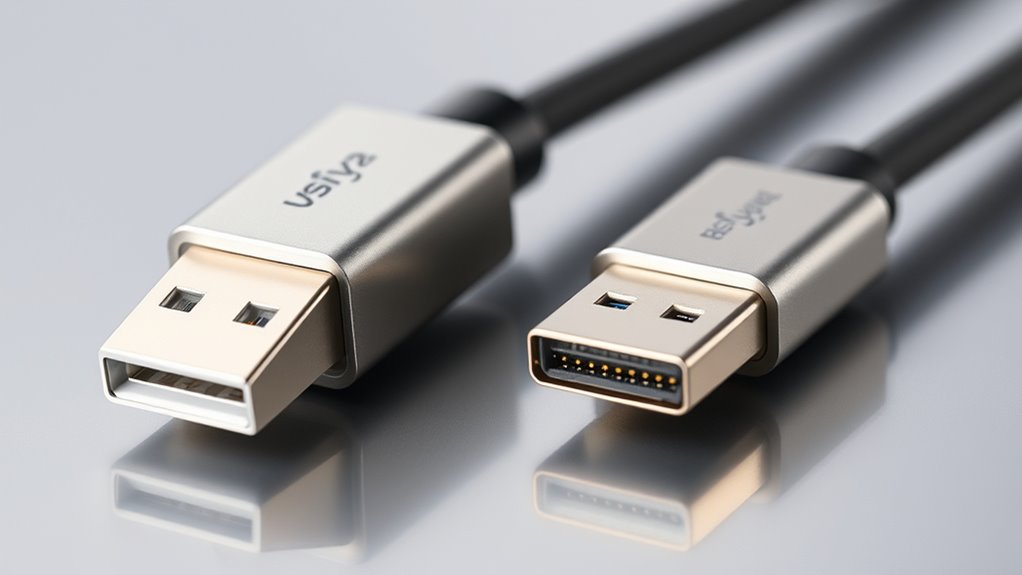
When comparing data transfer speeds, USB4 v2 and Thunderbolt stand out for their impressive performance, but there are key differences you should know. USB4 v2 doubles the bandwidth of its predecessor, reaching up to 80Gbps bi-directionally and up to 120Gbps uni-directionally, making it one of the fastest USB standards. Thunderbolt 4 offers a consistent minimum speed of 40Gbps across all certified devices, ensuring reliable performance. Thunderbolt 5 matches USB4 v2 with up to 80Gbps bi-directionally, with a boost mode up to 120Gbps. While USB4’s speeds can vary depending on the manufacturer, Thunderbolt’s certification guarantees minimum performance levels. This means Thunderbolt devices typically deliver consistent, guaranteed speeds, whereas USB4 speeds may fluctuate based on implementation and cable quality.
Video Output Capabilities and Display Support
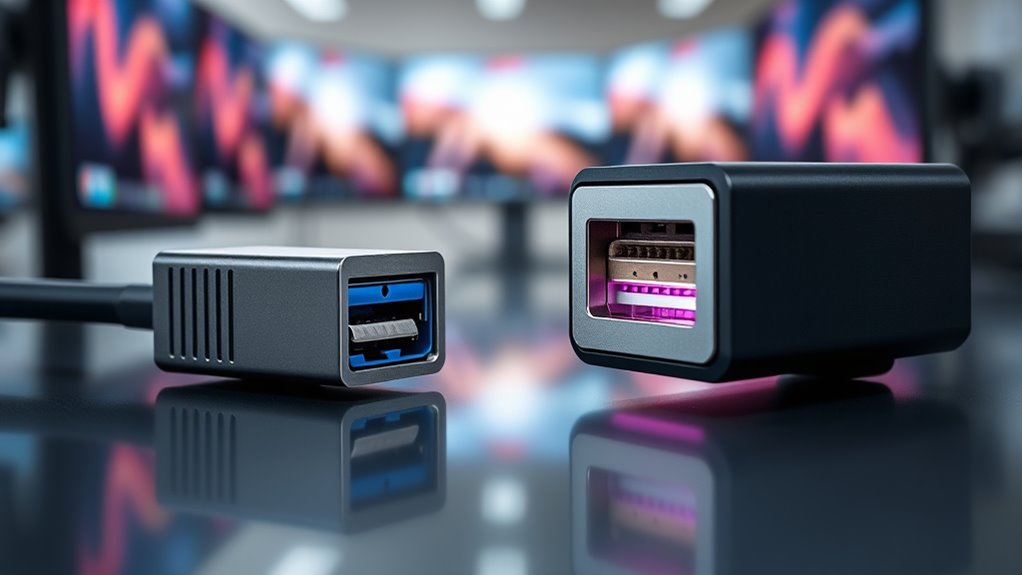
While both USB4 and Thunderbolt technologies support high-resolution displays, their capabilities and standardizations differ considerably. Thunderbolt 4 guarantees support for dual 4K displays or a single 8K display at 60Hz, ensuring consistent performance across certified devices. USB4’s video support varies with implementation; many support one 4K or 8K display, and USB4 v2 with DisplayPort 2.0 can handle 8K at 60Hz with HDR10. Thunderbolt 5 expands this further, supporting up to three 4K displays at 144Hz or two 8K displays at 60Hz, offering higher refresh rates and resolutions. USB4 v2 integrates DisplayPort 2.0, enabling comparable video capabilities. However, due to less strict certification, USB4’s display support can be inconsistent, affecting reliability and performance. Cybersecurity considerations also play a role in ensuring secure data transmission during high-bandwidth video operations. Additionally, standardization plays a key role in the consistency of video output quality across devices. The evolution of these standards is also influencing the development of compatible hardware, leading to broader adoption and improved performance consistency. Incorporating tuning principles from hardware optimization can further enhance device compatibility and performance in high-bandwidth scenarios.
Cable Compatibility, Power Delivery, and Certification
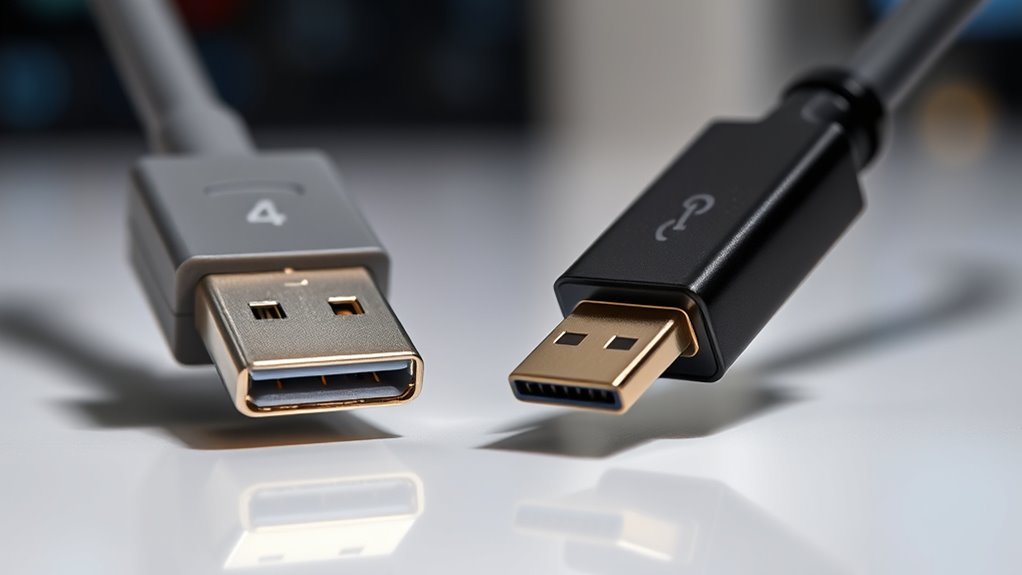
Cable compatibility plays a significant role in enabling the full potential of USB4 and Thunderbolt technologies. Using the right cables guarantees you achieve peak data speeds, video quality, and power delivery. USB4 relies on USB-C cables with varying capabilities; for top performance, you need cables certified for USB4 v2. Thunderbolt 4 mandates certified cables for consistent 40Gbps speeds, supporting passive cables up to 1 meter. Thunderbolt 5 introduces PAM-3 signaling, allowing higher speeds over existing cables. Power delivery standards align with USB-C, supporting up to 100W in USB4 and Thunderbolt 4, but Thunderbolt 5 raises this to 240W. Certification ensures reliability: Thunderbolt’s strict Intel certification guarantees performance and security, while USB4’s open certification leads to variability depending on the manufacturer. Additionally, high refresh rates in projectors can significantly improve visual performance, especially in gaming and cinematic experiences. Ensuring cable quality is aligned with standardized specifications can also impact overall system stability and longevity. Properly certified cables and adherence to performance standards are essential for consistent and optimal device operation. Recognizing the importance of cable quality can also impact overall system stability and longevity.
Frequently Asked Questions
How Do USB4 V2 and Thunderbolt Handle Multiple Device Connections Simultaneously?
You can connect multiple devices simultaneously more effectively with Thunderbolt 4 and 5, thanks to their higher bandwidth and strict certification. Thunderbolt 4 supports daisy-chaining up to six devices, while Thunderbolt 5 improves this with even faster speeds and better device management. USB4 v2 also allows multiple connections, but performance depends on implementation and cable quality. Both standards handle multiple devices well, but Thunderbolt offers more consistent, guaranteed performance.
Are There Differences in Security Features Between USB4 V2 and Thunderbolt?
You’ll find that Thunderbolt 4’s security features are stricter than USB4 v2’s. With mandatory PCIe tunneling and DMA protection, it shields your system from direct memory access attacks, like a fortress guarding its gates. USB4 v2, managed openly by USB-IF, offers optional security features, meaning protection varies by device. If security is a priority, Thunderbolt 4 provides consistent, robust safeguards, whereas USB4 v2’s approach offers flexibility but less uniformity.
Can Existing Cables Support the Highest Speeds in USB4 V2 and Thunderbolt?
Existing cables can support the highest speeds in USB4 v2 and Thunderbolt, but only if they’re compliant with the standards. For USB4 v2, you’ll need cables rated for USB4 or DisplayPort 2.0 to reach maximum performance. Thunderbolt cables, especially certified ones, are designed for the highest speeds up to 120Gbps. Using non-certified or older cables may limit your device’s performance, so check compatibility before connecting.
How Does Certification Impact Device Interoperability and Reliability?
Certification is like a superhero shield for your devices, ensuring they play nicely together and perform flawlessly. When a device is certified, it guarantees superior interoperability and rock-solid reliability, so you won’t face random disconnects or performance hiccups. Without proper certification, you’re rolling the dice—risking compatibility issues, inconsistent speeds, and unreliable connections. Certification is your ticket to a seamless, dependable tech experience that keeps everything working harmoniously.
Do USB4 V2 and Thunderbolt Support Daisy-Chaining Multiple Peripherals?
You can daisy-chain multiple peripherals with both USB4 v2 and Thunderbolt, but their support differs. Thunderbolt explicitly supports daisy-chaining up to six devices, thanks to its strict certification and high-speed protocols. USB4 v2’s support varies depending on implementation; some devices may handle daisy-chaining, but it’s not guaranteed without specific manufacturer support. For reliable multi-device setups, Thunderbolt offers a more consistent and secure daisy-chain experience.
Conclusion
Choosing between USB4 v2 and Thunderbolt is like picking the right tool for your tech arsenal. USB4 v2 offers impressive speeds and versatility, while Thunderbolt’s sleek performance feels like having a high-speed train at your fingertips. Think about your needs—whether you want broad compatibility or top-tier performance—and you’ll find the perfect fit. In this tech landscape, understanding these rules is your compass, guiding you through a sea of cables toward seamless, powerful connections.
Halloween Picks
halloween
As an affiliate, we earn on qualifying purchases.