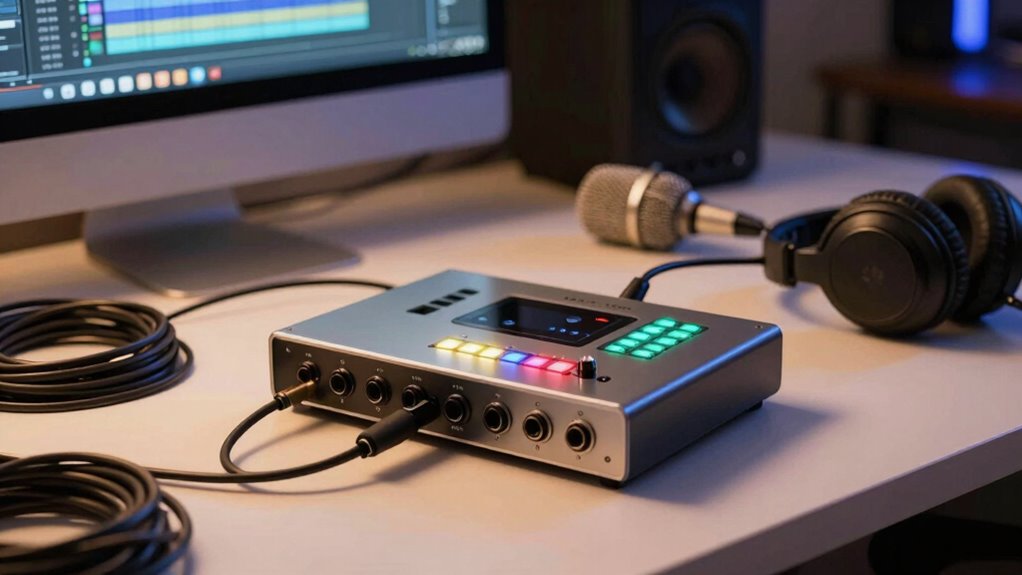

An audio interface connects your microphones and instruments to your computer, converting analog signals into high-quality digital audio essential for home recording. It reduces noise, interference, and latency, giving you clear sound and real-time monitoring. Choosing the right interface depends on matching your gear, optimizing settings, and focusing on sound quality. If you want to understand the key features and how to get the best performance, there’s more to explore just ahead.

Get the latest gadgets delivered free with Prime
- Fast, free delivery on millions of items
- Prime Video, Amazon Music and more included
- Member-only deals all year
Key Takeaways
- Audio interfaces connect microphones and instruments to your computer, converting analog signals to digital for recording.
- They come with various input types, like XLR and combo jacks, to suit different microphones and gear.
- Low latency and high-quality converters are essential for real-time monitoring and professional sound.
- Proper cabling and settings help maintain sound clarity and reduce noise during recording.
- Choose an interface that matches your gear, supports your creative goals, and offers reliable, high-fidelity performance.
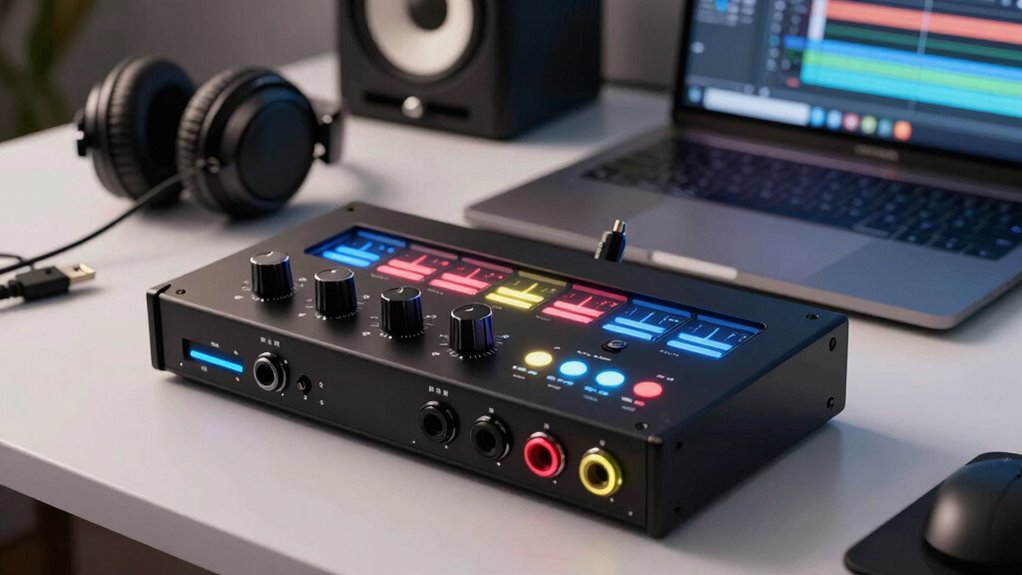
If you’re serious about producing high-quality audio at home, understanding audio interfaces is vital. These devices serve as the bridge between your microphones, instruments, and your computer, converting analog signals into digital data that your recording software can process. When exploring options, you’ll notice that microphone connections vary—some interfaces use XLR inputs, while others might include combo jacks that accept XLR or 1/4-inch TRS cables. Choosing an interface with the right microphone connections ensures you can connect your gear easily without needing extra adapters or converters. Proper connections also help maintain sound quality and minimize noise or interference, which is essential for professional-sounding recordings.
Choosing the right microphone connections ensures easy setup and high-quality recordings.
One common challenge when working with audio interfaces is latency issues. Latency refers to the delay between when you speak or play an instrument and when you hear it through your speakers or headphones. If latency is high, it can make recording or performing feel unresponsive, throwing off your timing and making the process frustrating. To combat this, look for interfaces with low-latency performance, which use high-quality converters and optimized drivers. Many interfaces come with dedicated hardware or software settings to reduce latency, allowing you to monitor your recordings in real-time without noticeable delay. It’s worth noting that latency can also be affected by your computer’s processing power and the buffer size settings in your recording software. Smaller buffer sizes generally reduce latency but can increase CPU load, potentially causing glitches or dropouts if your system isn’t robust enough. Additionally, understanding microphone connections and how to manage latency issues can greatly improve your home recording experience. Ensuring your setup includes appropriate cabling and wiring can prevent signal loss and interference, leading to clearer recordings. Selecting an interface with advanced processing features can further optimize performance, especially for complex sessions. Being aware of sound quality specifications and how they impact your recordings can help you make more informed decisions. For example, interfaces with higher bit depths and sample rates can capture more detail in your recordings, resulting in better audio fidelity. By selecting an interface that meets your needs—offering the right connections, low latency, and reliable performance—you set yourself up for smoother sessions and better-sounding results. It’s an investment that pays off in the clarity and professionalism of your recordings, helping you realize your creative vision without technical distractions.
audio interface for home recording
As an affiliate, we earn on qualifying purchases.
As an affiliate, we earn on qualifying purchases.
Frequently Asked Questions
Can I Use a Standard USB Microphone With Any Audio Interface?
You can’t directly connect a standard USB microphone to an audio interface because of microphone compatibility issues. Most audio interfaces use XLR inputs, which are incompatible with USB microphones designed for plug-and-play use. USB microphones are self-contained and don’t need an interface, whereas XLR mics require one. To use a USB mic with an audio interface, you’d need a special adapter or converter, but generally, it’s simpler to use an XLR microphone designed for such setups.
Do I Need Special Software to Connect an Audio Interface?
You don’t need special software to connect an audio interface; it typically installs drivers that enable digital conversion with your computer. Once connected, your system recognizes the device, and you can use your preferred recording software. If you’re using condenser mics requiring phantom power, make certain your interface supplies it. This setup allows seamless digital conversion, making your recordings clearer and more professional without extra software beyond your usual DAW or recording app.
How Do I Choose the Right Audio Interface for My Budget?
You choose the right audio interface for your budget by comparing brand options, weighing features, and considering your needs. Look for budget options that offer essential inputs and outputs, ensuring good quality without overspending. Do brand comparisons to find reputable models within your price range. Focus on reliability, compatibility, and future expandability, so you get the best value for your money without sacrificing essential features.
Can I Connect Multiple Instruments to a Single Interface?
Yes, you can connect multiple instruments to a single interface. Many interfaces support multi-instrument setups with multiple inputs, or you can expand your setup using interface expansion options like additional preamps or mixers. Check your interface’s input count and compatibility to guarantee it suits your needs. This way, you can record multiple instruments simultaneously, making your home studio more versatile and efficient for various projects.
What Is the Difference Between an Audio Interface and a Mixer?
You can’t compare apples to oranges, but here’s the scoop: an audio interface focuses on providing high sound quality and versatile connectivity options for recording, while a mixer’s main job is blending multiple audio signals. An interface captures and converts sound for your computer, whereas a mixer adjusts levels and effects in real-time. For home creators, choose an interface for clarity and connectivity, and a mixer for live sound or complex setups.
Conclusion
Now that you understand how an audio interface transforms your home studio, imagine the endless melodies and crisp recordings waiting to come alive through your fingertips. It’s like opening a window to a world where every sound, every beat, and every note flows seamlessly into your creative space. With your new knowledge, you’re ready to turn your bedroom into a vibrant concert hall, where your ideas take shape and resonate far beyond your walls.
Evergreen bestsellers Picks
bestsellers
As an affiliate, we earn on qualifying purchases.