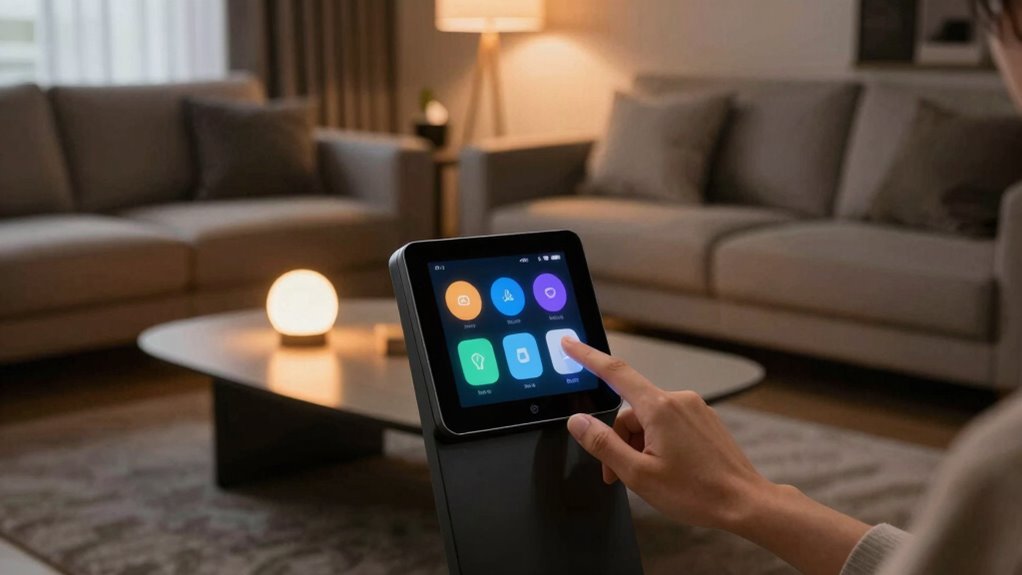

To set up smart lighting for daily life, start by turning off the power before replacing your old bulbs with smart ones. Screw in the new bulbs and connect them to your Wi-Fi via the app, organizing them into groups or rooms for easy control. You can then control your lights remotely, create schedules, or set scenes for different moods. Link voice assistants for quick commands. Keep exploring for more tips to optimize your smart lighting system.

Get the latest gadgets delivered free with Prime
- Fast, free delivery on millions of items
- Prime Video, Amazon Music and more included
- Member-only deals all year
Key Takeaways
- Turn off existing bulbs and replace them with compatible smart bulbs, then connect via the associated app.
- Organize bulbs into rooms or groups within the app for simplified control and automation.
- Set schedules and routines to automate lighting based on daily habits and preferences.
- Link smart lighting to voice assistants for hands-free, quick control using voice commands.
- Use app controls to customize scenes, dimming, and energy-saving settings for daily convenience.
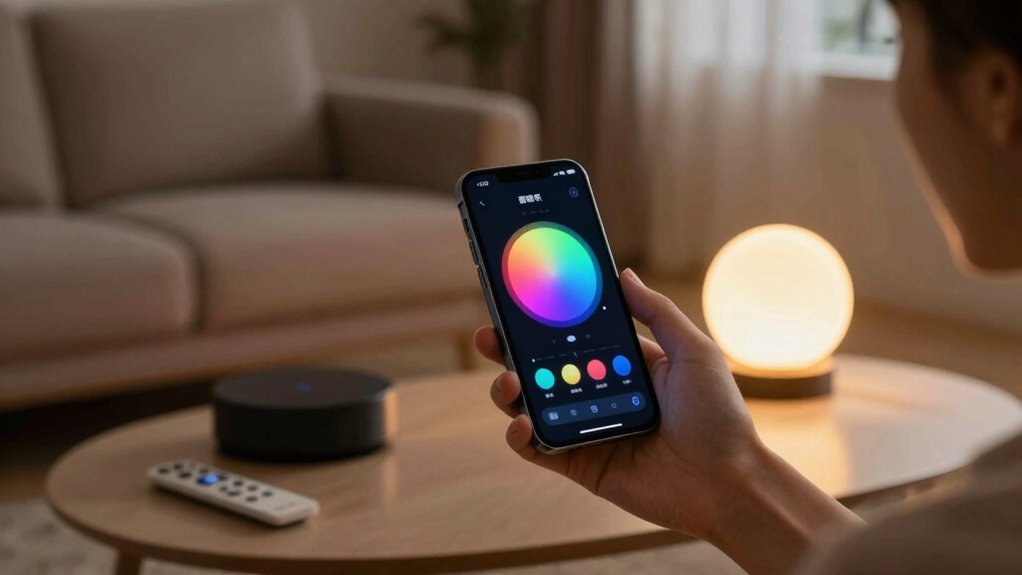
Once you’ve purchased your smart bulbs, you’ll want to install them in the fixtures you plan to automate. Swapping out traditional bulbs for smart ones is straightforward—just turn off the power, remove the old bulb, and screw in the new smart bulb. After installation, connect your bulbs to your Wi-Fi network using the associated app. This step guarantees your smart lighting system is integrated into your home network, allowing you to control the lights remotely and set schedules. Many apps guide you through this process step-by-step, making setup quick and simple. During this phase, it’s also worthwhile to organize your bulbs into groups or rooms within the app, so you can control multiple lights simultaneously or assign specific lighting scenes. Proper setup ensures your smart lighting functions reliably and efficiently. To maximize convenience, enable voice control by linking your smart lighting system with your preferred voice assistant. This setup allows you to turn lights on or off, dim them, or change colors simply by speaking commands. For example, saying, “Hey Google, turn on the living room lights,” is faster and more intuitive than manual switches. Voice control not only adds a layer of convenience but also enhances energy efficiency. You can easily turn off lights in rooms you’re not using, preventing unnecessary power consumption. Setting routines or schedules within the app further boosts energy efficiency—program your lights to dim or turn off at certain times, ensuring your home is always optimized for both comfort and savings. Additionally, understanding the contrast ratio of your projector can help you create a more immersive home cinema experience by ensuring deep blacks and bright whites in dark scenes. Being aware of privacy and security practices is also crucial when setting up your smart lighting, as it helps protect your home from potential vulnerabilities. Incorporating local automation can enhance your system’s responsiveness and reduce reliance on internet connectivity, adding an extra layer of security. Furthermore, staying informed about emerging trends in smart home technology can help you keep your system updated and compatible with new features. With your smart lighting system in place, you’ll find daily life becomes more seamless. You can adjust lighting to match your mood, automate your lights to save energy, and use voice commands for quick control. This setup not only elevates your home’s aesthetic but also promotes energy efficiency by reducing waste. With just a little effort upfront, your home becomes smarter, more responsive, and more eco-friendly, making every day more convenient and sustainable.
As an affiliate, we earn on qualifying purchases.
Frequently Asked Questions
Can Smart Lighting Work Without Wi-Fi?
Yes, smart lighting can work without Wi-Fi by using wireless alternatives like Bluetooth or Zigbee. These options enable standalone operation, meaning your lights don’t need an internet connection to function. You can control them directly through a compatible app or physical switches. This setup is ideal if you want reliable, local control without relying on Wi-Fi, especially in areas with poor internet or for added privacy.
How Secure Is Smart Lighting From Hacking?
Is your smart lighting system secure from hacking? While these devices offer convenience, hacking vulnerabilities and privacy concerns exist if you don’t take proper precautions. Manufacturers continually update software to fix security flaws, but it’s essential to use strong, unique passwords and enable two-factor authentication. Regularly check for firmware updates and secure your Wi-Fi network to minimize risks. Staying vigilant helps protect your smart lighting from potential cyber threats.
Do Smart Lights Work During Power Outages?
Smart lights generally don’t work during power outages because their durability relies on consistent electrical power. If you want emergency lighting solutions, consider installing dedicated battery-backed smart lights or traditional emergency lights. These options guarantee safety and visibility when the power’s out, while regular smart lighting systems won’t function without electricity. Always check your smart light’s specifications to see if emergency features are included for added peace of mind.
Are Smart Lights Compatible With All Home Assistants?
Smart lights aren’t compatible with all home assistants, but they work with most popular ones, making your smart home feel as effortless as flipping a switch. You can easily control them via voice control, turning lights on or off with a whisper. Plus, they’re incredibly energy-efficient, helping you save money while reducing your carbon footprint. Check compatibility before purchasing to guarantee seamless integration with your existing smart home ecosystem.
How Do I Troubleshoot Connectivity Issues?
If you’re facing connectivity issues, start by checking your Wi-Fi signal and ensuring your smart lights are within range. Restart your router and the smart bulbs, then reconnect via your home assistant app. Test voice control commands and review automation scheduling to identify any conflicts. Keep firmware updated, and if problems persist, reset the smart lights and reconfigure them, ensuring your network settings support seamless connectivity.
Conclusion
Once you’ve set up your smart lighting, imagine waking up to gentle, automated lights gradually brightening your bedroom, just like Sarah did last week. She programmed her lights to mimic sunrise, easing her into the day peacefully. With a few simple steps, you can turn your home into a cozy, efficient space that responds to your routines. Embrace smart lighting, and enjoy the convenience and comfort it brings to your daily life.
Halloween Picks
halloween
As an affiliate, we earn on qualifying purchases.