To set up your home Wi-Fi network properly, start by placing your router centrally and elevating it to maximize coverage. Change default passwords and enable WPA3 or WPA2 encryption for security. Keep the firmware updated and disable features like WPS and remote management to reduce vulnerabilities. Create a separate guest network and use strong, unique passwords. Regularly review your settings and monitor connected devices. Keep these practices in mind to guarantee a safe, strong, and reliable Wi-Fi setup as you continue exploring more tips.

Get the latest gadgets delivered free with Prime
- Fast, free delivery on millions of items
- Prime Video, Amazon Music and more included
- Member-only deals all year
Key Takeaways
- Place your router centrally and elevate it for optimal coverage and signal strength.
- Change default passwords and enable WPA3/WPA2 encryption for secure wireless connections.
- Keep router firmware updated regularly to patch security vulnerabilities.
- Disable remote management and unnecessary services to prevent remote exploits.
- Regularly review device connections and update Wi-Fi passwords to maintain network security.
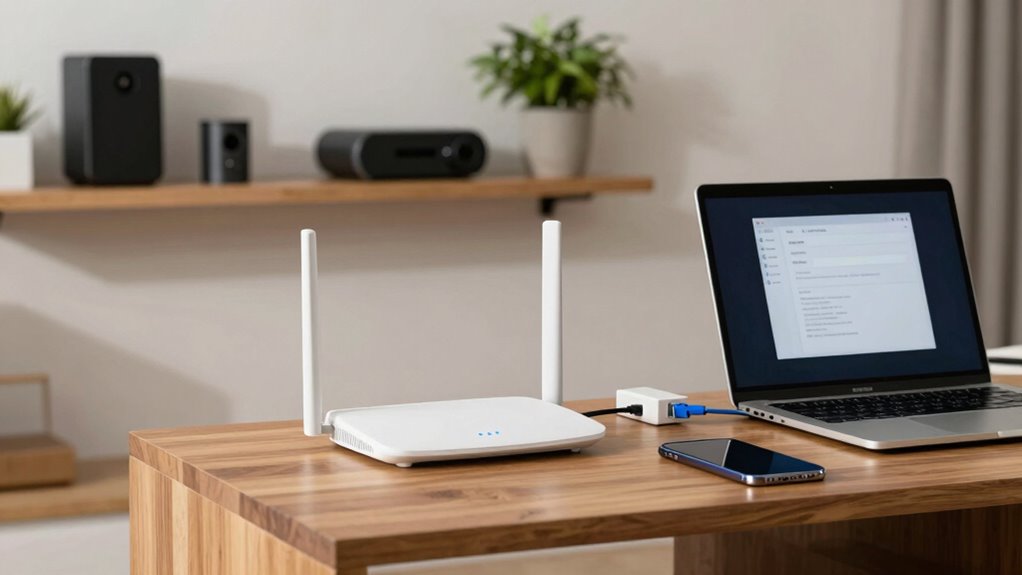
Have you ever wondered how to set up a dependable Wi-Fi network at home? It all begins with understanding the importance of wireless security and smart router placement. Your Wi-Fi network is the backbone of your digital life, so making sure it’s secure and properly positioned is vital. First, choose the right spot for your router. Ideally, you want it in a central location away from thick walls, metal objects, and appliances that emit interference, like microwaves. This placement guarantees a strong, even signal throughout your home. Keep the router elevated, such as on a shelf or high piece of furniture, to maximize coverage and minimize dead zones. Avoid placing it near windows or in basements, as these locations can weaken the signal.
Place your router centrally, elevated, and away from interference for a strong, reliable home Wi-Fi signal.
Once your router is correctly positioned, focus on wireless security. Protecting your network from unauthorized access is essential. Change the default administrator password on your router to a strong, unique one, and enable WPA3 or WPA2 encryption—these are the most secure options available. Set a complex Wi-Fi password that’s hard for others to guess, combining letters, numbers, and symbols. Disable WPS (Wi-Fi Protected Setup), as this feature can be vulnerable to hacking. Consider creating a separate guest network for visitors, so they can access the internet without gaining access to your main devices and data. Keep your router’s firmware up to date, as manufacturers often release updates that fix security vulnerabilities. Regularly check for firmware updates to ensure your network remains protected against emerging threats. Keeping firmware current is a critical step in maintaining your network security. Additionally, being aware of common wireless security threats can help you stay vigilant and protect your network better. Understanding the privacy policy of your network provider can also inform you about how your data is handled and what security measures are in place.
Another step is to manage your network’s settings carefully. Turn off remote management features unless you absolutely need them, and disable any unnecessary services that could be exploited remotely. Use a strong, unique password for your Wi-Fi network itself, and avoid using default SSID names that reveal your router’s brand or model, which can make it easier for hackers to target you. If your router supports it, enable firewall settings to add an extra layer of protection. Additionally, understanding the contrast ratio of your projector can help create an optimal viewing environment for your home cinema. Implementing a secure network setup can further strengthen your overall home network security.
Finally, remember to regularly review your wireless security settings, update passwords periodically, and monitor connected devices for any suspicious activity. By combining proper router placement with solid wireless security practices, you create a robust home network that’s both fast and safe. Taking these steps guarantees you enjoy reliable internet access while keeping your personal information protected from potential threats. Setting up your Wi-Fi network the right way doesn’t have to be complicated—it just takes a little planning and attention to detail.
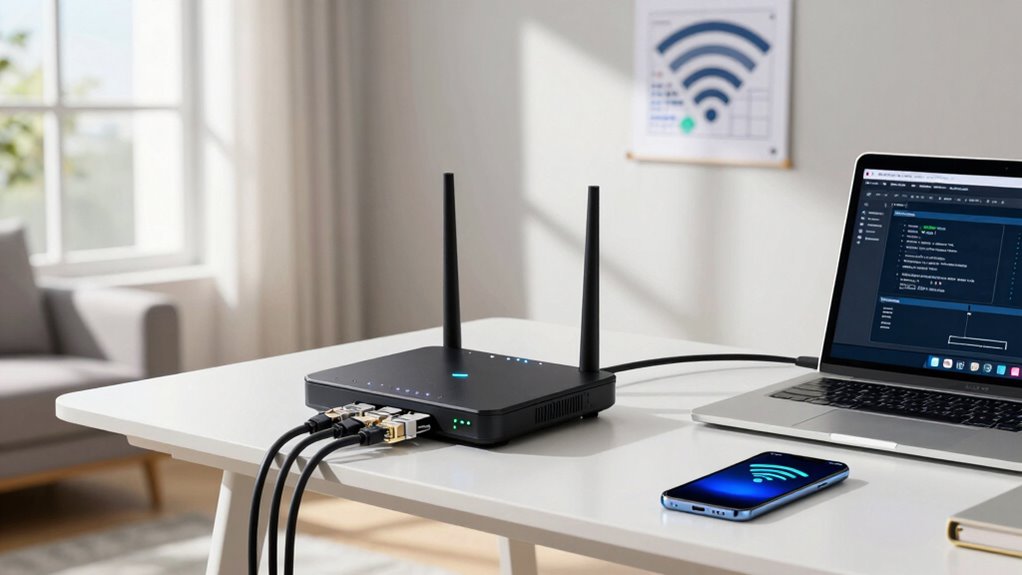
home Wi-Fi router with strong coverage
As an affiliate, we earn on qualifying purchases.
As an affiliate, we earn on qualifying purchases.
Frequently Asked Questions
How Often Should I Update My Wi-Fi Password?
You should update your Wi-Fi password every three to six months to keep your network secure. Regular password management minimizes the risk of unauthorized access. Also, monitor your network frequently to spot suspicious activity or unauthorized devices. Changing passwords often, combined with vigilant network monitoring, helps protect your personal data and guarantees your Wi-Fi stays safe from potential threats. Stay proactive to maintain a secure and reliable home network.
Can I Use Multiple Routers for Better Coverage?
Yes, you can use multiple routers to boost your coverage, like adding pieces to a puzzle. Consider mesh systems or signal boosters to create a seamless network. Mesh systems connect multiple nodes for smooth coverage across your home, while signal boosters amplify your existing Wi-Fi signal. Both options help eliminate dead zones, ensuring every corner of your house gets a strong, reliable connection.
What’s the Best Position for My Wi-Fi Router?
Place your Wi-Fi router in a central, elevated spot away from thick walls, metal objects, and electronic devices that cause signal interference. Avoid hiding it in closets or basements, as this limits coverage. Keep it off the floor and away from appliances like microwaves or cordless phones. Proper router placement guarantees a strong, consistent signal throughout your home, minimizing dead zones and maximizing your internet experience.
How Do I Secure My Wi-Fi Network From Hackers?
You can secure your Wi-Fi network by enabling strong encryption protocols like WPA3 or WPA2, which protect your data from hackers. Make sure to update your router firmware regularly, as manufacturers release security patches that fix vulnerabilities. Avoid using default passwords, and create a unique, complex one. These steps help shield your network from unauthorized access and keep your personal information safe.
Do I Need a Separate Network for Guests?
Yes, you should set up a separate network for guests using network segmentation. This allows you to provide guest access without risking your primary network’s security. By isolating guest devices, you protect sensitive information and prevent potential malware from spreading. Enable guest access through your router settings, and regularly update passwords. This way, you keep your main network secure while offering convenient internet access to visitors.
Conclusion
Setting up your home Wi-Fi network correctly is like planting a sturdy tree—you’ll enjoy strong, reliable connections that grow with your needs. By choosing the right equipment, securing your network, and placing your router thoughtfully, you create a safe, efficient digital space. Remember, a well-optimized Wi-Fi is the backbone of your connected life, making everything from streaming to working smoother. Take your time, follow these steps, and watch your network flourish like a well-tended garden.
Halloween Picks
halloween
As an affiliate, we earn on qualifying purchases.