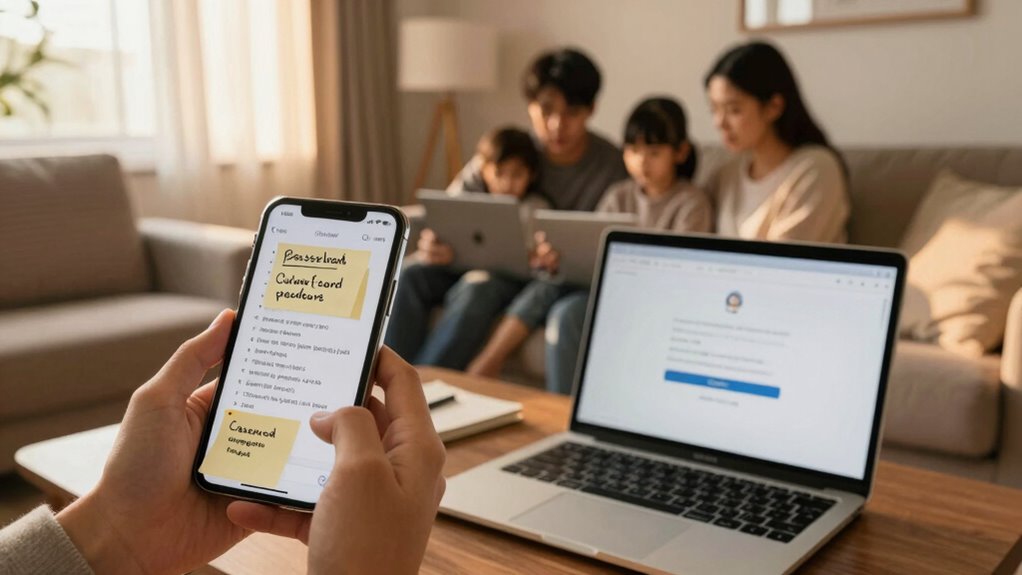

Your family’s current password habits leave you vulnerable to cyber threats. Reusing simple passwords, writing them down in obvious places, or sticking with old keys increases the risk of breaches and compromises. Regularly updating passwords, using a password manager, and promoting strong, unique passwords can substantially boost your security. If you want to discover practical steps to protect your family online, keep going to learn more about creating safer habits.

Get the latest gadgets delivered free with Prime
- Fast, free delivery on millions of items
- Prime Video, Amazon Music and more included
- Member-only deals all year
Key Takeaways
- Reusing simple passwords across multiple accounts increases the risk of widespread breaches within the family.
- Storing written passwords insecurely can lead to unauthorized access and compromise sensitive information.
- Outdated passwords and lack of regular updates make family accounts vulnerable to cyber attacks.
- Without proper management, family members may struggle to remember complex passwords, leading to insecure practices.
- Lack of awareness and communication about password security can leave families unprotected against evolving online threats.

Have you ever pondered how your family’s password habits impact your online security? It’s easy to overlook, but the way your family manages passwords directly influences digital security. Many households still rely on simple, reused passwords or written lists stored in obvious places, which can leave all of you vulnerable to cyber threats. Improving your family’s password management isn’t just about creating stronger passwords; it’s about establishing a culture of security that everyone understands and follows.
First, think about how passwords are handled across devices and accounts. If multiple family members use the same password for different services, a breach in one account can lead to compromised access elsewhere. This practice, known as password reuse, greatly weakens your overall digital security. To upgrade your habits, you need a dedicated password management strategy. Password management tools, like password managers, can generate and store complex, unique passwords for each account. Using these tools removes the temptation to reuse passwords and makes it easier to access accounts securely. Plus, they eliminate the need to remember dozens of complex passwords, which is a common reason people stick to weak or repeated ones.
Another aspect to think about is how often passwords are changed. Many families keep the same passwords for years, which heightens the risk if those passwords are ever compromised. Regularly updating passwords, especially for sensitive accounts like email or banking, is a simple yet effective security upgrade. Encourage your family members to set reminders to change passwords periodically, and leverage the password manager’s alert features to stay on top of updates. Additionally, understanding the importance of high contrast ratio in security can help you recognize how visibility and clarity play roles in user interfaces, ensuring that security prompts and notifications are easily noticeable and understandable.
Education plays a vital role in bolstering digital security. Teach everyone in your family about the importance of strong passwords—using a mix of uppercase, lowercase, numbers, and symbols—and why they should avoid obvious choices like birthdays or pet names. Make it clear that sharing passwords or writing them down in insecure places is dangerous. Instead, promote the use of password managers, which keep everything organized and protected behind a master password that only you and your trusted family members know.
Finally, foster open communication about online security. When one person in the family learns something new or encounters a threat, share that knowledge so everyone stays aware. Creating a routine of discussing digital security helps keep everyone vigilant and ensures that password habits are constantly improving. Upgrading your family’s password habits isn’t just about technology; it’s about cultivating habits that prioritize digital security, making your online life safer for everyone involved.
Products Worth Considering

Bose SoundLink Flex (2nd Gen) Portable Bluetooth Speaker

Samsung Galaxy Tab S10 FE 128GB Wi-Fi Android Tablet, Blue

EcoFlow DELTA 3 Classic Portable Power Station, 1024Wh, 1800W
As an affiliate, we earn on qualifying purchases.
Frequently Asked Questions
How Often Should Family Passwords Be Changed?
You should change family passwords at least every three to six months to maintain strong security. Regular password rotation helps prevent unauthorized access and keeps your family’s online accounts safe. Make it a routine to update passwords after major events like security breaches or device changes. By practicing consistent family security, you reduce risks and protect your digital lives effectively. Staying proactive with password updates is essential for safeguarding everyone’s online privacy.
What Are Common Mistakes in Family Password Management?
Did you know that nearly 81% of hacking breaches are due to weak or stolen passwords? Common mistakes in family password management include sharing passwords with others, which increases security risks, and using simple, predictable passwords instead of complex ones. You might think your family’s sharing is harmless, but it weakens security. To protect everyone, encourage unique, complex passwords and avoid sharing them across devices or family members.
How Can I Teach Kids About Strong Passwords?
You can teach kids about strong passwords by creating simple, memorable password policies together, like using a mix of letters, numbers, and symbols. Encourage password diversity by explaining why using different passwords for each account is important. Make it fun—use games or challenges to help them practice creating strong passwords. Reinforce these habits regularly, and show them how to update passwords when needed to keep their online accounts secure.
Are Password Managers Safe for Family Use?
Yes, password managers are safe for family use. They enhance digital security by securely storing passwords and reducing the risk of weak or reused passwords. With a password manager, you avoid risky password sharing, keeping sensitive information protected. You can also generate strong, unique passwords for each family member, making your digital world safer and more organized. Just choose reputable providers and enable two-factor authentication for added security.
What Should I Do if a Family Member Forgets a Password?
If a family member forgets a password, guide them through the password recovery process provided by your password manager. Encourage secure family password sharing by storing recovery options in a shared, trusted space, like a family password vault. Remind everyone to update their passwords regularly and avoid reusing passwords. This approach guarantees quick password recovery and maintains security, making it easier for your family to manage passwords securely and efficiently.
Conclusion
You need to upgrade your family’s password habits to protect your digital life. You must create stronger, unique passwords for every account, update them regularly, and avoid sharing them carelessly. You should educate your family about the risks and encourage responsible behavior. By doing so, you’ll build a safer online environment, foster trust, and strengthen your family’s digital security. Remember, secure passwords are the foundation of a safer digital future for everyone.