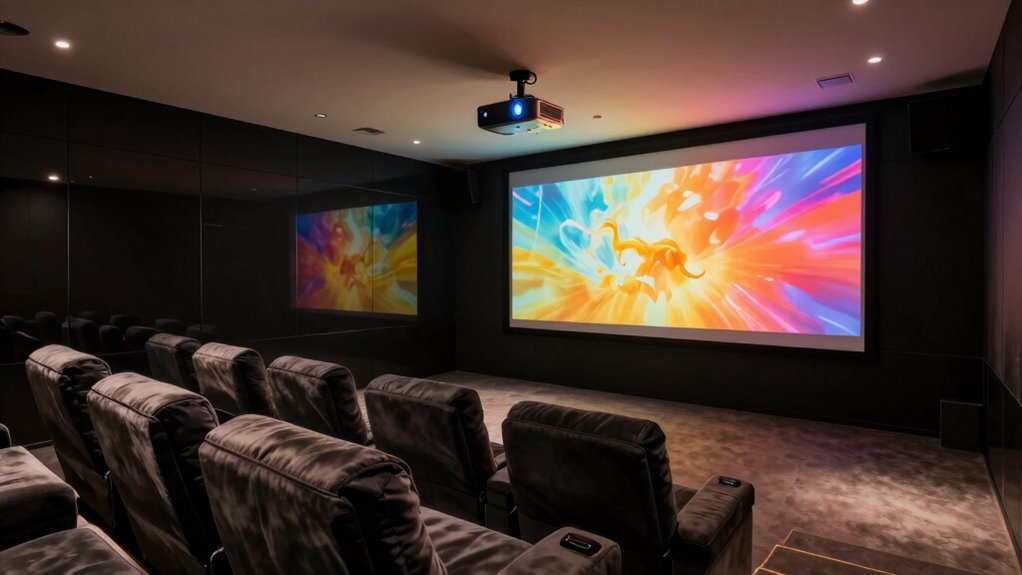

Home theater projectors are making a big comeback, letting you turn your living room into a cinema with massive, vivid screens. They offer immersive experiences for movies and gaming, delivering sharp, vibrant images. With proper maintenance and calibration, you can enjoy brighter, clearer visuals and extend your projector’s lifespan. Maintaining regular upkeep ensures smooth operation and stunning performance. If you keep exploring, you’ll discover more tips to optimize your home theater setup for maximum enjoyment.
Key Takeaways
- Home theater projectors are making a comeback due to their ability to provide immersive, large-screen viewing experiences.
- Advances in technology have improved image quality, making projectors a popular alternative to flat-screen TVs.
- Proper calibration and maintenance enhance projector performance and ensure vibrant, accurate visuals.
- Regular upkeep extends projector lifespan and prevents costly repairs, supporting long-term use.
- The trend is driven by increasing demand for home cinemas and enhanced entertainment experiences.
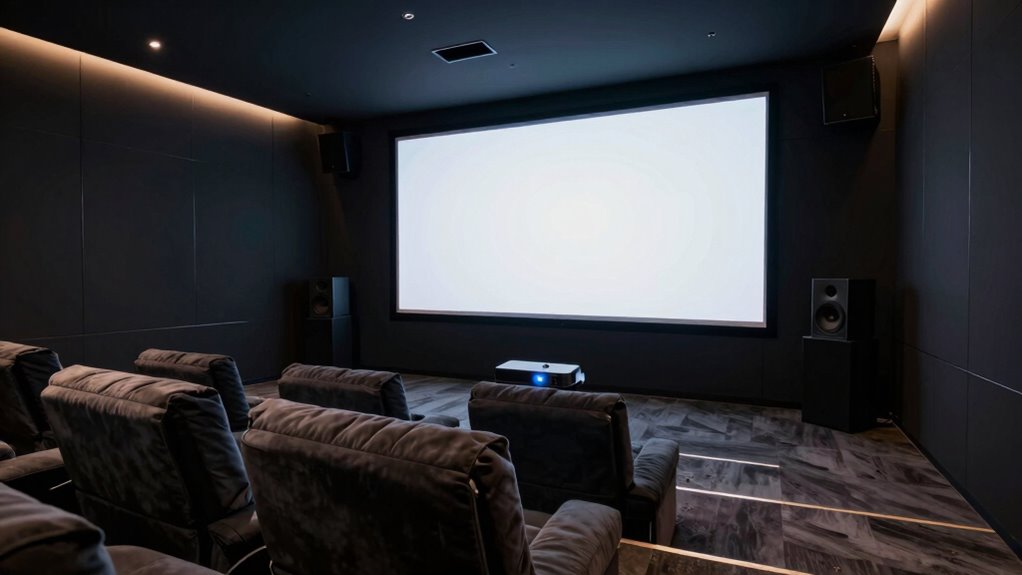
After years of being overshadowed by sleek flat-screen TVs, home theater projectors are making a strong comeback, offering a bigger and more immersive viewing experience than ever before. You might find yourself drawn to the idea of transforming your living space into a true cinema, where a massive, clear image creates a mesmerizing atmosphere. To get the most out of your projector, proper screen calibration is essential. When you calibrate your projector’s settings — adjusting contrast, brightness, color, and sharpness — you ensure the image looks vibrant and accurate. This process can seem technical at first, but it’s worth the effort, especially when you see how much sharper and more lifelike your movies and games become. Regular screen calibration keeps your viewing experience excellent, preventing dull or washed-out images that can detract from the immersion.
Alongside calibration, maintaining your projector is vital to keep it performing at its best. Projector upkeep involves simple tasks like cleaning the air filters, replacing the lamp when it dims, and ensuring the lens stays free of dust. You’ll want to follow the manufacturer’s guidelines to avoid overheating or other issues that could shorten your projector’s lifespan. A well-maintained projector not only delivers brighter, clearer images but also saves you money over time by preventing costly repairs or early replacements. When you regularly check the lamp hours and clean the vents, you ensure your device continues to operate smoothly and quietly, enhancing your overall viewing experience. Proper maintenance routines also help in detecting potential issues early, avoiding unexpected downtime.
Getting into the habit of routine projector upkeep also means you’re less likely to encounter sudden failures during your favorite movies or gaming sessions. It’s a straightforward process that doesn’t demand much time, yet it makes a significant difference in picture quality and device longevity. Additionally, keeping your projector clean and calibrated means you won’t need to constantly tweak the settings each time you turn it on. Once you establish a maintenance routine, you’ll enjoy consistently stunning images without hassle. Whether you’re setting up a dedicated home theater room or just upgrading your current setup, taking care of your projector ensures that it remains a dependable, high-performance centerpiece for your entertainment space. With proper screen calibration and ongoing maintenance, you’ll maximize your investment and truly enjoy the immersive experience that modern home theater projectors can deliver. Proper calibration techniques are essential for achieving the best picture quality and ensuring your projector performs optimally over time.

HAPPRUN Native 1080P Projector, Bluetooth Home Theater Movie Projector with Built-in Speaker, Compatible with Smartphone, HDMI, Fire Stick, PS5, Indoor & Outdoor Use -With Google TV System
- Built-in Google TV: Access streaming apps directly
- Voice Control: Use Google Voice Assistant for commands
- 4K Resolution: Supports clear, detailed 4K images
As an affiliate, we earn on qualifying purchases.
As an affiliate, we earn on qualifying purchases.
Frequently Asked Questions
What Are the Latest Advancements in Home Theater Projector Technology?
You’ll find that the latest home theater projectors boast higher projection resolutions, delivering stunning, crystal-clear images for immersive viewing. Smart projector features now include built-in streaming apps and voice control, making setup and operation easier than ever. Advances like improved brightness and contrast ratios guarantee vibrant visuals even in bright rooms. These innovations let you enjoy a cinema-quality experience at home, with seamless connectivity and smarter, more versatile performance.
How Do Projectors Compare to Large-Screen TVS in Picture Quality?
You’ll find that projectors can rival large-screen TVs in picture quality, especially with advancements in screen brightness and color accuracy. Projectors often offer a wider color range and better contrast, making visuals more vivid. While TVs provide consistent brightness and sharpness, projectors create a more immersive experience, especially in darker rooms. Ultimately, your choice depends on your space and preferences, but modern projectors can certainly hold their own in picture quality.
What Are the Best Projector Brands Currently on the Market?
Choosing the best projector brands is like picking a trusted companion for your home theater. Brands like Epson, BenQ, and Sony stand out for their exceptional picture quality and reliable sound. When installing, keep in mind proper placement and cable management—these tips enhance sound quality and overall performance. You’ll enjoy vivid visuals and crisp audio, making your movie nights immersive and hassle-free.
How Much Space Is Needed for a Home Theater Projector Setup?
You’ll need about 10-15 feet of space for a home theater projector setup, depending on the projector’s throw ratio. Focus on proper screen placement, ensuring it’s centered and at eye level when seated. Also, consider room lighting; darker rooms improve image quality, so use blackout curtains or dim lighting. Adequate space allows for the best projection angles and minimizes shadows, creating a truly immersive viewing experience.
What Are the Common Maintenance Requirements for Projectors?
You need to regularly calibrate your projector’s screen to guarantee ideal picture quality. Keep an eye on the lamp life, as lamps typically need replacement after several thousand hours of use. Clean the air filters to prevent overheating, and check for dust buildup on vents. By maintaining these aspects, you’ll extend your projector’s lifespan and enjoy consistent, high-quality images during your movie nights.
Conclusion
With home theater projectors making a strong comeback, it’s clear they’re here to stay. Whether you’re binge-watching your favorite shows or hosting movie nights, these projectors bring the big screen experience right into your living room. Don’t let this opportunity slip through your fingers—it’s time to seize the moment and upgrade your entertainment setup. After all, when the spotlight’s on, you want to be the one calling the shots.