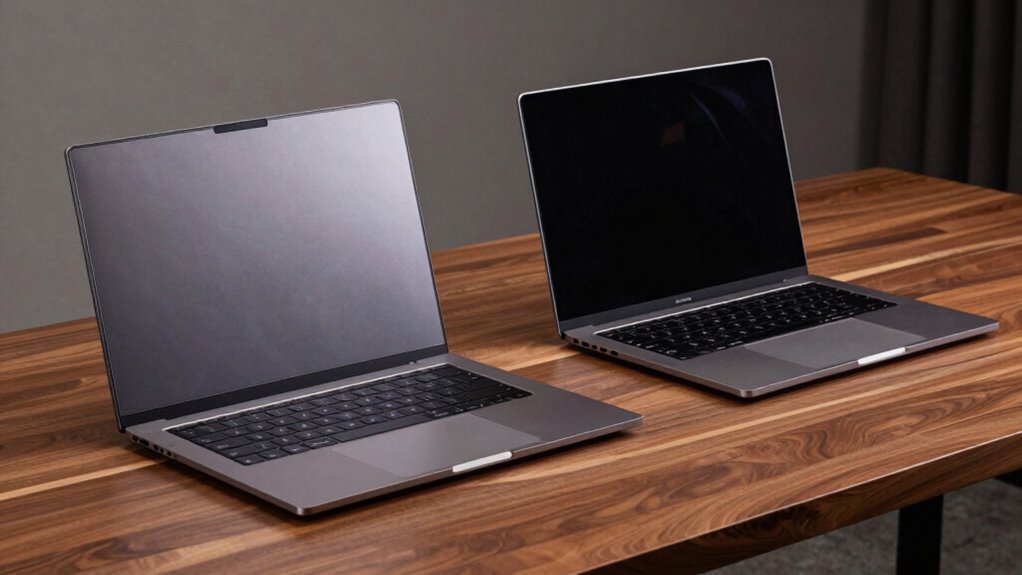

When comparing workstation laptops to regular ones, you’ll notice that workstations are built for demanding tasks like 3D rendering or data analysis, with high-end CPUs, professional graphics, and more RAM. They tend to be bulkier and heavier, sacrificing portability and battery life for performance and durability. Regular laptops focus on portability and cost-efficiency for everyday use, offering longer battery life and lighter designs. Keep exploring to see how these differences can help you pick the right device for your needs.
Key Takeaways
- Workstation laptops have higher-end CPUs, GPUs, and more RAM for demanding professional tasks, unlike regular laptops for everyday use.
- They tend to be bulkier and heavier due to robust hardware and cooling systems, reducing portability.
- Workstations consume more power, resulting in shorter battery life compared to lightweight, long-lasting regular laptops.
- Built with superior durability and ruggedness, workstations are suited for intensive professional environments.
- Regular laptops focus on portability and battery efficiency, sacrificing some performance for casual, everyday tasks.
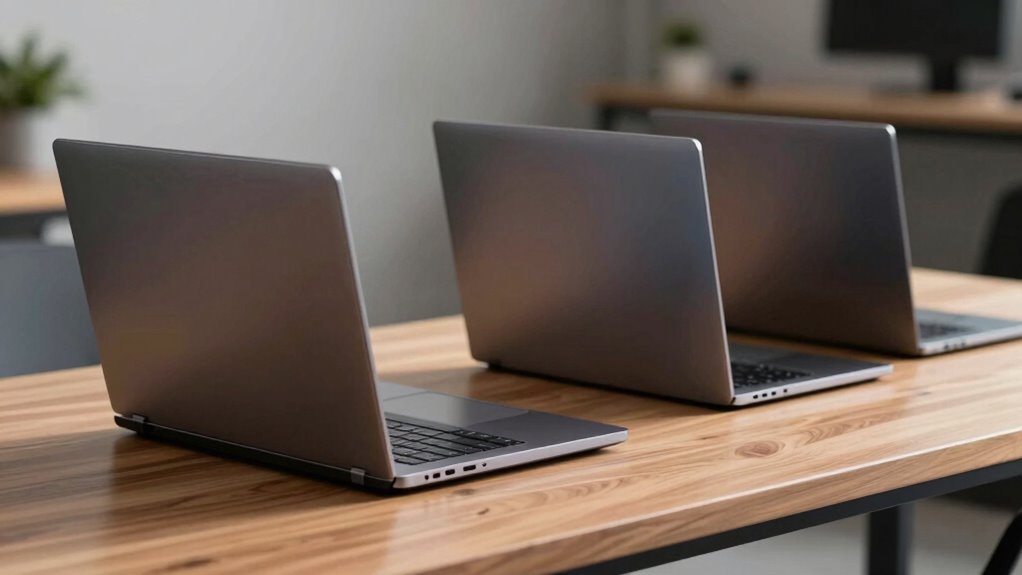
When choosing a laptop, understanding the differences between workstation laptops and regular laptops can help you make a more informed decision. Workstation laptops are designed for demanding tasks like 3D rendering, complex data analysis, or engineering simulations. They usually feature high-end components such as powerful CPUs, professional-grade graphics cards, and extensive RAM. These specifications directly influence battery life, often resulting in shorter durations compared to standard laptops. Since workstation laptops pack in more power, they tend to consume more energy, which means you might find yourself needing to recharge more frequently. If you’re someone who relies heavily on long, portable work sessions away from power sources, this could be a significant consideration.
Workstation laptops offer high-end components for demanding tasks but may require more frequent recharging due to shorter battery life.
Portability concerns are another key factor that sets these two types apart. Regular laptops prioritize lightweight design and slim profiles, making them ideal for users who need to carry their device around daily. They’re generally lighter, thinner, and more compact, emphasizing ease of transport over raw computing power. Workstation laptops, on the other hand, are often bulkier and heavier due to their robust hardware and cooling systems. If portability is a priority—say you commute, travel often, or work in multiple locations—you might find a workstation laptop less convenient to carry around on a daily basis. But if your work demands high-performance hardware, these trade-offs might be worth it. Additionally, the hardware specifications of workstation laptops are tailored for professional applications, which can be crucial for specialized fields. A durable build can also contribute significantly to their longevity and ability to withstand rigorous use. In some cases, the certifications that come with workstation laptops ensure compliance with industry standards, further supporting their reliability and professional suitability. Moreover, the thermal management features in workstation laptops are designed to prevent overheating during intensive tasks, ensuring consistent performance over time.
Furthermore, the build quality and durability of workstation laptops are usually superior, designed to withstand rigorous use in professional environments. They often come with features like better cooling systems and more durable chassis, which increases weight but enhances reliability. They may also incorporate rigid construction to better withstand travel and handling. Regular laptops might sacrifice some of this ruggedness for a sleeker, more lightweight design, making them more susceptible to damage if not handled carefully.
Ultimately, your choice depends on what you prioritize: if you need maximum performance for specialized tasks and don’t mind sacrificing some portability and battery life, a workstation laptop makes sense. But if you’re looking for a device you can easily carry around, use casually, and still get decent performance, a regular laptop is likely the better fit. Knowing these differences helps you weigh the trade-offs between battery life, portability concerns, and processing power, guiding you toward the right device for your needs.
As an affiliate, we earn on qualifying purchases.
Frequently Asked Questions
How Do Workstation Laptops Handle High-Performance Tasks Differently?
Workstation laptops handle high-performance tasks better by offering enhanced graphics optimization and thermal management. You’ll notice they have powerful GPUs for demanding graphics work, ensuring smooth rendering. Their advanced thermal systems keep the laptop cool during intensive tasks, preventing overheating and maintaining performance. This combination lets you run complex applications seamlessly, making workstation laptops ideal for professional workloads like 3D modeling, CAD, or data analysis where reliability and consistent performance matter.
Are Workstation Laptops More Upgradeable Than Regular Laptops?
You’ll find that workstation laptops often offer better upgradeability than regular laptops, thanks to more customization options like additional RAM, storage, or GPU upgrades. However, keep portability concerns in mind, as these upgrades can make the device bulkier or heavier. While you can customize and upgrade certain components, some models may still have limited options, so check specific specifications before making a decision.
What Is the Typical Lifespan of a Workstation Laptop?
A workstation laptop typically lasts around 4 to 6 years, but this can vary based on usage. Imagine the battery life waning as it ages, and ports becoming less responsive over time. You rely on its versatility for various tasks, yet after several years, performance might slow, and hardware wear sets in. Regular maintenance and upgrades can extend its lifespan, but eventually, its time runs out.
Do Workstation Laptops Have Better Graphics Capabilities?
Yes, workstation laptops generally have better graphics capabilities. They feature higher-end GPUs and enhanced hardware optimization, which boost graphics performance considerably. This makes them ideal for demanding tasks like 3D rendering, CAD, and video editing. You’ll find that workstation laptops are built with professional-grade components, ensuring smoother graphics performance and reliability during intensive workloads, unlike regular laptops that prioritize portability or general use.
Are There Specific Industries That Mainly Use Workstation Laptops?
You’ll find workstation laptops mainly used in industries like architecture, engineering, and digital content creation. These sectors rely on mobile design and energy efficiency to keep workflows smooth and portable. Workstation laptops offer powerful graphics and processing capabilities, making them ideal for demanding tasks. Their energy efficiency guarantees you can work longer without draining the battery, especially when you need reliable performance on the go.
Conclusion
When choosing between workstation laptops and regular laptops, you weigh power against portability, performance against price, and specialized features against everyday use. You prioritize processing strength, durability, and expandability or opt for lightweight convenience, affordability, and simplicity. Ultimately, your decision hinges on what you need most—whether you chase high-end performance or seek everyday reliability. Make your choice based on your tasks, your priorities, and your ambitions—because your perfect laptop aligns with your unique work style and goals.