
Start by checking that your smart lights are powered on and connected to a stable Wi-Fi network. Restart your device and router to refresh the connection. Confirm the lights are properly linked to your control app or voice assistant, and try removing and re-adding the device if needed. Check for firmware updates, as these can fix bugs. If issues persist, resetting the device might help. Keep in mind, more tips are available to fully resolve your problem.

Get the latest gadgets delivered free with Prime
- Fast, free delivery on millions of items
- Prime Video, Amazon Music and more included
- Member-only deals all year
Key Takeaways
- Verify the smart lights and hub are powered on and properly connected.
- Check Wi-Fi signal strength and restart your router to ensure network stability.
- Confirm the device is correctly linked to your voice assistant or app and has necessary permissions.
- Update firmware and software on your smart lights and hub to fix bugs and improve connectivity.
- Reset the device to factory settings or consult support if issues persist.
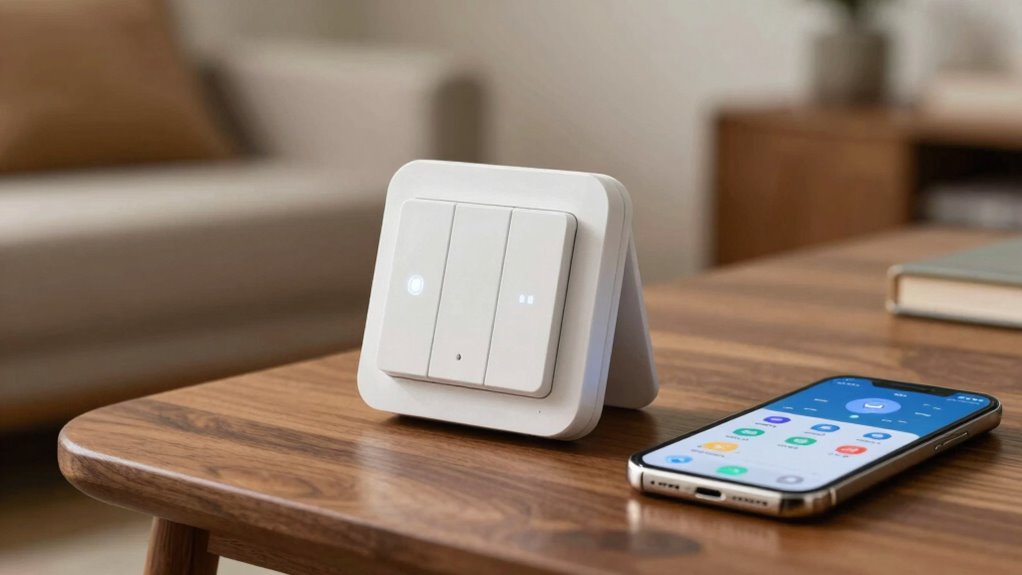
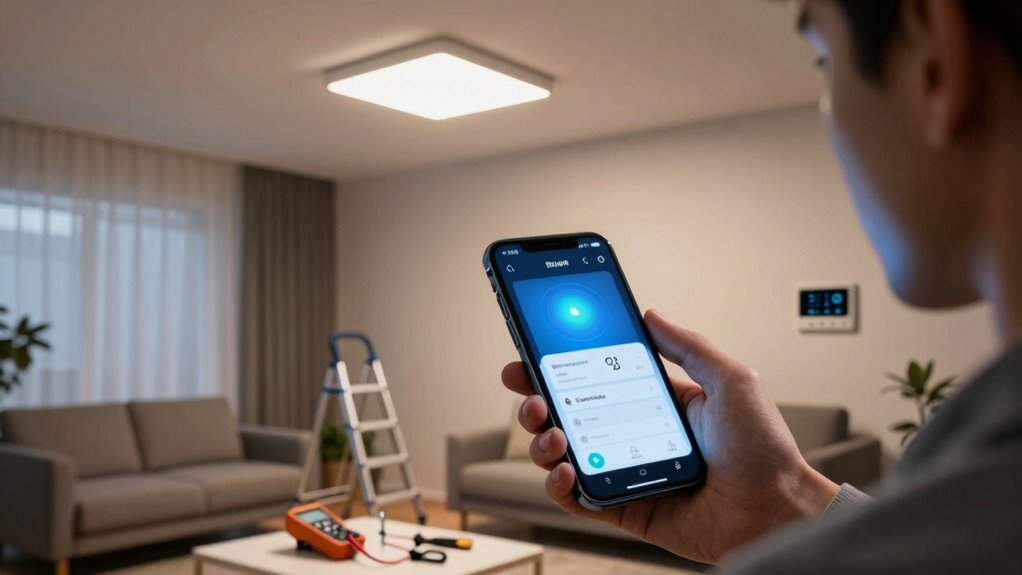
Have you ever experienced your smart lighting system not responding as expected? It can be frustrating, especially when you rely on voice control or app commands to set the mood or turn on the lights. The first step to troubleshooting is to identify whether the issue lies with the device, the connection, or the settings. Often, the problem is simple to fix with some basic checks and adjustments.
Start by verifying that your smart lights are powered on. If they’re connected to a smart hub or a Wi-Fi network, ensure that the hub or router is functioning properly. Sometimes, power cycling the device can resolve temporary glitches. Power cycling involves turning off the smart light or the hub, waiting for about 30 seconds, and then turning it back on. This process refreshes the connection and can often restore normal operation without further intervention.
Verify your smart lights are powered on and restart the device or hub if needed to fix temporary glitches.
Next, test your voice control commands. If your smart lighting responds to voice commands but doesn’t respond to the app, or vice versa, the issue might be with the specific platform or the device’s integration. Recheck your voice control setup, ensuring that the smart light is correctly linked to your voice assistant’s app. Sometimes, a simple voice command like “Turn on the living room lights” will confirm whether the voice control feature is working. If it’s not responding, try removing and re-adding the device in your voice assistant’s app. Also, ensure that your voice assistant app has the necessary permissions, and that your device is connected to the same Wi-Fi network.
If the device still isn’t responding, troubleshoot your network connection. A weak or unstable Wi-Fi signal can cause communication issues. Move your router closer to the smart lights or eliminate interference from other electronics. Restarting your router can also resolve network problems. Ensuring your Wi-Fi network is stable can help you avoid recurring issues and improve overall device performance. You can also consider checking for network interference that might be disrupting your signal. Understanding smart device connectivity can help you optimize your setup and prevent future problems.
If none of these steps work, check for firmware updates for your smart lights or hub. Manufacturers often release updates that fix bugs or improve connectivity. Updating the firmware can resolve many issues and restore full functionality. Additionally, understanding Wi-Fi network stability can help you identify underlying issues affecting your devices. If problems persist after all these steps, consulting the manufacturer’s support resources or resetting the device to factory settings might be necessary. Remember, patience and methodical troubleshooting often lead to a quick resolution, ensuring your smart lighting system shines as intended.
As an affiliate, we earn on qualifying purchases.
Frequently Asked Questions
Can I Troubleshoot Smart Lighting Without Internet Access?
Yes, you can troubleshoot smart lighting without internet access through offline troubleshooting and manual control. First, try turning the lights on and off manually to check their responsiveness. If your smart bulbs have physical switches or buttons, use them to reset or adjust settings. Disconnect and reconnect the power supply if needed. This approach helps identify issues without relying on an internet connection, ensuring you can resolve basic problems locally.
How Do I Reset a Smart Bulb Manually?
Think of resetting your smart bulb as hitting the refresh button for your smart home. To do a manual reset, turn the bulb on and off in a specific pattern—usually three times—until it flashes or blinks. This signals a successful reset. Follow troubleshooting steps like checking the power supply, ensuring the bulb’s firmware is up to date, and then reconnecting it to your network.
Why Are My Smart Lights Flickering Randomly?
Your smart lights flickering randomly could be caused by lighting interference or bulb compatibility issues. To fix this, move your Wi-Fi router away from the lights, as interference can disrupt signals. Also, make certain your bulbs are compatible with your smart system; incompatible bulbs often flicker. Updating your firmware and resetting the bulbs might help too. If problems persist, consider replacing older bulbs with newer, compatible models to guarantee stable performance.
Do I Need a Specific App for Troubleshooting?
You don’t always need a specific app for troubleshooting your smart lights, but checking app compatibility is essential. Many brands have dedicated troubleshooting tools within their apps that help identify issues quickly. If your smart lights aren’t responding, open the app you use for control, look for diagnostic features, or update the app to make certain you have the latest troubleshooting tools. This can help you resolve problems faster and get your lights back on.
How Long Should Smart Bulbs Last Before Replacement?
Imagine your smart bulb as a loyal lantern, brightening your space day after day. Typically, its lifespan stretches between 15,000 to 25,000 hours, meaning you might enjoy years of illumination before replacement timing becomes a concern. When your bulb starts flickering or dims unexpectedly, it’s a sign it’s nearing the end of its journey. Regularly check for signs so you can replace it before your smart lighting becomes a shadowy corner.
Conclusion
So, next time your smart lights decide to ignore you, remember—they’re probably just having a bad day. Maybe they’ve been overworked, or perhaps they’re just tired of being the only ones who always have to turn themselves on. Don’t stress—just give them a little patience, a quick reset, and maybe some words of encouragement. After all, even smart lights need a break from the spotlight now and then.
Halloween Picks
halloween
As an affiliate, we earn on qualifying purchases.