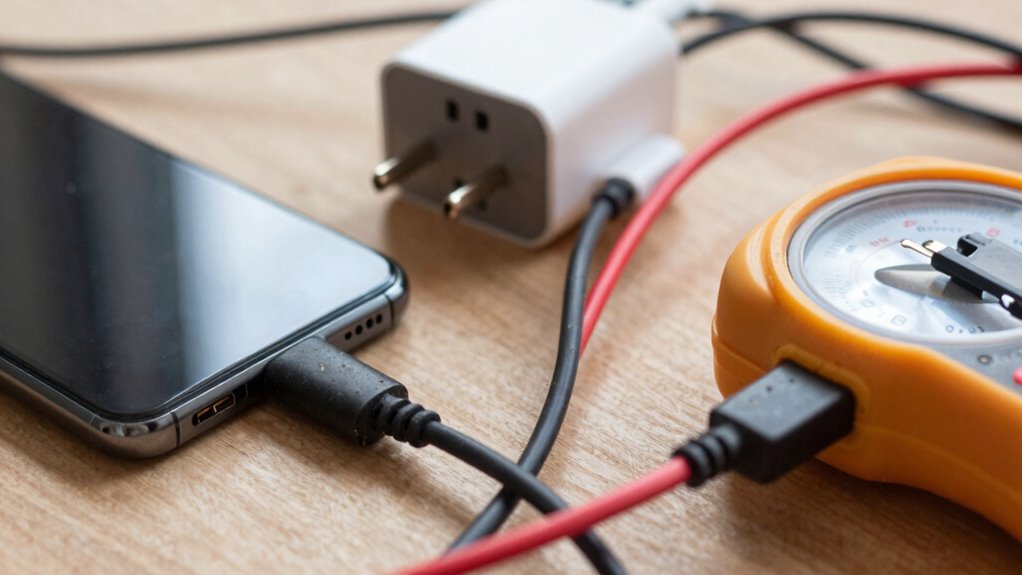

To troubleshoot slow charging, start by using the original charger and cable, and test different outlets to rule out power source issues. Check and clean the charging port carefully to remove dust or debris. Close unnecessary apps, disable Wi-Fi or Bluetooth, and turn on airplane mode to reduce power drain. Keep your device in a cool environment and avoid using it while charging. Over time, battery degradation can also slow charging, so consider professional help if problems persist. If you look further, you’ll discover even more tips.
Key Takeaways
- Verify you’re using the original charger and test different power outlets for a stable power source.
- Inspect and clean the charging port to remove dust or debris obstructing connection.
- Close background apps, disable Wi-Fi/Bluetooth, and enable airplane mode to reduce power drain.
- Keep the device in a cool, well-ventilated environment to prevent overheating during charging.
- Check battery health and consider replacing it if degraded or seek professional repair for hardware issues.
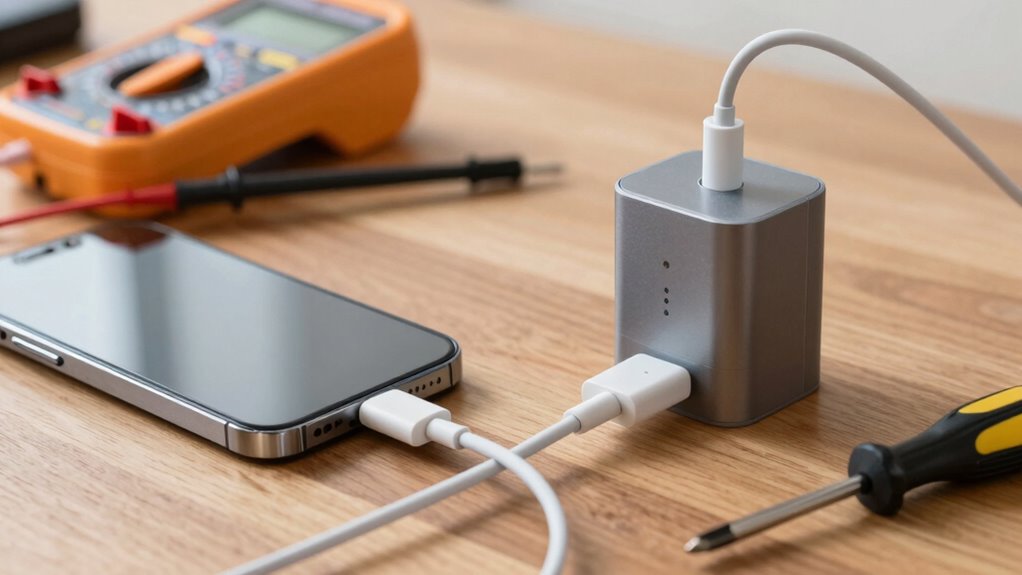
If your device is charging more slowly than usual, it can be frustrating, but many issues are easy to fix. One common reason for slow charging is related to the battery health. Over time, batteries degrade, which can reduce their ability to accept a full charge quickly. If your device is several years old or if you’ve noticed it takes longer to reach a full charge, the battery might be the culprit. In that case, replacing the battery or seeking professional repair could be necessary. However, before jumping to conclusions, it’s worth examining your power source. A damaged or incompatible charger, cable, or outlet can significantly impact charging speed. Make sure you’re using the original charger and cable that came with your device, as third-party accessories may not deliver the correct power output. Also, check the power source—plug into a different wall outlet or try a different power strip if you’re using one. Sometimes, outlets can be faulty or not supplying enough power, slowing down the charging process.
Check your charger, cable, and outlet to fix slow charging issues before considering battery replacement.
Next, consider the condition of your charging port. Dust, lint, or debris lodged inside can block the connection, preventing efficient power transfer. Gently inspect and clean the port with a soft brush or compressed air. Be cautious not to damage the port or push debris further inside. If your device has a wireless charging option, try using that method to see if it charges faster, which can also help identify whether the issue lies in the charging port or elsewhere.
Another factor that affects slow charging is background activity. When many apps are running or syncing in the background, your device might be using power even as it’s charging, which can slow down the process. Close unnecessary apps, disable Wi-Fi or Bluetooth if they’re not needed, and switch on airplane mode to minimize power drain during charging. Additionally, check your device for software updates, as manufacturers often release updates that optimize charging performance and battery management. Proper maintenance can help prolong battery life and improve overall charging speed. Regularly reviewing your device’s battery health can also give insights into whether degradation is affecting charging efficiency. Research also shows that temperature plays a role in battery performance, so keeping your device in a cool environment during charging can prevent overheating, which is another factor that can slow down charging speeds.
Furthermore, battery degradation over time can significantly impact charging speed, so monitoring your battery’s health might reveal whether it needs replacement. Lastly, overheating can cause slower charging speeds. When your device gets too hot, it may limit charging to prevent damage. Keep your device in a cool, ventilated area while charging and avoid using it during the process. If you’ve tried all these steps and your device still charges slowly, it could indicate a hardware issue that requires professional diagnosis. Sometimes, internal components or the charging circuitry itself can malfunction, making expert repair the best course of action. By systematically examining your battery health, power source, and usage habits, you can often resolve slow charging issues and get your device back to full power efficiently.

USB C Samsung Charger Fast Charging Android Phone Charger Type C 6.6ft Cord Cable for Samsung Galaxy Phone S10/S9/S8/Plus/A51/A52/A53/S25/S24/S23/S22/S21/S20/Ultra/Note20/Note10/Note9/Note8/Black
- Fast Charging Power: 15W adaptive fast charging in 30 mins
- Universal Compatibility: Compatible with Samsung and USB-C devices
- Safety Certified: UL certified with multiple safety protections
As an affiliate, we earn on qualifying purchases.
As an affiliate, we earn on qualifying purchases.
Frequently Asked Questions
Can Using a Fast Charger Cause Slow Charging?
Using a fast charger doesn’t cause slow charging directly, but if the charging cable isn’t compatible with fast charging or your device, it can hinder the process. Poor compatibility can lead to slower charging speeds and might impact battery health over time. Always use a compatible, high-quality charging cable and charger designed for your device to guarantee peak charging speed and preserve your battery’s longevity.
Does Temperature Affect Charging Speed?
Yes, temperature considerably affects charging speed. If your device’s battery health is compromised or it’s in the middle of a charging cycle, extreme temperatures can slow down the process. Cold conditions slow chemical reactions inside the battery, while heat can cause overheating and reduce battery life. To maintain ideal charging speed, keep your device in a moderate temperature environment and avoid interrupting its charging cycle, which helps preserve battery health.
How Do I Check My Charging Port for Damage?
Did you know that over 60% of charging issues stem from port problems? To check your charging port for damage, start by inspecting it closely for debris or dirt, which can hinder connections. Use a flashlight if needed. Next, perform a port damage assessment by looking for bent or broken pins, corrosion, or loose parts. Gently clean debris with a soft brush or compressed air, and if damage persists, consider professional repair.
Can Background Apps Slow Down Charging?
Yes, background apps and processes can slow down charging. When multiple apps run in the background, they consume power and processing resources, which can interfere with your device’s charging efficiency. App conflicts or heavy background activity may cause your device to draw more power than usual, extending charging time. To speed things up, close unnecessary apps and disable background processes, allowing your device to charge more quickly and efficiently.
Is It Normal for Charging Speed to Vary Throughout the Day?
Yes, it’s normal for charging speed to vary throughout the day. Factors like battery calibration and power source stability influence this. When your battery’s calibration isn’t accurate, it might charge slower or faster at different times. Also, fluctuations in the power source, such as using different outlets or chargers, can impact charging speed. To maintain consistent charging, make sure your battery’s calibrated correctly and use a stable power source whenever possible.
Conclusion
So, next time your device charges slowly, don’t just accept it as normal. Check your cable, port, and power source first—you might find the simple fix you need. If those don’t work, consider deeper issues like battery health or software updates. Are you willing to troubleshoot a little to save money and extend your device’s life? With a little effort, you can keep your device charging smoothly and avoid unnecessary replacements.