If your laptop suddenly feels sluggish, start by checking the battery health; degraded batteries can cause performance issues. Make sure your software and drivers are up to date, as outdated versions may conflict or consume extra resources. Perform system maintenance like disk cleanup and defragmentation to free up space and optimize performance. Monitoring hardware health and considering upgrades can help restore speed. Keep an eye on these areas—more tips await on how to troubleshoot effectively.
Key Takeaways
- Check the battery health for degradation or capacity loss affecting performance.
- Ensure the operating system and device drivers are up to date.
- Perform disk cleanup and defragmentation to remove clutter and optimize storage.
- Monitor hardware components for signs of aging or failure, and consider upgrades if needed.
- Conduct regular system maintenance and performance checks to identify and resolve issues promptly.
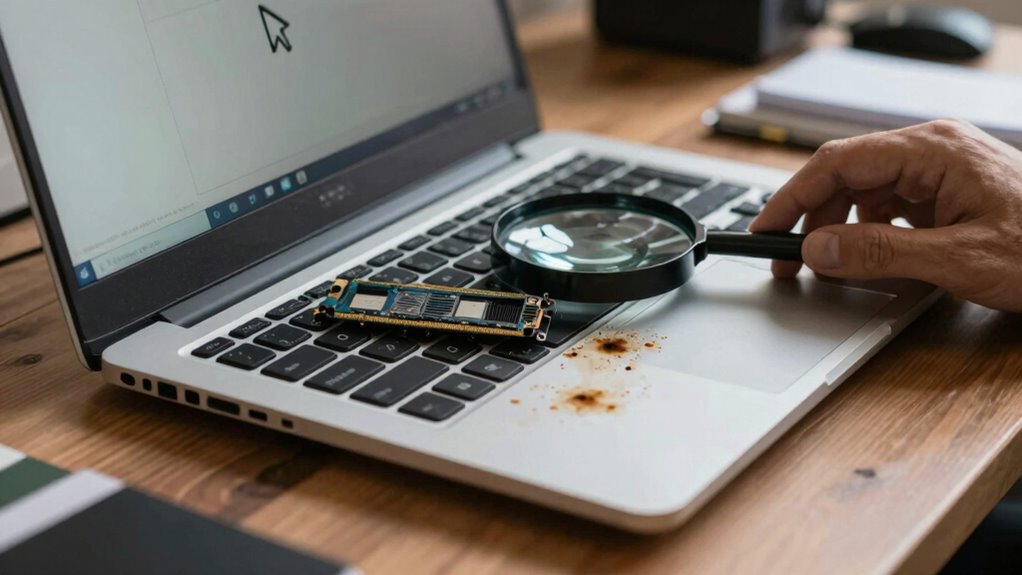
If your laptop feels slower than usual, it’s likely due to something that can be identified and fixed with a few straightforward checks. One of the first things to evaluate is your battery health. Over time, batteries degrade, which can cause your laptop to operate more sluggishly because it might be struggling to deliver consistent power. You can usually check your battery health through built-in system tools or third-party apps. If you notice a significant decline in battery capacity or if your laptop frequently shuts down unexpectedly, it’s a sign that the battery might need replacing. A degraded battery not only reduces your device’s runtime but can also affect overall performance, especially if the system is trying to conserve power by limiting resources.
Check your battery health regularly; degradation can cause sluggish performance and unexpected shutdowns.
Next, verify your software is up to date. Outdated software, especially your operating system and drivers, can lead to performance issues. Developers regularly release updates that fix bugs, improve efficiency, and enhance security. Ignoring these updates can cause your laptop to run slower or even behave unpredictably. Check for updates through your system settings and install any available ones. Keeping your software current also ensures compatibility with new applications and hardware, preventing performance bottlenecks. Sometimes, outdated software conflicts with other programs, consuming extra resources and slowing down your machine. Additionally, hardware health is important to monitor, as aging components can also contribute to sluggishness, and considering upgrades can help maintain optimal performance over time. Regularly performing system maintenance tasks such as disk cleanup and defragmentation can further improve speed and responsiveness.

ANCEL BA101 Car Battery Tester, 12V Digital Automotive Alternator Meter Diagnostic Tool,100-2000 CCA Load Capacity, Charging & Cranking Analyzer for Truck, Boat, RV, Marine Vehicle, and More
- Early Battery Issue Detection: Identifies problems before breakdowns
- Comprehensive Battery Insights: Displays SOH, SOC, voltage, current, CCA
- Reliable and Accurate Results: High-quality clips and smart chip ensure dependability
As an affiliate, we earn on qualifying purchases.
As an affiliate, we earn on qualifying purchases.
Frequently Asked Questions
Can Malware Cause My Laptop to Become Sluggish?
Yes, malware can cause your laptop to become sluggish. It often runs unnoticed in the background, consuming resources. To fix this, you should perform malware detection using trusted antivirus software and guarantee your virus removal is thorough. Removing malware not only speeds up your laptop but also protects your personal information. Regular scans and updates are key to preventing future slowdowns caused by malicious software.
Does Overheating Affect Laptop Performance?
Like a knight losing armor, your laptop’s overheating can slow it down. When cooling systems falter due to dust buildup, heat accumulates, causing performance issues. Overheating triggers thermal throttling, reducing your laptop’s speed to protect its components. Regularly clean dust buildup and guarantee your cooling system functions well. Keeping temperatures in check helps maintain ideal performance, preventing sluggishness caused by overheating.
How Does Outdated Hardware Impact Speed?
Outdated hardware greatly impacts your laptop’s speed because older components may struggle with modern software demands. As hardware ages, it becomes less compatible with current operating systems and applications, leading to slower performance. You might notice lagging or freezing as your system fights to keep up. Upgrading hardware like RAM or storage can improve speed, but eventually, replacing outdated parts guarantees your laptop stays compatible and runs smoothly.
Can Software Updates Slow Down My Laptop?
Software updates can sometimes slow down your laptop temporarily, especially during installation or if they include system optimization changes. However, these updates usually aim to improve performance in the long run. Your user habits also play a role; running too many background apps or not managing storage can hinder speed. Regularly check for updates, perform system optimization, and adjust your habits to keep your laptop running smoothly.
Is Insufficient RAM a Common Cause of Slowness?
Think of your laptop’s RAM like a busy desk — if it’s cluttered or too small, tasks slow down. Insufficient RAM capacity is a common cause of slowness, especially when running multiple programs. Upgrading your hardware, like adding more RAM, can considerably boost performance. If your laptop feels sluggish during heavy use, a hardware upgrade might be the quick fix you need to keep things running smoothly.
Conclusion
When your laptop feels sluggish, check your resources, clear out clutter, and update your software. When you free space, optimize performance, and keep your system secure, you enable your device to work better, faster, and longer. Remember, a well-maintained laptop isn’t just about speed; it’s about reliability, efficiency, and peace of mind. By staying proactive, you guarantee your device remains a powerful tool, ready to meet your needs—today, tomorrow, and beyond.