
To prep your phone for international travel, make sure it’s unlocked and supports the local network bands of your destination. Consider setting up an eSIM for hassle-free connectivity, or buy a local SIM card once there to save on roaming charges. Pack essential accessories like power banks and chargers, and verify your device’s compatibility before departure. For more tips on optimizing your phone’s setup abroad, continue exploring the best strategies for seamless travel.
Key Takeaways
- Verify your device supports international network bands and is unlocked for compatibility with foreign carriers.
- Confirm that your phone is eSIM-compatible and activate international plans via carrier apps or online portals.
- Carry digital and physical copies of travel documents securely in encrypted apps or folders for quick access.
- Ensure you have appropriate power accessories, like universal adapters and portable chargers, to maintain device power abroad.
- Use a digital wallet or secure apps to store payment information and travel passes, reducing physical wallet reliance.
unlocked international travel phone
As an affiliate, we earn on qualifying purchases.
As an affiliate, we earn on qualifying purchases.
Choosing the Right International Data Plan for Your Phone
When traveling internationally, choosing the right data plan is essential to stay connected without breaking the bank. You should review your current plan and see if it includes international coverage perks, which many major U.S. carriers offer. T-Mobile, for example, provides plans with 15GB or 5GB of high-speed data, plus unlimited basic data, texting, and calling in over 215 countries. You can also add international passes for extended high-speed data or calling for 1, 10, or 30 days. Verizon and AT&T offer similar plans with options to add travel packages that include roaming benefits. Comparing these options before you travel guarantees you select a plan that fits your data needs and budget, helping you avoid unexpected charges and stay connected abroad. Additionally, understanding the differences in international plans can help you choose options that align with global roaming standards and ensure seamless connectivity during your trip.
Understanding and Using Esim Technology Abroad
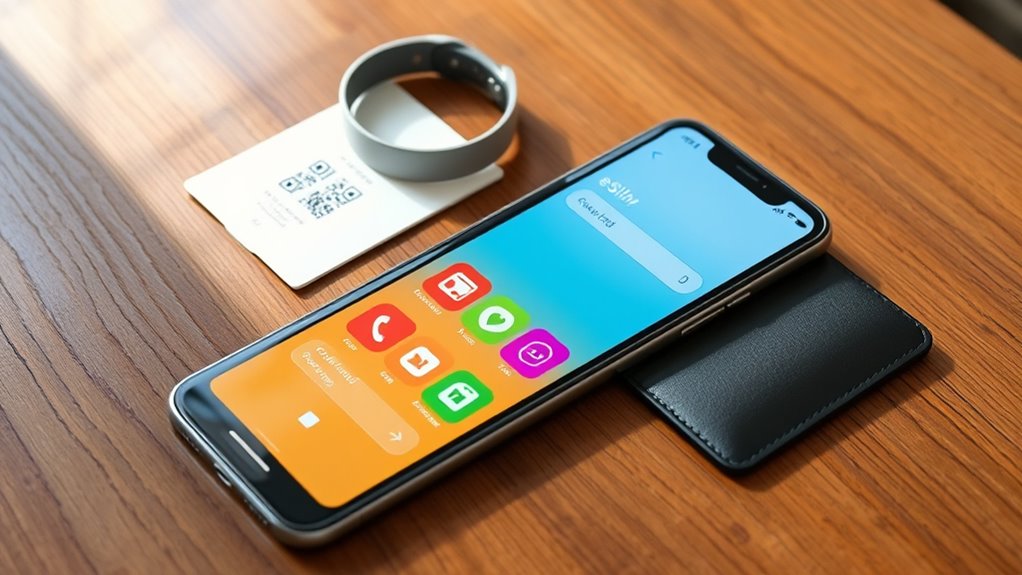
Before you travel, confirm that your phone supports eSIM technology and your chosen carrier’s compatibility. Once verified, activating an eSIM is straightforward through your carrier’s app or online portal, allowing you to manage plans easily. Keep track of your eSIM settings to switch between local and international plans as needed, ensuring seamless connectivity abroad. Be sure to review ESIM compatibility to ensure your device can utilize this technology effectively. Additionally, understanding the remote work landscape can help you stay connected and productive during your travels if needed, especially by considering network coverage in your destination areas. Staying informed about boho lifestyle tips can also help you maintain a relaxed and stylish mindset while on the go, and being aware of reliable power sources can prevent unexpected disruptions during your trip.
Esim Compatibility Check
To take full advantage of eSIM technology abroad, you need to verify that your phone supports eSIM functionality and is compatible with your chosen carrier’s plans. First, check your device’s specifications—most recent smartphones from Apple, Google, Samsung, and others support eSIM. Visit your phone manufacturer’s website or consult your user manual for confirmation. Next, confirm that your carrier offers eSIM plans and supports international travel. Some carriers may have restrictions or require specific settings to activate eSIMs abroad. Contact your carrier’s customer service or visit their website to verify compatibility and get activation instructions. Ensuring your phone is eSIM-ready and compatible with your carrier’s offerings will streamline your setup and prevent connectivity issues during your trip. Additionally, understanding eSIM technology can help you make informed decisions about your mobile connectivity options, especially considering the security considerations involved with using digital SIMs internationally. Being aware of carrier restrictions can save you time and frustration when setting up your device in a new country.
Activation and Management
Activating and managing your eSIM abroad is straightforward once you’re familiar with the process. First, confirm your device supports eSIM and that it’s unlocked for international use. Before traveling, download your carrier’s app or visit their website to purchase a local or international eSIM plan. Once you arrive, follow the activation instructions—usually scanning a QR code or entering a code provided by your carrier. After activation, verify your connection and data plan settings in your phone’s network menu. Managing your eSIM is simple: you can switch between multiple plans, disable or delete profiles, and monitor data usage directly from your device. Keep your carrier’s support info handy in case you encounter issues, making it easier to troubleshoot on the go. Understanding Vetted – 1st Home Theatre Projector features can also help you optimize your device’s connectivity options while abroad, especially when utilizing fraud detection tools to secure your transactions or data. Additionally, being aware of privacy and cookie policies can help you manage your personal information more effectively during international use. Remember that regulatory compliance is essential for avoiding potential legal issues when using eSIM technology across borders.
How to Purchase and Activate Local SIM Cards for Cost Savings

Looking to save on international roaming fees? Start by researching local SIM card options at your destination before you travel. Many providers have kiosks or shops at airports, but buying online or at local stores often offers better deals. Make sure your phone is unlocked and compatible with local networks—check supported bands and network frequencies. When purchasing, bring your passport for registration, as many countries require identity verification. Choose a plan that matches your expected data, call, and text needs, avoiding unnecessary extras. Once you have the SIM card, follow the activation instructions—usually inserting the card and dialing a code or using an app. Confirm connectivity and service before leaving the store to ensure seamless use during your trip. Additionally, understanding network compatibility can help prevent issues with connectivity and ensure your device works smoothly abroad. Being aware of dog breeds and their specific traits can also be helpful if you’re considering bringing a pet along or need to understand their behavior in new environments. Checking the benefits of wood-burning can be useful if you plan to stay in accommodations that feature wood stoves, ensuring comfort and efficiency during your travels. Remember to also consider mobile device security measures to protect your data when using foreign networks.
Furthermore, reviewing your retirement planning options can provide peace of mind regarding your long-term financial security during extended stays abroad.
Managing Data Usage and Avoiding Overcharges During Travel

Managing your data usage abroad is essential to avoid surprise charges on your bill. First, monitor your usage regularly through your device settings or carrier apps to stay within your plan limits. Turn off data roaming when you don’t need it, and use Wi-Fi whenever possible, especially for streaming or downloads. Cache maps and offline content to reduce data consumption. Consider purchasing an international data pass or adding a plan that offers high-speed data at a fixed cost, so you don’t get hit with unexpected fees. Set up alerts for when you’re nearing your data limit, and disable background app refresh to prevent apps from consuming data without your knowledge. Additionally, ensure your device supports the necessary bands for optimal connectivity abroad. By staying vigilant, you can enjoy your trip without worrying about costly overcharges.
Securing Your Device: Backup, Encryption, and Privacy Tips
Protecting your device’s data should be a top priority once you’ve monitored your usage and set limits. Start by backing up your data regularly to cloud services or an external drive, ensuring you can recover info if your device is lost or stolen. Enable encryption to safeguard sensitive files and communications from unauthorized access. Use strong, unique passwords and activate two-factor authentication on apps containing personal info. Consider installing a privacy-focused VPN to secure your internet connection abroad. Additionally, understanding skincare patches can help optimize your device’s performance and security settings for better protection, particularly when managing data related to Eye Patch usage and benefits. Implementing encryption techniques can further enhance your privacy and data security on your device. Being aware of security protocols can also provide an extra layer of protection when connecting to unfamiliar networks.
Setting Up Mobile Wallets and Payment Methods for International Spending

Setting up mobile wallets and payment methods before your trip can save you time and hassle when making purchases abroad. Start by linking your credit or debit cards to trusted mobile wallet apps like Apple Pay, Google Pay, or Samsung Pay. Confirm your cards are enabled for international transactions and contactless payments. Consider adding a backup payment method, such as a secondary card or digital wallet, in case of issues. Notify your bank about your travel plans to prevent blocked transactions. Download relevant apps and store digital copies of your cards securely on your device or cloud. Also, check if your bank offers low or no foreign transaction fees to save money. With your wallets set up, you’ll enjoy faster, more secure payments during your travels.
Preparing Digital Travel Documents for Seamless Border Crossings
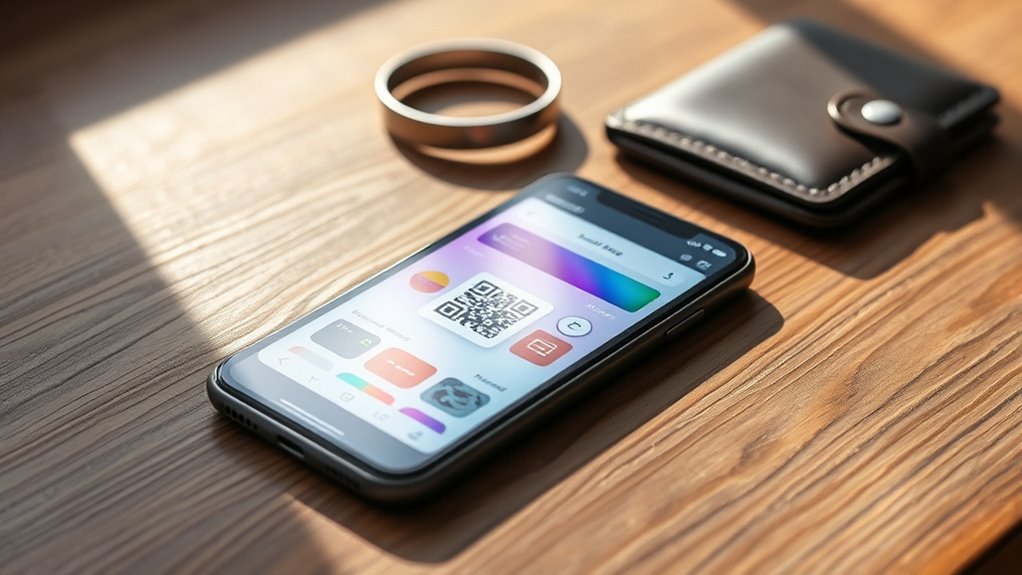
Make sure your digital travel documents are organized and easily accessible on your phone before you arrive at the border. Use secure cloud backups to keep copies of passports, visas, and other important papers safe in case of loss or theft. Managing your apps efficiently will help you quickly access and update necessary documents, ensuring smooth border crossings.
Digital Document Storage Tips
Preparing your digital travel documents in advance can save you time and stress at border crossings. Start by saving clear, legible copies of your passport, visa, travel authorization, and vaccination records on your device. Use secure folders or encrypted apps to keep these documents organized and protected. Consider creating multiple backups on cloud storage or external drives, so you can access them even if your phone is lost or damaged. Make sure your files are in widely accepted formats like PDF for easy viewing. Additionally, download important travel apps and official government or airline websites to access digital versions of boarding passes, eVisas, or entry forms. Keep these documents readily accessible, ideally offline, to avoid connectivity issues and assure swift border processing.
Secure Cloud Backups
Using secure cloud backups guarantees your digital travel documents are accessible whenever you need them, no matter if your device is lost or damaged. By uploading copies of your passport, visas, vaccination records, and travel authorizations to a trusted cloud service, you ensure quick retrieval during border crossings or emergencies. Choose reputable providers like Google Drive, Dropbox, or OneDrive, and enable two-factor authentication for added security. Regularly update your backups to include any new documents or changes. Keep in mind that encrypted backups provide extra protection against unauthorized access. Having your documents safely stored in the cloud means you won’t waste time searching for paper copies or risking their loss, streamlining your travel experience and reducing stress during critical moments.
App Management Strategies
Managing your travel apps effectively guarantees your digital documents are always ready when you need them. First, organize essential apps into folders for quick access—passport, visa, and health records should be front and center. Keep copies of these documents offline in secure folders or cloud backups, ready to upload if needed. Regularly update apps like airline, embassy, and border control tools to ensure smooth processing. Use a dedicated travel app to store boarding passes and itineraries. Here’s a quick look:
| App Type | Purpose |
|---|---|
| Document Storage | Store passports, visas, vaccination |
| Travel Apps | Manage boarding passes, itineraries |
| Official Portals | Access border forms, alerts |
Stay organized, update regularly, and test apps before departure.
Ensuring Phone Compatibility and Unlock Status Before Departure
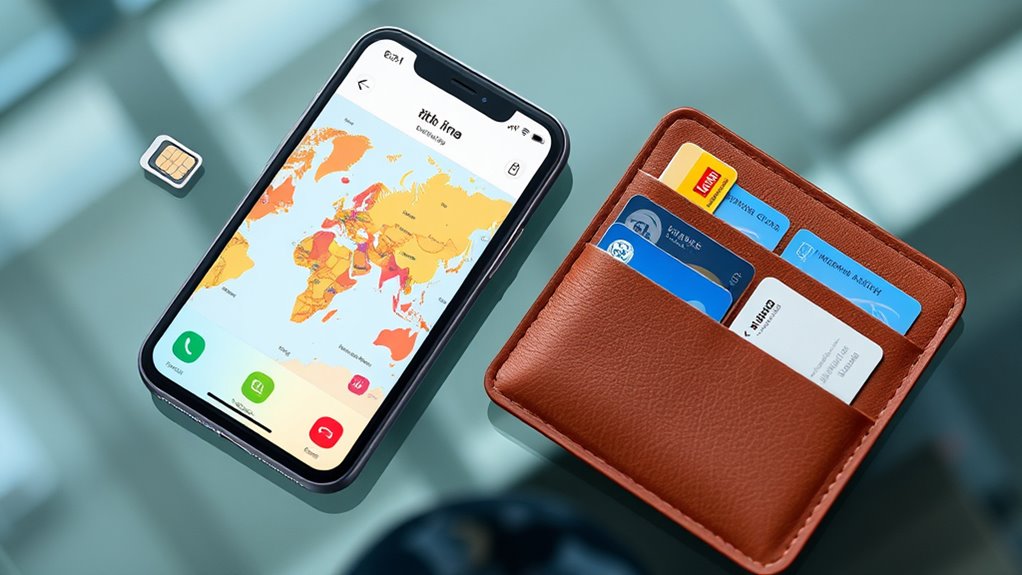
Before you travel abroad, it’s essential to verify that your phone is compatible with international networks and is liberated for use with different carriers. Start by checking your phone’s model and specifications online to guarantee it supports GSM networks, which most countries use. Contact your current carrier to confirm if your device is unlocked; if it’s locked, request an unlock code well before departure. An unlocked phone allows you to switch SIM cards or activate eSIMs at your destination without restrictions. Additionally, verify the frequency bands your phone supports to ensure compatibility with local networks. Doing this ahead of time prevents connectivity issues and lets you choose the best international plans or local SIM options, saving you money and frustration during your trip.
Using Offline Maps and Wi-Fi to Minimize Roaming Data Use
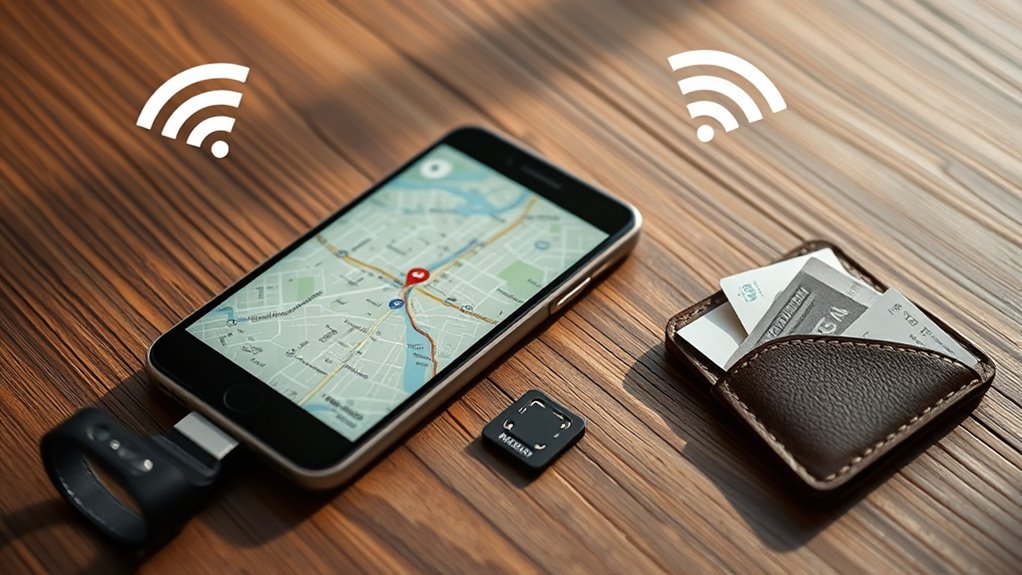
To avoid costly roaming data charges, leveraging offline maps and Wi-Fi is one of the smartest strategies you can employ while traveling abroad. Before your trip, download offline maps of your destination using apps like Google Maps or Maps.me. This way, you can navigate streets, find landmarks, and locate services without using data. Whenever possible, connect to Wi-Fi at airports, hotels, cafes, or public hotspots to access maps, translate languages, and browse the internet. Be mindful of data-heavy activities like streaming videos or downloading large files over cellular networks. Using Wi-Fi and offline maps not only keeps your data usage in check but also helps you avoid unexpected charges, ensuring smoother, stress-free navigation during your travels.
Tips for Keeping Your Phone Charged and Accessible During Your Trip
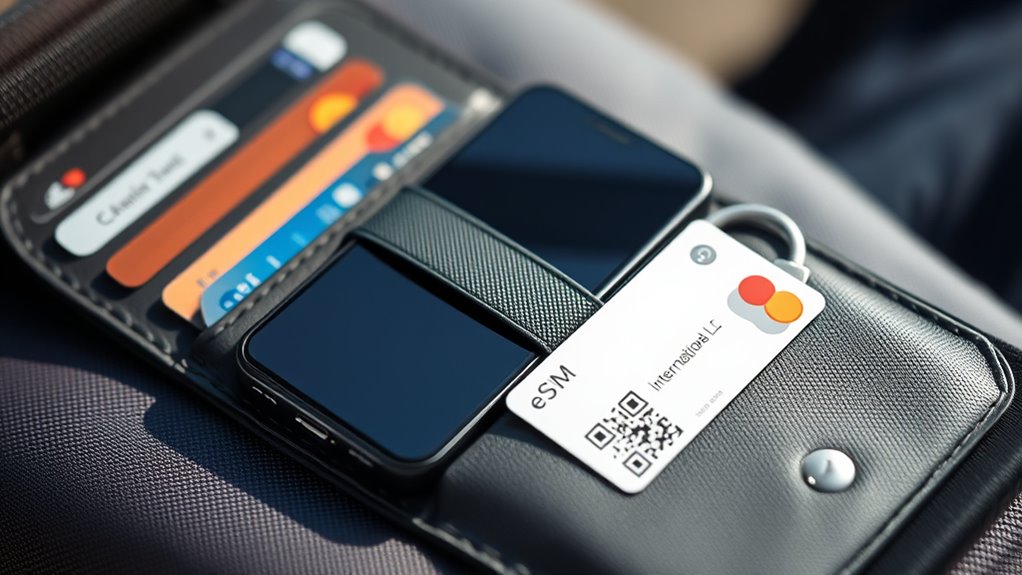
Keeping your phone charged and accessible is essential for a smooth travel experience, especially when relying on navigation, translation, or emergency contacts. To stay powered, carry a portable power bank and keep it charged. Use energy-saving settings like reducing screen brightness and disabling unused apps. Consider investing in a multi-port charger to recharge multiple devices simultaneously. Here’s a quick comparison:
| Charging Method | Pros | Cons |
|---|---|---|
| Power Bank | Portable, convenient | Requires extra carry |
| Wall Adapter | Fast charging | Needs outlet access |
| Car Charger | On-the-go charging | Limited use outside vehicle |
| Wireless Charger | Easy, cable-free | Slower, needs compatible device |
Stay proactive about power management to avoid device downtime and stay connected wherever you are.
Frequently Asked Questions
Can I Use My Current Phone Plan Internationally Without Extra Charges?
Yes, you can use your current phone plan internationally without extra charges if your carrier includes international coverage. Major U.S. carriers like T-Mobile, AT&T, and Verizon offer plans with international perks, such as data and calling in many countries, sometimes included or available as add-ons. Check your plan details before traveling to confirm coverage, data limits, and potential costs. Using Wi-Fi and offline maps can also help avoid unexpected charges.
What Should I Do if My Phone Isn’T Compatible With Local Networks?
If your phone isn’t compatible with local networks, you should consider buying a local SIM card or eSIM once you arrive. This way, you can access affordable data and calls without relying on international roaming. Make sure your phone is freed beforehand. Alternatively, rent or purchase a portable Wi-Fi hotspot to stay connected. Always check your device’s compatibility and plan options before traveling to avoid connectivity issues.
How Do I Ensure My Mobile Wallet Works Abroad Securely?
To guarantee your mobile wallet works securely abroad, update your app and device to the latest software to patch security vulnerabilities. Enable two-factor authentication and use strong, unique passwords. Avoid public Wi-Fi; instead, use a trusted VPN when accessing your wallet. Keep your device locked with a passcode or biometric security. Regularly monitor your transactions for suspicious activity and consider carrying a backup payment method for added security.
Are There Risks of Losing Access to My Digital Travel Documents?
Losing access to your digital travel documents is like misplacing a crucial map—you’re stranded without guidance. To prevent this, you should back up all important files securely in cloud storage or offline folders. Use encrypted apps for sensitive info and carry physical copies as a backup. Regularly update and verify your access before traveling, so you’re not caught off guard in unfamiliar territory.
What’s the Best Way to Protect My Device From Theft Overseas?
To protect your device from theft overseas, keep it close and stay vigilant in crowded areas. Use a secure, lockable bag or anti-theft backpack, and avoid displaying your phone openly. Enable device tracking features like Find My iPhone or Android Device Manager, and set a strong passcode or biometric lock. Consider using a fake or secondary phone for risky situations, and always back up your data before traveling.
Conclusion
So, you’ve prepped your phone for international adventures—great! Because nothing says “ready for anything” like juggling local SIMs, eSIMs, and Wi-Fi hotspots, right? Just remember, all that effort might be for naught if you forget to back up your data or keep your device secure. But hey, at least you’ll have a fully charged phone and a backup plan—because what’s travel without a little tech chaos?