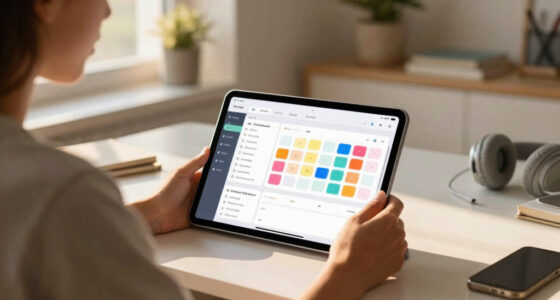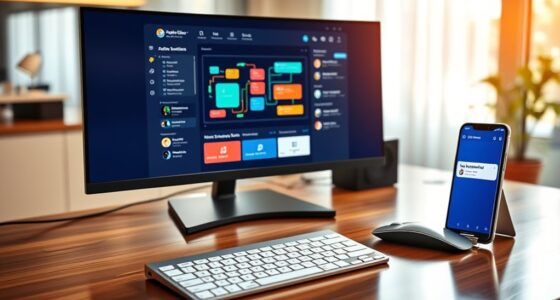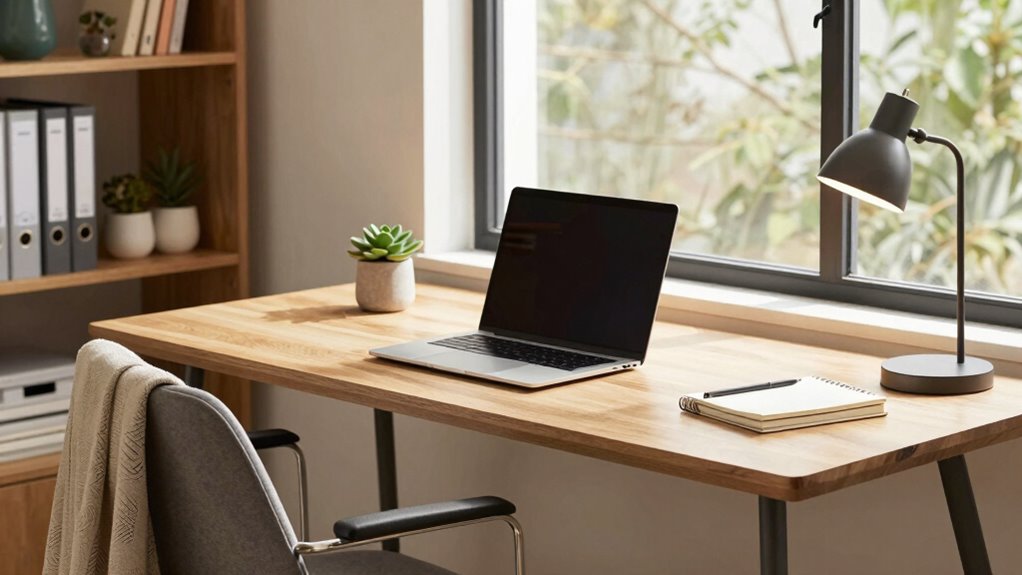

A good home office workflow combines an ergonomic setup, clear routines, and digital organization. Make sure your workspace is comfortable, adjustable, and free from clutter to stay focused and reduce fatigue. Use task management tools and keep files tidy for quick access. Establish routines with dedicated work blocks and regular breaks to maintain energy. Set boundaries between work and relaxation. If you keep these elements in mind, you’ll create a smooth, productive environment that supports your well-being.

Get the latest gadgets delivered free with Prime
- Fast, free delivery on millions of items
- Prime Video, Amazon Music and more included
- Member-only deals all year
Key Takeaways
- Establish a dedicated, ergonomic workspace with proper furniture and lighting to enhance comfort and focus.
- Organize digital files and use task management tools for quick access and efficient prioritization.
- Create a consistent daily routine with scheduled breaks and clearly defined work and relaxation periods.
- Minimize distractions by turning off notifications, using noise-canceling headphones, and maintaining a clutter-free environment.
- Maintain overall workflow by integrating routines that promote productivity, well-being, and clear work-life boundaries.
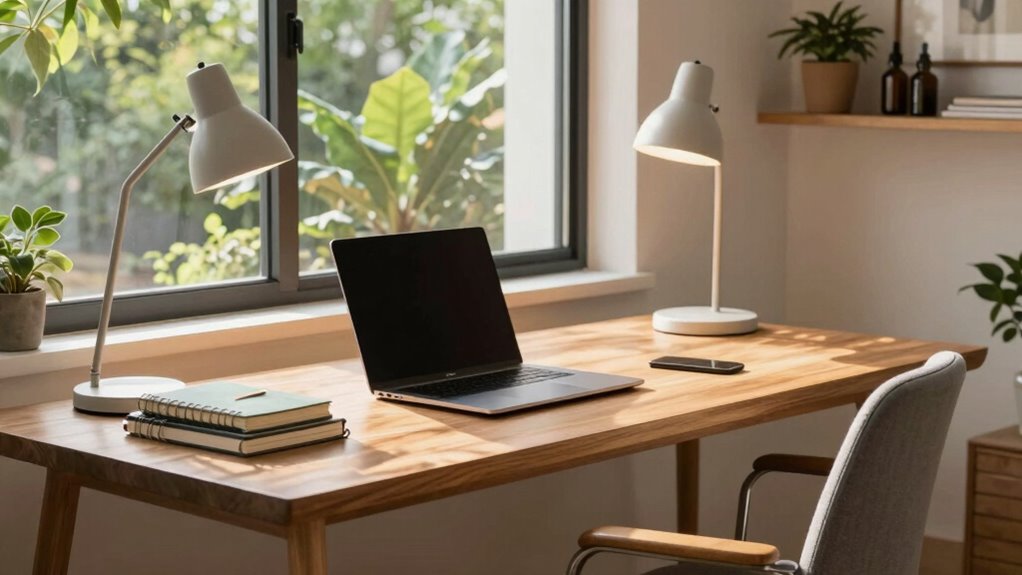
Have you ever struggled to stay productive while working from home? If so, you’re not alone. Crafting a good home office workflow can feel overwhelming, but focusing on a few key elements can make all the difference. First, consider setting up your workspace with ergonomic furniture. When you sit comfortably and maintain proper posture, you reduce fatigue and prevent aches that can derail your focus. An adjustable chair, a desk at the right height, and standing options help keep your body energized throughout the day. Investing in ergonomic furniture isn’t just about comfort; it’s about creating a space where you can work efficiently and sustain productivity over hours without discomfort.
Next, digital organization plays a crucial role in streamlining your workflow. When your files, emails, and tools are well-organized, you spend less time searching and more time doing. Use folders, labels, and cloud storage solutions to keep everything accessible. Implementing a consistent naming convention for your files ensures you can locate documents quickly when needed. Also, leverage task management apps or digital calendars to prioritize your daily activities. When your digital workspace is tidy and structured, you avoid the chaos that hampers focus and causes unnecessary stress. Additionally, paying attention to home environment setup can help improve your overall comfort and productivity in your workspace. Creating an environment conducive to concentration, such as optimal lighting and minimizing noise, also plays a significant role in enhancing your overall productivity. Incorporating elements like natural pools or outdoor features can provide a refreshing mental break, which is beneficial for maintaining focus during long work hours. Maintaining an awareness of ergonomic principles can further prevent discomfort and support long-term health while working from home. Establishing these ergonomic practices can also prevent long-term health issues, ensuring your work environment supports your well-being over time.
Organize files and emails with folders, labels, and cloud storage to boost efficiency and reduce stress.
A good home office workflow also involves establishing routines. Starting your day with a clear plan helps you stay on track. Break your work into manageable blocks, and schedule breaks to recharge. During these breaks, step away from your desk, stretch, or do a quick physical activity to maintain energy levels. Creating a dedicated workspace, separate from your relaxation areas, helps reinforce boundaries between work and personal life. When you walk into this space, your mind shifts into work mode, and when you leave, you can fully disconnect.
Another essential aspect is minimizing distractions. Turn off notifications that aren’t urgent, and inform others in your household of your work schedule. Use noise-canceling headphones if necessary to maintain focus. Keep your workspace clean and organized; clutter can clutter your mind as well. Additionally, having the right technology—reliable internet, updated software, and functional hardware—ensures your workflow remains uninterrupted.
Ultimately, a good home office workflow is about creating a space and routine that promote focus, comfort, and efficiency. When you combine ergonomic furniture, digital organization, clear routines, and minimized distractions, you set yourself up for success. Working from home becomes less stressful and more productive, allowing you to accomplish your goals with clarity and ease.
As an affiliate, we earn on qualifying purchases.
Frequently Asked Questions
How Can I Stay Motivated While Working Remotely?
To stay motivated while working remotely, set clear goals to give you direction and purpose. Establish routines that create structure, like starting your day at the same time and taking regular breaks. Celebrate small wins to keep your energy high and stay focused. Keep your workspace organized and limit distractions. By setting goals and sticking to routines, you’ll find it easier to stay motivated and productive throughout your workday.
What Tools Improve Home Office Productivity?
To boost your home office productivity, invest in ergonomic furniture that keeps you comfortable and focused. Use tools like digital calendars and task managers to improve your time management skills, helping you prioritize and stay on track. These tools reduce distractions and physical strain, enabling you to work efficiently. By combining ergonomic setups with effective time management tools, you create a workspace that enhances your overall productivity and well-being.
How Do I Minimize Household Distractions?
Distractions can feel overwhelming, but you can minimize household interruptions by managing noise and creating an ergonomic setup. Use noise-canceling headphones or white noise to drown out distractions, and establish clear boundaries with family during work hours. An ergonomic workspace helps you stay focused and comfortable, reducing the urge to get up or shift around. With a dedicated, quiet, and well-designed environment, you’ll find it easier to stay productive amidst household chaos.
What’s the Best Way to Organize Digital Files?
To organize your digital files effectively, start by reducing digital clutter and creating clear file categorization. Use folders to separate projects, clients, or topics, and name files consistently for easy retrieval. Regularly delete unnecessary files and back up important ones. Implement a naming system that makes sense to you, and schedule weekly reviews to keep your digital workspace tidy. This approach guarantees quick access and minimizes stress when searching for files.
How Can I Set Boundaries Between Work and Personal Life?
You should set clear physical boundaries by designating a specific workspace and keeping work materials there, which helps you mentally separate work from personal life. Establish consistent work hours and communicate them to family or housemates, so they respect your schedule. When work hours end, shut down your workspace and disconnect from work-related tasks. These steps help you create a healthy boundary, making it easier to switch off and enjoy personal time.
Conclusion
By blending best practices into your daily routine, you’ll build a balanced, productive home office workflow. Stay mindful of managing multitasking, minimizing distractions, and maintaining motivation. With consistent effort, your workspace will become a well-oiled machine, making work feel more manageable and meaningful. Remember, a smooth, structured system supports your success, so stay steady, stay focused, and let your workflow work wonders for your workday!
Halloween Picks
halloween
As an affiliate, we earn on qualifying purchases.