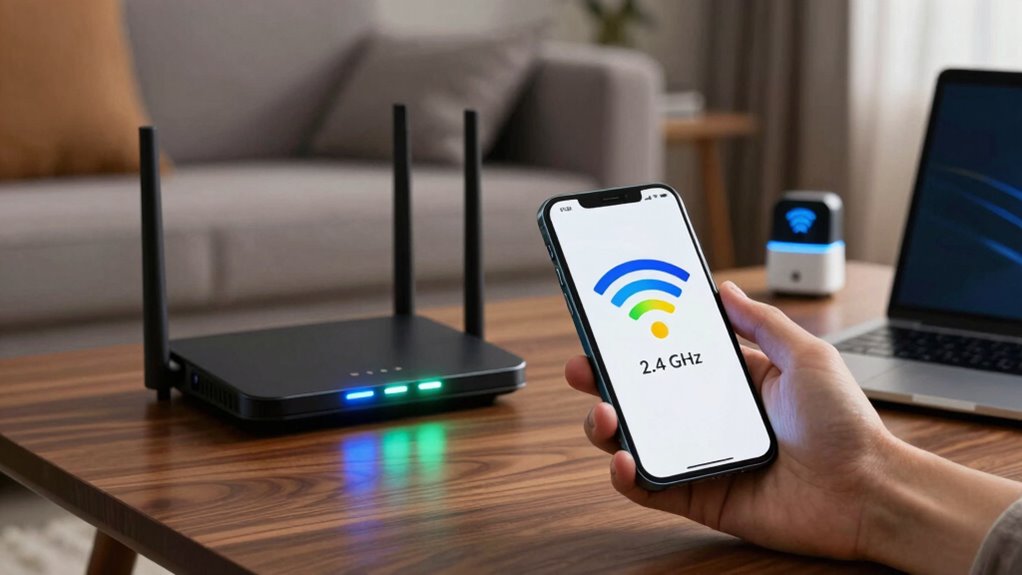

Your Wi-Fi bands directly impact your network’s speed, stability, and coverage. The 2.4 GHz band offers better range and signal penetration but can be slower and more crowded, leading to interference. The 5 GHz band provides faster speeds and less congestion, ideal for high-bandwidth activities, but it doesn’t reach as far. Choosing the right band based on your device compatibility and environment can make a noticeable difference—if you want to discover how, keep exploring the details.
Key Takeaways
- 2.4 GHz offers better coverage and wall penetration but is more prone to interference and congestion.
- 5 GHz provides higher speeds and less interference but has a shorter range and weaker obstacle penetration.
- Device compatibility determines which band a device can use for optimal performance.
- Congestion on the 2.4 GHz band can slow speeds, while the 5 GHz band is typically less crowded.
- Proper band selection and placement improve Wi-Fi speed, stability, and overall network performance.
Understanding Wi-Fi bands is essential for optimizing your wireless network’s performance. When you choose the right band, you can improve speed, reduce lag, and guarantee your devices stay connected without interruptions. Wi-Fi operates mainly on two bands: 2.4 GHz and 5 GHz. Each has its advantages and limitations, so knowing how they work helps you make better decisions about your network setup. Device compatibility plays a big role here. Some older devices only support the 2.4 GHz band, which means they might not benefit from the faster speeds of 5 GHz. Conversely, newer gadgets are often designed to work on both bands, giving you more flexibility. If you’re trying to connect a range of devices, understanding their compatibility ensures you select the most appropriate band for each one.
Interference management is another key aspect that impacts Wi-Fi performance. The 2.4 GHz band is more crowded because many household devices—like cordless phones, microwave ovens, and Bluetooth gadgets—also operate on this frequency. This congestion can cause interference, leading to slower speeds and dropped connections. On the other hand, the 5 GHz band is generally less crowded, which means it’s less prone to interference. This makes it ideal for high-bandwidth activities like streaming, gaming, or video conferencing. However, signal penetration is less effective on 5 GHz signals, especially through walls and obstacles, which can limit coverage in larger spaces. Managing interference involves placing your router in a central location and choosing the right band based on your environment and device needs. Additionally, understanding Wi-Fi bands and performance can help you further optimize your network setup for the best results. Recognizing the limitations of each band can help you make smarter choices to enhance your overall Wi-Fi experience. Moreover, considering natural obstacles such as walls and furniture can also influence signal strength and coverage. To improve coverage and reduce dead zones, some users utilize Wi-Fi extenders or mesh systems, which can help distribute the signal more evenly throughout larger areas.
As an affiliate, we earn on qualifying purchases.
Frequently Asked Questions
Can I Use Both Wi-Fi Bands Simultaneously on One Device?
Yes, you can use both Wi-Fi bands simultaneously on one device if it supports dual-band compatibility. Many modern devices are designed to connect to both 2.4 GHz and 5 GHz bands at the same time, improving performance and reliability. However, device limitations might restrict this feature, so check your device’s specifications. Using both bands helps optimize your connection by balancing speed and range based on your network needs.
Do Different Devices Support Both 2.4 GHZ and 5 GHZ Bands?
Think of your devices as travelers with different passports. Most modern devices support both 2.4 GHz and 5 GHz bands, making them compatible with a variety of Wi-Fi networks. To optimize your connection, use band selection strategies like connecting older devices to 2.4 GHz for better range and newer ones to 5 GHz for faster speeds. Check your device’s specifications to confirm support and guarantee smooth, efficient performance across all your gadgets.
How Do Wi-Fi Bands Affect Streaming Quality?
Wi-Fi bands considerably impact your streaming quality by allowing bandwidth enhancement and interference reduction. When you use the 5 GHz band, you experience faster speeds and less congestion, leading to smoother streaming with fewer interruptions. On the other hand, the 2.4 GHz band offers broader coverage but can face more interference, which might cause buffering. Choosing the right band based on your environment helps guarantee ideal streaming performance.
Are There Security Differences Between Wi-Fi Bands?
Yes, there are security differences between Wi-Fi bands. Generally, both 2.4 GHz and 5 GHz bands support strong encryption protocols like WPA3 or WPA2, but 2.4 GHz networks are more vulnerable due to band congestion, which can lead to increased risks of hacking. Using the latest encryption and minimizing band congestion by switching to less crowded bands helps protect your data regardless of the band you use.
Can Changing Bands Improve My Wi-Fi Connection Stability?
Switching Wi-Fi bands can improve your connection stability, especially if your devices support dual-band compatibility. Moving to the 5 GHz band often reduces interference from other electronics and neighboring networks, leading to a more reliable signal. This interference mitigation results in fewer dropouts and faster speeds. Make sure your devices are compatible with the band you choose, and you’ll likely see a noticeable boost in connection stability.
Conclusion
So, choosing the right Wi-Fi band is like tuning a guitar—you want the perfect pitch for smooth, harmonious streaming. 2.4 GHz is your steady, reliable friend for everyday browsing, while 5 GHz is the energetic performer for high-speed demands. Understanding these bands helps you navigate the wireless symphony with confidence, turning a tangled web of signals into a clear, flowing melody. Now, go ahead—strike the right chord for your best Wi-Fi performance!