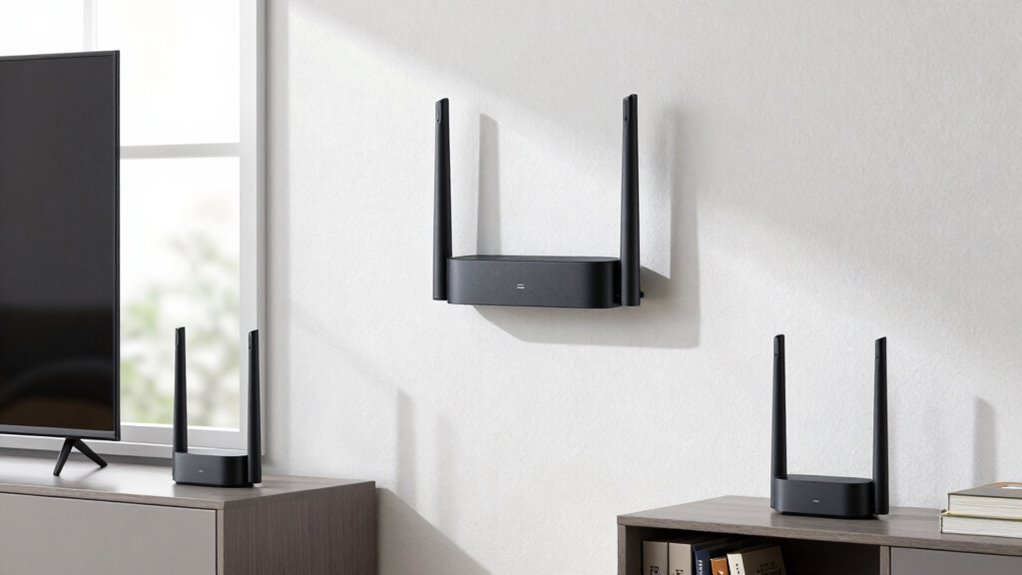

A tri-band mesh system uses three separate frequency bands—two 5 GHz and one 2.4 GHz—to spread wireless traffic, helping your network stay fast and stable. It dedicates different channels for high-demand activities, reducing congestion and interference, especially in busy homes with many devices. This setup improves coverage and minimizes dead zones. If you keep exploring, you’ll discover more about how these systems optimize your internet experience and handle growing device needs.

Get the latest gadgets delivered free with Prime
- Fast, free delivery on millions of items
- Prime Video, Amazon Music and more included
- Member-only deals all year
Key Takeaways
- Tri-band mesh systems use three Wi-Fi bands (two 5 GHz and one 2.4 GHz) to improve network capacity and reduce congestion.
- They assign separate channels for different devices, minimizing interference and lag during high-demand activities.
- The third band acts as an additional data highway, easing traffic from the main channels.
- Automatic band steering directs devices to the optimal band for best speed and connection stability.
- These systems are scalable, allowing additional units to expand coverage without compromising performance.
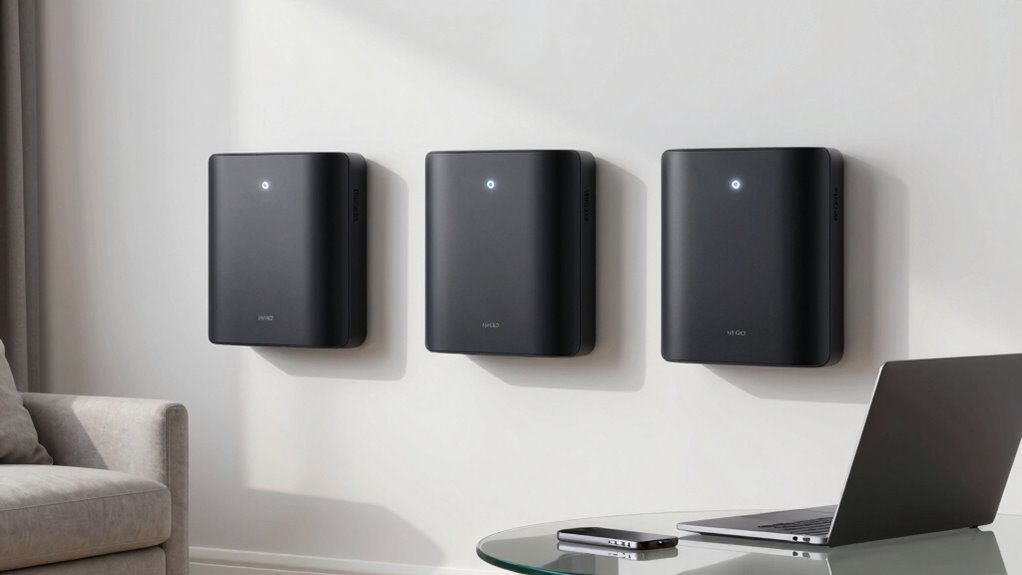
A tri-band mesh Wi-Fi system offers a reliable and efficient way to improve your home’s internet coverage, especially if you have multiple devices or a large space to cover. Unlike traditional routers, which often struggle with dead zones and congestion, a tri-band setup dedicates separate channels for different tasks, helping keep your connection stable. With three bands—two 5 GHz and one 2.4 GHz—you get more bandwidth to support streaming, gaming, and smart home devices simultaneously. This setup minimizes lag and buffering, making your online experience smoother.
A tri-band Wi-Fi system enhances coverage, reduces congestion, and supports multiple devices with faster, more stable internet connections.
One of the key advantages of a tri-band system is its ability to reduce wireless interference. In crowded environments, many devices and neighboring Wi-Fi networks compete for the same spectrum, leading to slower speeds and dropped connections. The third band acts as an additional highway for your data, relieving congestion on the main channels. This means you’re less likely to experience interruptions caused by wireless interference, and your devices can operate at *ideal* speeds even in settings with many competing signals. Additionally, the increased bandwidth capacity helps to ensure high-quality streaming and gaming experiences even when multiple devices are active.
Moreover, modern tri-band systems often incorporate smart management features, which optimize network performance and ensure seamless connectivity across all your devices. Device compatibility is another important aspect to *evaluate*. Modern tri-band systems are designed to work seamlessly with a wide range of devices, from smartphones and laptops to smart TVs and IoT gadgets. They typically support the latest Wi-Fi standards, ensuring your devices get the fastest, most reliable connection possible. Some newer systems also include automatic band steering, which dynamically directs devices to the best band for optimal performance, further enhancing the network experience. Moreover, interference mitigation techniques are often integrated, helping to maintain high speeds even in densely populated wireless environments. A well-designed system also considers future scalability, allowing you to easily expand your network as your needs grow. However, some older devices might not be able to take full advantage of the tri-band setup, so it’s worth checking compatibility if you have legacy equipment. Most systems also include smart features like app-based management and automatic band steering, which help your devices connect to the best band without you needing to think about it.
As an affiliate, we earn on qualifying purchases.
Frequently Asked Questions
How Does Tri-Band Mesh Compare to Traditional Wi-Fi Extenders?
Tri-band mesh systems generally outperform traditional Wi-Fi extenders by offering better device compatibility and faster, more reliable connections. They use three bands, dedicating one to backhaul, which reduces congestion and improves speed. While they cost more upfront, they’re often more efficient long-term. Extenders might be cheaper initially but can cause slower speeds and dead spots. So, if you want seamless coverage, a tri-band mesh is a smarter, more consistent choice.
Can Tri-Band Mesh Networks Support Multiple High-Bandwidth Devices Simultaneously?
Yes, tri-band mesh networks can support multiple high-bandwidth devices simultaneously. They use an additional 5GHz band, which helps balance device compatibility and reduces signal interference, ensuring smoother performance across devices like streaming, gaming, and video calls. With this setup, you get better bandwidth management, less lag, and more reliable connections, even when several high-demand devices are active at the same time.
What Are the Potential Drawbacks of Using a Tri-Band Mesh System?
Using a tri-band mesh system can lead to potential drawbacks like security concerns and interference issues. You might worry about data breaches if the network isn’t properly secured, especially with multiple devices connected. Additionally, interference from other wireless devices can disrupt your connection’s stability. While tri-band systems boost speed and capacity, these issues can compromise your network’s reliability and security if you don’t set it up carefully.
Is a Tri-Band Mesh Network Suitable for Large Homes?
A tri-band mesh network is like a Swiss Army knife for large homes, making it suitable for your space. It helps you manage smart home integration smoothly and supports parental controls across multiple devices. With an extra band dedicated to backhaul, it reduces congestion and boosts performance. So, if your home is big and tech-heavy, a tri-band system keeps everything connected and secure, just like a good tool for every job.
How Easy Is It to Set up and Manage a Tri-Band Mesh System?
Setting up and managing a tri-band mesh system is generally straightforward. You’ll connect the main unit to your modem, then use a mobile app or web interface for setup. It’s user-friendly, with clear instructions. You can also easily manage network security settings and check device compatibility through the app, ensuring your network stays secure and all your devices connect seamlessly. Overall, it’s designed for simple, hassle-free management.
Conclusion
Understanding tri-band mesh isn’t just about fancy tech—it’s about creating a seamless, reliable internet experience. Imagine you’re working from home, streaming a movie, and video chatting all at once. With a tri-band system, your devices get dedicated channels, so nothing stalls. Think of it like a busy highway with separate lanes for different cars—traffic flows smoothly. Investing in this tech means fewer disruptions and more productivity, making your online life stress-free.
Fall Picks
fall essentials
As an affiliate, we earn on qualifying purchases.