
Object storage offers a scalable, secure, and affordable way to back up personal data like photos, videos, and documents. It handles large volumes easily, expanding seamlessly as your needs grow without complex setup. With built-in encryption during transfer and storage, your data stays private and protected from cyber threats. Plus, you can control encryption keys for added security. Keep exploring to discover how object storage can simplify your personal backup strategy even further.
Key Takeaways
- Object storage efficiently handles large personal backup data like photos and videos with seamless scalability.
- It offers automatic data expansion without service interruptions, ideal for growing storage needs.
- Built-in encryption during transfer and at rest ensures the privacy and security of personal backups.
- Cloud-based object storage reduces infrastructure complexity and upfront costs compared to traditional storage options.
- Users can manage encryption keys for added control, providing peace of mind for sensitive personal data.
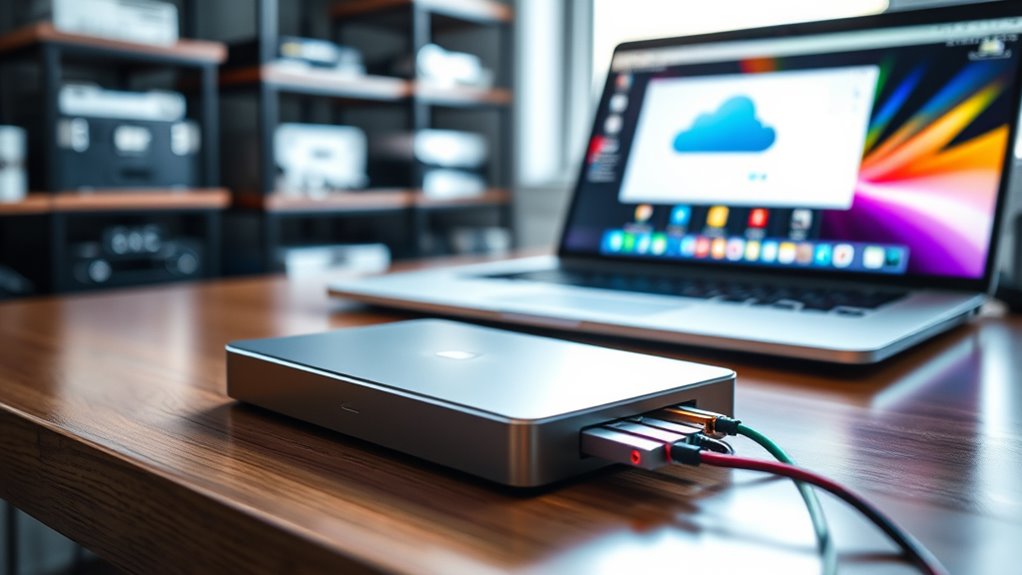
In today’s digital world, relying on object storage for personal backups offers a flexible and scalable solution to protect your data. Unlike traditional storage systems, object storage handles vast amounts of data efficiently, making it ideal for personal backups that might include photos, videos, documents, and more. One of the key advantages is its ability to scale seamlessly as your storage needs grow, so you won’t have to worry about running out of space or migrating to new systems. Instead, you just add more objects, and the system manages everything behind the scenes. This flexibility allows you to adapt your backup strategy without significant upfront investments or complex infrastructure. Additionally, the use of scalable storage solutions ensures your backups can expand effortlessly without service interruptions or costly upgrades.
Security is a top concern when it comes to personal data, and encryption security plays an essential role in safeguarding your backups. Reputable object storage providers typically offer built-in encryption, both during data transfer and at rest. This means your data is encrypted when it moves from your device to the cloud, and remains encrypted while stored, making it much more difficult for unauthorized users to access your information. Some services even allow you to manage your own encryption keys, giving you complete control over your data’s security. This layered approach to encryption security ensures your personal backups stay private and protected from cyber threats, giving you peace of mind.

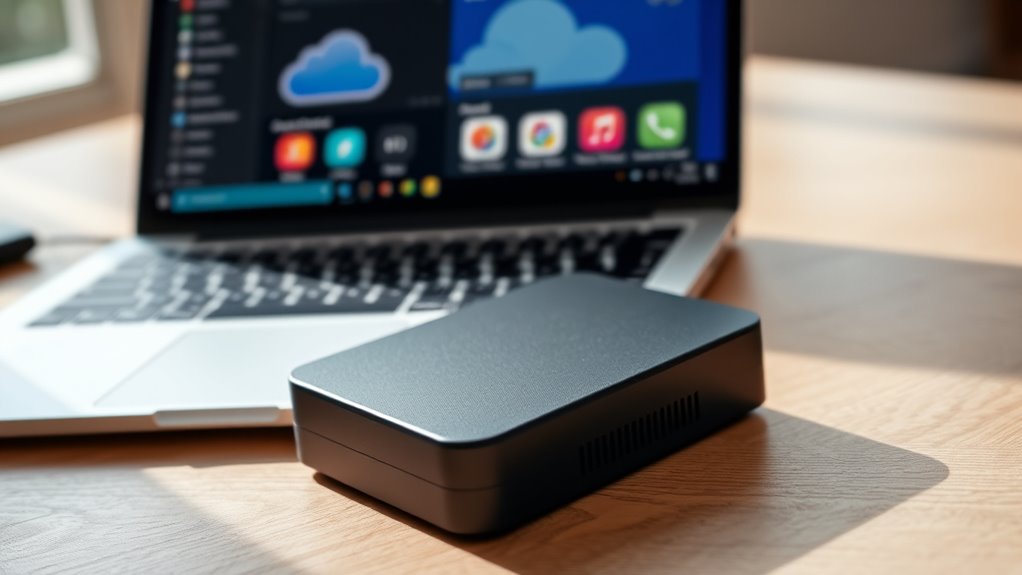
AMBER X Smart Personal Cloud Storage Device Data and Media Files, Built-in 512GB High-Speed SSD with USB Storage, Plex and Home Assistant/iOS/Android/Windows/Mac Compatible
Easy to Set Up and Use Home-based Personal Cloud Data Backup for All Your Smart Devices
As an affiliate, we earn on qualifying purchases.
As an affiliate, we earn on qualifying purchases.
Frequently Asked Questions
How Secure Is Personal Data Stored in Object Storage?
Your personal data stored in object storage is quite secure, thanks to strong encryption protocols that protect your information both during transfer and at rest. Additionally, data redundancy ensures your backups are safely duplicated across multiple locations, reducing the risk of data loss. While no system is completely invulnerable, these security measures considerably enhance the safety of your personal data stored in object storage.
Can Object Storage Handle Large Multimedia Files Effectively?
Sure, object storage handles large multimedia files like a champ—think high-resolution videos and streaming content. You’ll love how it smoothly manages video streaming and stores those massive files without breaking a sweat. No more waiting for uploads or downloads, just seamless access. So, if you’re tired of storage headaches, this tech makes managing high-res files easy, fast, and reliable—like having your own digital warehouse for all your multimedia needs.
What Are the Cost Implications of Scaling Storage Over Time?
As you scale your storage over time, expect costs to grow, but using flexible pricing strategies like tiered or pay-as-you-go plans can keep expenses manageable. While object storage offers excellent scalability, it can present challenges like unpredictable costs if you don’t monitor your usage closely. To avoid surprises, regularly review your storage needs and choose providers that offer transparent pricing and easy scalability options.
How Does Object Storage Compare to Traditional Backup Methods?
Imagine your data as a vast, cloud-filled sky, easily accessible and resilient. Compared to traditional backups, object storage offers better data redundancy, ensuring your files stay safe even if one part fails. You’ll notice lower access latency when retrieving data, making backups faster and restores smoother. Unlike tape or disk backups, object storage scales effortlessly, so your growing collection remains reliable, accessible, and protected without the hassle of hardware limitations.
Are There Any Compatibility Issues With Existing Backup Software?
You might encounter some compatibility issues with existing backup software, especially around software integration and format compatibility. Some backup tools may not naturally support object storage formats, requiring updates or third-party plugins. To avoid problems, verify that your backup software can integrate smoothly with the object storage service you choose. Testing compatibility beforehand ensures seamless backups, reducing the risk of data loss or failed restores.

Apricorn 2TB Aegis Padlock USB 3.0 256-Bit AES XTS Hardware Encrypted Portable External Hard Drive (A25-3PL256-2000)
Hardware encrypted drive
As an affiliate, we earn on qualifying purchases.
As an affiliate, we earn on qualifying purchases.
Conclusion
While some worry object storage isn’t secure enough for personal backups, it actually offers robust encryption and easy access across devices. With its scalability and cost-effectiveness, it’s a smart choice for safeguarding your memories. Don’t let the fear of complexity hold you back—many providers make setup simple. Embrace object storage today, and enjoy peace of mind knowing your backups are protected, accessible, and ready whenever you need them.

BUFFALO LinkStation 720 16TB 2-Bay Home Office Private Cloud Data Storage with Hard Drives Included/Computer Network Attached Storage/NAS Storage/Network Storage/Media Server/File Server
Get enhanced features, cloud capabilities, MacOS 26 compatibility, and up to 7x faster performance than LS 200.
As an affiliate, we earn on qualifying purchases.
As an affiliate, we earn on qualifying purchases.

ModusTech 500GB Portable External Hard Drive USB 3.0/Type-C – Slim High-Speed HDD for Backup, Storage, Gaming – Compatible with PC, Mac, Laptop, PS4, PS5, Xbox, Windows, MacBook, Smart TV (500 GB)
Ultra-Fast USB 3.0 Connectivity for Effortless Data Transfers: The ModusTech external hard drive delivers lightning-fast transfer speeds of…
As an affiliate, we earn on qualifying purchases.
As an affiliate, we earn on qualifying purchases.