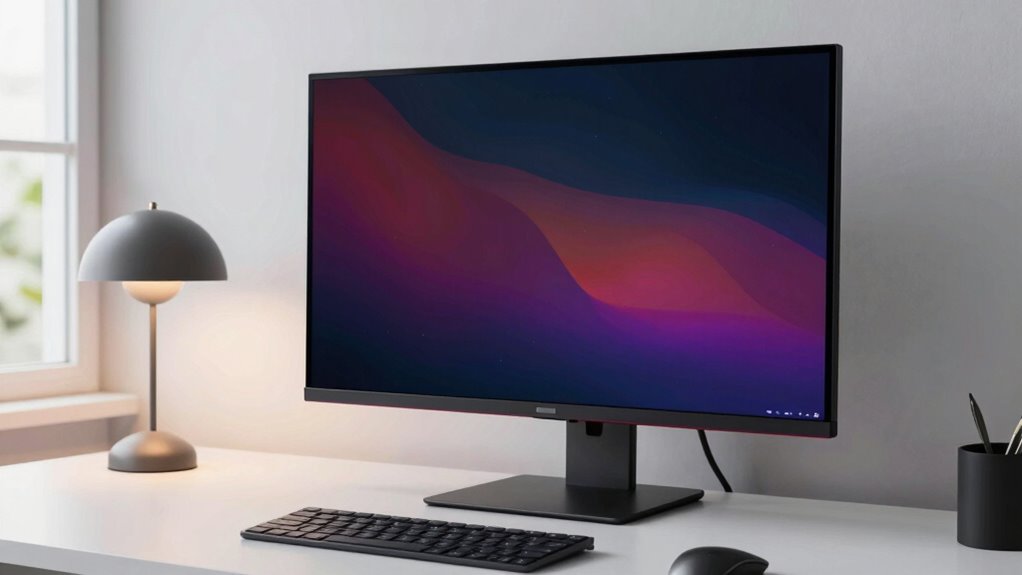
OLED monitors are transforming your desk setup with stunning visuals, deep blacks, and vibrant colors that make work and entertainment more immersive. Their sleek, thin designs create a modern look, while the high contrast ratios reduce eye strain and improve clarity. Faster response times make gaming and videos smoother, giving you a competitive edge. If you keep exploring, you’ll discover even more ways OLED technology can elevate your workspace and overall digital experience.
Key Takeaways
- Their sleek, thin profiles and minimal bezels create modern, stylish workspace aesthetics.
- Vibrant, true-to-life colors enhance visual appeal and boost productivity.
- Improved contrast and deep blacks make darker environments more comfortable for extended use.
- Reduced eye strain promotes healthier long-term viewing habits during prolonged sessions.
- High responsiveness and motion clarity benefit gaming and fast-paced work tasks.
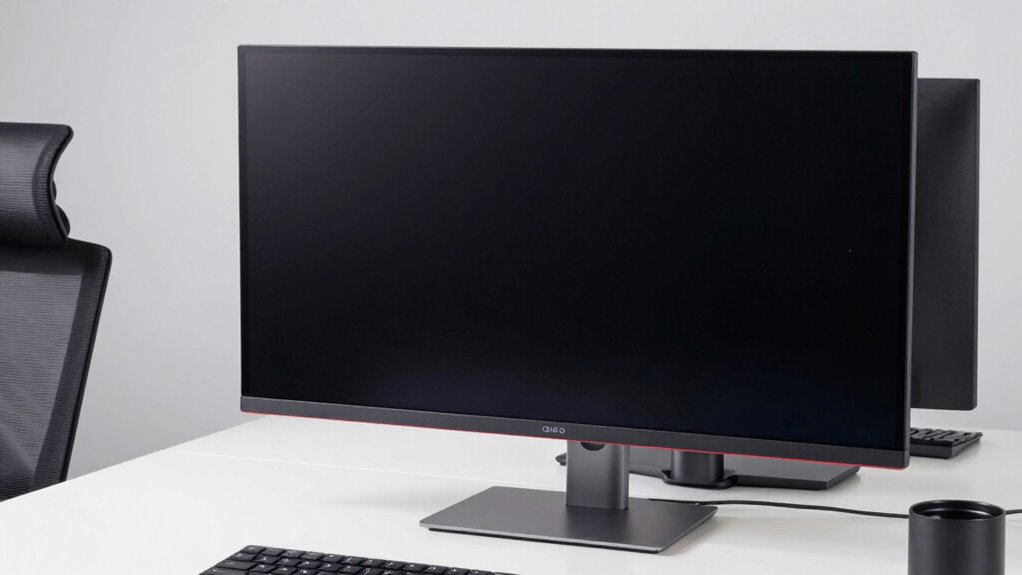
OLED monitors are revolutionizing desk setups by offering stunning visuals and sleek designs that elevate your workspace. When you upgrade to an OLED display, you immediately notice how vibrant and true-to-life the colors appear. The exceptional color accuracy makes every image pop with depth and richness, whether you’re editing photos, designing graphics, or simply watching your favorite movies. Unlike traditional LCD screens, OLED panels can display a broader color spectrum, so you get more precise shades and more realistic visuals. This level of color fidelity not only enhances your creative work but also makes your daily digital interactions more immersive and enjoyable.
OLED monitors deliver vibrant, true-to-life colors that enhance creativity and immersive digital experiences.
Another key advantage of OLED monitors is their response time. Because each pixel in an OLED screen emits its own light, it can switch states almost instantaneously. This means you experience markedly reduced motion blur and ghosting effects, which are common issues with slower displays. When you’re gaming or watching fast-paced videos, the quick response time ensures smoother visuals without lag or trailing artifacts. This responsiveness makes OLED monitors ideal for fast action scenes or competitive gaming, where every millisecond counts. You’ll notice the difference in clarity and fluidity, giving you a competitive edge or simply a more pleasurable viewing experience.
The sleek design of OLED monitors also contributes to their rising popularity. Thanks to their thin profiles and minimal bezels, they fit seamlessly into modern workspaces. The high contrast ratios of OLED displays mean you can work comfortably in darker environments, as deep blacks make your screen content stand out sharply against the surroundings. This not only enhances visual quality but also reduces eye strain during long hours of use. Plus, with their vibrant colors and quick response times, OLED monitors create a visually stunning environment that motivates you to work and play more enthusiastically. Additionally, the advanced display technology of OLED screens allows for flexible design options, further integrating them into stylish and functional workspaces. As a result, OLED monitors are also praised for their energy efficiency, which can help reduce overall power consumption. Moreover, the self-emitting pixels technology ensures a more consistent and high-quality image across different viewing angles.
Furthermore, the longevity and durability of OLED panels continue to improve, making them a reliable choice for long-term use. When combined with the improved calibration techniques, they can maintain their visual quality over time, ensuring your investment remains valuable for years to come.
In short, OLED monitors are transforming desk setups by combining superior color accuracy, lightning-fast response times, and elegant designs. You get a display that delivers true-to-life images, smooth motion, and a sleek aesthetic that enhances any workspace. Whether you’re a creative professional, a gamer, or someone who simply values high-quality visuals, these monitors push the boundaries of what’s possible with traditional screens. As you incorporate an OLED monitor into your desk, you’ll quickly realize that it’s not just a display — it’s a game-changer that elevates your entire digital experience.

Samsung 27” Odyssey OLED G5 (G50SF) QHD & QD-OLED Gaming Monitor, 180Hz Refresh Rate, 0.03ms (GtG) Response Time, NVIDIA G-Sync Compatible, AMD FreeSync™, LS27FG500SNXZA
Samsung’s 27” Odyssey OLED G5 QHD Gaming Monitor delivers hyper-real visuals and lightning-fast action.
As an affiliate, we earn on qualifying purchases.
As an affiliate, we earn on qualifying purchases.
Frequently Asked Questions
How Do OLED Monitors Compare in Terms of Price?
OLED monitors tend to be pricier than traditional displays, mainly due to their superior color accuracy and contrast. While they cost more upfront, their lower power consumption over time can save you money. You’ll notice vibrant colors and deep blacks that enhance your viewing experience, making the investment worthwhile if you prioritize color precision and energy efficiency. Overall, they’re a premium choice that balances performance with higher initial costs.
Are OLED Monitors Suitable for Gaming?
Gaming on an OLED monitor feels like stepping into a vivid, high-stakes world. With impressive color accuracy and a high refresh rate, you get smooth, dynamic visuals that bring games to life. The deep blacks and vibrant hues make every scene pop, giving you an edge in competitive play. While some worry about burn-in, proper settings keep your gaming experience seamless and immersive, making OLED a top choice for gamers.
What Is the Lifespan of an OLED Monitor?
An OLED monitor typically lasts around 30,000 to 50,000 hours before significant decline, but this varies with usage. You can sustain its lifespan by focusing on color accuracy and using burn-in prevention techniques, like enabling screensavers and avoiding static images. Proper care ensures vibrant visuals and prevents permanent image retention, helping you enjoy your monitor’s stunning display quality for years.
Do OLED Monitors Require Special Maintenance?
You don’t need special maintenance for OLED monitors, but being cautious helps. Did you know that screen burn-in affects about 10% of users over time? To prevent this, avoid static images for long periods, which also helps maintain color accuracy. Regularly adjusting brightness and enabling screen savers will keep your display looking vibrant and reduce risks like burn-in, ensuring your monitor stays in top shape longer.
Can OLED Monitors Be Used Outdoors Easily?
Yes, OLED monitors can be used outdoors, but their outdoor durability depends on the model. They often feature sunlight readability enhancements, making them easier to see in bright conditions. However, prolonged sun exposure may cause damage or reduce lifespan unless the monitor is specifically designed for outdoor use. To get the best experience, choose models with high brightness, anti-reflective coatings, and weather-resistant features for outdoor environments.

Waveshare 0.49inch OLED Display Module, Compatible with Raspberry Pi 5, 64×32 Resolution, I2C Communication, Black/White Display Color
Compact and Space-Saving Design: The Waveshare 0.49" OLED Display Module features a small and efficient design, measuring just…
As an affiliate, we earn on qualifying purchases.
As an affiliate, we earn on qualifying purchases.
Conclusion
As you embrace OLED monitors, you’re stepping into a new era of vibrant, immersive visuals that can transform your workspace. These displays not only elevate your productivity but also enhance your overall experience, making work and play more enjoyable. Remember, “a picture is worth a thousand words,” and with OLED technology, your desk setup becomes a canvas of stunning clarity and color. Ultimately, investing in OLED monitors is a decision that truly pays off.
Samsung 27” Odyssey OLED G5 (G50SF) QHD & QD-OLED Gaming Monitor, 180Hz Refresh Rate, 0.03ms (GtG) Response Time, NVIDIA G-Sync Compatible, AMD FreeSync™, LS27FG500SNXZA
Samsung’s 27” Odyssey OLED G5 QHD Gaming Monitor delivers hyper-real visuals and lightning-fast action.
As an affiliate, we earn on qualifying purchases.
As an affiliate, we earn on qualifying purchases.

ASUS ProArt Display 31.5” 4K OLED Professional Monitor (PA32DC) – Built-in Motorized Colorimeter, Color Accuracy ΔE<1, 99% DCI-P3, USB-C, Auto Calibration, Compatible with Laptop & Mac Monitor
31.5-inch 4K (3840 x 2160) HDR OLED panel with RGB stripes and 99% DCI-P3 color gamut
As an affiliate, we earn on qualifying purchases.
As an affiliate, we earn on qualifying purchases.