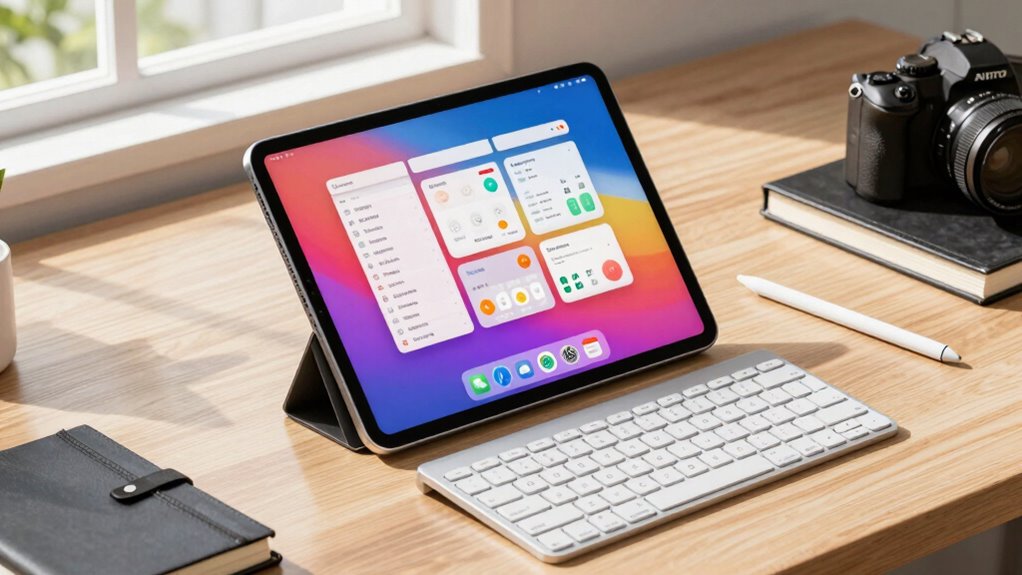

Large tablets create a new productivity niche by blending the portability of a tablet with the power of a laptop. They let you take detailed notes, sketch, and organize thoughts naturally with styluses, all while multitasking across multiple apps. You can connect seamlessly with other devices and tools, making your workflow more efficient. If you keep exploring, you’ll discover how these devices can truly transform your daily work and creativity.
Key Takeaways
- Large tablets enable natural note-taking and drawing, enhancing focus and retention in productivity tasks.
- They support multitasking with split-screen and app window resizing for efficient workflows.
- Seamless integration with cloud services and other devices ensures continuous access and synchronization.
- Advanced stylus and digital ink technology provide precise, paper-like writing experiences.
- Combining portability with workstation capabilities, large tablets redefine mobile productivity for diverse work styles.
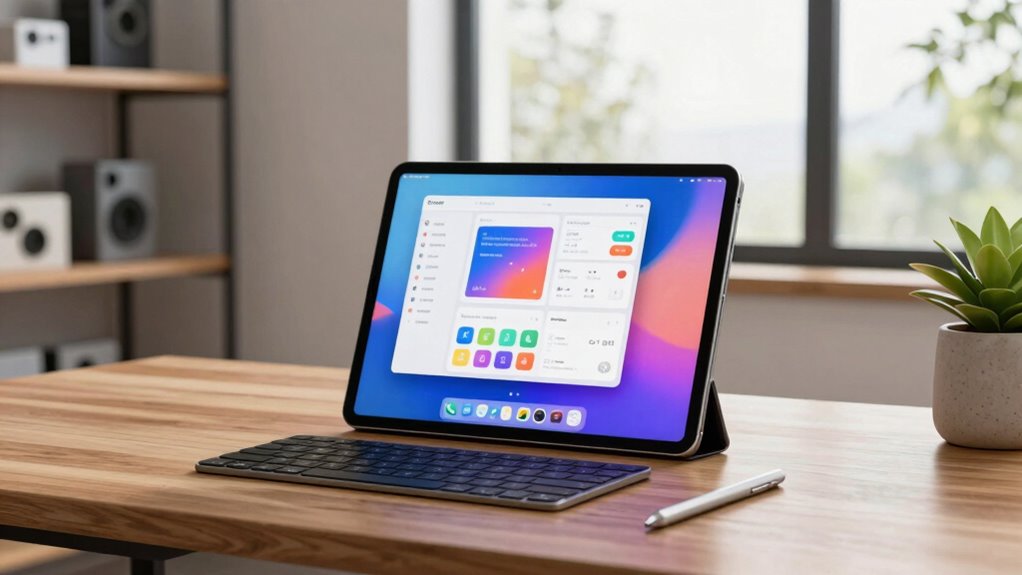
As large tablets become more powerful and versatile, they’re carving out a new niche in productivity tools. These devices are no longer just for casual browsing or media consumption; they’re transforming how you approach work, especially in areas like digital note taking and multitasking efficiency. With a bigger screen, you can write, draw, and organize your thoughts more naturally, making digital note taking feel less like a compromise and more like a seamless extension of your workflow. You can jot down ideas, annotate documents, or sketch diagrams without constantly switching between apps or losing your train of thought. This fluidity helps you stay engaged and reduces the frustration often associated with smaller screens or less capable devices.
The size of these tablets allows you to view multiple apps simultaneously, significantly boosting your multitasking efficiency. Instead of toggling between different windows or juggling multiple devices, you can have your email open on one side, a document on the other, and a video call running in a corner. This multitasking setup mimics the experience of using a laptop but with the added portability and touch interaction that tablets excel at. You can effortlessly resize windows, drag and drop content, or annotate directly on PDFs and images, making your workflow more integrated and less fragmented. It’s like having a mini workstation in your hands, enabling you to switch gears easily and stay productive no matter where you are. Additionally, the connectivity features of these large tablets ensure seamless synchronization with other devices and cloud services, keeping your work always accessible and up-to-date. These software ecosystems are continuously expanding, offering even more tools to enhance productivity and tailor your device to your specific needs. Understanding the technological advancements behind these devices helps users appreciate how they are becoming essential tools in modern digital workflows.
Furthermore, these large tablets often support styluses with precision and pressure sensitivity, which elevates digital note taking. Whether you’re sketching out ideas, highlighting text, or writing notes by hand, you get a natural feel that’s closer to pen and paper. This tactile experience encourages more detailed and thoughtful note taking, which can boost your retention and understanding of information. The digital ink technology used in these styluses is advancing rapidly, providing more natural and accurate writing experiences. Plus, with cloud connectivity and synchronization features, your notes, annotations, and documents stay up-to-date across all your devices, so you’re never locked out of your work.
In essence, larger tablets are redefining what it means to be productive on the go. They combine the convenience of a portable device with the capabilities of a full-fledged workstation, making digital note taking more intuitive and multitasking more efficient. If you’re looking for a tool that adapts to your dynamic work style, these tablets offer a compelling option that bridges the gap between mobility and functionality. As they continue to evolve, expect them to become even more integral to your daily productivity routines.
large tablet with stylus for productivity
As an affiliate, we earn on qualifying purchases.
As an affiliate, we earn on qualifying purchases.
Frequently Asked Questions
How Do Large Tablets Compare to Traditional Laptops for Productivity?
Large tablets often boost your multitasking efficiency with touchscreens and portability, letting you switch between apps quickly. However, they face portability challenges compared to laptops, as they’re bulkier and less comfortable for long typing sessions. Laptops generally offer better keyboard comfort and more robust software options. So, if portability is your priority, a large tablet works well, but for heavy multitasking and productivity, a traditional laptop might be better.
What Accessories Enhance Large Tablet Productivity?
You can boost large tablet productivity by adding accessories like stylus integration, which makes note-taking and precise editing easier. Keyboard attachments transform your tablet into a more traditional laptop setup, perfect for typing-intensive tasks. Consider screen protectors to prevent scratches and portable stands for better ergonomics. These accessories enable seamless multitasking, making your large tablet a versatile tool for work or creative projects.
Are Large Tablets Suitable for Professional Graphic Design?
Yes, large tablets are suitable for professional graphic design because they offer excellent stylus responsiveness, allowing you to draw with precision. Their larger screens also enhance color accuracy, which is essential for detailed artwork. You’ll find that these features improve your workflow and help you create high-quality designs. Just make sure your tablet has a high-resolution display and supports a responsive stylus for the best results.
How Is Battery Life Affected by Increased Screen Size?
They say “you get what you pay for,” and larger screens often mean more battery drain. When you use a bigger tablet, it demands more power to light up the larger display, which can cut into battery life. To counteract this, you need effective power management strategies, like dimming brightness or closing unnecessary apps. So, while bigger screens boost productivity, they also challenge your device’s battery stamina.
Can Large Tablets Replace Desktop Setups Effectively?
Large tablets can replace desktop setups effectively if you prioritize portability and flexibility. With stylus precision, you can handle detailed tasks like drawing or note-taking seamlessly. Cloud integration allows you to access files across devices, boosting productivity. However, for intensive multitasking or heavy software, a desktop might still be better. But if your work involves creative or on-the-go tasks, a large tablet can definitely serve as a capable alternative.
Conclusion
You might think a tablet’s size limits its usefulness, but it’s actually opening new doors. Imagine holding a device big enough to replace your laptop, yet portable enough to carry everywhere. It’s a surprising blend—powerful enough for work, yet light enough to relax with. As large tablets carve out this fresh niche, they challenge your expectations and invite you to rethink productivity. Sometimes, the biggest tools fit perfectly in your hands, offering more than you ever imagined.