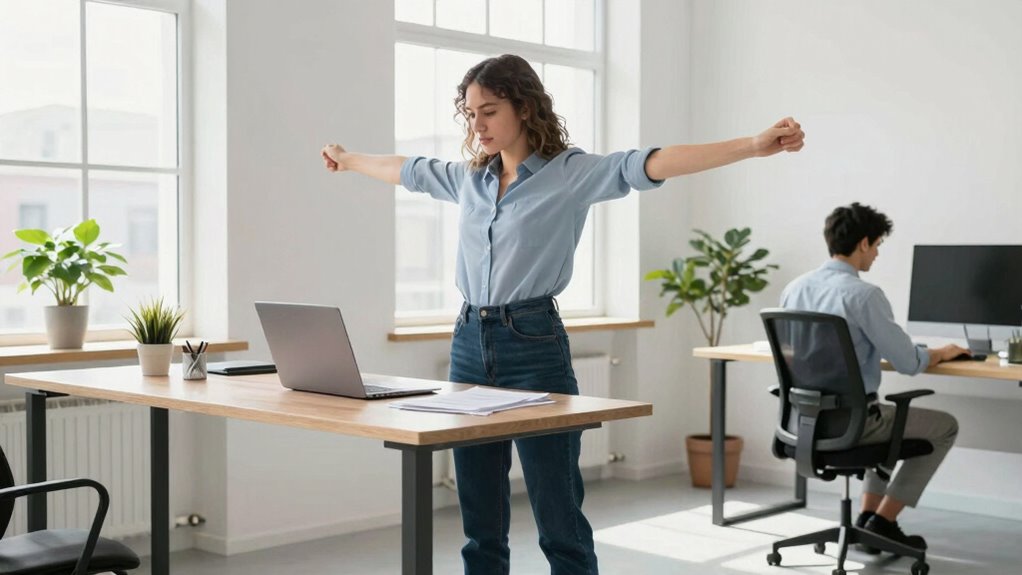

Using a standing desk can reduce back pain, fatigue, and improve posture when set up properly. However, it doesn’t automatically solve all issues; you need to adjust the height, take regular breaks, and incorporate movement to prevent discomfort. Mindful habits and ergonomic accessories enhance the benefits. If you keep exploring, you’ll discover how to maximize your workspace setup and avoid common pitfalls for long-term health.

Get the latest gadgets delivered free with Prime
- Fast, free delivery on millions of items
- Prime Video, Amazon Music and more included
- Member-only deals all year
Key Takeaways
- Standing desks can reduce issues like back pain and fatigue when properly used, but alone they don’t guarantee health improvements.
- Correct ergonomic setup and accessories are essential to maximize the benefits of standing desks.
- Alternating between sitting and standing is necessary to prevent discomfort and promote overall well-being.
- Overusing standing desks without proper ergonomics can cause strain and negate potential health benefits.
- Long-term health improvements depend on mindful habits, movement, and proper posture, not just the presence of a standing desk.
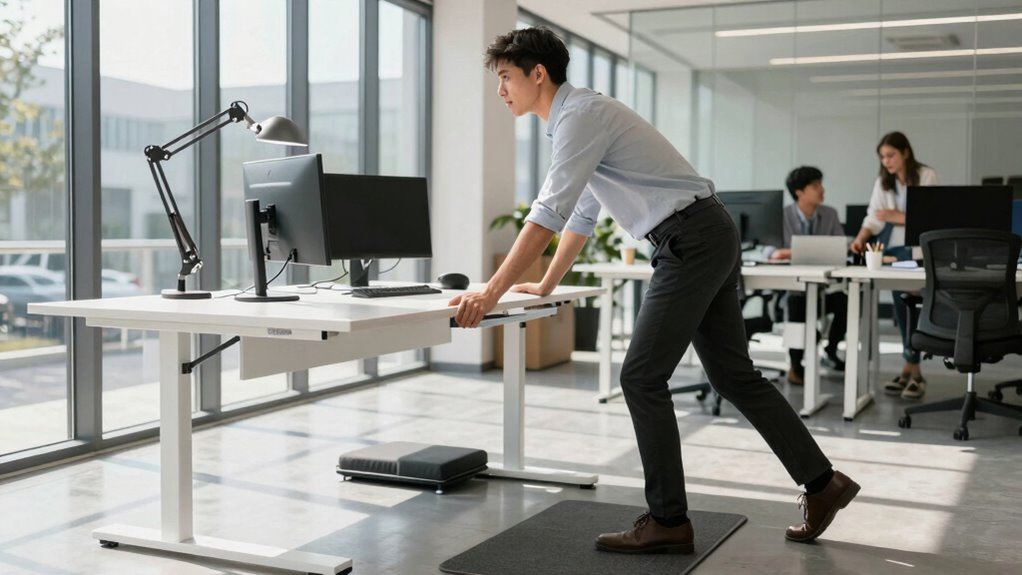
Standing desks have become a popular solution for addressing common workplace problems like back pain, fatigue, and poor posture. Many people see them as a quick fix to improve comfort and overall health at work, but it’s important to understand that simply switching to a standing desk doesn’t automatically solve these issues. While they offer notable ergonomic benefits, you need to use them correctly to truly reap the rewards. When set up properly, standing desks can help reduce strain on your neck, shoulders, and lower back, encouraging better posture and decreasing the risk of musculoskeletal discomfort over time. This ergonomic advantage makes a significant difference, especially if you spend long hours sitting. However, ergonomic benefits depend heavily on how you use the desk—adjusting the height to match your body, maintaining proper positioning, and taking regular breaks are all essential. Incorporating landscaping elements or natural materials into your workspace can also promote a more calming and healthful environment, further enhancing the benefits of ergonomic setup. Additionally, understanding workplace ergonomics can help you optimize your standing desk setup for maximum comfort and health. Employing ergonomic accessories such as adjustable monitor stands or footrests can further improve your posture and comfort during long periods of standing. Beyond comfort, standing desks can also lead to productivity boosts, but only if you incorporate them into a balanced routine. Standing for extended periods without movement can cause fatigue and discomfort, negating any potential benefits. It’s best to alternate between sitting and standing, gradually increasing your standing time to build endurance. This approach helps you stay alert and focused, making it easier to tackle tasks efficiently. Some people find they experience a mental clarity and energy spike when they stand during work, but these benefits diminish if you ignore the importance of proper ergonomics or overuse the standing position. Proper workspace setup and accessories like anti-fatigue mats can make a noticeable difference in comfort and reduce fatigue during prolonged standing. Additionally, paying attention to proper posture and body alignment can prevent strain and long-term issues. Ultimately, the key to maximizing productivity is listening to your body and adjusting your habits accordingly. Proper workspace setup, including ergonomic accessories and mindful work habits, can significantly enhance your experience and results.
Products Worth Considering

LG UltraGear 27-Inch QHD OLED Gaming Monitor, 240Hz, 0.03ms, G-SYNC Compatible, FreeSync Premium Pro, HDMI 2.1

LG 34GX90SA-W 34-inch Ultragear WQHD OLED Curved Gaming Monitor

Samsung 27-Inch Odyssey QD-OLED G8 4K 240Hz Gaming Monitor
As an affiliate, we earn on qualifying purchases.
Frequently Asked Questions
How Long Should I Stand at My Desk Each Day?
You should aim to stand at your desk for about 15 to 30 minutes every hour, gradually increasing as your posture awareness improves. Use desk accessories like ergonomic mats and adjustable monitor stands to support proper alignment. Remember, standing too long can cause discomfort, so alternate between sitting and standing. Listening to your body helps prevent strain and promotes better health, making your workspace more comfortable and effective.
Are Standing Desks Suitable for All Types of Work?
Sure, standing desks are perfect for every job—said no one ever. In reality, you need ergonomic accessories and desk customization to make them work for your specific tasks. While they excel at tasks like computer work, they might not suit creative writing or intense brainstorming. So, consider your work style and add accessories for comfort. Standing desks aren’t one-size-fits-all, but with tweaks, they can become your ideal workspace.
What Are the Best Ergonomic Practices for Standing Desks?
To optimize your standing desk setup, focus on posture awareness and foot support. Keep your shoulders relaxed, elbows at a 90-degree angle, and your monitor at eye level. Shift your weight regularly and avoid locking your knees. Use supportive footwear or a cushioned mat to reduce foot fatigue. Remember, staying mindful of your posture and supporting your feet helps prevent discomfort and encourages healthier standing habits.
Do Standing Desks Help Reduce Back Pain Permanently?
Standing desks can help reduce back pain temporarily, but they won’t guarantee permanent relief unless paired with ergonomic accessories and proper office furniture. Think of your workspace as a well-balanced puzzle—adjusting your desk height, supporting your posture, and using supportive mats all contribute. When you align your office furniture for comfort and incorporate ergonomic accessories, you create a healthier environment that lessens back pain over time.
How Can I Transition Smoothly Between Sitting and Standing?
To shift smoothly between sitting and standing, focus on posture adjustments and use desk accessories. Start by adjusting your desk height gradually, giving your body time to adapt. Incorporate anti-fatigue mats and monitor risers to support comfort. When switching positions, move slowly to avoid strain, and keep your core engaged. Regularly shifting positions and using ergonomic accessories help prevent discomfort and promote better posture during your workday.
Conclusion
Standing desks can definitely help reduce sitting-related health issues, but they aren’t a magic fix. You need to use them correctly and stay active throughout the day. Did you know that people who switch between sitting and standing every 30 minutes report feeling more energized and less fatigued? So, don’t just buy a standing desk — incorporate movement and awareness into your routine. That’s how you truly solve the problem, not just partially address it.