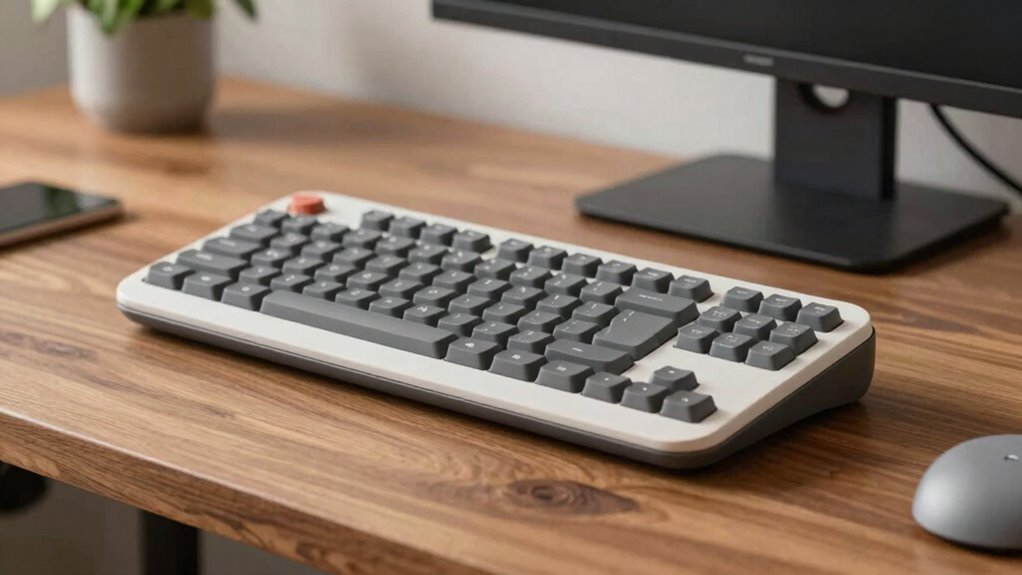

Ergonomic keyboards are worth considering if you spend many hours at your desk, as they promote natural hand positions and reduce strain on your wrists, shoulders, and neck. Their split or curved designs help keep your wrists and forearms aligned, supporting better posture and preventing repetitive strain injuries like carpal tunnel syndrome. Investing in one can lead to greater comfort, reduced fatigue, and healthier long-term workspace habits. Keep exploring to discover how these keyboards can improve your work experience.
Key Takeaways
- Ergonomic keyboards promote natural hand positions, reducing strain and preventing repetitive injuries for long-term comfort.
- Their split or curved designs align wrists and forearms, supporting proper posture during extended typing sessions.
- Investing in ergonomic keyboards helps mitigate fatigue, discomfort, and the risk of conditions like carpal tunnel syndrome.
- Prioritizing ergonomic tools creates a healthier workspace, enhancing productivity and long-term joint health.
- Ergonomic keyboards are a valuable health-focused upgrade for desk workers spending many hours at the computer.
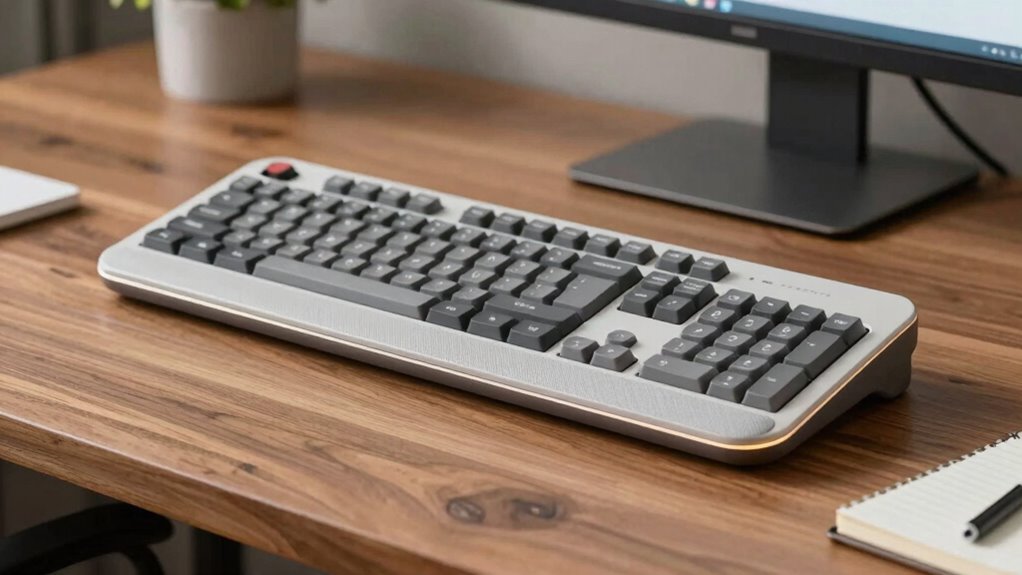
If you spend long hours typing at your desk, investing in an ergonomic keyboard can make a significant difference in your comfort and health. Traditional keyboards often force you into awkward positions, leading to strain in your wrists, shoulders, and neck. Ergonomic keyboards are designed to promote a better keyboard layout, which means your hands can rest more naturally and reduce unnecessary movement. When you choose an ergonomic model, you’re not just focusing on comfort—you’re actively protecting yourself from repetitive strain injuries like carpal tunnel syndrome.
Ergonomic keyboards promote natural hand positions, reducing strain and preventing repetitive injuries during long typing sessions.
One of the key features of ergonomic keyboards is their thoughtful keyboard layout. Unlike standard models, these keyboards often split into two sections or have a curved design. This layout encourages a more natural hand position, aligning your wrists and forearms in a way that minimizes strain. As a result, your typing posture improves, helping you stay comfortable even during extended periods of work. This better alignment reduces the tendency to twist or bend your wrists unnaturally, which is common with conventional keyboards. Over time, this can make a vital difference in preventing discomfort and fatigue.
Adjusting your typing posture is essential when using an ergonomic keyboard. When you adopt a neutral wrist position, your hands stay in line with your forearms, reducing pressure on your tendons and joints. An ergonomic keyboard supports this posture by encouraging a slight tilt or split design, which keeps your wrists straight rather than bent at sharp angles. As you type, you’ll find that your movements become more fluid and less strenuous. Maintaining proper posture isn’t just about comfort—it can also boost your productivity and focus, since you’re not constantly fighting discomfort or adjusting your position. Additionally, repetitive strain injuries like carpal tunnel syndrome can be mitigated by choosing the right ergonomic features. The investment in an ergonomic keyboard isn’t just about luxury; it’s about creating a sustainable workspace that supports your long-term health. If you’re serious about protecting your wrists and maintaining comfort during long work hours, exploring ergonomic options is definitely worth your attention.
As an affiliate, we earn on qualifying purchases.
Frequently Asked Questions
Are Ergonomic Keyboards Suitable for Gaming?
Yes, ergonomic keyboards can be suitable for gaming, especially if you focus on improving your hand posture and comfort during long sessions. They reduce strain and promote better gaming efficiency by allowing you to maintain a natural hand position. However, some gamers might prefer traditional setups for faster responses. Try one out to see if it enhances your comfort and performance, as ergonomic design benefits both casual and competitive gaming.
How Do Ergonomic Keyboards Differ From Traditional Ones?
You’ll notice ergonomic keyboards differ markedly from traditional models—they’re designed to deliver better hand posture and a more natural key layout. These keyboards often feature split designs or curved shapes, reducing strain and promoting comfort. While traditional keyboards force your hands into a flat, uncomfortable position, ergonomic ones encourage a relaxed, aligned posture, making typing easier, healthier, and less tiring over time.
Can Ergonomic Keyboards Prevent Repetitive Strain Injuries?
Yes, ergonomic keyboards can help prevent repetitive strain injuries by promoting better hand posture and offering wrist support. When you use an ergonomic keyboard, you naturally keep your hands and wrists in more neutral positions, reducing strain. This design minimizes awkward movements and tension, lowering the risk of injuries like carpal tunnel syndrome. By supporting proper hand posture, ergonomic keyboards help you work comfortably and safely for longer periods.
Are Ergonomic Keyboards Compatible With All Computers?
Think of ergonomic keyboards as the Robin Hood of your tech setup—they aim to improve your comfort, but compatibility issues can be a snag. Most modern models work with Windows, Mac, and Linux, but some might cause setup challenges or require specific drivers. Always check your computer’s ports and system requirements first. If you’re cautious, you’ll avoid frustration and guarantee your new keyboard plays nicely with your device.
What Is the Cost Range of Ergonomic Keyboards?
You can find ergonomic keyboards ranging from around $30 to over $200, depending on features like keyboard customization and ergonomic keyboard types. Basic models offer essential comfort, while premium options include adjustable angles, split designs, and customizable keys. Consider your needs and budget, as higher-end keyboards often provide better ergonomics and personalization, making them worth the investment for long-term comfort and productivity.
Conclusion
Investing in an ergonomic keyboard can truly transform your workday. Imagine reducing wrist strain and boosting comfort, just like Sarah, who switched to an ergonomic model and noticed fewer headaches and increased productivity. Small changes, like choosing the right keyboard, make a big difference over time. So, if you’re feeling discomfort at your desk, it’s worth exploring ergonomic options. Your hands and body will thank you for the added support and long-term health benefits.