
TL;DR
A developer introduced ZigZag, an embroidery design app built in Rust, after describing a $300 machine as requiring a subscription. The software can turn SVG artwork into stitch designs, export several machine formats and send designs to a Brother Skitch over Bluetooth; the source material does not specify the machine’s subscription terms or confirm that ZigZag replaces every paid feature.
A developer has released ZigZag, a Rust-based embroidery design app that converts SVG artwork into stitch patterns and exports files for multiple machine formats. The project follows the developer’s account that a $300 embroidery machine required a subscription, but the available material does not identify the machine or explain which subscription features prompted the project.

Get the latest gadgets delivered free with Prime
- Fast, free delivery on millions of items
- Prime Video, Amazon Music and more included
- Member-only deals all year
ZigZag combines a visual editor with a command-line tool and support for the Model Context Protocol (MCP), a way for compatible AI agents to interact with software. The project says users can create designs from SVGs, adjust them in the editor, and export PES, DST, EXP, JEF or VP3 files. It also lists support for sending designs directly to a Brother Skitch, whose machine format is PP1, over Bluetooth.
The repository describes stitch tools for filled shapes, satin columns and outlines, alongside options such as appliqué, cross-stitch and quilting-style meander. It also includes fabric presets and checks for issues including hoop fit, narrow fills and small lettering. These are features described by the project; the source material does not provide independent testing or comparative performance results.
The developer offers downloads for macOS 11 or later on Apple Silicon and Intel Macs, and for 64-bit Windows 10 version 1709 or later and Windows 11. The project says the Mac release is signed and notarized, and that neither download requires users to install Rust. Its build notes list Linux support for compiling, with the graphical interface requiring standard X11 or Wayland and OpenGL development libraries.
An Alternative to Design Subscriptions
Embroidery machines rely on digital designs prepared in formats and stitch patterns that the machine can interpret. A separate editor that can create those files may give users another option when their existing software is tied to a subscription or lacks a desired workflow. ZigZag’s stated support for several widely used file formats could also make it useful beyond the specific machine that prompted the project.
The project’s open-source code and combination of a graphical editor, CLI and MCP support are relevant to different kinds of users: hobbyists working visually, developers automating file creation, and people experimenting with AI-assisted design. Still, the existence of an alternative does not by itself establish that it replaces a manufacturer’s app, removes a subscription requirement from a particular machine, or offers the same features and reliability. Those questions depend on the machine and the user’s workflow.
Products Worth Considering

Jackery Explorer 1000 v2 Portable Power Station

Apple Watch SE 3 GPS 44mm Smartwatch

Apple AirPods Pro 3 Wireless Earbuds with Active Noise Cancellation
As an affiliate, we earn on qualifying purchases.
From SVG Art to Stitch Files
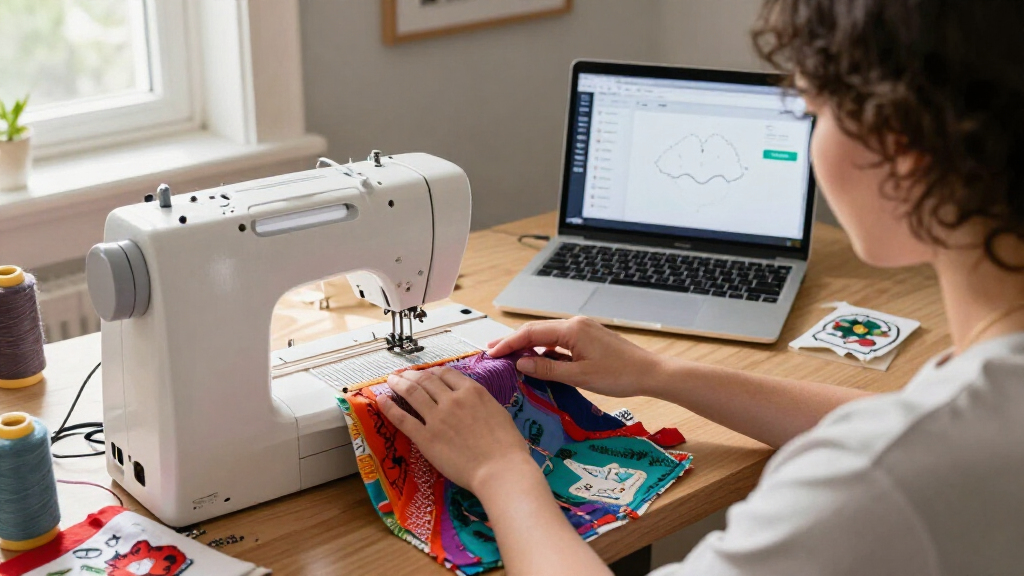
ZigZag’s workflow starts with artwork rather than a ready-made embroidery file. According to its repository, the app imports SVG elements, converts shapes and paths into stitch types, and lets users adjust the resulting design before export. Stitch settings and some layout edits are stored in the SVG document, while the project’s planner handles ordering, overlaps, travel between objects and thread changes.
The distinction matters because a drawing cannot simply be sent to an embroidery machine as-is: it must be translated into needle movements and thread instructions. ZigZag lists support for reading some existing machine formats as well as writing several formats, and includes checks intended to flag design issues. The repository also documents a specific Bluetooth connection path for the Brother Skitch (PP1); it does not claim direct wireless support for every embroidery machine.
“Turn SVG artwork into stitches, fine-tune it in the editor, and export PES, DST, EXP, JEF, or VP3.”
— The ZigZag project description
Subscription Details Remain Unknown
The supplied project material does not name the $300 machine mentioned in the headline or specify the subscription’s cost, terms, duration or included features. It also does not establish whether ZigZag was built for that machine, whether that machine accepts the app’s exported files, or whether the project’s Bluetooth transfer works with any device other than the Brother Skitch. The developer’s experience is the reason presented for the project, not independent evidence about a manufacturer’s subscription policy.
Other practical details are also unconfirmed by the material: it gives no independent usability or stitch-quality evaluation, no adoption figures, and no comparison of ZigZag’s capabilities with paid alternatives. The source identifies downloadable releases and repository features, but does not provide a release date or explain the project’s longer-term maintenance plans.
Testing Compatibility and Releases
Readers interested in using the app can check the project’s latest release notes and platform downloads, then confirm that their embroidery machine accepts one of ZigZag’s listed output formats. Brother Skitch owners can check the project’s Bluetooth guidance, while other users may need to transfer files through their machine’s usual method. The repository points to ongoing release notes and a changelog, but the source material does not announce a specific upcoming feature or release milestone.
The next useful evidence will be hands-on reports about how well designs stitch across different machines, which subscription-dependent functions ZigZag can replace, and how the app performs in everyday use. Until those details are available, its machine compatibility and role as a substitute for paid software remain matters for users to verify.
Key Questions
What is ZigZag?
ZigZag is an embroidery editor and command-line tool built in Rust. The project says it can turn SVG artwork into stitch designs and export files for compatible embroidery machines.
Does ZigZag require a subscription?
The supplied project description presents ZigZag as a downloadable app but does not specify pricing or subscription terms. It also does not establish that ZigZag removes a subscription requirement imposed by a particular machine maker.
Which embroidery formats can it export?
The project lists export support for PES, DST, EXP, JEF and VP3. It also describes a direct Bluetooth transfer option for the Brother Skitch, which uses the PP1 format.
Which computers can run the app?
The project offers downloads for macOS 11 or later and 64-bit Windows 10 version 1709 or later, as well as Windows 11. Its build notes also describe Linux compilation, with additional system libraries needed for the graphical interface.
Can ZigZag work with any embroidery machine?
The listed file formats may be compatible with a range of machines, but compatibility depends on each machine’s supported formats and workflow. The project specifically describes Bluetooth sending for the Brother Skitch; it does not claim that direct wireless transfer works with all machines.
Source: github.com