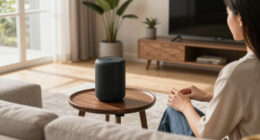

Indoor security cameras can be helpful without feeling creepy if you choose discreet models, position them thoughtfully, and communicate openly with your household. Focus on covering entry points and common areas, and use features like privacy zones and motion alerts to maintain boundaries. Keep cameras out of private spaces and make sure everyone understands their purpose to foster trust. To learn more about balancing security with comfort, keep exploring how you can set up your cameras effectively.
Key Takeaways
- Use transparent communication to inform household members about camera placement and monitoring practices.
- Incorporate privacy zones to block private areas like bedrooms and bathrooms.
- Choose discreet, decor-matching cameras to blend seamlessly into home decor.
- Position cameras high and away from private spaces to prevent discomfort and tampering.
- Set clear recording boundaries and use motion-activated recording to minimize constant surveillance.
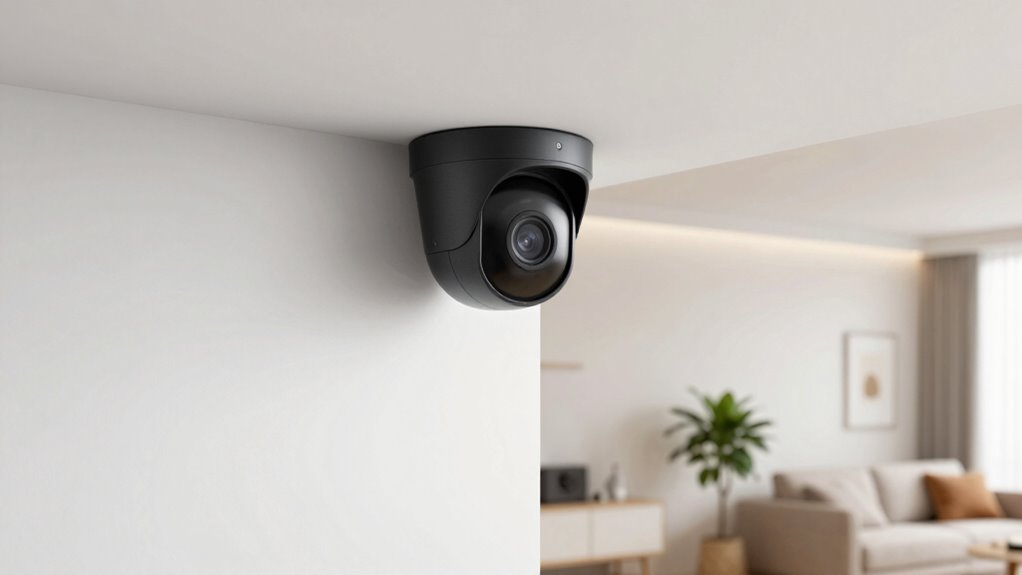
Are you looking for a reliable way to keep your home secure? Indoor security cameras can be a great addition to your safety measures, offering peace of mind without feeling intrusive. The key is understanding how to use them effectively while respecting privacy concerns. When installing cameras, thoughtful camera placement is essential. You want to cover important entry points and common areas where valuables are kept, but you also need to be mindful of privacy. Avoid pointing cameras directly at bedrooms, bathrooms, or other private spaces to prevent discomfort and potential conflicts.
Proper camera placement is vital for both security and privacy. Position cameras high enough to prevent easy tampering and angle them to focus on doorways, hallways, and living spaces. This way, you capture useful footage without invading personal privacy. If you’re worried about privacy concerns, consider cameras with adjustable lenses or the ability to pan and tilt, so you can control what’s being monitored at any given time. Some models even offer privacy zones, allowing you to block out specific areas on the camera’s view when privacy is needed. Additionally, incorporating natural landscaping can help obscure camera views while maintaining security. Being aware of privacy concerns can help you select the right camera features to balance safety and comfort. Moreover, understanding home security principles can help you optimize your camera system for maximum effectiveness. A good understanding of environmental considerations, like lighting and placement, can also improve camera performance and reduce false alerts. Recognizing the influence of artistic techniques such as lighting and positioning can further enhance camera effectiveness.
Position cameras high, focus on entry points, and use privacy zones to balance security and privacy effectively.
Many people feel uneasy about indoor cameras because they worry about constant surveillance. To address this, communicate with household members about where cameras are placed and what they’re monitoring. Transparency helps reduce concerns about feeling watched or monitored constantly. You can also set clear boundaries about when cameras are actively recording—such as only during certain hours or when motion is detected—to balance security with privacy. Using cameras with audible alerts or notifications whenever they are recording can also help everyone stay aware and comfortable.
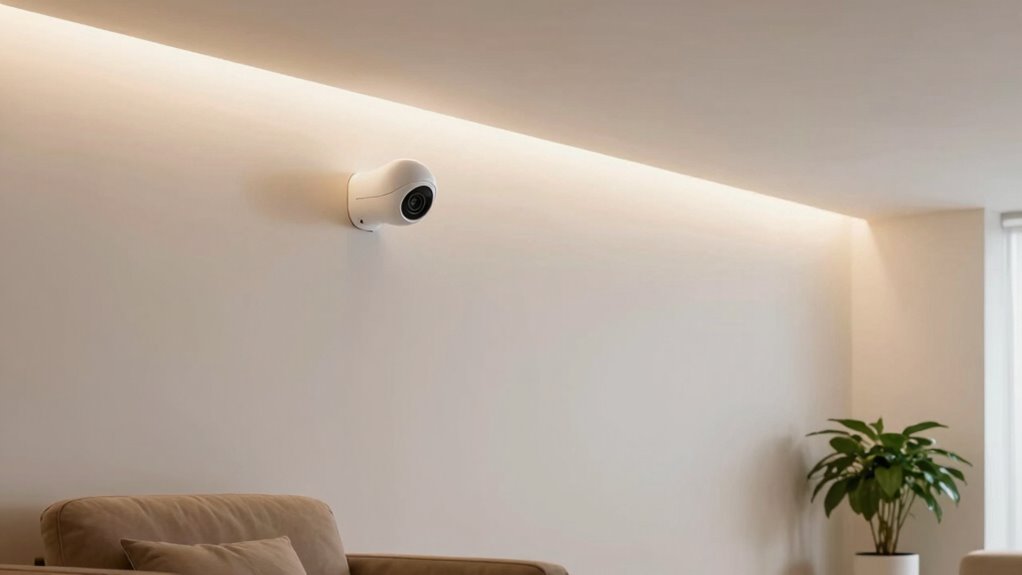
Another way to make indoor security cameras less intrusive is to choose models that blend into your home’s decor or are discreetly mounted. This minimizes the feeling of being watched and keeps the cameras from becoming eyesores. Additionally, keep in mind that your primary goal is to deter intruders and keep your loved ones safe. When used thoughtfully, these cameras can act as a security tool rather than a source of discomfort.
Ultimately, you can enjoy the benefits of indoor security cameras without feeling creepy, as long as you prioritize privacy concerns and camera placement. By setting clear boundaries and selecting the right equipment, you create a secure environment that respects everyone’s privacy. With these considerations in mind, your home can be safer and more comfortable at the same time.

Tapo 1080P Indoor Wired Security Camera – Works as a Baby & Pet Monitor, Motion Detection, 2-Way Audio, Siren, Night Vision, Subscription-Free Local or Optional Cloud, Works with Alexa, C100(4-Pack)
【Motion Detection & Instant Notification】Get instant push notifications when motion, person or baby crying is detected, there is…
As an affiliate, we earn on qualifying purchases.
As an affiliate, we earn on qualifying purchases.
Frequently Asked Questions
Can Indoor Cameras Be Hacked?
Yes, indoor cameras can be hacked if cybersecurity risks aren’t properly managed. You need to take steps to protect your privacy concerns, like updating firmware regularly, using strong, unique passwords, and enabling two-factor authentication. Be cautious about sharing camera access and review your device’s security settings often. Staying vigilant helps prevent unauthorized access, so your home remains secure without sacrificing your privacy.
Do Indoor Security Cameras Record Audio?
Indoor security cameras often record audio, capturing conversations with a gentle hum or faint whisper in the background. You can enable voice activation, which records only when sounds are detected, helping ease privacy concerns. Picture the camera silently listening, only stepping in when necessary, giving you peace of mind. Always check your device’s settings to know if audio recording is active, ensuring you’re comfortable with what’s being captured.
Are Indoor Cameras Suitable for Large Homes?
Indoor cameras are suitable for large homes if you plan your home layout and camera placement carefully. You should position cameras in key areas like entrances, hallways, and large rooms to cover all spaces effectively. Consider using multiple cameras to avoid blind spots, ensuring thorough security. Proper placement helps you monitor your entire home without feeling intrusive, giving you peace of mind while maintaining a comfortable environment.
How Often Do Indoor Cameras Need Firmware Updates?
You should check for firmware updates regularly to keep your indoor cameras running smoothly. Firmware updates typically happen automatically or through manual checks, often every few months, depending on the camera’s manufacturer. Ensuring camera compatibility with the latest firmware is key to maintaining security and functionality. By staying current with updates, you improve performance, fix bugs, and protect your privacy, making your indoor security system both reliable and safe.
Can Indoor Cameras Be Used Outdoors?
Indoor cameras aren’t designed for outdoor placement, so they typically lack weather resistance, making them unsuitable for outdoor use. If you want outdoor surveillance, look for cameras specifically built for that environment, with weather-resistant features and sturdy housing. Using indoor cameras outside can lead to damage from rain, snow, or extreme temperatures, which compromises their security and longevity. Always choose devices meant for outdoor conditions to guarantee reliable, safe monitoring.
discreet home security camera
As an affiliate, we earn on qualifying purchases.
As an affiliate, we earn on qualifying purchases.
Conclusion
Indoor security cameras can give you peace of mind without feeling intrusive. When used responsibly, they help protect your home and loved ones while respecting your privacy. Did you know that 81% of homeowners feel safer with security cameras? That’s a powerful reason to contemplate installing them. By choosing the right system and placement, you can stay vigilant without feeling creepy. Embrace the balance of safety and comfort—your home deserves it.
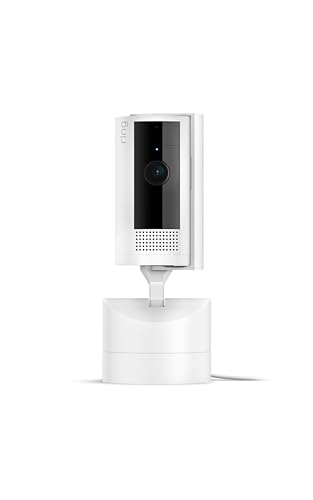
Ring Pan-Tilt Indoor Cam (newest model), See all around your home or business with 360° pan coverage, HD video, plus Two-Way Talk, White
See all around — Control your view with Pan-Tilt Indoor Cam, featuring a smooth 360° view you control…
As an affiliate, we earn on qualifying purchases.
As an affiliate, we earn on qualifying purchases.

Tapo 1080P Indoor Pan/Tilt Wired Security Camera – Works as a Baby & Pet Monitor, Motion Detection, 2-Way Audio, Siren, Night Vision, Subscription-Free Local Storage or Optional Cloud, Black, C201
【Up, Down, All Around】This Pan/Tilt IP camera see everything across an entire room or walkway with the 360°…
As an affiliate, we earn on qualifying purchases.
As an affiliate, we earn on qualifying purchases.