

A Digital Declutter Day involves dedicating just two hours to organizing your devices, removing unnecessary files, and managing your online accounts. Start by setting up a clean workspace, gathering tools like cleanup apps, and creating a checklist. Focus on deleting redundant files, unsubscribing from unwanted emails, and updating security settings. Establishing routines and habits afterward helps maintain an organized digital space. Keep going, and you’ll discover tips to make decluttering easier and more effective over time.

Get the latest gadgets delivered free with Prime
- Fast, free delivery on millions of items
- Prime Video, Amazon Music and more included
- Member-only deals all year
Key Takeaways
- Prepare your digital workspace by organizing devices, closing unnecessary apps, and creating a focused environment before starting.
- Use trusted tools like file cleaners, duplicate finders, and subscription managers to efficiently clean and organize files and accounts.
- Prioritize deleting outdated files, unused apps, and inactive online accounts to improve security and device performance.
- Implement security measures such as updating passwords, enabling two-factor authentication, and reviewing privacy settings.
- Schedule regular maintenance routines post-declutter, including backups, unsubscribing from emails, and decluttering tasks to sustain organization.
As an affiliate, we earn on qualifying purchases.
Understanding the Importance of Digital Decluttering
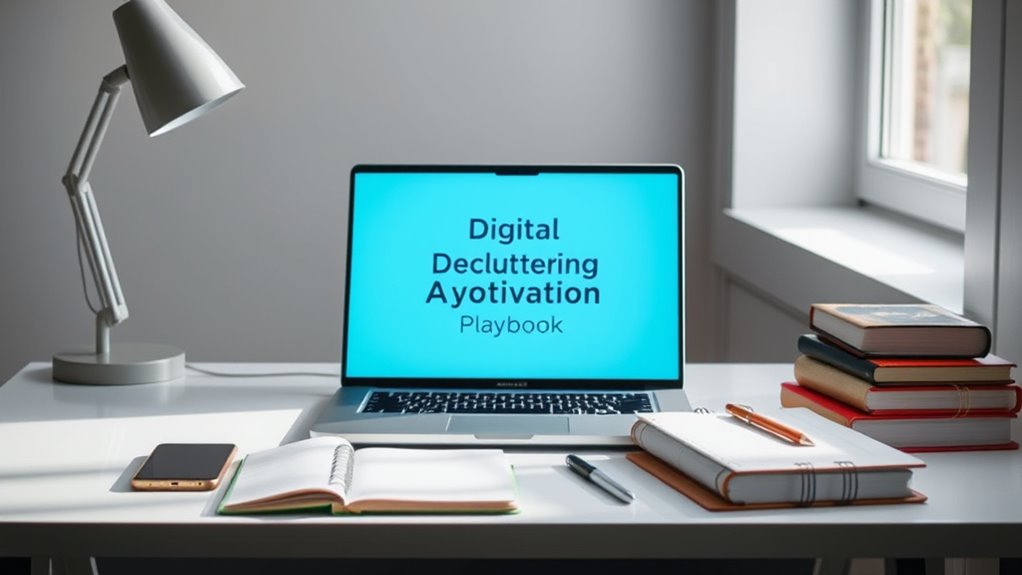
Understanding the importance of digital decluttering is essential because our digital environments directly impact our security, productivity, and the environment. When your devices and accounts are cluttered, it’s easier for outdated files and unused apps to become security vulnerabilities that hackers can exploit. Disorganized digital spaces also slow down your workflow, making it harder to find essential information quickly, which hampers your efficiency. Additionally, digital clutter consumes energy through data storage and processing, contributing to higher CO2 emissions and environmental harm. By decluttering, you not only protect your personal information but also improve device performance and reduce your ecological footprint. Recognizing these benefits motivates you to take action during Digital Declutter Day and maintain a cleaner, safer digital life. Regularly optimizing your digital storage can also enhance system performance and ensure your devices run smoothly for longer periods. Moreover, maintaining a tidy digital environment supports privacy policies and helps you stay compliant with data protection regulations.
Setting Up Your Decluttering Environment

Creating a focused decluttering environment starts with organizing your workspace and digital tools to minimize distractions. Clear your physical workspace, removing unnecessary items that might divert your attention. Turn off non-essential notifications on your devices to help maintain focus. Arrange your devices and accessories for easy access, so you’re not searching during your session. Create a dedicated digital workspace—open only the apps and files relevant to your decluttering tasks. This minimizes interruptions and keeps your mind on the task at hand. Additionally, setting up your digital environment with organized files and folders can enhance efficiency and reduce mental clutter during your session. Incorporating mindfulness practices into your decluttering routine can further improve focus and promote a calm, present mindset throughout the process. Familiarizing yourself with effective decluttering techniques from reputable resources can also provide helpful guidance and motivation. Using AI security principles to protect your digital workspace can help prevent disruptions from cyber threats and ensure a safe environment for your decluttering activities. Engaging in yoga or mindful breathing exercises before starting can help you stay centered and focused during your decluttering session.
Preparing Your Tools and Resources

Start by compiling a device inventory checklist to identify all gadgets and accounts you’ll clean. Then, gather digital cleanup tools and apps that can make the process more efficient. Having these resources ready guarantees your decluttering session is focused and effective. Additionally, consider creating a digital maintenance plan to keep your devices organized and clutter-free in the long term. Incorporating privacy and cookie management strategies can also help maintain a clutter-free digital environment beyond your dedicated cleanup session. Familiarizing yourself with cookie categories can enhance your understanding of how your data is tracked and stored, further supporting your privacy efforts. Understanding industry trends can further inform your approach to digital organization and security.
Device Inventory Checklist
Have you gathered all the devices and accounts you’ll need for your digital decluttering session? Creating a device inventory helps you stay organized and focused. It guarantees you don’t overlook any important tools during your cleanup. Take stock of all your digital devices, including smartphones, tablets, laptops, desktops, and external drives. List your cloud storage accounts, email services, and social media profiles. Having everything in one place makes it easier to prioritize tasks and avoid missing critical accounts. Including details about your filtration systems and their maintenance can help ensure your devices remain secure and optimized. Practicing mindfulness during this process, such as deep breathing exercises, can enhance your focus and reduce stress as you work through your decluttering. Incorporating home organization solutions can further streamline your decluttering process and enhance your space’s overall harmony. Reviewing your digital security measures** can also help protect your information during the cleanup. Additionally, assessing your data management practices** can help you identify redundant or obsolete information to delete, making your digital space more efficient.
Digital Cleanup Tools
To guarantee your digital decluttering is efficient and effective, it’s vital to prepare the right tools and resources beforehand. Start by gathering essential apps like file cleaners, duplicate photo finders, and email management tools. Use trusted software such as CCleaner for system cleanup, Gemini Photos for identifying duplicates, and Unroll.Me for managing subscriptions. Make sure your devices are connected to a reliable internet connection and fully charged or plugged in. Create a dedicated workspace where you can focus without interruptions. Have backup drives or cloud storage ready to save important files. Prepare a checklist of tasks to stay organized and motivated. Additionally, familiarize yourself with digital literacy concepts to understand the importance of managing digital information responsibly. Recognizing the emotional impact of digital clutter can motivate you to stay committed to the process. Paying attention to financial aspects, such as the cost of subscriptions and storage, can help optimize your digital resources and avoid unnecessary expenses. Understanding digital organization strategies can further streamline your cleanup efforts. Being aware of cookie management options allows you to control your privacy preferences during the process. With the right tools and a clear plan, your digital cleanup will be faster, smoother, and more thorough.
Creating a Personalized Decluttering Checklist

Creating a personalized decluttering checklist helps you stay focused and organized during your digital cleanup. Start by listing specific areas you want to tackle—email inbox, files, apps, or social media accounts. Break down tasks into manageable steps to avoid feeling overwhelmed. Prioritize high-impact actions, like deleting unused apps or unsubscribing from unnecessary newsletters. Use your checklist to track progress and stay motivated throughout the session. Remember to include time estimates for each task, so you stay on schedule. Your checklist should reflect your digital habits and goals, making the process efficient and meaningful. Incorporating active listening and empathy can also help you identify which digital spaces truly need decluttering to improve your overall connection with technology. Identifying digital clutter hotspots early in the process allows for a more targeted and effective cleanup. Additionally, understanding the importance of regular maintenance can help prevent clutter from building up again over time.
Clearing and Organizing Digital Files and Apps

Start by deleting files and apps you no longer need to free up space and reduce clutter. Then, organize your remaining digital space with clear folders and naming conventions so you can find things easily. Keeping your digital environment tidy boosts efficiency and makes future cleanup simpler.
Delete Unnecessary Files
Deleting unnecessary files is a vital step in organizing your digital space. It frees up storage, improves device performance, and reduces digital clutter. Start by removing outdated documents, duplicate photos, and unused downloads. Focus on cleaning files that no longer serve a purpose, so your digital environment feels lighter and more manageable.
- Identify and delete files you no longer need to prevent clutter buildup
- Remove duplicate files to save storage space and avoid confusion
- Clear out old downloads, temporary files, and obsolete documents
- Empty your trash or recycle bin regularly to free up disk space
- Review and delete large files that are taking up excessive storage
Organize Digital Spaces
Organizing your digital spaces involves systematically clearing out clutter and arranging files and apps for easier access. Start by categorizing your files—work, personal, receipts—and then create folders that reflect these groups. Uninstall apps you no longer use to free up storage and reduce distractions. Use a consistent naming system for files to make searching simple. Regularly review and delete outdated or duplicate documents. Consider using folders or tags to prioritize important items. Here’s a quick overview:
| Step | Action | Benefit |
|---|---|---|
| Categorize Files | Sort into folders | Faster retrieval |
| Delete Unused Apps | Remove unused applications | Save storage space |
| Rename Files | Use clear, descriptive names | Easier search |
| Unsubscribe Emails | Reduce inbox clutter | Less distraction |
| Review Regularly | Schedule periodic check-ins | Keep digital spaces tidy |
Managing Email and Online Accounts
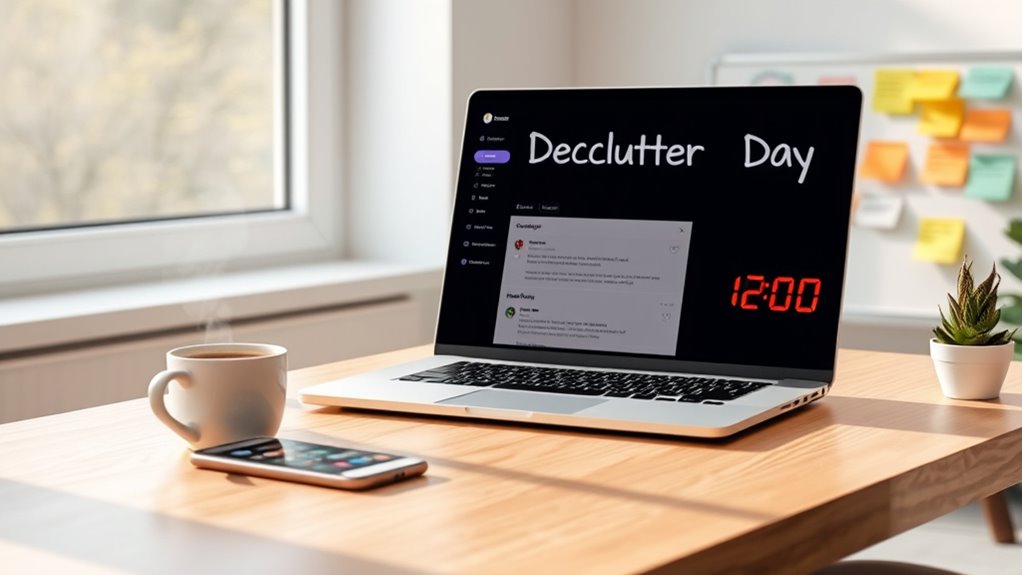
Have you ever considered how many online accounts and email subscriptions you manage daily? Keeping track of them can feel overwhelming and clutter your digital life. To declutter effectively, start by reviewing your email subscriptions—unsubscribe from newsletters you no longer read. Delete old, unused accounts to reduce security risks and digital noise. Organize remaining accounts with clear labels and folders for easy access. Use a password manager to generate and store strong, unique passwords for each account, simplifying management. Regularly check your account activity for suspicious activity and update your login details. Remember, managing your online presence isn’t just about reducing clutter; it’s about protecting your digital safety and streamlining your digital experience. Consistent maintenance helps keep your digital life simple and secure.
Enhancing Security and Privacy Measures

Managing your online accounts is a vital step toward a more secure digital environment. Start by updating your passwords, making them strong and unique for each account. Use a password manager to keep track of them easily. Enable two-factor authentication wherever possible to add an extra layer of security. Review your privacy settings on social media and other platforms—limit who can see your information and posts. Delete any unused or suspicious accounts to reduce vulnerabilities. Regularly check account activity logs for unauthorized access. Be cautious of phishing attempts; avoid clicking unknown links or sharing sensitive data. Keeping your software and apps updated patches security flaws and helps protect your data. These steps will considerably enhance your privacy and safeguard your digital presence.
Maintaining Your Digital Space Post-Declutter

Maintaining your digital space after decluttering requires consistent effort to keep it organized and secure. Regularly review files, delete outdated documents, and uninstall unused apps to prevent clutter from creeping back in. Stay vigilant by updating passwords and security settings to protect your data. Automate backups to guarantee your important files stay safe without extra effort. Keep your inbox manageable by unsubscribing from unnecessary emails and archiving important messages. Ultimately, set reminders to revisit your digital environment every few months, reinforcing good habits and ensuring ongoing organization.
- Schedule periodic reviews to prevent clutter buildup.
- Automate backups for peace of mind.
- Unsubscribe from irrelevant email lists regularly.
- Update passwords to maintain security.
- Use folders and labels to keep digital files organized.
Tips for Making Digital Decluttering a Habit

Turning digital decluttering into a habit starts with setting simple, consistent routines. Schedule regular times—like weekly or biweekly—to review and tidy your digital spaces. Keep a checklist of tasks, such as deleting unused files, unsubscribing from newsletters, or clearing browser history. Use tools and apps to automate or streamline these processes, making it easier to stay organized. Limit the number of active accounts and notifications to prevent clutter buildup. Create designated folders for important documents and review them periodically. Stay mindful of your digital habits by avoiding unnecessary downloads or saving every email. By making small, manageable adjustments and sticking to them, digital decluttering becomes second nature, supporting your digital wellbeing and reducing overall digital pollution.
Frequently Asked Questions
How Often Should I Schedule Digital Decluttering Sessions?
You should schedule digital decluttering sessions every three to six months. Regular check-ins help you stay organized, reduce digital clutter, and prevent buildup that can slow devices and increase security risks. Set reminders to review your files, emails, and apps, and make it a habit to clean up. This way, you’ll maintain a streamlined digital environment, boost productivity, and minimize environmental impact over time.
What Are the Best Tools for Digital Decluttering?
You should try tools like CCleaner for cleaning up your system, Unroll.Me to manage email subscriptions, and Google Drive or Dropbox for organizing files. Use duplicate photo finders like Gemini Photos or Duplicate Cleaner to free up space. These tools help streamline your digital clutter, making your devices faster and more secure. Regularly using them keeps your digital spaces tidy, reduces stress, and improves overall productivity.
How Can I Prevent Digital Clutter From Reaccumulating?
Imagine your digital space like a garden; without regular tending, weeds will overrun it. To prevent clutter from reaccumulating, set regular cleanup routines, like weekly or monthly reviews. Unsubscribe from unnecessary emails, delete unused apps, and organize files consistently. Use automation tools to schedule backups and decluttering tasks. By staying vigilant, you keep your digital environment tidy, efficient, and stress-free, just like a well-maintained garden.
Is Digital Decluttering Suitable for Organizations or Only Individuals?
Digital decluttering is suitable for both organizations and individuals. As an organization, you can implement regular digital cleanup policies, encourage employees to organize their files, and use digital tools to streamline data management. This helps improve security, boost productivity, and reduce environmental impact. For individuals, you can schedule personal decluttering sessions, delete unnecessary files, and organize your digital spaces, making your digital environment more efficient and less stressful.
How Do I Handle Large Amounts of Accumulated Digital Clutter?
You should start by breaking down your digital clutter into manageable sections, like emails, files, and apps. Prioritize what’s most important and delete or archive outdated or unnecessary items. Use decluttering tools to automate sorting, and set specific goals for each session. Regularly maintain your digital environment to prevent overwhelming accumulation, and back up essential data before deleting anything to avoid losing important information.
Conclusion
Now that you’ve organized your digital space, imagine the clarity and focus you’ll gain. But this is just the beginning—what hidden corners still need attention? Your digital declutter has released a new level of control, yet lurking clutter might resurface. Will you stay committed to maintaining this order or let chaos creep back in? The choice is yours. Take this momentum forward, and discover what else awaits beneath the surface.
Fall Picks
fall essentials
As an affiliate, we earn on qualifying purchases.