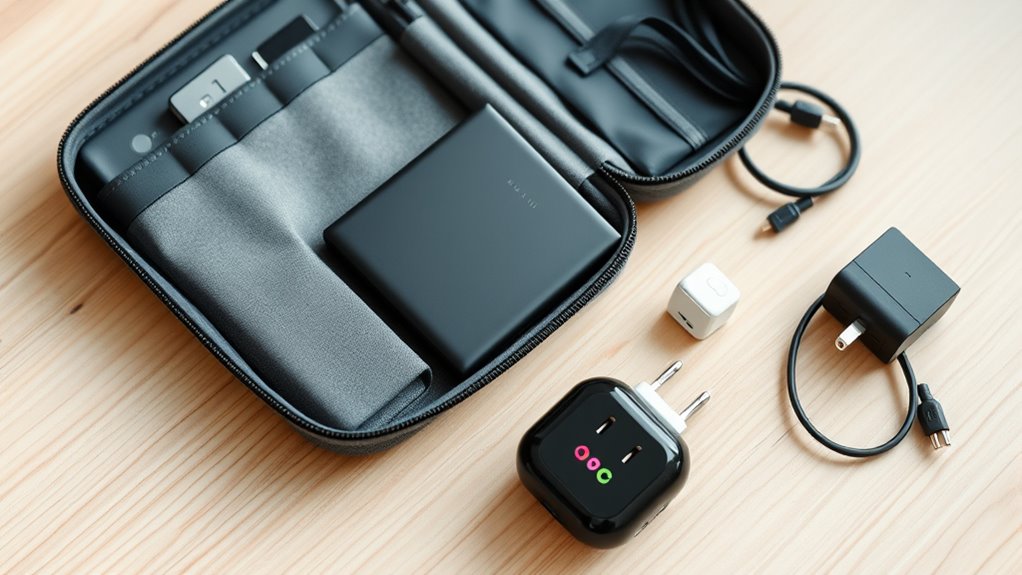

To set up a travel tech kit, start with essential charging accessories like a compact power bank, multi-port USB charger, and various charging cables compatible with your devices. Organize everything in small pouches or designated compartments to keep essentials accessible and avoid rummaging. Include adapters and converters for international outlets and download offline maps and guides for areas with limited internet. Prepare backup copies of important data and make certain all devices are ready for international voltages—stay tuned for more helpful tips.
Key Takeaways
- Gather essential charging accessories like power banks, multi-port USB chargers, compatible cables, and international adapters.
- Download and organize key travel apps such as offline maps, translation tools, and guides for quick access.
- Use small pouches or cases to organize gadgets, cables, and accessories for easy identification and access.
- Verify device compatibility with local power standards and pack appropriate adapters or converters for international travel.
- Backup important data and travel documents digitally to ensure security and quick retrieval if devices are lost or stolen.
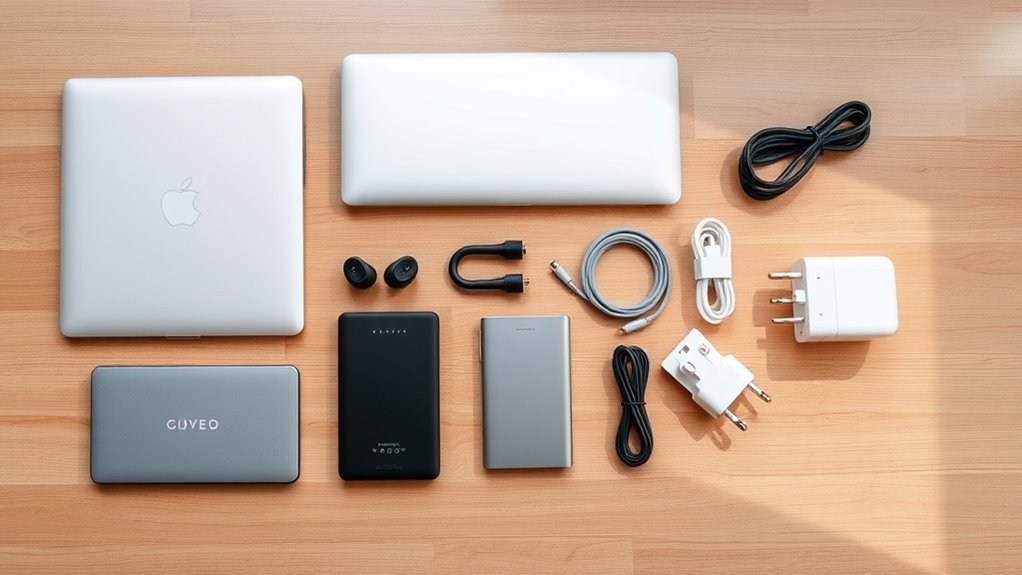
A well-packed travel tech kit can make your trips smoother and more enjoyable. When you’re on the go, having the right charging accessories guarantees your devices stay powered up, so you don’t have to worry about dead batteries ruining your plans. Think about carrying a compact power bank, multi-port USB chargers, and a variety of charging cables compatible with your devices. These essentials are small enough to fit into your bag but powerful enough to keep your phone, tablet, or camera charged throughout your journey. With the right charging accessories, you can hop from airport to café without the stress of searching for an outlet or running out of juice at inopportune moments.
A well-packed travel tech kit ensures your devices stay powered and your journey remains smooth.
In addition to physical accessories, your travel apps are just as crucial to a seamless trip. Before you leave, download and organize your must-have apps, such as maps, translation tools, travel guides, and ride-sharing services. These apps can act as your personal assistants, helping you navigate unfamiliar streets, communicate with locals, or find the best places to eat and explore. By familiarizing yourself with these apps beforehand, you reduce the chances of technical hiccups once you’re in a new environment. Make sure to update your apps and download offline versions of maps or guides, so you’re prepared even without internet access. This proactive approach can save you time, money, and frustration, allowing you to focus on enjoying your trip.
A travel tech kit isn’t just about gadgets; it’s about creating a system that simplifies your travel experience. Include a portable charging station or a multi-device cable so you can power several devices from a single port. Label your cables and chargers, so you quickly find what you need without rummaging through your bag. Also, consider packing a set of adapters or converters if you’re traveling internationally, guaranteeing you can charge your devices regardless of outlet differences. Organize everything in a small, designated pouch or case, which makes it easy to grab your essentials when you’re in a rush or moving through crowded airports. Additionally, understanding the importance of high refresh rates and low input lag can help you optimize your devices for gaming or entertainment during your travels.
Finally, don’t forget to back up your important data before you travel. Use cloud storage or external drives to safeguard your photos, documents, and travel documents. This way, even if your device gets lost or stolen, you still have access to your critical information. With the right combination of charging accessories, well-chosen travel apps, and smart organization, your travel tech kit will become an indispensable part of your journeys. It’s about being prepared so that technology enhances your travel experience, giving you confidence and peace of mind every step of the way.

INIU Portable Charger, Ultra Slim 45W Fast Charging with Attached USB C Cable, Flight-Safe 10000mAh PD Power Bank Battery Pack, Travel Essential Phone Powerbank for iPhone 17 16 Samsung S25 Google etc
From INIU–the SAFE Fast Charge Pro: Experience the safest charging with over 38 million global users. At INIU,…
As an affiliate, we earn on qualifying purchases.
As an affiliate, we earn on qualifying purchases.
Frequently Asked Questions
How Do I Protect My Devices From Theft During Travel?
To protect your devices from theft during travel, use device safes and theft deterrents. Always keep your valuables in a secure, locked safe or hidden compartment when not in use. Carry theft deterrents like lockable bags, cable locks, or anti-theft backpacks. Stay aware of your surroundings, avoid displaying expensive gadgets openly, and don’t leave devices unattended. These precautions help minimize risks and keep your tech safe on the go.
What Are the Best Power Adapters for International Trips?
Think of your power adapters as your passport to connectivity. You’ll want universal plug adapters that work across multiple countries, much like a well-traveled explorer’s toolkit. Pair them with reliable portable power banks to keep your devices charged on long journeys. These combo essentials ensure you’re always connected, no matter where you land, just like a seasoned traveler maneuvering new lands with ease and confidence.
How Can I Back up My Travel Data Securely?
You can back up your travel data securely by using cloud backup services that offer strong encryption methods, ensuring your information stays protected. Make sure to choose providers with end-to-end encryption and two-factor authentication. Regularly update your backups and avoid storing sensitive data on unencrypted external drives. This way, your data remains safe even if your device gets lost or stolen during your trip.
What Are Must-Have Accessories for Long Flights?
On long flights, you can’t afford to be disconnected or drained! Pack travel-friendly chargers to keep your devices alive and a portable Wi-Fi hotspot to stay connected no matter where you are. Noise-canceling headphones will block out the chaos, and an eye mask and neck pillow will turn your flight into a peaceful escape. These essentials guarantee your journey is comfortable, connected, and hassle-free from takeoff to touchdown.
How Do I Troubleshoot Common Tech Issues on the Go?
When troubleshooting common tech issues on the go, start by cleaning your device to remove dust and debris that can cause overheating or connectivity problems. Check for software updates, as outdated software can lead to glitches. Restart your device to resolve minor issues, and make certain all cables are securely connected. If problems persist, consult the device’s support site or carry a portable charger and extra cables for quick fixes.

POANES 8-Port USB Charger, Multi-Port Travel USB C Charger, Mini Charging Station with USB C and USB A Ports, Charging Station Block for Traveling, Camping Compatible with Phone, Earbud (White)
[Multi-port Charging Station] This multi-port charging station can support charging of up to eight devices at the same…
As an affiliate, we earn on qualifying purchases.
As an affiliate, we earn on qualifying purchases.
Conclusion
With your travel tech kit packed and ready, you’re armed with a trusty compass in the vast digital landscape. Think of it as your passport to seamless adventures—turning chaos into clarity, mishaps into moments. As you set out on your journey, let these gadgets be your guiding stars, illuminating every step. With this kit, you’re not just traveling; you’re orchestrating a symphony of connectivity and convenience, transforming every trip into a masterpiece.
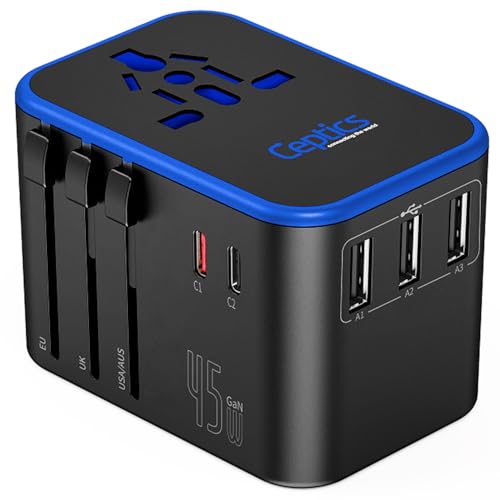
Ceptics Universal Travel Adapter, 45W International Power Adapter with PD & QC 3.0 Dual USB-C, 3 USB Travel Adapter Worldwide, Type I C G A Outlets 110V 220V A/C – EU Euro US UK (11-KU)
[No 1 travel adapter brand] desgined in the USA, makes our adapters the most reliable and no 1…
As an affiliate, we earn on qualifying purchases.
As an affiliate, we earn on qualifying purchases.

StreetSmart® Havana Map by VanDam – City Street Map of Havana – Laminated folding pocket size city travel map with all attractions, museums, sights, clubs, bars and beaches (English and Spanish Edition) 2020 Edition
easy to read, easy to use, laminated, up to date
As an affiliate, we earn on qualifying purchases.
As an affiliate, we earn on qualifying purchases.