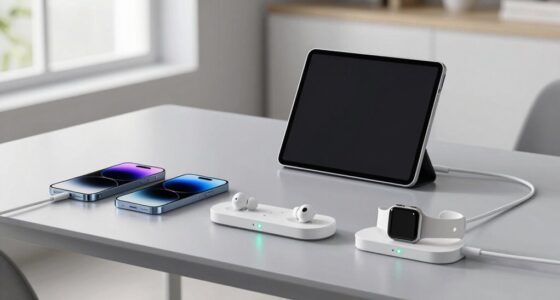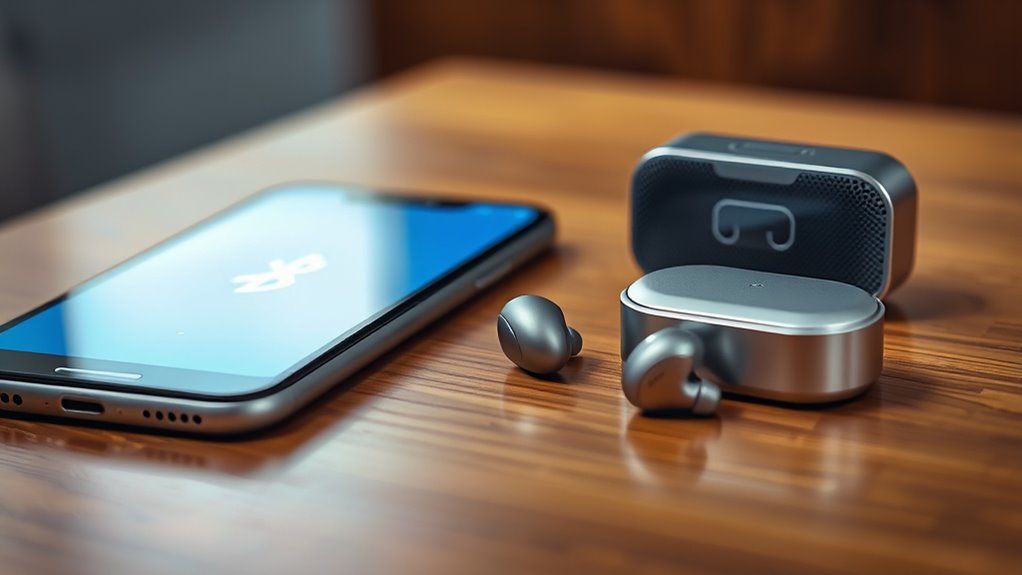

Bluetooth connects your devices by using wireless protocols that are designed for short-range, low-power communication. When you turn on Bluetooth, your device scans for compatible gadgets nearby, recognizing their profiles and unique IDs. Once paired, they exchange security keys to encrypt data, ensuring privacy. This quick process allows devices like headphones and smartphones to automatically connect in the future, providing seamless operation. If you want to understand how these protocols work behind the scenes, keep exploring.
Key Takeaways
- Bluetooth uses short-range wireless protocols to enable devices to communicate and transfer data efficiently.
- Devices scan and recognize each other’s profiles during pairing, establishing a trusted connection.
- Profiles define specific functions (like audio streaming or data transfer) for compatibility between devices.
- Pairing involves exchanging security keys to encrypt communication and protect user privacy.
- Once paired, devices connect automatically, allowing seamless, instant communication without repeated setup.
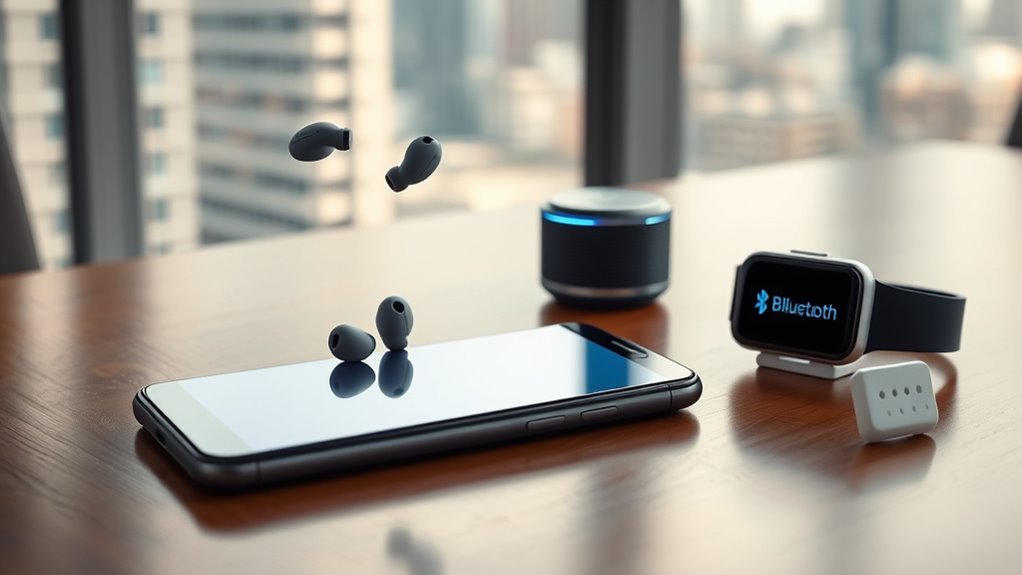
Have you ever wondered how your wireless headphones connect instantly to your smartphone or how your fitness tracker syncs data effortlessly? The magic behind these seamless connections lies in Bluetooth technology, which relies on specific wireless protocols and a straightforward device pairing process. Wireless protocols are a set of rules that determine how devices communicate over the airwaves, ensuring they understand each other and transfer data reliably. Bluetooth uses a particular protocol designed for short-range, low-power communication, which is why your devices can connect quickly without draining too much battery.
Device pairing is the initial step that allows your gadgets to establish a trusted link. When you turn on your wireless headphones and activate Bluetooth on your phone, the devices begin scanning for each other. This process involves broadcasting signals that identify each device’s unique profile, making it easy for your phone to recognize your headphones or fitness tracker. Once they find each other, they initiate a pairing process, which often involves confirming a code or accepting a prompt. This step ensures that only authorized devices connect, preventing unauthorized access and maintaining your privacy.
Device pairing begins with devices scanning and recognizing each other’s unique profiles for secure connection.
The beauty of Bluetooth’s wireless protocols is their adaptability. They support a variety of profiles, which are predefined sets of functions tailored for different device types—like audio streaming, data transfer, or keyboard input. For example, when you connect wireless headphones, Bluetooth activates the A2DP profile, enabling high-quality audio streaming. Meanwhile, your fitness tracker uses a different profile to sync health data with your smartphone. These profiles allow multiple devices to coexist and perform their specific tasks smoothly.
Device pairing is usually a quick and simple action, often just a tap or a click, but it’s built on a sophisticated framework that prioritizes security. During pairing, devices exchange security keys that encrypt the data transmitted, making eavesdropping difficult. This encryption, combined with the use of unique device identifiers, keeps your connections safe from potential threats.
Once paired, your device remembers this connection, so future interactions happen automatically or with minimal effort. This is why your headphones connect instantly the next time you turn them on, or your fitness app syncs data without you having to manually reconnect. Bluetooth’s wireless protocols and streamlined device pairing process work together to provide a user-friendly experience, making wireless communication feel almost instantaneous. Additionally, home theater projectors utilize similar protocols to connect seamlessly with various devices, enhancing your entertainment setup. With each connection, your devices communicate using a well-structured set of rules, ensuring your gadgets stay connected, secure, and ready to serve you whenever you need them.

JBL Tune 510BT – Bluetooth headphones with up to 40 hours battery, microphone for call, foldable and comfortable, Android and iOs compatible (Black)
- Battery Life: Up to 40 hours of playback
- Built-in Microphone: For calls and voice commands
- Foldable Design: Compact and portable for easy storage
As an affiliate, we earn on qualifying purchases.
As an affiliate, we earn on qualifying purchases.
Frequently Asked Questions
How Secure Is Bluetooth Data Transmission?
Bluetooth data transmission is generally secure thanks to encryption methods like AES and Secure Simple Pairing. However, it’s not foolproof; vulnerabilities can exist, especially if devices haven’t undergone recent vulnerability assessments. You should keep your devices updated and use strong pairing methods. While Bluetooth provides a good level of security, being cautious and aware of potential risks helps protect your data from unauthorized access.
Can Bluetooth Interfere With Wi-Fi Signals?
Yes, Bluetooth can interfere with Wi-Fi signals, especially when both operate on 2.4 GHz. To reduce interference, you should enable interference mitigation features on your devices and make sure good signal strength for both connections. Keeping devices apart or changing Wi-Fi channels can also help. This way, you minimize disruptions, and your Bluetooth and Wi-Fi connections stay stable and efficient.
What Is the Maximum Range of Bluetooth Connections?
The maximum range of Bluetooth connections varies by Bluetooth specifications, but generally, you can expect up to 33 feet (10 meters) for most devices using Bluetooth 4.0 and later. Signal strength affects this range, especially with obstacles or interference. Bluetooth 5.0 offers improved range, sometimes reaching 800 feet (240 meters) in open space. Keep in mind, real-world performance depends on device quality and environmental factors.
How Energy-Efficient Is Bluetooth Compared to Other Wireless Tech?
Bluetooth is highly energy-efficient compared to other wireless tech, helping you conserve battery life. Its low power consumption means your devices use less energy, extending battery longevity during use. You’ll notice longer periods between charges, especially with Bluetooth Low Energy (BLE) devices designed for minimal power draw. This efficiency makes Bluetooth ideal for wearables, fitness trackers, and IoT gadgets, allowing you to stay connected without draining your device’s battery quickly.
Can Bluetooth Connect Multiple Devices Simultaneously?
Yes, Bluetooth can connect multiple devices simultaneously, but it depends on the Bluetooth version and device compatibility. During the pairing process, you can connect several devices, like headphones and keyboards, to your phone or computer. Just guarantee your devices support multi-device pairing, as some older versions or specific devices might limit connections. This way, you enjoy seamless control and easy switching between your gadgets.
Conclusion
Now that you understand Bluetooth’s simple magic, imagine your devices dancing in perfect harmony, like a symphony of silent whispers connecting your world. Each connection is a gentle handshake, a seamless bridge between your phone, headphones, and smart gadgets. As you go about your day, feel the quiet power flowing through these invisible threads, turning chaos into harmony. With Bluetooth, your world becomes smoother, more connected—an effortless dance of technology at your fingertips.