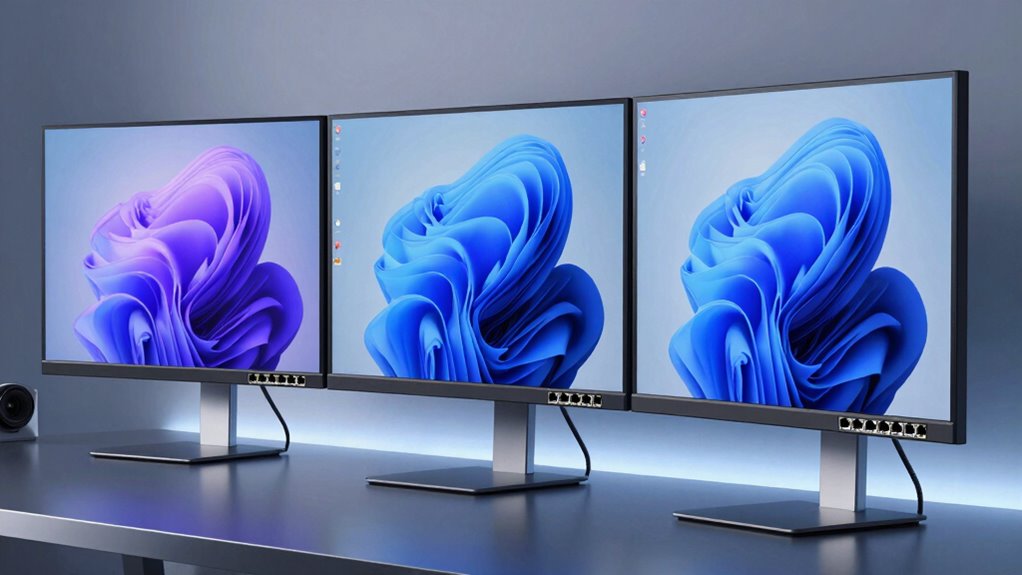

If you’re looking for the top monitors with Ethernet ports for 2026, I recommend considering the Samsung 24″ ViewFinity S6 QHD, the 27″ ViewFinity S6 QHD, and the ViewSonic 24″ 1080p model. These screens offer excellent display quality, versatile connectivity, and ergonomic features—perfect for professional use. Want to find out more about their specific features and how they can boost your workspace? Keep exploring to get all the details.
Key Takeaways
- High-end monitors like Samsung ViewFinity S6 models feature built-in Ethernet ports for stable wired internet connectivity.
- Connectivity compatibility ensures Ethernet ports support standard protocols, high data transfer speeds, and PoE options.
- Monitors with Ethernet ports often include docking features, reducing cable clutter and enhancing workspace organization.
- Premium displays offer excellent visual quality with HDR, accurate color, and high resolutions, ideal for professional use.
- Ergonomic adjustments and eye-care technologies in these monitors promote long-term comfort and reduce eye strain.
| Samsung 24″ ViewFinity S6 QHD Monitor with USB-C | 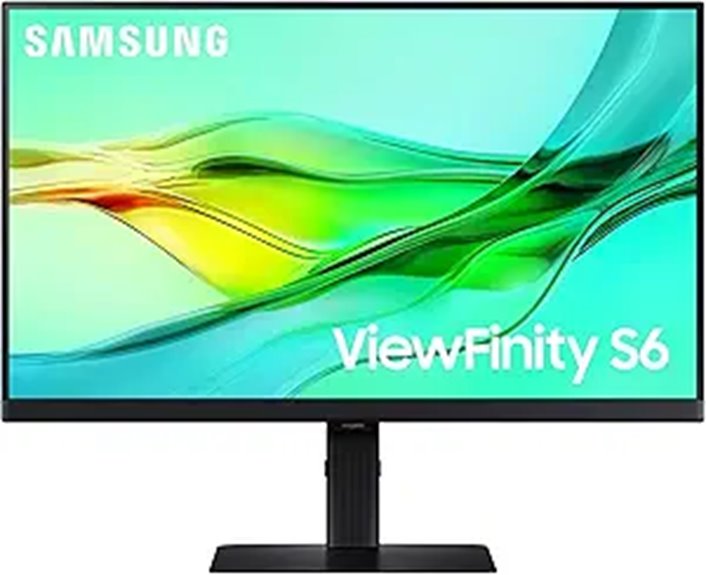 | Best for Creative Professionals | Screen Size: 24 inches | Resolution: QHD (2560×1440) | USB-C Power: 90W charging | VIEW LATEST PRICE | See Our Full Breakdown |
| Samsung ViewFinity S6 27″ QHD Monitor with USB-C |  | Ideal for Power Users | Screen Size: 27 inches | Resolution: QHD (2560×1440) | USB-C Power: 90W charging | VIEW LATEST PRICE | See Our Full Breakdown |
| ViewSonic 24″ 1080p Monitor with USB-C and Ethernet | 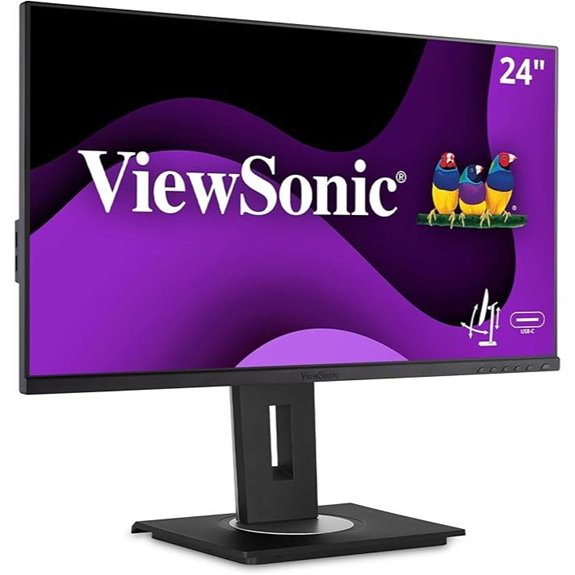 | Budget-Friendly Choice | Screen Size: 24 inches | Resolution: 1080p (1920×1080) | USB-C Power: 60W charging | VIEW LATEST PRICE | See Our Full Breakdown |
More Details on Our Top Picks
Samsung 24″ ViewFinity S6 QHD Monitor with USB-C
If you’re looking for a monitor that combines professional-grade display quality with seamless connectivity, the Samsung 24″ ViewFinity S6 QHD Monitor with USB-C is an excellent choice. It features a crisp 2560×1440 resolution with HDR10 for vibrant colors and deep contrast. The USB-C port supports 90W charging and data transfer, reducing cable clutter. Built-in LAN ensures reliable Ethernet connection, perfect for productivity. The monitor’s KVM switch allows you to control two devices with one keyboard and mouse, while Daisy Chain support makes multi-monitor setups easy. Its ergonomic stand and eye-care features keep your workspace comfortable and reduce eye strain during long work sessions.
- Screen Size:24 inches
- Resolution:QHD (2560×1440)
- USB-C Power:90W charging
- Connectivity Ports:USB-C, LAN, HDMI, DisplayPort
- Ergonomics:Height-adjust, tilt, swivel, pivot
- Eye Care Features:TÜV-certified, flicker reduction, blue light filter
- Additional Feature:Supports Daisy Chain Expansion
- Additional Feature:Built-in KVM Switch
- Additional Feature:Tool-Free Setup Stand
Samsung ViewFinity S6 27″ QHD Monitor with USB-C
Looking for a monitor that combines stunning visuals with seamless connectivity? The Samsung ViewFinity S6 27″ QHD monitor delivers with its 2560×1440 resolution, HDR10 support, and a 100Hz refresh rate for smooth, detailed visuals. Its auto-adjusting brightness and TÜV-certified Eye Care reduce eye strain during long hours. The USB-C port supports 90W charging and data transfer, while the built-in LAN port offers reliable Ethernet connectivity. Plus, the KVM switch and Daisy Chain support simplify multitasking and workspace expansion. Its ergonomic stand allows easy height, tilt, and pivot adjustments. Overall, it’s a versatile choice for professionals needing excellent display quality and robust connectivity.
- Screen Size:27 inches
- Resolution:QHD (2560×1440)
- USB-C Power:90W charging
- Connectivity Ports:USB-C, LAN, HDMI, DisplayPort
- Ergonomics:Height-adjust, tilt, swivel, pivot
- Eye Care Features:TÜV-certified, flicker reduction, blue light filter
- Additional Feature:Supports Picture-in-Picture Mode
- Additional Feature:Adjustable Pivotal Stand
- Additional Feature:2024 Model with Advanced Features
ViewSonic 24″ 1080p Monitor with USB-C and Ethernet
The ViewSonic 24″ 1080p Monitor with USB-C and Ethernet stands out as an ideal choice for professionals and remote workers who need reliable wired network connectivity directly from their monitor. Its Full HD IPS display offers crisp visuals with wide viewing angles, complemented by Flicker-Free and Blue Light Filter technology for all-day comfort. With USB-C 3.2, it delivers fast data, audio, video transfer, and 60W charging. The built-in Ethernet RJ45 port simplifies wired networking, while the versatile ports and daisy chaining support flexible setups. Ergonomic adjustments and a quick-release stand ensure comfort and portability, making it a practical, all-in-one solution for home or office use.
- Screen Size:24 inches
- Resolution:1080p (1920×1080)
- USB-C Power:60W charging
- Connectivity Ports:USB-C, Ethernet, HDMI, DisplayPort
- Ergonomics:Height-adjust, tilt, swivel, rotate
- Eye Care Features:Flicker-Free, Blue Light Filter
- Additional Feature:Built-in Docking Station
- Additional Feature:Multiple Connectivity Options
- Additional Feature:Portable with Carrying Handle
Factors to Consider When Choosing a Monitor With Ethernet Port
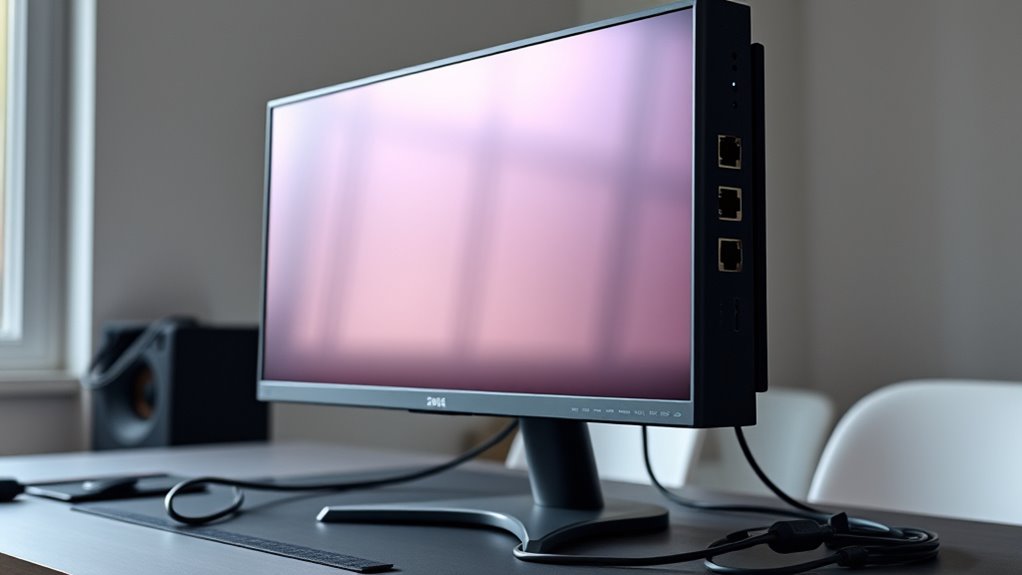
When choosing a monitor with an Ethernet port, I consider connectivity options and compatibility to guarantee it fits my setup. Display quality and ergonomic features also matter for comfort and productivity, while built-in docking and eye comfort technologies can enhance my experience. Knowing which factors are most important helps me select a monitor that meets my needs effectively.
Connectivity Options Compatibility
Choosing a monitor with an Ethernet port requires confirming that its connectivity options align with your network needs. First, check that the Ethernet port supports standard network protocols like Ethernet RJ45 to guarantee wired connectivity. It’s also important to verify that the monitor’s other ports, such as USB-C or DisplayPort, can handle the necessary data transfer speeds alongside Ethernet. Consider whether the Ethernet port supports your network’s speed requirements—be it 1Gbps or higher—to avoid bottlenecks. Make sure the monitor’s input/output options are compatible with your existing devices and cabling setup. If needed, see whether the Ethernet port supports Power over Ethernet (PoE), which can simplify power management and reduce cable clutter. Proper compatibility ensures seamless integration into your network environment.
Display Quality Benefits
A monitor’s display quality plays a significant role in how effectively you can work or enjoy multimedia content, especially when it features an Ethernet port for seamless connectivity. High-quality panels with accurate color reproduction guarantee sharp visuals and detailed images, making tasks like photo editing or design more precise. Higher resolutions, such as 4K or QHD, offer crisper images and more workspace for multitasking, boosting productivity. HDR support enhances contrast and color depth, resulting in vibrant, realistic visuals. An increased refresh rate, like 100Hz, delivers smoother motion, ideal for gaming or dynamic content. Features like automatic brightness and color temperature adjustments help maintain consistent image quality and reduce eye strain over long periods, assure a comfortable and visually satisfying experience.
Ergonomic Adjustments Features
Ergonomic adjustments are essential factors to contemplate when selecting a monitor with an Ethernet port, as they directly impact your comfort and productivity. Features like height, tilt, swivel, and pivot allow you to customize your monitor’s position for ideal viewing angles. An adjustable stand helps align the screen at eye level, reducing neck and back strain during long hours. A flexible ergonomic design supports various workspace setups, accommodating different preferences and tasks. Precise adjustments also help prevent repetitive strain injuries by promoting proper posture and minimizing glare. Plus, easy-to-use ergonomic features make it simple to reposition the monitor quickly, keeping your workflow smooth and comfortable. Prioritizing these adjustments ensures a healthier, more efficient work environment.
Built-in Docking Capabilities
Built-in docking capabilities transform a monitor into a versatile hub, streamlining your workspace by reducing cable clutter. These features let you connect multiple peripherals—like USB devices, external drives, and even additional displays—through a single monitor. Monitors with docking often include ports such as USB-C, HDMI, DisplayPort, and Ethernet, making device management effortless. An Ethernet port within the dock ensures a stable, wired internet connection directly through the monitor, eliminating the need for separate adapters. This setup simplifies your workspace, supports seamless data transfer, and often allows device charging via a single cable. By integrating docking features, these monitors boost productivity and keep your desk tidy, making them a smart choice for anyone seeking a clean, efficient, and connected workspace.
Eye Comfort Technologies
When selecting a monitor with an Ethernet port, prioritizing eye comfort technologies is essential for maintaining productivity and health during long hours of use. Features like Flicker-Free and Blue Light Filter notably reduce eye strain, making extended work sessions more comfortable. Automatic brightness and color temperature adjustments adapt to changing lighting conditions, ensuring consistent visual comfort. TÜV-certified Eye Care features guarantee flicker-free operation and minimized blue light exposure, promoting healthier viewing habits. High refresh rates, such as 100Hz, deliver smoother visuals, decreasing eye fatigue caused by stuttering or tearing. Additionally, ergonomic stands with tilt, swivel, and height adjustments help establish proper viewing angles, reducing physical strain on your neck and eyes. Together, these technologies create a more comfortable and sustainable workspace.
Frequently Asked Questions
Can Monitors With Ethernet Ports Support Power Over Ethernet (Poe)?
Monitors with Ethernet ports generally don’t support Power over Ethernet (PoE). Ethernet ports on monitors are mainly for network connectivity, like connecting to a wired LAN or for remote management. PoE requires specific hardware capabilities that are typically found in network switches or PoE-enabled devices, not in monitors. So, if you’re looking for PoE support, you’ll need to look at other network hardware designed specifically for that purpose.
Are Ethernet-Enabled Monitors Compatible With All Operating Systems?
Ethernet-enabled monitors generally work with most operating systems, but compatibility can vary. I recommend checking the monitor’s specifications and driver support for your OS before purchasing. Windows and macOS usually have no issues, but some Linux distributions might require additional setup. I always verify the monitor’s firmware and drivers are up to date to avoid connectivity problems, ensuring seamless integration regardless of your operating system.
Do Ethernet Ports on Monitors Support Gigabit or Faster Speeds?
Ethernet ports on monitors can absolutely support gigabit speeds, and sometimes even faster! Imagine your monitor transforming into a lightning-fast highway, streaming 4K videos or transferring files in the blink of an eye. Most modern monitors with Ethernet ports are built to handle gigabit or higher speeds, ensuring your internet connection is as quick and smooth as a race car zooming down the track. So, yes, they’re designed for serious speed.
Can I Connect Multiple Devices via Ethernet Ports on a Monitor?
Yes, you can connect multiple devices via Ethernet ports on a monitor if it has multiple ports. I’ve used monitors with dual Ethernet ports to connect my computer and network printer simultaneously, which simplifies my setup. Just keep in mind that the monitor acts as a switch, so the devices share the bandwidth, and performance depends on the network traffic. It’s a handy feature for streamlined connectivity.
Do Ethernet Ports on Monitors Require Special Network Configurations?
Think of Ethernet ports on monitors as gateways to your network—no special configurations needed, just like opening a door. I’ve found that most monitors with Ethernet ports are plug-and-play, meaning you connect your cable, and they automatically integrate into your existing setup. However, in complex network environments, you might need to adjust settings like IP addresses or VLANs, but for everyday use, it’s straightforward and hassle-free.
Conclusion
If you’re like me, you’ll appreciate that over 80% of office workers now rely on wired connections for stability. These monitors with Ethernet ports not only boost your connection reliability but also streamline your workspace. Whether it’s the sleek Samsung ViewFinity S6 or the versatile ViewSonic model, choosing the right monitor can make a real difference. Upgrading your setup today means fewer interruptions and more productivity—trust me, it’s a game-changer.