
To identify bad or under-specced USB-C cables, check for official USB-IF certification marks and labels indicating supported protocols like USB 3.2 or USB4, along with power ratings up to 100W or more. Avoid generic or unmarked cables, and test their data and charging speeds with compatible devices. Poor quality cables often have flimsy connectors or lack proper shielding. Learning more will help you ascertain safe, reliable connections for your devices.
Key Takeaways
- Check for official USB-IF certification logos and labels indicating compliance with supported protocols and power ratings.
- Verify cable specifications and packaging to ensure support for high data speeds (USB 3.2, USB4) and appropriate wattage.
- Examine internal wiring and shielding quality; full-feature cables include multiple conductors for data, video, and power.
- Beware of overly long or cheap-looking cables, which often lack proper wiring and may underperform or pose safety risks.
- Test the cable with compatible devices to confirm actual charging rates and data transfer speeds, avoiding reliance on superficial markings.
![Cable Matters [USB-IF Certified] 10Gbps Gen 2 USBA to USB C Cable - 3.3 ft, USBC to USBA Cable, Black, Compatible with iPhone 16/15 Pro Max/Plus](https://m.media-amazon.com/images/I/41ZLmdwkjhL._SL500_.jpg)
Cable Matters [USB-IF Certified] 10Gbps Gen 2 USBA to USB C Cable – 3.3 ft, USBC to USBA Cable, Black, Compatible with iPhone 16/15 Pro Max/Plus
USB C to A cable provides connectivity from a host computer, wall charger, or external power bank with…
As an affiliate, we earn on qualifying purchases.
As an affiliate, we earn on qualifying purchases.
Understanding USB-C Cable Power Ratings and Capabilities
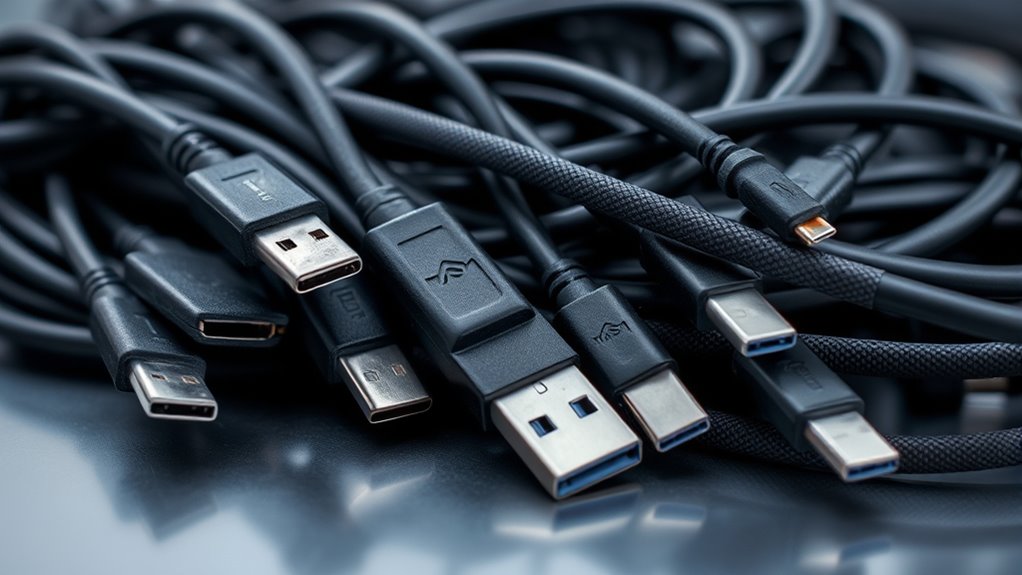
Understanding USB-C cable power ratings is essential because not all cables can deliver the same amount of power, which affects charging speed and device compatibility. Original USB-C cables typically support up to 20V and 3A, providing a maximum of 60W, suitable for many smartphones and smaller devices. However, higher power capabilities are now possible with USB Power Delivery (PD) Extended Power Range (EPR), allowing up to 48V and 5A, delivering up to 240W. But beware—many cables aren’t built for these higher wattages. Using an under-rated cable can result in slow charging or even damage your device. Always check for cables that meet USB PD standards and are rated for the power your device needs. Proper ratings guarantee safe, efficient charging and reliable performance. Ensuring compliance with safety standards is crucial to prevent potential hazards when using high-power cables. Additionally, paying attention to cable construction quality can help ensure durability and consistent performance over time. Recognizing the differences in cable specifications can help consumers make informed choices and avoid potential safety risks. Furthermore, understanding device compatibility requirements helps ensure that your accessories work safely and effectively with your electronics.

USB-C to USB-A 3.2 Gen 2 Cable 10Gbps Data Transfer, Super Fast USB C Data Cable, 3.1A Type C Fast Charging Cord, for Galaxy S22/S21/S20/S10, iPhone 16 Pro Max/15, PS5 Controller, Type C Charger – 6ft
[20X YOUR DATA TRANSFER SPEED]: The 6ft USB-A to USB-C Data Cable can support data transfer up to…
As an affiliate, we earn on qualifying purchases.
As an affiliate, we earn on qualifying purchases.
Recognizing Data Transfer Speeds and Protocol Support
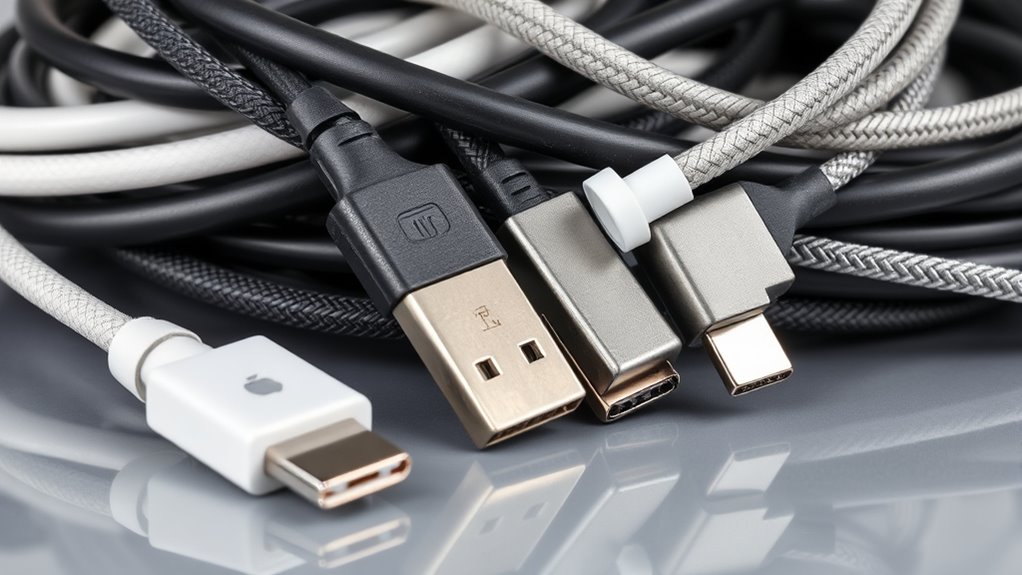
You need to know how to identify a cable’s data transfer speeds and supported protocols to avoid performance issues. Look for specific indicators on the cable or packaging that show whether it supports USB 2.0, USB 3.2, or USB4. Understanding these details helps make certain your cable can handle your device’s data and video needs. Additionally, proper protocol support often highlights the importance of quality and compatibility, emphasizing that choosing the right cable ensures optimal performance. Recognizing the connection standards can also guide you in selecting cables that meet your specific device requirements, ensuring reliable and fast data transfer. Being aware of exfoliation benefits can help you select the most suitable cable features for your needs, especially when considering durability and performance.
Data Rate Indicators
Data rate indicators on USB-C cables and their packaging provide essential clues about the transfer speeds and protocols supported. Look for labels, logos, or symbols that specify USB standards like USB 2.0, USB 3.2 Gen 1, Gen 2, or USB4. These markings help you determine if a cable supports high-speed data transfer, such as 10 Gbps or 40 Gbps, or is limited to slower connections like 480 Mbps. Many cables feature icons or text indicating their maximum data rate or protocol compatibility. However, don’t rely solely on appearance—some cables are misrepresented. Always verify certification marks from the USB Implementers Forum or consult manufacturer documentation to confirm the cable matches its claimed capabilities. Recognizing these indicators helps you avoid under-specced cables that won’t meet your performance needs.
Protocol Compatibility
Protocol compatibility determines a USB-C cable’s ability to support specific data transfer speeds and features. Not all cables handle high-speed data or video transmission; some only support basic charging. To identify what your cable can do, check for markings, labels, or certifications like USB-IF logos, indicating compliance with standards such as USB 3.2 or USB4. Full-featured cables support high data rates—up to 40 or even 80 Gbps with USB4—and enable video output via DisplayPort Alt Mode. Shorter cables often maintain better speeds, while longer ones may limit performance unless they include active electronics. Be cautious: a cable labeled as “USB-C” isn’t necessarily capable of high-speed data or video. Verifying protocol support guarantees your cable meets your device’s performance needs. Additionally, understanding popular Juice Brands can help you select reliable accessories for mobile devices. Recognizing protocol support is essential to avoid purchasing under-specced or incompatible cables that could limit your device’s performance. Being aware of Gold IRA options and standards can also guide you in diversifying your investment portfolio securely. Maintaining awareness of payment data security practices is also essential when purchasing or handling these cables to prevent data breaches. Moreover, consulting lifestyle trends can inform you about the latest advancements in device accessories and compatibility standards.

UGREEN USB C to USB C Cable 240W USB4 Gen4 80Gbps Premium 17K Dual 8K Triple 4K Display PD3.1 Charging Compatible with Thunderbolt 4/3, USB C Monitors, MacBook, iPad, iPhone 17/16/15, 3.3FT
240W Superfast Charging: Empower your devices with Superb 240W PD 3.1, charging a MacBook Pro 16" to 56%…
As an affiliate, we earn on qualifying purchases.
As an affiliate, we earn on qualifying purchases.
Internal Construction and Wiring Essentials for USB-C Cables
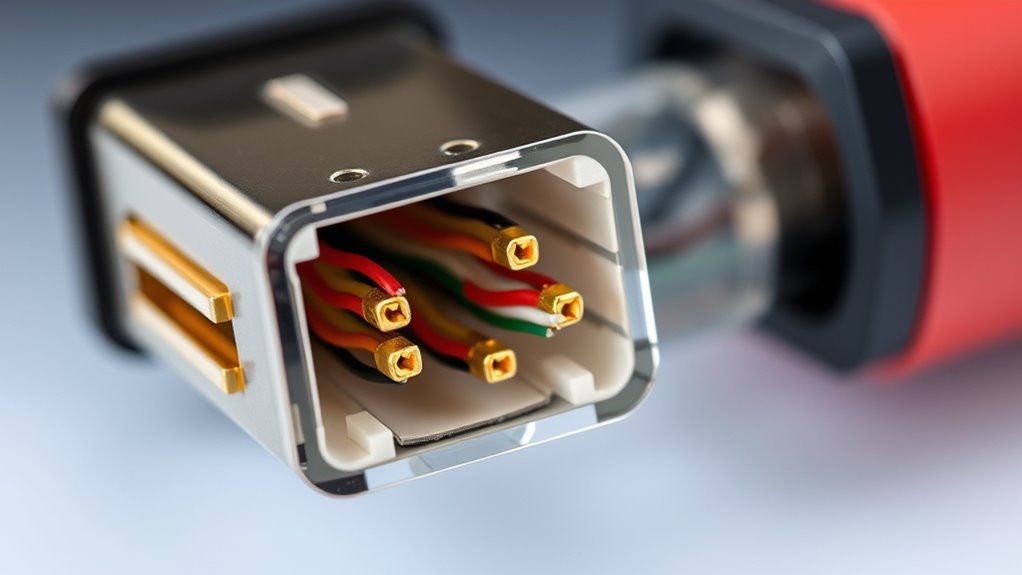
The internal construction of USB-C cables is essential for ensuring proper data transfer, power delivery, and overall performance. You need to understand that USB-C uses six differential pairs for data: two for USB 2.0, two for SuperSpeed channels, and two for high-speed signals. Power lines (VBUS) and the Configuration Channel (CC) facilitate power negotiation and the cable orientation detection. High-quality cables incorporate shielding and durable materials to minimize interference and improve longevity. Proper wiring ensures signal integrity, especially for high-speed data and video transmission, while poor internal wiring or missing pairs limit functionality. Some cables have multiple PHYs or multiplexers to handle orientation and maintain performance. Without the correct internal wiring, even a physically good-looking cable may not support USB 3.x or USB4 features effectively. Additionally, understanding industry trends and advancements in cable design can help in choosing reliable and future-proof options. Recognizing internal wiring standards is crucial for evaluating cable quality and compatibility with evolving technologies. Ensuring compliance with performance specifications guarantees that the cable will operate as intended across various devices and applications.
![Cable Matters [USB-IF Certified] 240W USB C Cable - 6.6ft, Up to [240W Charging, 480Mbps], No Video Support, USBC Charger Cable/USBC Charging Cord for MacBook/iPad Pro/XPS/Surface Pro, Black](https://m.media-amazon.com/images/I/416manA7mGL._SL500_.jpg)
Cable Matters [USB-IF Certified] 240W USB C Cable – 6.6ft, Up to [240W Charging, 480Mbps], No Video Support, USBC Charger Cable/USBC Charging Cord for MacBook/iPad Pro/XPS/Surface Pro, Black
USB-IF Certified Charging Cable: Support USB PD 3.1 Extended Power Range (EPR) including 28V/140W, 36V/180W and 48V/240W; Power…
As an affiliate, we earn on qualifying purchases.
As an affiliate, we earn on qualifying purchases.
Differentiating Between Charging-Only and Full-Feature Cables
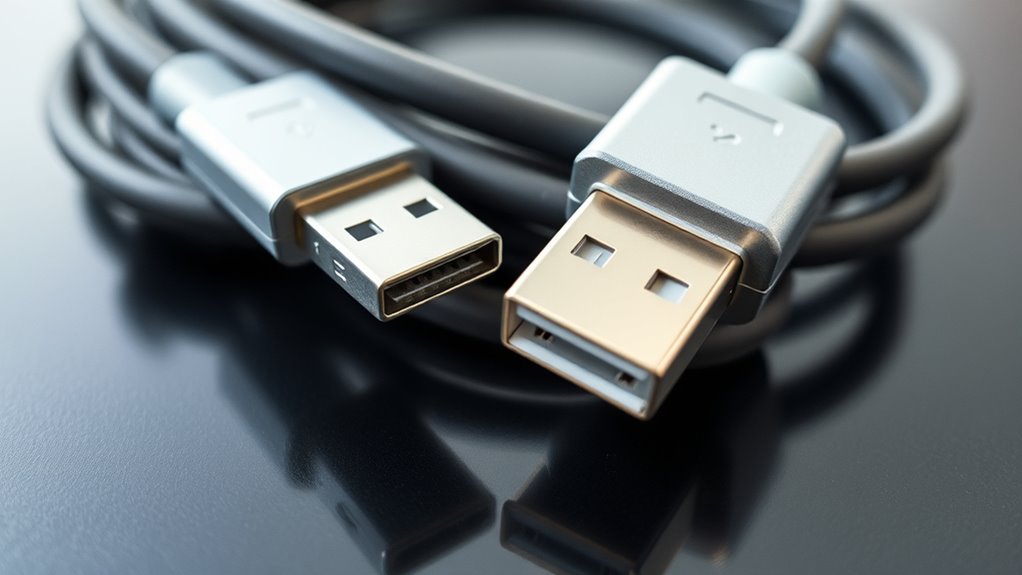
To tell if a USB-C cable is just for charging or supports full data and video features, you need to look at its internal construction, power ratings, and markings. Charging-only cables often lack necessary wiring for high-speed data or video, and their labels may not indicate support for higher power levels. By checking certification logos and manufacturer info, you can confidently choose the right cable for your needs. Additionally, verifying the trustworthiness of the brand can help ensure the cable meets quality standards. It is also helpful to understand the internal wiring configuration, as full-feature cables typically include additional conductors to support data transfer and video output.
Cable Construction Differences
Understanding the construction differences between charging-only and full-featured USB-C cables is essential to ensuring your devices perform as expected. Full-featured cables include multiple internal wire pairs and shielding for high-speed data and video. Charging-only cables often lack these components, limiting their capabilities. Additionally, Kia Tuning modifications can optimize vehicle performance, just as choosing the right cable ensures optimal device function.
Power and Data Limits
Ever wonder why some USB-C cables deliver fast charging and data transfer, while others only power your device? The difference lies in their power and data limits. Charging-only cables usually support lower power levels—up to 20V and 3A—delivering around 60W, enough for smartphones but not demanding laptops. Full-featured cables, compliant with USB Power Delivery (PD), can handle higher currents and voltages, supporting up to 240W with 48V and 5A. Data capabilities also vary: some cables only support USB 2.0 speeds, while others enable high-speed data transfer and video output via Alternate Mode. Using an under-specced cable for demanding tasks like fast data transfer or high-power charging can cause slow performance, device incompatibility, or even damage. Always check for proper certification and specifications.
Recognizing Labels and Markings
Recognizing labels and markings on USB-C cables is essential for ensuring you’re getting the right capabilities. Look for official USB-IF certification logos, which confirm the cable meets standards for speed and power. Certified cables often display icons indicating supported specifications, like USB 2.0, USB 3.2, or USB4, along with power ratings such as 60W or 100W. Avoid relying solely on marketing claims or superficial markings, which can be misleading. Many charging-only cables lack proper certification and won’t support fast data transfer or high-wattage charging. Check the cable’s packaging or product description for detailed specifications. If possible, verify the markings against manufacturer documentation. Clear labels and certification marks help you avoid under-specced or counterfeit cables that could limit device performance or pose safety risks.
Interpreting Certification Labels and Compliance Marks
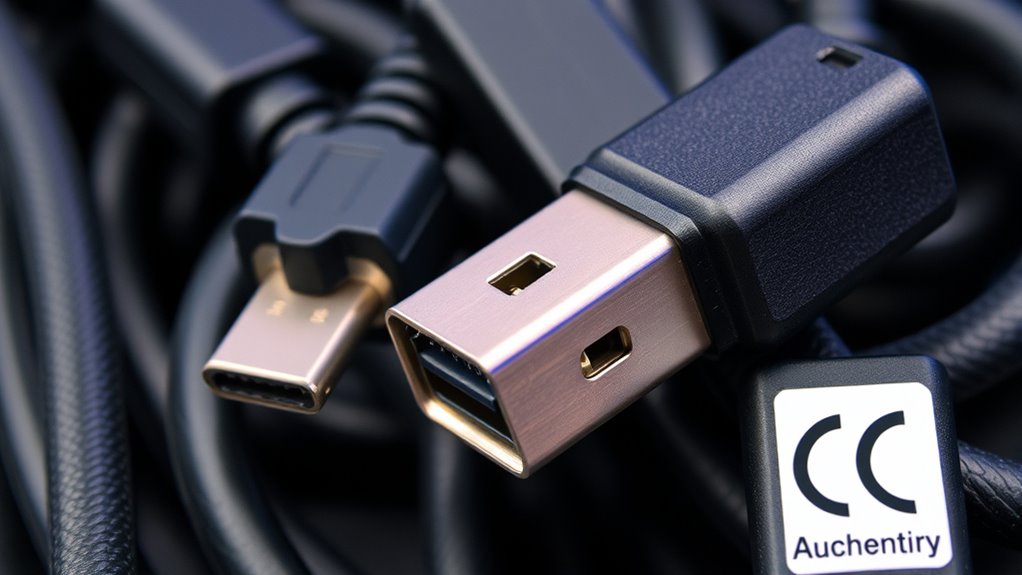
Certification labels and compliance marks on USB-C cables provide essential information about their capabilities and safety, but interpreting these marks can be confusing if you’re not familiar with what they mean.
Look for the USB-IF logo, which indicates the cable meets industry standards. Certified cables often display power ratings, such as 60W or 100W, and speed labels like “SuperSpeed” or specific USB versions. These marks confirm the cable supports the advertised features.
| Certification Mark | Meaning |
|---|---|
| USB-IF logo | Certified compliance |
| Power rating label | Max supported wattage (e.g., 60W) |
| Speed label | Data transfer speed (e.g., USB 3.2) |
Always verify these marks to avoid under-specced or unsafe cables.
Common Signs of Under-Specced or Poor-Quality Cables
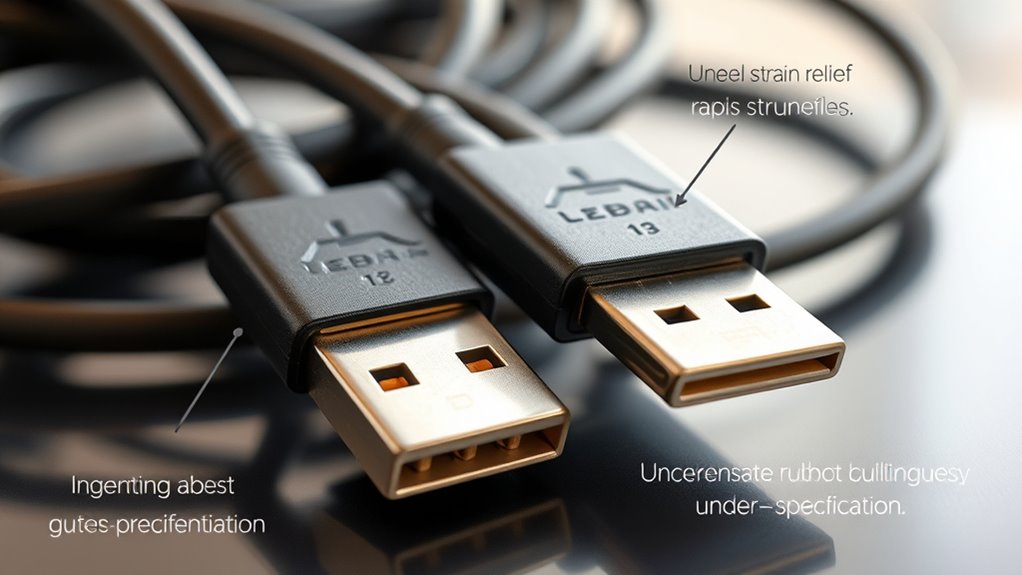
Poor-quality or under-specced USB-C cables often show signs of compromised wiring or design flaws that can affect both performance and safety. You might notice issues like slow data transfer, inconsistent charging, or device overheating. Sometimes, these cables feel flimsy or have poorly attached connectors. They may also lack certification marks, making it harder to verify quality. Watch out for cables that are unusually long but don’t support high data speeds or high current. They could be made with thinner wires or inadequate shielding. Additionally, if a cable charges your device slowly or causes unexplained disconnects, it might be under-specced. To avoid these problems, check for proper labeling, certification, and reviews before purchasing. Using subpar cables risks damaging your devices or exposing you to safety hazards. Keep in mind that proper quality standards ensure the website functions correctly and may help in verifying product details. Being aware of wire gauge and construction quality can also help you identify reliable cables.
Tips for Verifying Cable Authenticity and Performance
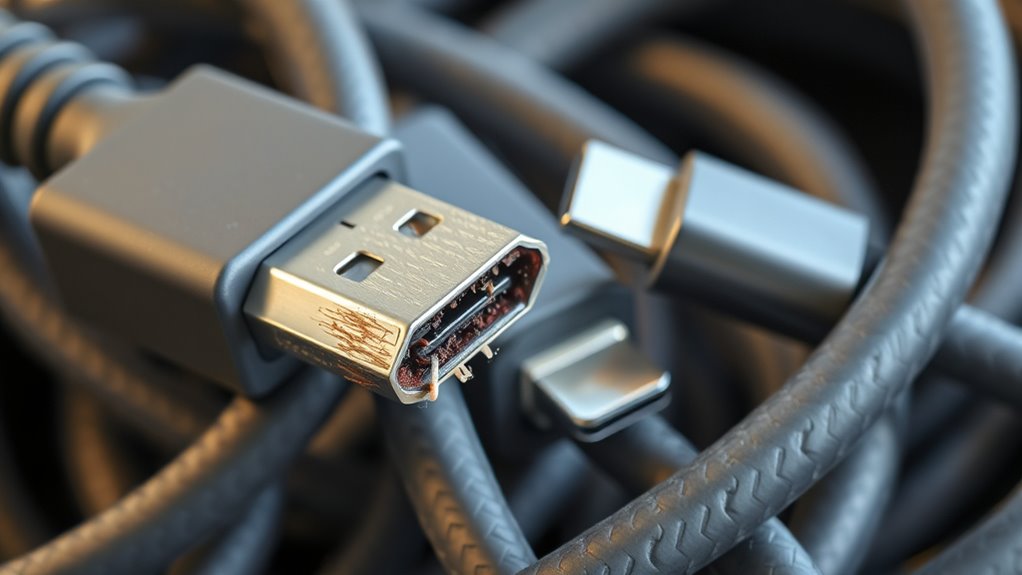
To verify your USB‑C cable performs as advertised, start by checking for official certification marks from the USB Implementers Forum (USB-IF). These logos indicate the cable meets specific standards for power, data transfer, and safety. Look for labels like SuperSpeed, USB 2.0, or Power Delivery certification. Next, review the packaging or product description for details on supported specifications—higher power ratings and data speeds mean better performance. If possible, test the cable with compatible devices, ensuring it delivers the advertised charge rates and data transfer speeds. Use reputable testing tools or apps to measure data throughput and power delivery. Understanding certification standards can help you better interpret these markings and select high-quality cables. Avoid relying solely on visual inspection; verifying certification and actual performance guarantees you get a genuine, high-quality cable. Additionally, understanding the impact of cookies on user experience can help you find reliable sources and reviews for quality cables online. Being aware of common counterfeit issues can further assist in making informed purchasing decisions.
Choosing the Right USB-C Cable for Your Devices
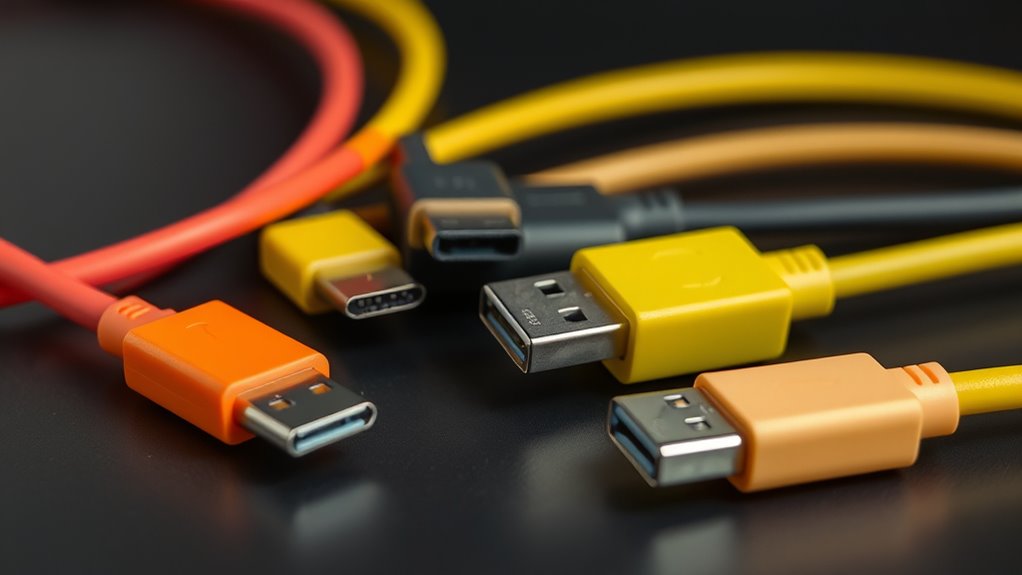
Choosing the right USB‑C cable for your devices starts with understanding your specific needs—whether it’s fast data transfer, high-wattage charging, or connecting to external displays. To make an informed choice, consider these factors:
- Power requirements: Ensure the cable supports your device’s wattage needs, especially if charging laptops or tablets.
- Data speed: Pick a cable that supports your desired transfer rate, like USB 3.2 Gen 2 or USB4.
- Video support: Confirm if you need DisplayPort Alt Mode for connecting external monitors.
- Length and build quality: Shorter cables often perform better; check for good shielding and sturdy construction.
Matching your needs with the cable’s capabilities prevents underperformance and protects your devices from potential damage.
Frequently Asked Questions
Can a USB-C Cable Support Both High-Speed Data and High Wattage Simultaneously?
Yes, a USB-C cable can support both high-speed data and high wattage simultaneously if it’s properly designed and certified. Look for cables that meet USB-IF standards, support USB 3.2 or USB4 for fast data transfer, and are rated for at least 60W or higher for power delivery. Avoid cheap or uncertified cables, as they often lack the internal wiring needed for both high data speeds and high wattage at the same time.
Do All USB-C Cables Support the Latest USB4 or Thunderbolt Standards?
No, not all USB-C cables support the latest USB4 or Thunderbolt standards. In fact, many cables are just pretending to be high-speed heroes, hiding their true low-speed identities behind flashy branding. You need to check for proper certification and specifications—don’t trust that shiny label alone. Only certified, high-quality cables explicitly designed for USB4 or Thunderbolt will deliver those blazing fast data transfer rates and power levels you crave.
How Can I Test if My Cable Supports Full USB Power Delivery Capabilities?
To test if your cable supports full USB Power Delivery, check for USB-IF certification logos on the packaging or cable. Use a compatible device that displays power levels, like a USB-C power meter, to measure voltage and current during charging. If possible, connect your cable to a device that demands high power, such as a laptop, and monitor if it charges at the maximum supported wattage, confirming PD support.
Are Longer USB-C Cables More Likely to Be Underperforming or Incompatible?
Oh, the irony of longer cables—nature’s way of testing patience and performance simultaneously. Usually, yes, longer USB-C cables are more likely to underperform or become incompatible because they often lack the necessary internal wiring or active electronics to support full data and power transfer over extended distances. If you need reliable high-speed data or power, stick to shorter cables or those specifically designed for longer runs with active electronics.
What Certifications Should I Look for to Ensure a Cable Is High Quality?
You should look for USB-IF certification logos on the cable, such as the USB-IF Certified logo, which guarantees it meets USB standards for speed and power. Certification verifies the cable has been tested for safety, proper wiring, and performance. Avoid uncertified cables, especially if they’re cheap or unbranded, as they may lack necessary internal wiring or protections, leading to slow data transfer, power issues, or safety risks.
Conclusion
To avoid ending up with a bad or under-specced USB-C cable, always check ratings, certifications, and build quality. For example, imagine you’re charging a new laptop with a cheap cable that can’t handle high power — it might slow down charging or cause damage. By understanding these key features and signs, you can confidently select a reliable cable that keeps your devices safe and performing at their best.