To choose a desktop for long-term productivity, prioritize systems that offer easy access to upgrade components like RAM, storage, and graphics to extend lifespan. Look for durable, well-built models with ergonomic designs for comfort and adjustable features to reduce fatigue. Make certain it has strong performance specs, such as multi-core processors, ample RAM, and fast storage, along with versatile connectivity options. Focusing on these elements helps you stay productive longer; learn more about making the right choice below.
Key Takeaways
- Prioritize desktops with easy upgrade access to extend lifespan and adapt to evolving technology needs.
- Select ergonomic designs supporting adjustable components for comfort and reduced fatigue during long work hours.
- Ensure the system has high performance specs like multi-core CPUs, ample RAM, and SSD storage for smooth operation.
- Choose durable, well-constructed desktops from reputable brands to minimize repairs and ensure long-term reliability.
- Balance performance, upgradeability, and build quality to create a flexible, future-proof workstation for sustained productivity.
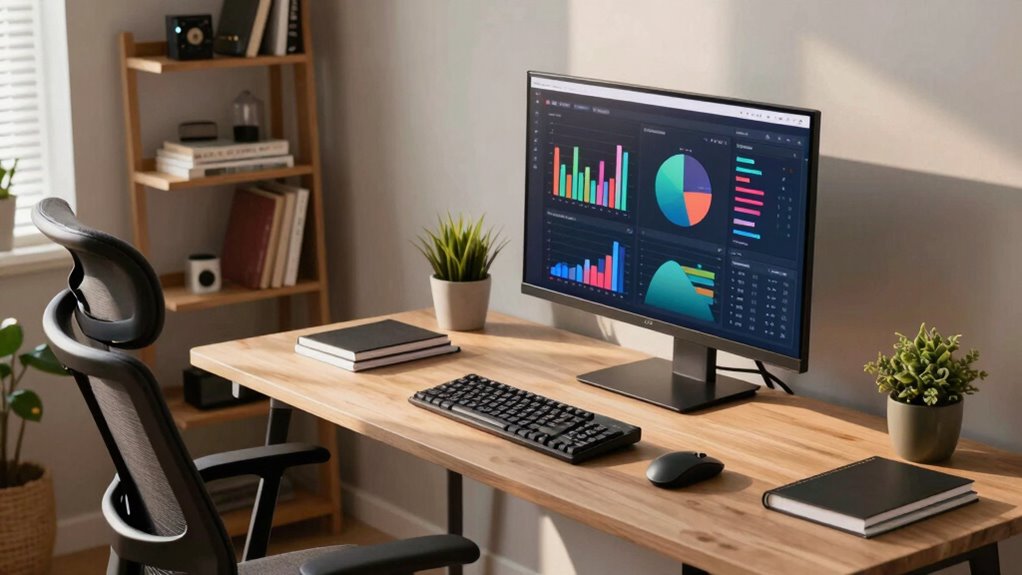
When selecting a desktop for long-term productivity, prioritizing the right balance of performance, durability, and future-proofing is essential. You want a machine that can handle your daily tasks efficiently now and adapt to your evolving needs later. One key aspect to consider is hardware upgrades. Opt for a desktop that allows easy upgrades of components like RAM, storage, and graphics. This flexibility can significantly extend the lifespan of your system and save money in the long run. Upgradable hardware ensures you stay current with technological advancements and prevents your workstation from becoming obsolete too quickly. Additionally, look for desktops with spacious cases and accessible internals, making future upgrades straightforward and hassle-free.
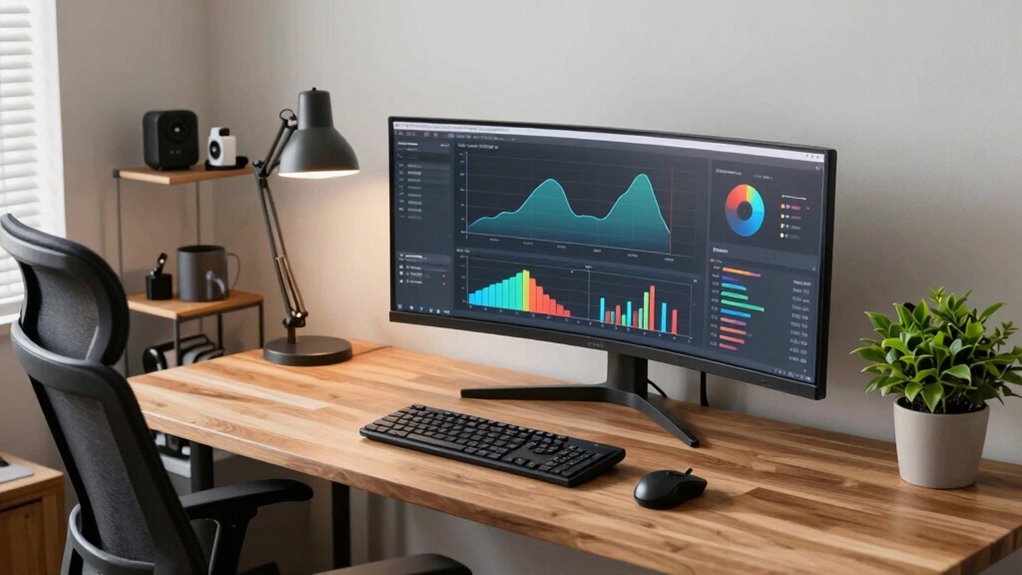
Beyond raw specs, ergonomic design plays a critical role in long-term productivity. A desktop with a well-thought-out ergonomic setup helps prevent strain and fatigue during extended work sessions. Think about models that support adjustable monitors, keyboard stands, or even standing desk compatibility. Ergonomics isn’t just about comfort; it can boost your efficiency by reducing discomfort and maintaining focus. Pay attention to the placement of ports, ventilation, and overall build quality—these factors influence how comfortably and reliably you can work over time. A desktop that promotes good posture and easy access to peripherals supports a healthier, more sustainable workflow. Incorporating ergonomic features can greatly enhance comfort during long hours of work.
Performance is another key factor. You need a system that can handle your workload without lag or crashes. Focus on the processor, RAM, and storage options: a multi-core processor, at least 16GB of RAM, and SSD storage typically deliver a smooth experience. Future-proofing also involves considering connectivity options like USB-C, Thunderbolt, or Wi-Fi 6, which can accommodate newer peripherals and faster data transfer. Think about your software demands now and how they might grow, selecting a system that can scale with your needs. Incorporating upgradable hardware options is vital for adapting to future technology changes. Additionally, choosing a desktop with a reliable build quality can prevent unexpected failures and ensure consistent performance over time. It’s also important to consider the overall durability of the components, as ‘durability and build quality‘ directly impact the longevity of your workstation.
Finally, durability and build quality matter. A sturdy, well-constructed desktop reduces the risk of damage from daily use or accidental bumps. Reliable components mean fewer repairs and less downtime. When choosing, prioritize reputable brands with good warranties and customer support, so you’re protected in the long run. Combining these elements—upgradable hardware, ergonomic design, robust performance, and durable construction—sets the foundation for a desktop that supports your productivity now and adapts seamlessly as your work evolves.

Dell Optiplex 3060 Desktop Computer | Intel i5-8500 (3.2) | 32GB DDR4 RAM | 1TB SSD Solid State | Built in WiFi | Bluetooth | Windows 11 Professional | Home or Office PC (Renewed)
[RGB AT YOUR FINGERTIPS] – This unique computer comes with a one-of-a-kind, side panel RGB lighting kit; Access…
As an affiliate, we earn on qualifying purchases.
As an affiliate, we earn on qualifying purchases.
Frequently Asked Questions
What Is the Ideal Desktop Size for Limited Desk Space?
The ideal desktop size for limited desk space is compact, typically around 20 to 24 inches wide. This size allows you to maintain an ergonomic setup without cluttering your workspace. Look for a desktop with a compact design that fits comfortably in your area, providing enough room for essential equipment while keeping your workspace organized. Prioritizing a space-saving desktop helps you stay productive and comfortable during long work sessions.
How Important Is Future Upgradeability in a Desktop?
Think of future upgradeability as planting a seed for long-term growth; it’s essential. You want a desktop with ample upgrade options and compatibility considerations, so your machine can evolve with your needs. Ignoring this can lock you into outdated hardware, forcing costly replacements. Prioritize a system that allows easy upgrades—like adding RAM or swapping out graphics—so your productivity keeps blooming without needing a new computer every few years.
What Noise Levels Should I Expect From a Productivity Desktop?
You can expect moderate noise levels from a productivity desktop, especially during intensive tasks. Good sound insulation and quality cooling solutions help reduce noise, making it less disruptive. If you prefer a quieter environment, look for desktops with quieter fans or consider adding soundproofing options. Typically, desktops emit a gentle hum rather than loud noise, so choose components designed for low noise if silence is essential for your work.
Are There Specific Brands Known for Durable Long-Term Desktops?
You should consider brands known for durability and strong reputation, like Dell, HP, and Lenovo. These brands offer reliable desktops built for long-term use, backed by solid warranty coverage. Their products are tested for durability, and their customer support helps you maintain performance over time. Selecting a desktop from these trusted brands guarantees you get a product designed for longevity, minimizing replacement costs and maximizing productivity.
How Does Energy Efficiency Impact Long-Term Desktop Use?
Energy efficiency considerably impacts your long-term desktop use by reducing power consumption, which leads to energy savings over time. When you choose a desktop with good energy efficiency, it consumes less electricity during operation, lowering your utility bills and decreasing environmental impact. This means you can enjoy reliable performance while keeping operating costs manageable, ensuring your setup remains sustainable and cost-effective for years to come.

TechOrbits Standing Desk Converter – 42 Inch Adjustable Sit to Stand Up Desk Workstation, MDF Wood, Ergonomic Desk Riser with Keyboard Tray, Desktop Riser for Home Office Computer Laptop, Black 42"
Adjust to Get it Just Right: Ready to stand? Squeeze the handle and use your weight to adjust…
As an affiliate, we earn on qualifying purchases.
As an affiliate, we earn on qualifying purchases.
Conclusion
Choosing the right desktop can substantially boost your long-term productivity—remember, investing in quality hardware pays off. Did you know that 70% of workers report increased efficiency when using faster, more reliable computers? By selecting a desktop tailored to your needs, you set yourself up for success and fewer frustrations down the line. So, take your time, prioritize your tasks, and choose wisely—your future self will thank you for the smarter decision.
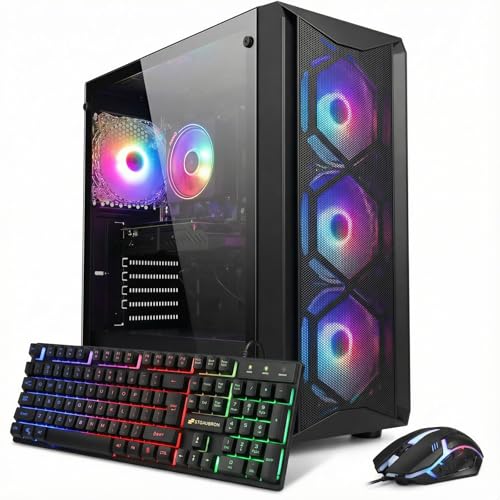
STGAubron Gaming PC Computer Desktop, Intel Core i7 8th Gen up to 4.1GHz, GeForce RTX 3050 6G, 16G DDR4, 1T SSD, WiFi 6, BT 5.2, RGB Fan x4, Windows 11 Home
This Gaming PC Desktop is well-suited for a variety of tasks including gaming, study, home, business, photo and…
As an affiliate, we earn on qualifying purchases.
As an affiliate, we earn on qualifying purchases.

Dell Optiplex 7050 SFF Desktop PC Intel i7-7700 4-Cores 3.60GHz 32GB DDR4 1TB SSD WiFi BT HDMI Duel Monitor Support Windows 11 Pro Excellent Condition(Renewed)
Model: Dell OptiPlex 7050 Small Form Factor (SFF)
As an affiliate, we earn on qualifying purchases.
As an affiliate, we earn on qualifying purchases.