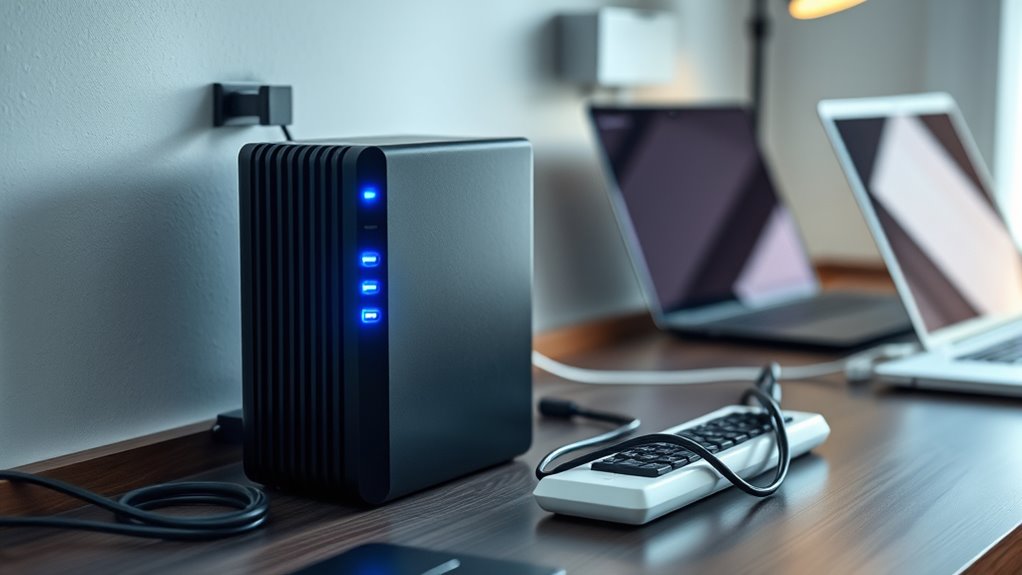

To establish a home battery backup (UPS), start by identifying your critical devices like computers and medical equipment. Choose a UPS with enough capacity to support these items during outages, and place it in a safe, accessible spot. Connect your essential devices directly to its battery-backed outlets, avoiding extension cords. Regular maintenance, battery checks, and proper sizing guarantee reliability. If you want to know more about creating an effective backup, keep exploring these important steps.
Key Takeaways
- Identify critical devices and select a UPS with sufficient capacity to support them during outages.
- Properly position the UPS in an accessible, safe location away from water and extreme temperatures.
- Connect essential devices directly to the UPS’s battery-backed outlets, avoiding extension cords.
- Perform regular maintenance, including battery tests and firmware updates, to ensure reliability.
- Plan for battery replacements every 3-5 years and simulate outages to verify system readiness.
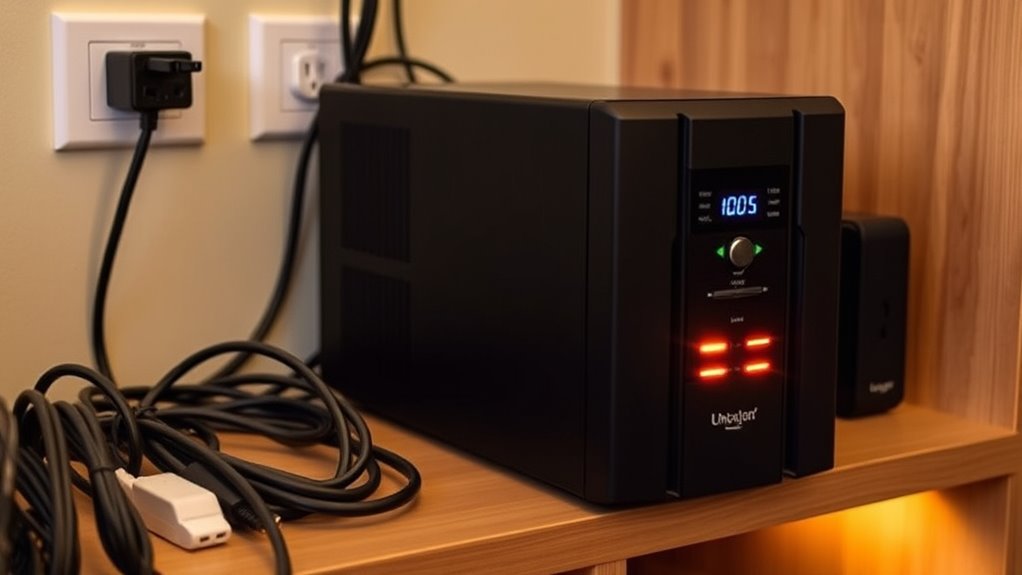
In today’s connected world, a power outage can disrupt your daily routines and compromise your home’s electronics. Whether it’s a sudden storm, fallen tree, or grid issue, losing power can leave you scrambling for solutions, especially if you rely on devices like computers, medical equipment, or security systems. That’s why setting up a battery backup, or UPS, is a smart move for your home’s emergency preparedness. A UPS provides immediate power when the main supply cuts out, giving you time to save work, shut down devices properly, or keep essential appliances running until power is restored.
A UPS keeps critical devices powered during outages, ensuring safety and continuity in your home.
The first step in setting up a UPS is understanding what you need it for. Identify the critical devices that must stay powered during an outage—your computer, Wi-Fi router, refrigerator, or medical devices, for example. Once you know what’s essential, choose a UPS with enough capacity to support these items for the needed duration. Pay attention to the wattage and VA (volt-ampere) ratings; these figures tell you how much power the UPS can handle. Selecting a unit with a slightly higher capacity than your total device load ensures you won’t overload it during an outage.
Next, position your UPS in a location that’s accessible but safe from potential hazards like water or extreme temperatures. Proper placement ensures easy access for maintenance and minimizes the risk of damage. Connect your devices directly to the UPS outlets, avoiding surge protectors or extension cords that could interfere with proper operation. For critical electronics, make sure they are plugged into the battery-backed outlets to benefit from uninterrupted power during outages.
Regular maintenance is essential for maximum performance. Keep the UPS in a cool, dry place and perform periodic battery tests as recommended by the manufacturer. Batteries have a limited lifespan, typically 3-5 years, so plan for replacements to ensure your backup system remains reliable. During routine checks, verify that the UPS’s firmware is up to date and that it’s functioning correctly by simulating an outage, if possible. This proactive approach allows you to identify and address issues before an actual power outage occurs.
Additionally, understanding the importance of proper sizing and load planning can help prevent system overloads and ensure your backup power is sufficient for your needs. Implementing a UPS is a key part of your home’s emergency preparedness plan. It offers peace of mind knowing that essential devices will stay operational during unexpected power disruptions. By carefully selecting, installing, and maintaining your battery backup system, you ensure that your home is better equipped to handle power outages. This small investment in preparedness can prevent data loss, safeguard vital equipment, and keep your household functioning smoothly until the power comes back on.
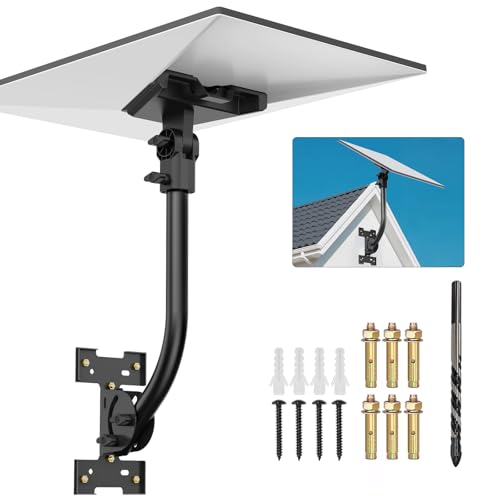
Anautin Starlink Gen 3 Mount — Adjustable 180°-Degree Installation kit with Waterproof Design Suitable for Wooden Roofs and Walls, ensuring Optimal Satellite Internet Signal Alignment.
Versatile Wall Compatibility Ideal for Starlink Gen 3 Installation Engineered for mud walls and wooden surfaces, this Starlink...
As an affiliate, we earn on qualifying purchases.
Frequently Asked Questions
How Long Can a Typical UPS Power My Entire Home?
A typical UPS can power your entire home for only a short period, usually from a few minutes up to about an hour, depending on its battery capacity and your home’s power demand. The more devices connected and the higher the power usage, the shorter the power duration. For longer backup times, you’ll need a larger capacity system or a dedicated home battery setup.
What Is the Lifespan of a Standard Home UPS System?
Imagine your home’s UPS quietly working in the background when suddenly, it’s like a birthday—time to replace the battery. Typically, a standard home UPS system lasts around 3 to 5 years, depending on usage and maintenance. To keep it running efficiently, you should regularly check the battery and substitute it when needed. Proper maintenance ensures your system’s efficiency remains optimized, giving you peace of mind during power outages.
Can I Connect Multiple Devices to One UPS?
Yes, you can connect multiple devices to one UPS, but you need to take into account device compatibility and power distribution. Make sure the total wattage of all connected devices doesn’t exceed the UPS’s capacity. Use a power strip if needed, but avoid overloading it. Check that your devices are compatible with the UPS to prevent damage. Proper power distribution ensures your backup works effectively during outages without risking overloads.
Is a UPS Suitable for Outdoor or Garage Use?
A UPS isn’t ideal for outdoor or garage use like a rugged tool because it’s not weather-resistant. Think of it as trying to keep a delicate flower alive in a storm—exposed to rain, humidity, and temperature swings. If you need outdoor installation, look for weatherproof or outdoor-rated models specifically designed to withstand the elements. Otherwise, keep your UPS indoors where it stays dry and protected to guarantee it works when you need it.
What Maintenance Is Required for a Home UPS System?
You should regularly inspect the battery for corrosion or leaks and make sure it’s clean and securely connected. Check the firmware updates for your UPS system to keep it running smoothly and securely. Additionally, test the system periodically by simulating outages to confirm proper operation. Replacing the battery every 3-5 years, depending on usage, helps maintain reliability and prolongs your UPS’s lifespan.

STARLINK Mini Kit - 4th Gen Mini Antenna with Wi-Fi Router – Star Links High-Speed Internet for RVs, Camping, Travel, Remote Work, and Off-Grid Use, Internet Kit
INSTALLATION FEATURES: Includes mounting hardware and adjustable stand for optimal positioning and signal reception
As an affiliate, we earn on qualifying purchases.
Conclusion
By installing a battery backup (UPS) at home, you’re not just protecting your devices—you’re creating a fortress against power outages that could shut down your entire life. Imagine never losing precious moments, memories, or important work again, no matter how fierce the storm. With a UPS, you’re fundamentally giving your home an unstoppable superpower, ensuring you’re always in control. Don’t wait for disaster—arm your home today and stay invincible, rain or shine!

STARLINK Mini 2026 Portable Satellite Internet Terminal, High-Speed Connectivity System with Phased-Array Antenna, Wi-Fi Router for Remote Areas, Off-Grid Travel
PORTABLE 4TH GEN DESIGN – Compact satellite internet antenna with the latest 4th generation technology, built for easy...
As an affiliate, we earn on qualifying purchases.

Starlink Gen-3 Standard Kit – High-Speed, Low-Latency Satellite Internet with Wi-Fi 6 Router & Power Supply – Reliable Internet for Homes, RVs & Remote Locations
Next-Gen Satellite Internet – Fast & Reliable: Get high-speed broadband anywhere — perfect for rural, off-grid, or mobile...
As an affiliate, we earn on qualifying purchases.