To plan a Wi-Fi 7 upgrade, start by understanding its support for 2.4 GHz, 5 GHz, and 6 GHz bands with channel widths up to 320 MHz for faster speeds. Optimize multi-link operation to maximize throughput and manage interference effectively. confirm your backhaul supports Wi-Fi 7, MLO, and 6 GHz, while your clients need compatible devices supporting WPA3. Continuing with this approach will help you harness the full potential of Wi-Fi 7 networks.
Key Takeaways
- Assess spectrum availability on 2.4 GHz, 5 GHz, and 6 GHz bands to select optimal channels and widths, including 320 MHz options.
- Ensure backhaul links support Wi-Fi 7, MLO, and operate on the 6 GHz band for high-speed, low-latency connections.
- Verify client devices support Wi-Fi 7, MLO, 320 MHz channels, and WPA3 encryption for full network compatibility.
- Implement channel bonding, interference management, and strategic antenna placement to optimize multi-link operation.
- Incorporate security features like WPA3 and plan infrastructure upgrades aligned with Wi-Fi 7 standards for future-proofing.

TP-Link Dual-Band BE3600 Wi-Fi 7 Router Archer BE230 | 4-Stream | 2×2.5G + 3×1G Ports, USB 3.0, 2.0 GHz Quad Core, 4 Antennas | VPN, EasyMesh, HomeShield, MLO, Private IOT | Free Expert Support
𝐅𝐮𝐭𝐮𝐫𝐞-𝐏𝐫𝐨𝐨𝐟 𝐘𝐨𝐮𝐫 𝐇𝐨𝐦𝐞 𝐖𝐢𝐭𝐡 𝐖𝐢-𝐅𝐢 𝟕: Powered by Wi-Fi 7 technology, enjoy faster speeds with Multi-Link Operation, increased…
As an affiliate, we earn on qualifying purchases.
As an affiliate, we earn on qualifying purchases.
Understanding Wi-Fi 7 Channel Bands and Widths

Wi-Fi 7 operates across three main frequency bands: 2.4 GHz, 5 GHz, and 6 GHz, providing more flexibility and capacity than previous standards. These bands support channel widths up to 320 MHz, which doubles the maximum bandwidth of Wi-Fi 6’s 160 MHz channels. You’ll find options for non-contiguous channels, like 160+160 MHz and 160+80 MHz, mainly on the 6 GHz band, which is ideal for high-speed data transfer. Wider channels mean faster speeds and lower latency, especially in dense environments. The 6 GHz band is especially important for 320 MHz channels because of spectrum availability. By supporting multiple bands and wider channels, Wi-Fi 7 guarantees you get higher throughput, better performance, and more reliable connections across various devices and usage scenarios.

TP-Link Deco 7 BE25 Dual-Band BE5000 WiFi 7 Mesh Wi-Fi System | 4-Stream 5 Gbps, 240 Mhz | Covers up to 6,600 Sq.Ft | 2X 2.5G Ports Wired Backhaul | VPN,MLO, AI-Roaming, HomeShield, 3-Pack
𝐃𝐞𝐜𝐨 𝟕 𝐒𝐮𝐩𝐞𝐫𝐜𝐡𝐚𝐫𝐠𝐞𝐝 𝐰𝐢𝐭𝐡 𝟒-𝐒𝐭𝐫𝐞𝐚𝐦 𝐁𝐄𝟓𝟎𝟎𝟎 𝐃𝐮𝐚𝐥-𝐁𝐚𝐧𝐝 𝐖𝐢𝐅𝐢 𝟕 – Achieve full speeds of up to 4324 Mbps…
As an affiliate, we earn on qualifying purchases.
As an affiliate, we earn on qualifying purchases.
Optimizing Multi-Link Operation and Interference Management
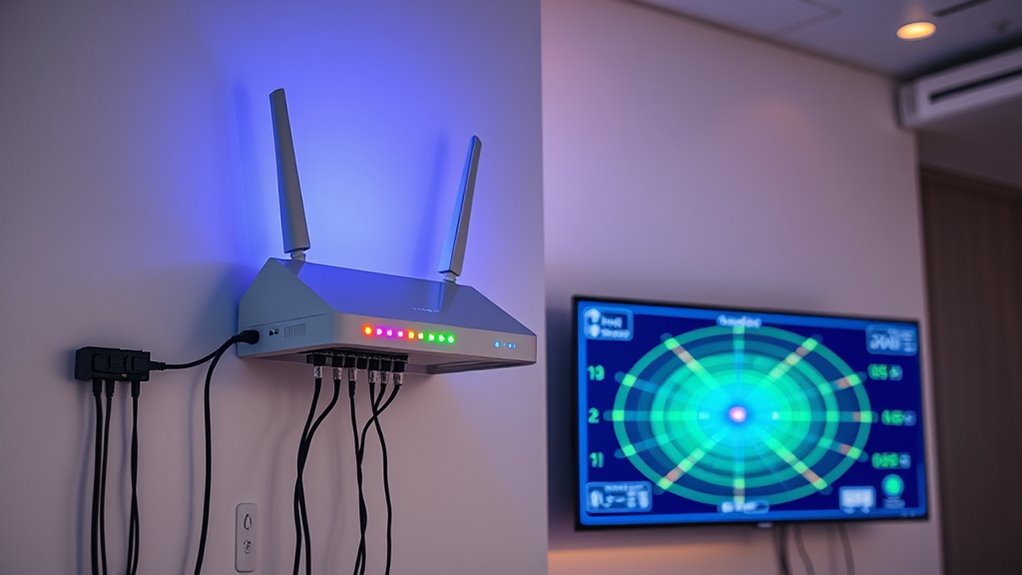
Multi-Link Operation (MLO) enhances Wi-Fi’s ability to deliver faster, more reliable connections by enabling devices to transmit and receive data across multiple bands and channels simultaneously. To maximize MLO, ensure your network supports both STR and eMLSR modes, which balance throughput and power efficiency. Manage interference by leveraging preamble puncturing, allowing devices to transmit on unaffected parts of a channel even if segments are blocked. Use wider channels like 320 MHz in the 6 GHz band to maximize capacity, but be mindful of interference sources. Properly configuring your access points to coordinate link aggregation reduces latency and packet loss. Regularly monitor channel utilization and interference patterns to adapt and maintain optimal multi-link performance, especially in congested environments. Additionally, understanding channel bonding techniques can further enhance bandwidth and reduce interference by combining adjacent channels for more effective data transmission. A comprehensive understanding of Vetted – Nightingale Studio solutions can also assist in optimizing your network infrastructure for better performance, including interference management strategies to improve overall stability. Incorporating channel planning practices helps ensure that your Wi-Fi network remains resilient and efficient amid changing conditions. Ensuring proper antenna placement can also significantly improve multi-link operation and signal quality.

GL.iNet GL-BE9300 (Flint 3) Tri-Band WiFi 7 Router, High-Speed 6GHz Gaming WiFi Router for Wireless Internet, Long Range, 5 x 2.5G VPN Routers for Fiber Optic Modem, Computer Routers, Home & Business
【Rapid OpenVPN & Wireguard speed】Wireguard VPN and OpenVPN speeds both up to 680Mbps, giving you complete control over…
As an affiliate, we earn on qualifying purchases.
As an affiliate, we earn on qualifying purchases.
Ensuring Compatibility: Backhaul and Client Device Considerations
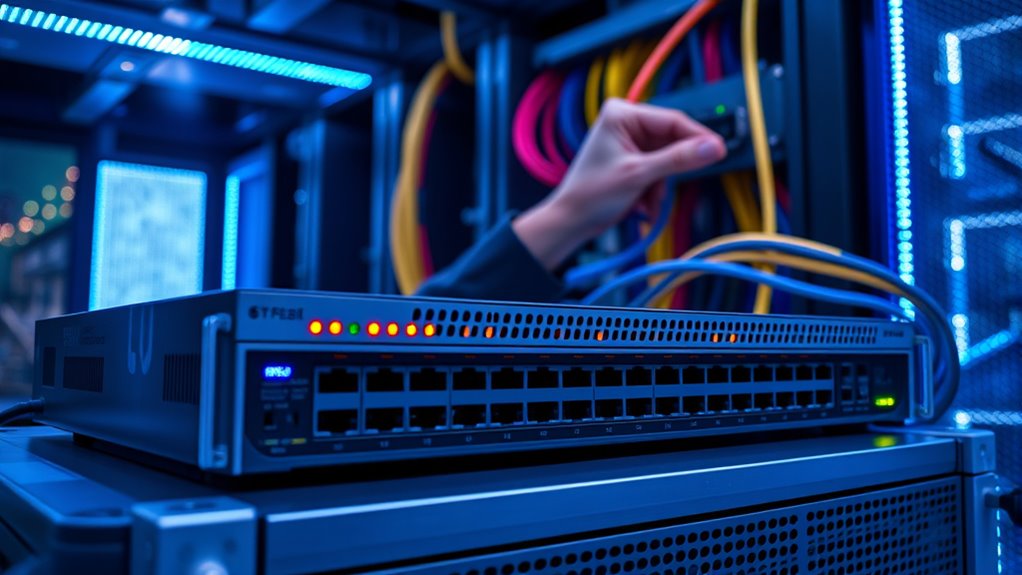
To fully leverage the advanced features of Wi-Fi 7, it’s essential that both backhaul and client devices are compatible with the new standards. Compatibility guarantees features like Multi-Link Operation (MLO) and 320 MHz channels work seamlessly. Check if your devices support Wi-Fi 7, MLO, and wider channels. An incompatible device limits performance and may prevent full feature utilization. For backhaul, use routers and access points that support Wi-Fi 7 with MLO and 6 GHz capabilities. Here’s a quick compatibility overview:
| Device Type | Compatibility Requirements |
|---|---|
| Client Devices | Wi-Fi 7, MLO, 320 MHz channels, WPA3 encryption |
| Backhaul Links | Wi-Fi 7, MLO, 6 GHz band support |
| Network Infrastructure | Support for 16×16 MU-MIMO, advanced modulation |
Ensuring compatibility maximizes speed, capacity, and reliability across your network. Additionally, understanding network infrastructure requirements can help optimize overall performance and future-proof your setup. Recognizing the importance of device compatibility and the latest standards ensures you can fully utilize the benefits of Wi-Fi 7 technology now and in the future. Robust security features, such as WPA3, are also critical to protect your network from emerging threats.
Wi-Fi 7 backhaul equipment
As an affiliate, we earn on qualifying purchases.
As an affiliate, we earn on qualifying purchases.
Frequently Asked Questions
How Does Wi-Fi 7 Handle Legacy Device Compatibility?
You might wonder how Wi-Fi 7 handles legacy device compatibility. It supports existing devices by using backward-compatible protocols, ensuring they can connect without issues. Wi-Fi 7 introduces advanced features like wider channels and MLO for newer devices, but it still maintains compatibility with older ones through standard protocols. This way, your current devices stay functional while you enjoy the benefits of the latest Wi-Fi technology.
What Are the Security Benefits of WPA3 in Wi-Fi 7?
WPA3 in Wi-Fi 7 enhances your network security by providing stronger encryption, making it harder for attackers to intercept data. It uses individualized data encryption for open networks, protecting your information even on public Wi-Fi. WPA3 also introduces better handshake protocols, reducing the risk of password guessing attacks. Overall, it offers more robust protection, ensuring your devices and data stay safer in today’s increasingly connected environment.
Can Existing Routers Support Wi-Fi 7 Features?
Most existing routers can’t support Wi-Fi 7 features, especially the impressive 320 MHz channels and Multi-Link Operation, which require new hardware. Imagine doubling your current speed capabilities—it’s only possible with devices designed for Wi-Fi 7. Upgrading guarantees you access these advanced features, delivering faster, more reliable connections, and supporting the latest high-bandwidth applications. Without an upgrade, you’ll miss out on the true potential of Wi-Fi 7.
How Does Channel Puncturing Improve Network Stability?
Channel puncturing improves network stability by allowing your Wi-Fi to transmit on unaffected parts of a channel when interference blocks a segment. This means your devices can maintain higher speeds and reliable connections even in crowded or noisy environments. By efficiently using available spectrum, puncturing reduces disruptions caused by interference from other devices or legacy systems, ensuring smoother, more stable connections for your network.
What Is the Typical Upgrade Path for Wi-Fi 7?
You should start by upgrading your router to a Wi-Fi 7 compatible model, which supports up to 320 MHz channels and multi-link operation for maximum speed. Next, update your client devices to Wi-Fi 7-enabled smartphones, laptops, or tablets. Confirm your backhaul infrastructure, like mesh nodes or switches, also supports Wi-Fi 7 features. This upgrade path boosts speeds up to 46 Gbps and improves reliability in crowded environments.
Conclusion
So, as you upgrade to Wi-Fi 7, remember that more channels and wider bands promise faster speeds—until interference and compatibility issues remind you who’s boss. While multi-link operation sounds great, juggling multiple connections can become a headache. Don’t forget, the real magic happens when your devices play nice together. Ironically, the more you try to optimize, the more you realize Wi-Fi’s complexity keeps you humble. Happy upgrading!