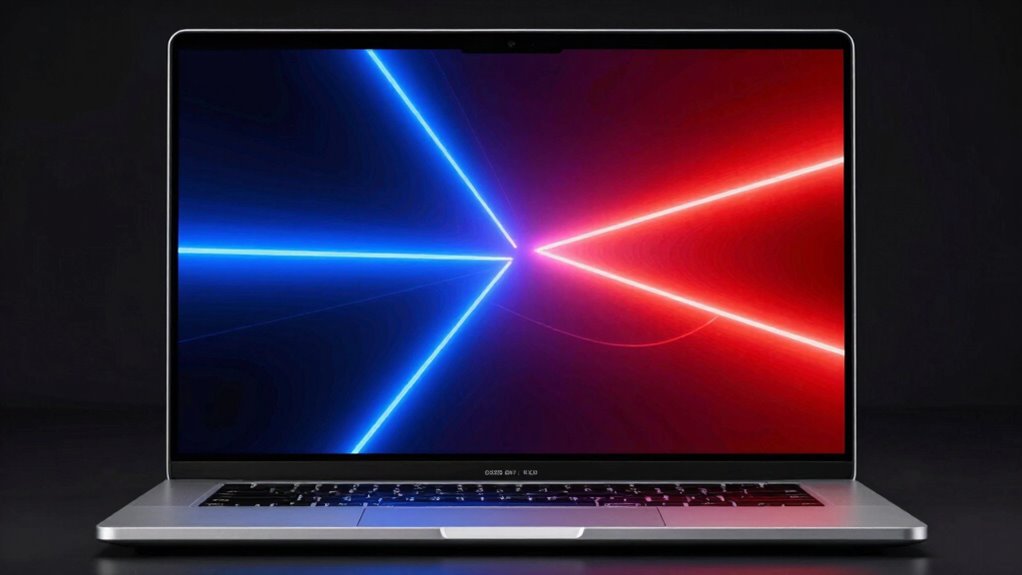
OLED laptop screens are both beautiful and useful, offering stunning visuals with deep blacks and vibrant colors that make your content pop. While they do consume more power, especially with bright or colorful images, advancements are improving their efficiency. The rich contrast and excellent color accuracy enhance work and entertainment alike. If you want striking visuals combined with practicality, you’ll find that OLED screens are worth considering—there’s more to discover about balancing their beauty and functionality.
Key Takeaways
- OLED screens deliver vibrant visuals, deep blacks, and accurate colors, enhancing both aesthetics and usability.
- They provide superior contrast and image depth, making content more visually appealing and immersive.
- Power consumption is higher, especially with bright or colorful content, which can impact battery life on portable laptops.
- Advances in OLED technology and power management techniques are improving efficiency for everyday use.
- The decision to choose OLED depends on balancing stunning visuals with the potential for increased power usage.
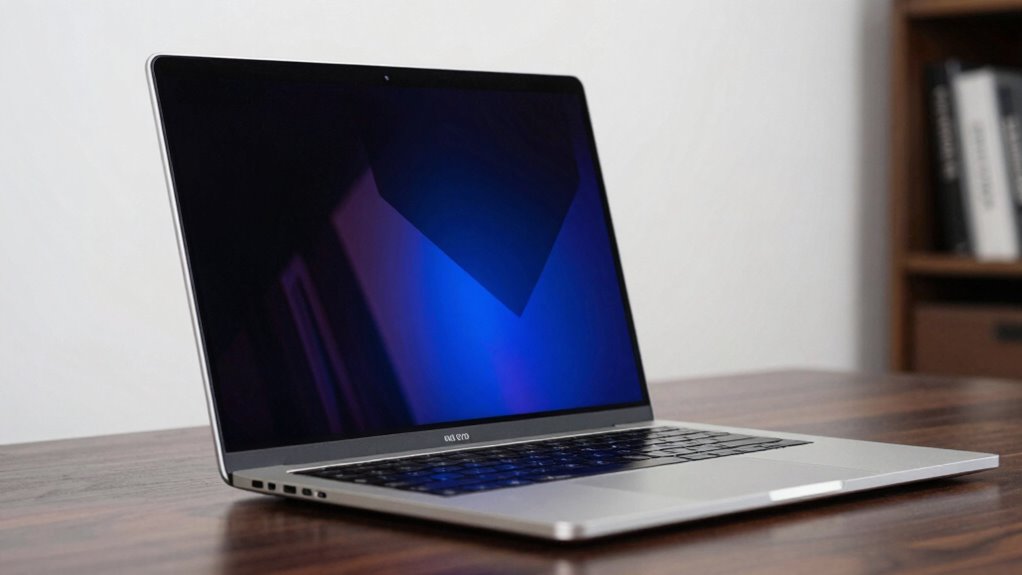
However, as much as OLED screens excel visually, they come with considerations that you need to keep in mind. One of these is power consumption. While OLED displays are fantastic for delivering vibrant visuals, they tend to consume more power compared to traditional LCD screens, especially when displaying bright or colorful content. Each pixel in an OLED screen emits its own light, so when darker pixels are shown, they use less power. But when the screen is filled with bright, vivid images, it can drain your battery faster. If you’re often on the go and rely on your laptop for long hours, this increased power consumption might be a drawback. Still, many manufacturers are working on improving efficiency, so battery life is an area of ongoing development. Understanding display basics can help you make better choices about how you use your device to conserve power. Additionally, advancements in screen technology are gradually mitigating these power efficiency issues, making OLED screens more practical for everyday use. Staying informed about power management techniques can further help optimize your device’s performance and battery life. Moreover, knowing how certain usage patterns impact power consumption can help you extend your laptop’s battery life while enjoying the benefits of OLED displays. A better understanding of power efficiency can guide you in adjusting your settings for optimal usage.
Despite this, the advantages of OLED screens often outweigh the drawbacks for many users. The stunning color accuracy and incredible contrast make everything you view more engaging and realistic. The deeper blacks create a more dynamic visual experience that can elevate your work and entertainment. If you prioritize visual quality and are willing to manage the power consumption, an OLED laptop screen can be both beautiful and useful. It’s not just about aesthetics; it’s about enhancing how you see and interact with content daily. While the trade-offs exist, they are often minor compared to the significant upgrade in visual fidelity that OLED technology provides. Ultimately, whether an OLED screen is worth it depends on your needs, but for many, it’s a game-changer in portable display technology.

F FORITO 2-Pack 14 inch Anti Blue Light Laptop Screen Protector, Compatible with 14" Acer Swift X/Swift GO/Swift 3 OLED/Spin 5 Laptop with 16:10 Aspect Ratio
Compatible Model: Compatible with 14" Acer Swift X /Swift GO /Swift 3 OLED /Spin 5 Laptop with 16:10…
As an affiliate, we earn on qualifying purchases.
As an affiliate, we earn on qualifying purchases.
Frequently Asked Questions
How Durable Are OLED Screens Compared to LCDS?
OLED screens are generally less durable than LCDs, especially regarding screen durability. They’re more prone to issues like burn-in and color fading over time, which can affect their lifespan. You might notice the colors fading or ghost images if you display static images for too long. While OLEDs offer stunning visuals, their susceptibility to damage means you need to be cautious to maintain their quality and longevity.
Are OLED Screens More Energy-Efficient Than Traditional Displays?
Imagine you’re watching a movie on an OLED laptop, and the vibrant colors and deep blacks impress you. OLED screens generally are more energy-efficient than traditional displays because they use less power to produce bright, vivid images. Their superior color accuracy and visual contrast mean you can enjoy rich visuals without draining your battery quickly, making them both beautiful and practical for extended use.
Can OLED Screens Be Repaired if Damaged?
If your OLED screen gets damaged, repair options are limited because they’re often more damage susceptible than traditional displays. You might need to replace the entire screen rather than just repairing it, which can be costly. While some minor issues may be fixable through professional screen repair, extensive damage usually requires a full replacement. Keep in mind, handling damage early can prevent further problems and extend your screen’s lifespan.
Do OLED Screens Emit Harmful Blue Light?
Your OLED screen definitely emits blue light, but with advanced blue light reduction technologies, you can shield your eyes from its potentially harmful effects. Without these features, prolonged exposure might cause eye strain or disrupt sleep, making your screen seem like a tiny, glowing villain. Thankfully, many OLED laptops now include eye comfort settings. So, while they emit blue light, you hold the power to minimize its impact and protect your vision.
What Is the Typical Lifespan of an OLED Laptop Screen?
You can expect an OLED laptop screen to last around 5 to 7 years with proper use. Over time, color accuracy and screen brightness may decline due to organic material degradation. To extend its lifespan, avoid excessive brightness and regularly calibrate your display. While OLED screens offer stunning visuals, understanding their longevity helps you manage expectations and maintain peak performance for as long as possible.

Upperizon Portable Monitor 14 inch 4K 3840X2400 100000:1 100% DCI-P3 OLED HDMI USB-C Travel Monitor for Laptop MacBook PC Surface PS5 Xbox, External Display with Kickstand & Speakers, VESA Compatible
OLED Self-Luminous Display: Upgraded OLED technology with advanced luminous materials eliminates the need for a traditional LCD backlight….
As an affiliate, we earn on qualifying purchases.
As an affiliate, we earn on qualifying purchases.
Conclusion
Imagine yourself gliding your fingers across a laptop screen that bursts with vivid colors, each hue more vibrant than the last. OLED screens offer a stunning visual experience, blending beauty with practicality. While they may come with higher costs and some durability concerns, their breathtaking display transforms every task into a feast for your eyes. Whether for work or entertainment, OLED screens invite you into a world where visuals leap off the surface, making your digital life truly mesmerizing.

HP OmniBook 5 14 inch Next Gen AI PC, OLED Display, Snapdragon X Plus X1P-42-100, 16 GB RAM, 1 TB SSD, Qualcomm Adreno GPU, Windows 11 Home, Glacier Silver, 14-he0099nr
ENJOY UP TO 34 HOURS OF BATTERY LIFE – Unleash your creativity with exceptional on-the-go performance with HP's…
As an affiliate, we earn on qualifying purchases.
As an affiliate, we earn on qualifying purchases.

Samsung 49" Odyssey OLED G9 (G91SD) Dual QHD QD-OLED G-Sync Compatible Curved Gaming Monitor, 144Hz, 0.03ms, AMD FreeSync Premium Pro, Ergonomic Stand, 3 Year Warranty, LS49DG910SNXZA
DETAILED QD-OLED WORLDS LIVE ON A WIDER, VIBRANT SCREEN: With QD-OLED technology, enjoy a wider color spectrum &…
As an affiliate, we earn on qualifying purchases.
As an affiliate, we earn on qualifying purchases.