
To stop your Smart TV from buffering, start by checking your internet speed with a speed test—stream HD videos need at least 5 Mbps, while 4K requires 25 Mbps or more. Make sure your Wi-Fi signal is strong; position your router closer or add extenders if needed. Update your device’s firmware and consider switching to a wired Ethernet connection for stability. Managing other devices and lowering streaming quality can also help. Keep these tips in mind for smoother streaming—there’s more you can try if issues persist.
Key Takeaways
- Check and upgrade your internet plan to ensure sufficient bandwidth for smooth streaming.
- Position your Wi-Fi router centrally and use extenders to improve signal strength and coverage.
- Use a wired Ethernet connection instead of Wi-Fi for a more stable and faster internet connection.
- Close other apps and disconnect devices using bandwidth to prioritize streaming quality.
- Lower streaming quality settings within apps to reduce bandwidth demand and prevent buffering.
Buffering can quickly ruin your streaming experience, especially when watching your favorite shows on a Smart TV. Nothing’s more frustrating than hitting play and then waiting through endless loading screens. The good news is, most buffering issues stem from factors you can control, starting with your internet speed and the streaming devices you use. If your internet connection isn’t fast enough, your Smart TV struggles to load content smoothly, leading to constant pauses. Similarly, outdated or incompatible streaming devices can bottleneck your viewing experience, even if your internet speed is adequate.
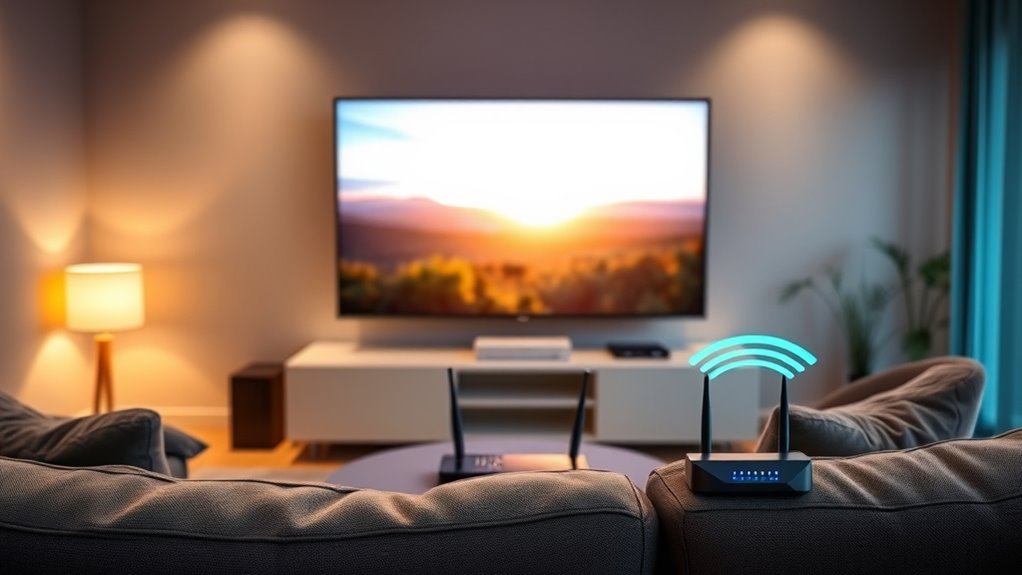
First, you need to assess your internet speed. Streaming high-definition content requires a stable connection with at least 5 Mbps, while 4K streaming demands around 25 Mbps or more. Run a quick speed test to see what you’re working with. If your numbers fall short, consider upgrading your plan or switching to a provider that offers higher speeds. Remember, your Wi-Fi signal strength also plays a role—if your router is far from your Smart TV or blocked by walls, your connection weakens, causing buffering. Position your router closer, or use a Wi-Fi extender to boost the signal.
Next, look at your streaming devices. Some older Smart TVs or streaming sticks may not support the latest codecs or have limited processing power, which can lead to buffering even with decent internet speeds. Updating your device’s firmware can sometimes improve performance, so check for software updates regularly. If your device is outdated, consider replacing it with a newer model that offers better hardware and faster processing capabilities. Using a wired Ethernet connection instead of Wi-Fi can also dramatically improve stability, especially if your Wi-Fi is inconsistent.
Another tip is to close other applications or devices that might be hogging bandwidth. Streaming video uses a lot of data, and if multiple devices are downloading, gaming, or streaming simultaneously, your available bandwidth drops, causing buffering. Prioritize your streaming device during viewing sessions to ensure it gets enough bandwidth for a smooth stream. You can also try lowering the streaming quality settings within the app—reducing from 4K to HD can lessen the load on your internet connection and eliminate buffering. Additionally, maintaining your network equipment and ensuring it is clean and functioning properly can help avoid unnecessary interruptions.
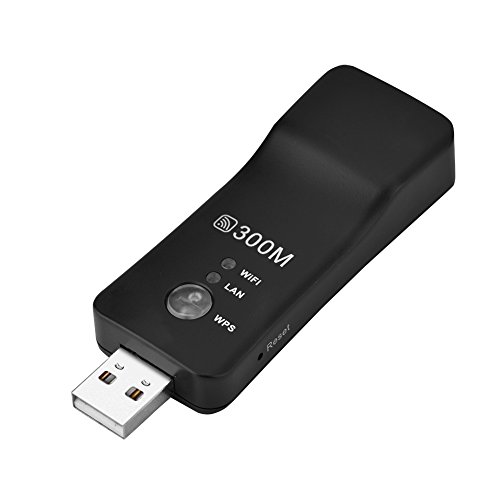
Mini WiFi Range Extender, 300M High Speed USB Wireless Repeater WiFi Booster Signal Amplifier for Smart TV, Laptop, Mobile Phone, Tablet (Black)
As an affiliate, we earn on qualifying purchases.
As an affiliate, we earn on qualifying purchases.
Frequently Asked Questions
Can I Prevent Buffering During Live Streaming?
Yes, you can prevent buffering during live streaming by reducing internet congestion and improving your streaming quality. Make sure no other devices are hogging bandwidth, and consider upgrading your internet plan for faster speeds. Use a wired Ethernet connection instead of Wi-Fi for a more stable signal. Lower the streaming quality if needed, and restart your router regularly. These steps help guarantee smooth streaming without interruptions.
Does Internet Speed Affect Buffer Times?
Imagine your streaming experience as a smooth river, flowing seamlessly. Yes, your internet speed affects buffer times—slower speeds cause more pauses. Internet throttling and Wi-Fi interference act like rocks in the river, creating turbulence and delays. To keep your stream flowing smoothly, guarantee your connection is fast, stable, and free from interference. Upgrading your plan or reducing device congestion can help maintain a steady, buffer-free viewing experience.
How Do I Check My Smart Tv’s Network Connection?
To check your smart TV’s network connection, first access the settings menu and look for network or Wi-Fi options. Make certain your Wi-Fi signal isn’t hindered by interference from other devices, and consider improving your router placement for a stronger connection. You can also run a network test within the TV settings to see if your connection is stable. Fixing Wi-Fi interference and optimizing router placement can reduce buffering issues.
Are There Specific Apps That Buffer More?
Some apps tend to buffer more because of their performance and server load. Streaming platforms like Netflix and Hulu can sometimes experience app buffering if their servers are crowded or your internet connection isn’t stable. To reduce this, make sure your app is updated, clear its cache, and check your internet speed. Using apps optimized for your smart TV can also improve performance and decrease buffering issues.
Is a Wired Connection Better for Streaming?
Yes, a wired connection is better for streaming because of its Ethernet advantage and wired stability. When you use an Ethernet cable, you get a stronger, more dependable signal, reducing buffering and lag. Unlike Wi-Fi, which can be affected by interference, wired connections guarantee consistent speeds. So, if you want smooth streaming, connecting your Smart TV with an Ethernet cable is the best choice for ideal performance and fewer interruptions.

DbillionDa Cat 8 Ethernet Cable 40Gbps 2000MHz, 6FT Heavy-Duty for Indoor/Outdoor Use, High-Speed Wired Internet Cable, Gold-Plated RJ45, Weatherproof & UV Resistant for Gaming, PC, Router, Modem
Designed for Outdoor & Direct Burial Installations – Heavy-duty double-shielded Cat8 Ethernet cable minimizes EMI/RFI interference and delivers…
As an affiliate, we earn on qualifying purchases.
As an affiliate, we earn on qualifying purchases.
Conclusion
Now that you’ve taken steps to stop your Smart TV from buffering, imagine settling in for a cozy night of uninterrupted streaming. As the screen clears up, you notice a gentle breeze outside, a reminder that sometimes, solutions come when you least expect them—just like the perfect connection. With a little patience and the right tweaks, your viewing experience becomes smooth and effortless, turning your living room into a personal theater where everything flows seamlessly, just like a peaceful evening.

PDDAXLQUE DX-LR30 Development Kit Semtech SX1262+STM32 LORA SPI Interface Module 410-475MHz 433MHz with 2PCS SMA Antenna 22 dBm 8KM for Arduino LoRaWAN Meshtastic DIY CE FCC (DX-LR30-433-SET-T1)
【8KM transmission distance】DX-LR30 transmission distance is up to 8KM. Support 850~930Mhz frequency band communication, 22dBm power, support programming,…
As an affiliate, we earn on qualifying purchases.
As an affiliate, we earn on qualifying purchases.
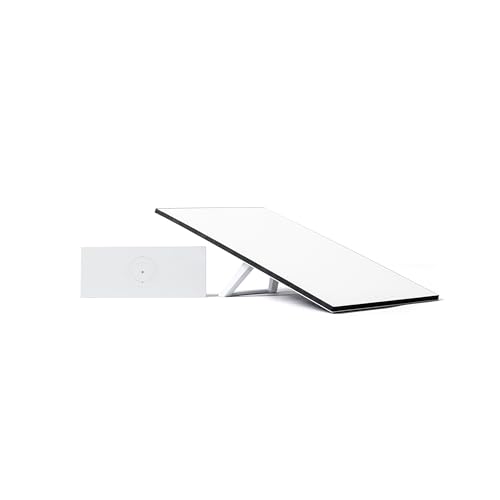
STARLINK Standard Kit AX 4 X Tri Band Wi-Fi System – High-Speed, Low-Latency V4 Internet Band AC Wi-Fi Router and Satellite Dish System – High-Speed Portable Internet – White
Starlink provides reliable high-speed, low-latency, internet wherever you live
As an affiliate, we earn on qualifying purchases.
As an affiliate, we earn on qualifying purchases.