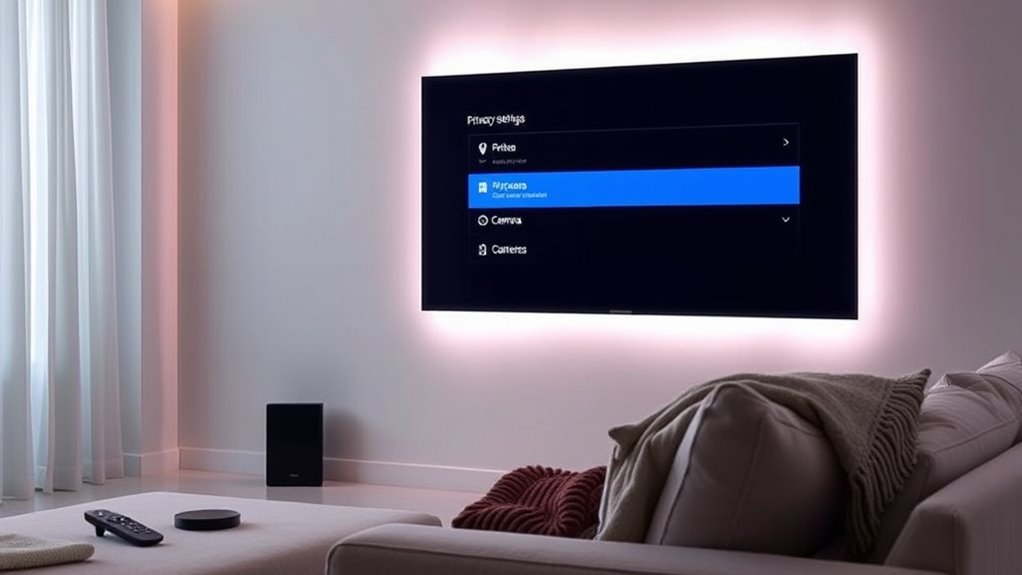

To improve your smart TV’s privacy, start by turning off voice recognition and voice assistant features in the settings menu. Review the privacy policies to understand what data is collected and adjust related settings to limit sharing. Disable options like remote diagnostics and targeted ads, and check for privacy dashboards to manage data sharing. Regularly update your device and stay informed about privacy options—if you’d like, you’ll find more tips to protect your privacy further.
Key Takeaways
- Disable voice recognition and voice assistant features in the TV settings to prevent ongoing audio data collection.
- Review and adjust privacy policies and settings to limit data sharing and targeted advertising.
- Use privacy dashboards to toggle off data sharing options, diagnostics, and personalized content features.
- Regularly update your TV’s firmware to ensure security patches and privacy protections are current.
- Manage other connected smart devices to minimize overall data collection and enhance your home privacy.
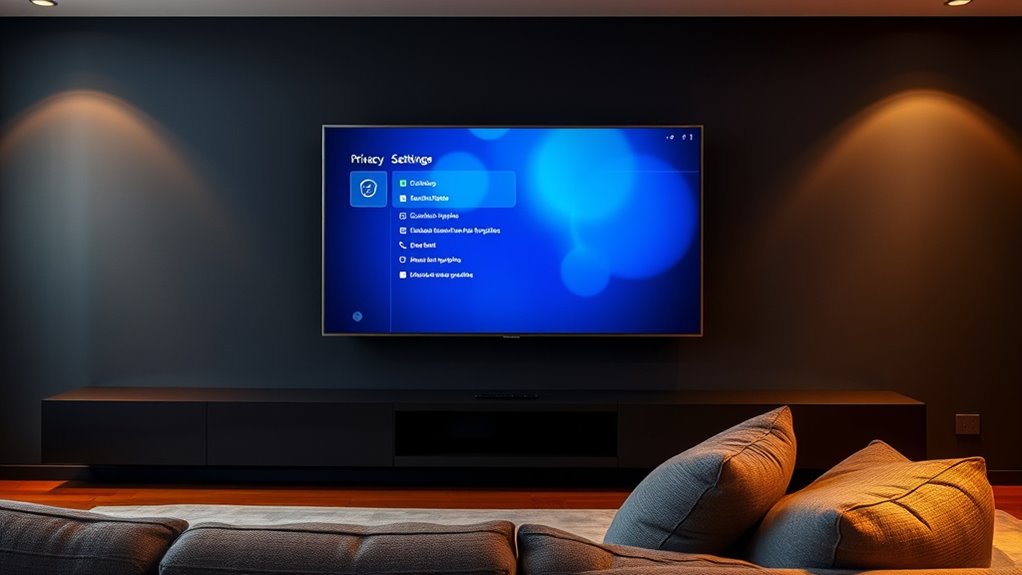
Smart TVs have become a common entertainment centerpiece in many households, but they often come with significant privacy concerns. One of the most noticeable features is voice control, which allows you to navigate menus, search for content, or control playback simply by speaking. While this convenience sounds great, it also opens the door to ongoing data collection. When you use voice commands, your TV is constantly listening, and that audio data is sent to servers for processing. Many manufacturers collect and analyze this information to improve their services or even sell it to third parties. This means your conversations could be stored, analyzed, or shared without you fully realizing it, raising serious privacy questions.
Using voice control on smart TVs can lead to ongoing data collection and privacy risks.
To protect yourself, start by disabling voice control features if you don’t need them. Check your TV’s settings menu and turn off voice recognition or voice assistants like Alexa, Google Assistant, or proprietary options. Doing so limits the amount of audio data your TV can collect and reduces the risk of your private conversations being recorded or stored. Additionally, review the privacy policies associated with your device and the apps installed on it. These documents often outline what data is collected, how it’s used, and with whom it’s shared. If you’re uncomfortable with certain practices, you have the option to opt out or limit data collection, though it might require digging through settings or contacting customer support.
Another step involves managing the data collection settings directly on your smart TV. Many devices have privacy dashboards that let you toggle options related to data sharing, targeted advertising, and voice recognition. Be proactive and adjust these settings to maximize your privacy. It’s also wise to disable any features that seem unnecessary or invasive, such as remote diagnostics or personalized ads, which often involve more detailed data collection.
Finally, consider the broader impact of your privacy choices. Even if you disable voice control and limit data collection on your smart TV, remember that other smart devices in your home may also be gathering data. Regularly updating your device’s firmware and privacy settings helps keep your information secure. Moreover, understanding the role of hackathons in developing innovative privacy solutions can provide additional insights into protecting your data. Stay informed about the latest privacy updates from your manufacturer, and don’t hesitate to review and adjust your settings periodically. Protecting your privacy doesn’t mean sacrificing entertainment; it means taking control of your data and being mindful of what your smart TV is really listening to and collecting.
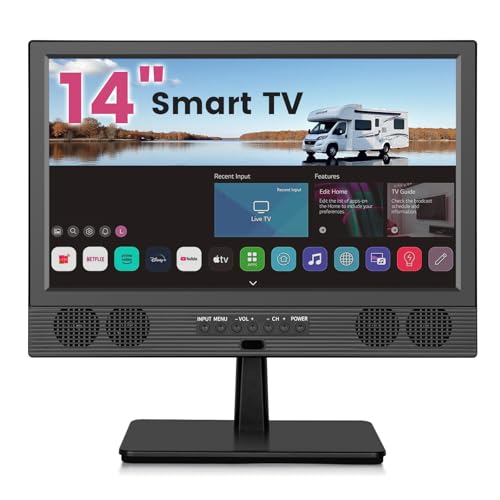
othoig 14 Inch Small Smart TV HD LED, Small Portable Smart TV with Built-in APP, Digital ATSC Tuner,HDMI/USB/AV Inputs, Small Smart Television for Kitchen,Bedroom,RV,Camper
Perfect Small Smart TV for Any Space: othoig 14 inch compact small smart tv screen delivers crisp 720P…
As an affiliate, we earn on qualifying purchases.
As an affiliate, we earn on qualifying purchases.
Frequently Asked Questions
Can I Disable All Data Collection on My Smart TV?
Yes, you can disable most data collection on your smart TV. Start by exploring the privacy settings menu, where you can turn off options like voice recognition and targeted ads. Make sure to disable data collection features and enable any available data encryption options. Keep in mind, some data may still be collected for essential functions, but adjusting these settings helps protect your privacy and minimizes data sharing.
What Are the Risks of Using Voice Commands?
Using voice commands on your smart TV is like opening a window to your home, inviting outside whispers into your private space. Voice recognition technology captures your words, making it convenient but risking data privacy breaches. Hackers could eavesdrop or misuse your voice data, turning your TV’s listening habits into a vulnerability. Be cautious, as every command might leave a digital footprint, making your private moments vulnerable to unseen eyes.
How Do I Identify Unauthorized Apps Accessing My Data?
You can identify unauthorized apps accessing your data by reviewing app permissions regularly. Check which apps have access to your microphone, camera, or personal info, and revoke permissions for any suspicious activity. Monitor your TV’s activity logs if available, and look for unfamiliar apps or behaviors. Staying alert and managing permissions helps prevent unauthorized access, keeping your data secure and protecting your privacy.
Is There a Way to Update Privacy Settings Automatically?
You can enable automatic updates and privacy automation on your smart TV to keep your settings current. Check your device’s settings menu for options like “Automatic Updates” or “Privacy Automation,” and turn them on. This way, your smart TV will automatically update its software and privacy features, helping you stay protected without needing to manually adjust settings each time. Regular automatic updates guarantee your privacy stays intact and your device runs smoothly.
Do I Need to Disconnect My Smart TV From the Internet Completely?
You don’t need to disconnect your smart TV from the internet completely, but doing so enhances your network security and protects your data. If you want to keep using your TV, disable unnecessary data sharing features and make certain device encryption is enabled. This way, you reduce privacy risks without losing access. Regularly update your TV’s firmware and use a secure, encrypted Wi-Fi network to further safeguard your device.

Amazon Echo Studio (newest model), compact design, immersive spatial audio and Dolby Atmos, Designed for Alexa+, Graphite
Meet Echo Studio: Redesigned in a compact size that is 40% smaller than the original to deliver immersive…
As an affiliate, we earn on qualifying purchases.
As an affiliate, we earn on qualifying purchases.
Conclusion
Now that you know what to change, take action before your privacy slips through the cracks. Adjust those settings, disable unnecessary data sharing, and keep a close eye on updates. Remember, an ounce of prevention is worth a pound of cure—don’t wait until it’s too late. Protect your personal space and enjoy your smart TV without worries. The ball’s in your court, so don’t let privacy concerns catch you off guard.

ApoloSign 15.6-inch Digital Calendar: Dual Mode Calendars with Google Play & Multi-calendar Sync, Electronic Planner & Chore Chart, Smart Touchscreen, Interactive Display for Family Schedules (Gray Wood, 15.6")
First Dual-Mode Digital Calendar — In Calendar Mode, apolosign calendar stay focused with Auto Sync Calendar across Google,…
As an affiliate, we earn on qualifying purchases.
As an affiliate, we earn on qualifying purchases.

Blocked Vinyl Webcam Covers – Restickable Privacy Stickers for Laptop, Smartphone, Tablet, Smart TV & Game Console – Black, Multiple Sizes
Solid Black Privacy Protection: Keep your camera fully covered with these BLOCKED vinyl webcam covers, designed in a…
As an affiliate, we earn on qualifying purchases.
As an affiliate, we earn on qualifying purchases.